Finding the best CS2 sensitivity in 2026 starts with one simple rule: use a setting you can control every round, not a random pro number you copied once.
For most players, a good CS2 sensitivity starting point is around 400 to 800 DPI with a low-to-medium in-game sensitivity. In eDPI terms, many players feel comfortable around 600 to 1000 eDPI, but your ideal number depends on your mousepad space, aim style, role, and comfort.
If you want a safe baseline, start with 800 DPI and 1.0 in-game sensitivity. That gives you 800 eDPI, which is easy to understand, easy to adjust, and close to the controlled range used by many competitive players.
The goal is not to use the lowest sensitivity possible. The goal is to hit clean micro-adjustments, track enemies smoothly, clear angles without fighting your mouse, and keep the same aim feeling long enough to build muscle memory.
Use Tradeit’s eDPI Calculator to compare DPI and sensitivity combinations before changing your in-game settings.
Try the eDPI CalculatorBest CS2 Sensitivity Answer
The best CS2 sensitivity for most players is a low-to-medium setup that keeps aim stable without making turns feel slow.
A practical starting point is:
- DPI: 400 to 800
- In-game sensitivity: 1.0 at 800 DPI or 2.0 at 400 DPI
- eDPI: around 600 to 1000 for most players
- Windows sensitivity: 6/11
- Zoom sensitivity: 1.0 as a simple starting point
Do not treat this as a fixed rule. Treat it as a starting zone. If you often overflick past heads, lower your eDPI slightly. If you cannot clear angles or turn fast enough, raise it slightly.
Sensitivity, DPI, and eDPI Explained
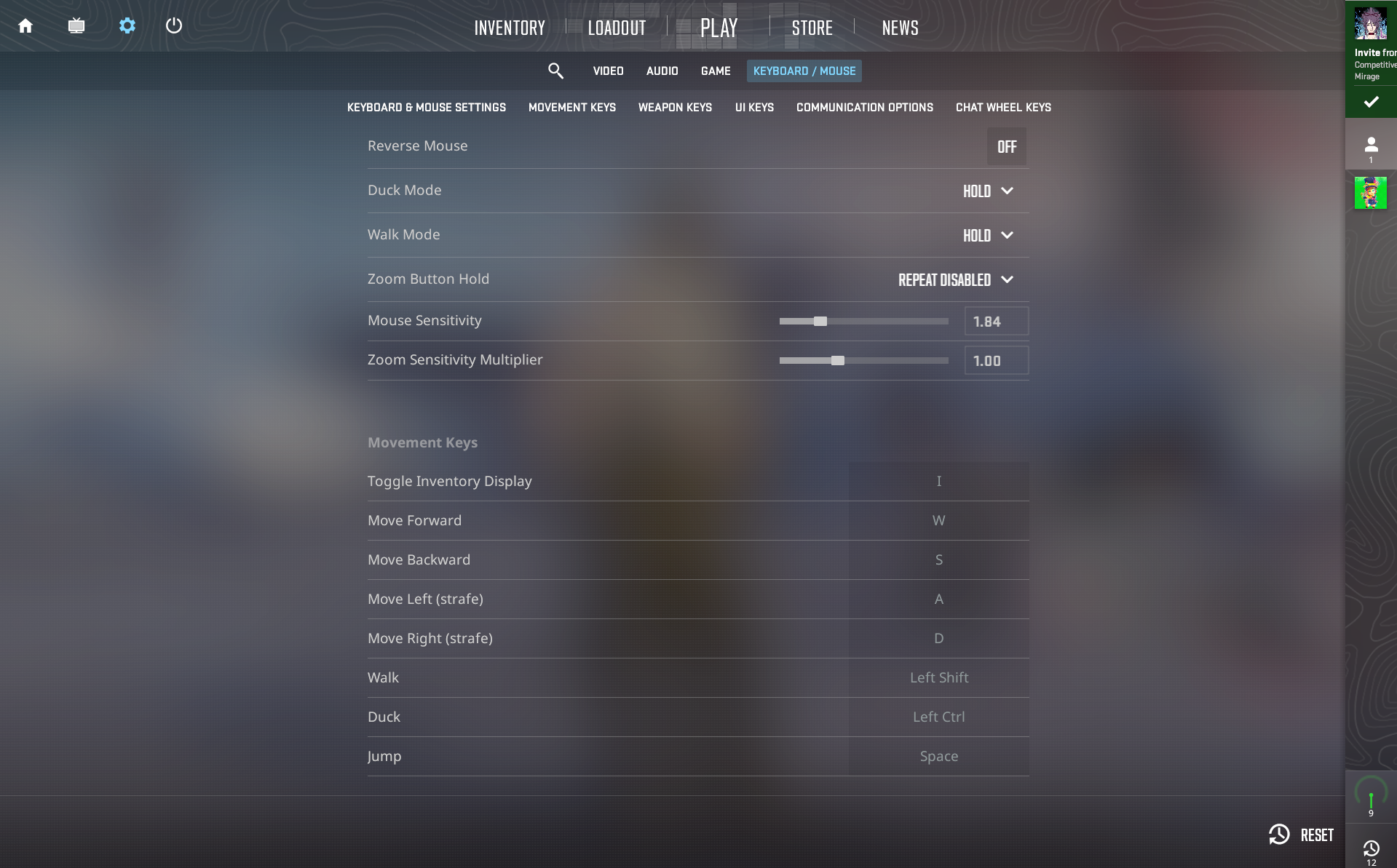
Sensitivity controls how fast your crosshair moves in CS2. DPI controls how fast your mouse sends movement from the hardware side. eDPI combines both into one number.
eDPI = DPI × in-game sensitivityFor example, use this table:
| DPI | In-game sensitivity | eDPI | What it means |
|---|---|---|---|
| 400 | 2.0 | 800 | Controlled and common for rifling. |
| 800 | 1.0 | 800 | Same effective speed as 400 DPI and 2.0 sens. |
| 1600 | 0.5 | 800 | Same eDPI, but it may feel different depending on your mouse and setup. |
This is why eDPI is better than looking at sensitivity alone. A player using 400 DPI and 2.0 sensitivity has the same eDPI as a player using 800 DPI and 1.0 sensitivity.
If you also play other shooters, use Tradeit’s Mouse Sensitivity Converter to keep your aim feeling more familiar across games.
You can also pair this with our best CS2 settings guide if you want to tune your video, crosshair, viewmodel, and performance settings together.
Best CS2 Sensitivity Starting Range for 2026
If you do not know where to start, use eDPI instead of guessing.
| Range | eDPI | Best for | Possible issue |
|---|---|---|---|
| Low sensitivity | 500 to 700 | Precise rifling, long-range duels, smoother spray control. | Can feel slow for fast turns. |
| Balanced sensitivity | 700 to 1000 | Most players, mixed rifling and AWPing, general matchmaking. | Needs small tuning based on comfort. |
| Higher sensitivity | 1000 to 1300+ | Entry players, small mousepads, fast turning. | Harder to control small corrections. |
For most players, the balanced range is the best place to begin. Play a few deathmatch rounds, check whether you are overflicking or underflicking, then adjust in small steps.
How to Find Your Best CS2 Sensitivity
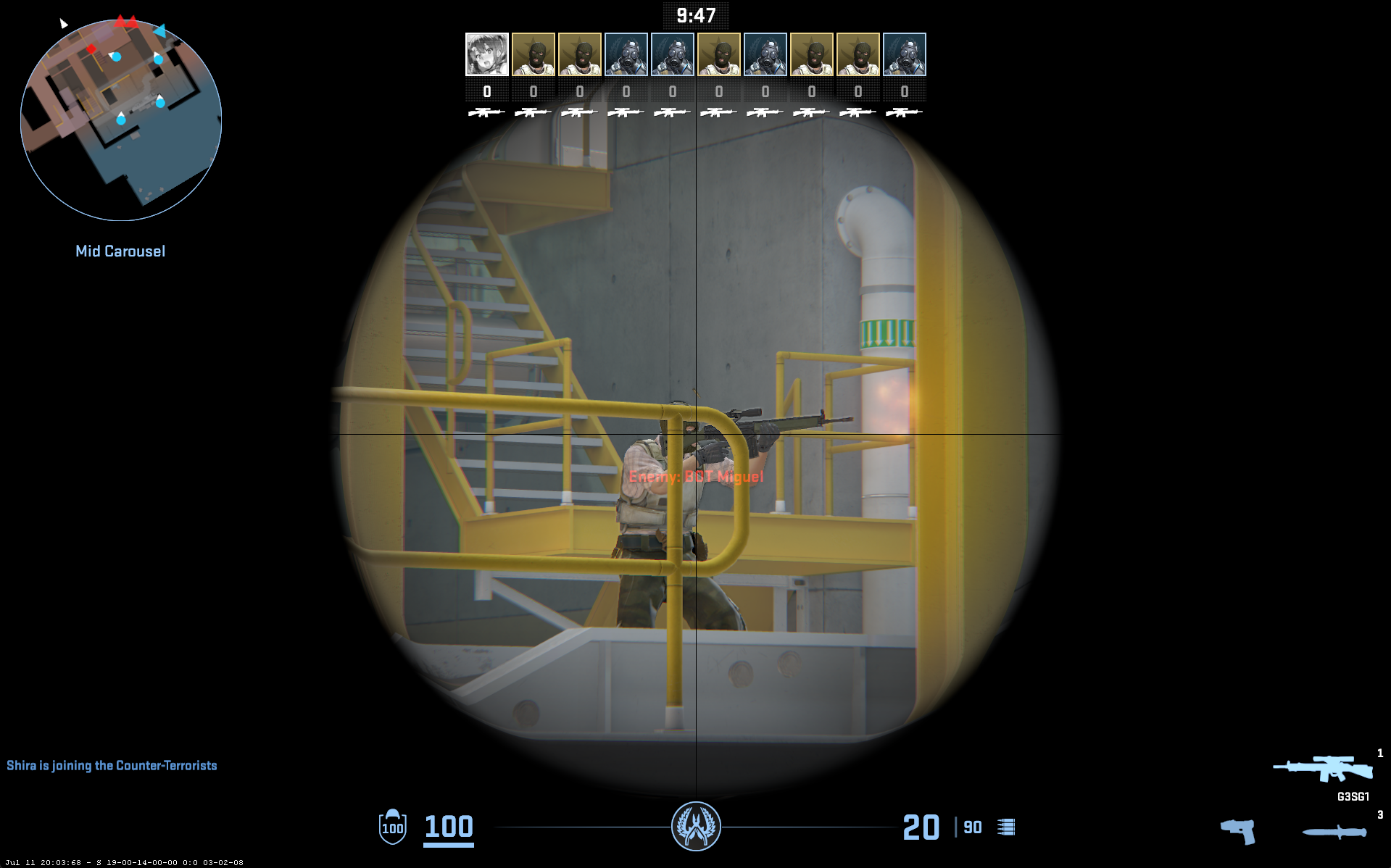
The best CS2 sensitivity is usually the one that lets you do three things well:
- Track enemies without shaking
- Stop your crosshair on the target without overflicking
- Turn around and clear corners without running out of mousepad space
Use this simple test:
- Start with 800 eDPI.
- Play 10 minutes of deathmatch with rifles only.
- If you keep overflicking past heads, lower your sensitivity by 5%.
- If you keep stopping short of targets, raise it by 5%.
- Play at least 3 to 5 matches before making another change.
Do not change your sensitivity after every bad game. CS2 aim depends on crosshair placement, movement, recoil control, FPS stability, and confidence. Sensitivity is important, but it is not the only reason you miss shots.
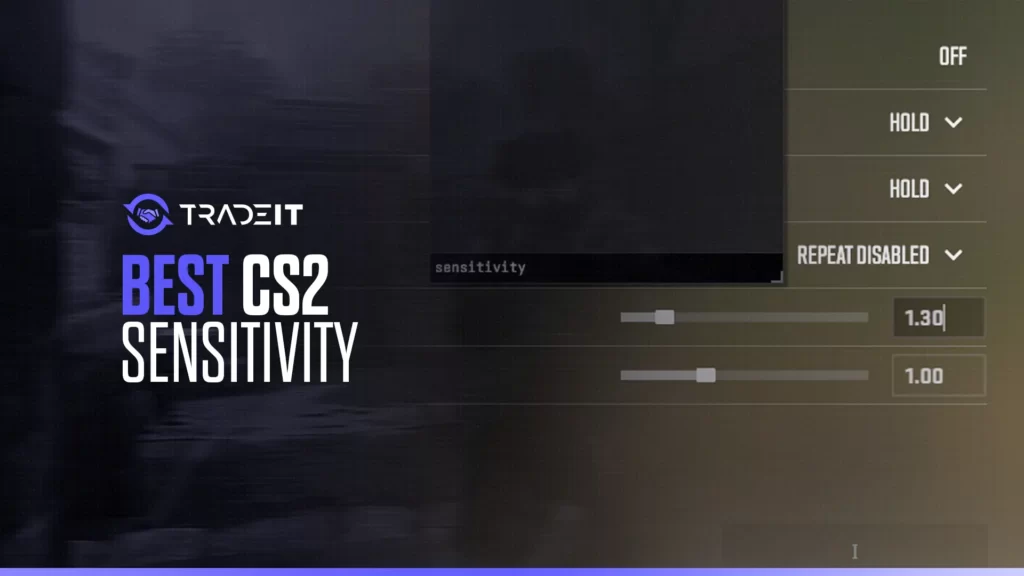
Want a visual way to understand sensitivity testing? Watch this before changing your settings too aggressively.
Recommended Setup
Here is a safe starting setup for many CS2 players:
Start with 800 DPI, or 400 DPI if you already prefer a slower mouse feel.
Use 1.0 at 800 DPI or 2.0 at 400 DPI for a clean 800 eDPI baseline.
Keep it at 6/11 to avoid strange desktop-side scaling.
Start at 1.0, then adjust only if scoped aim feels too fast or too slow.
This setup is not meant to be perfect for everyone. It is meant to give you a stable starting point that you can test properly.
Tips for Tuning Your Sensitivity
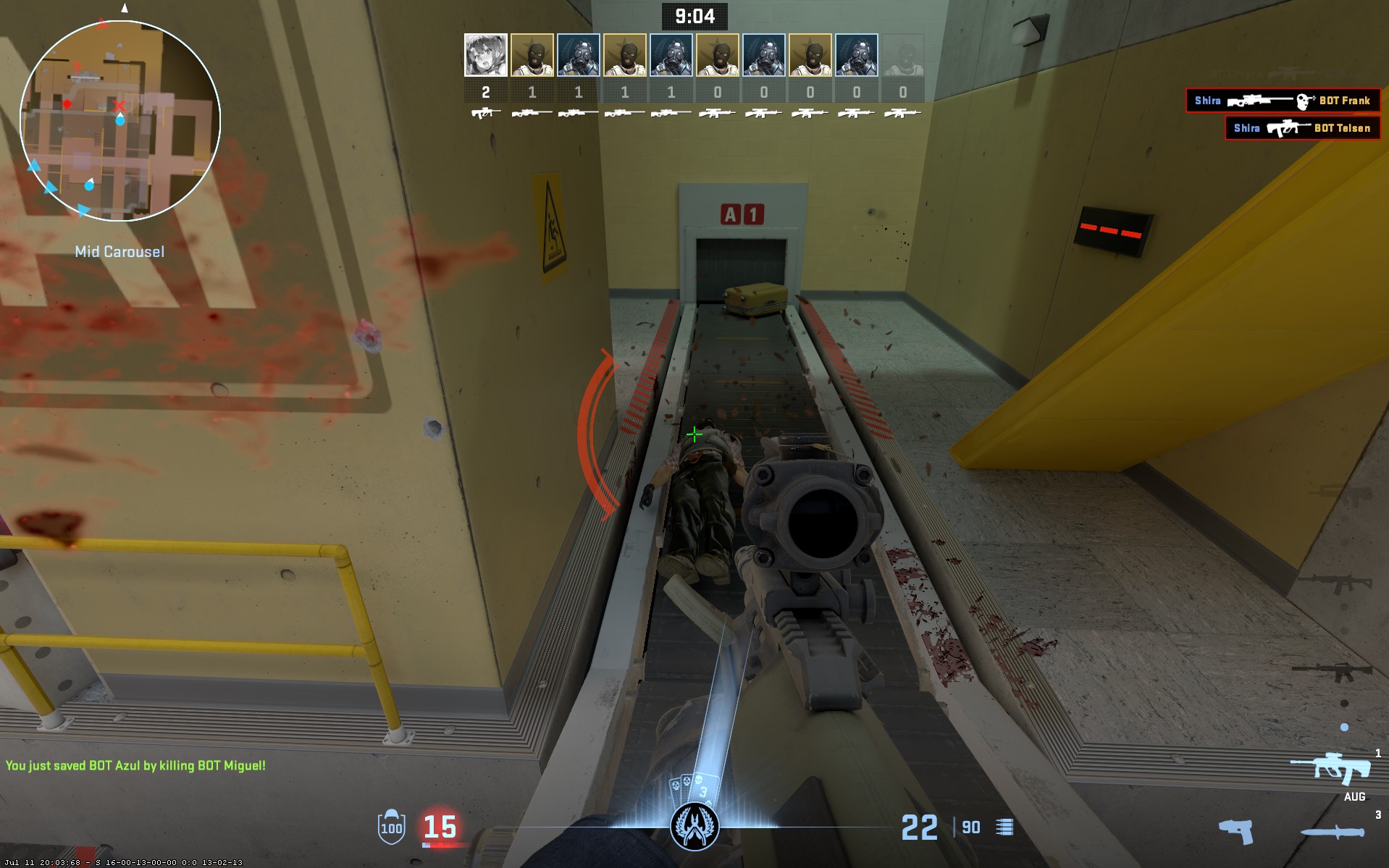
High sensitivity helps with quick turns, but it can make small aim corrections harder. Lower sensitivity improves control, but it needs more arm movement.
Stick with one setting long enough to judge it properly. Changing every day makes your aim feel random.
When you change DPI or sensitivity, calculate the eDPI so you know what actually changed.
If your wrist hurts or your arm feels tense, the setting is probably not right for your setup.
Use deathmatch, retake servers, workshop aim maps, and normal matches. Aim trainers help, but CS2 movement and recoil matter too.
Small 5% changes are easier to judge than huge jumps. Big changes reset your feel too quickly.
CS2 Pro Sensitivity Snapshot
Pro settings are useful for reference, but they should not be copied blindly. A pro’s sensitivity is built around years of muscle memory, mousepad space, role, monitor setup, and practice routine.
Use the table below as a snapshot, then compare the eDPI range with your own setup.
ProSettings tracks CS2 pro DPI, sensitivity, eDPI, zoom sensitivity, and gear, so it is one of the better sources to verify these values during refreshes.
| Player | DPI | Sensitivity | eDPI | Zoom sensitivity | Hz |
|---|---|---|---|---|---|
| ZywOo | 400 | 1.90 | 760 | 0.90 | 4000 |
| m0NESY | 400 | 2.30 | 920 | 1.00 | 4000 |
| donk | 800 | 1.25 | 1000 | 1.00 | 1000 |
| sh1ro | 800 | 1.04 | 832 | 1.00 | 2000 |
| NiKo | 1600 | 0.42 | 672 | 0.90 | 2000 |
| s1mple | 400 | 3.09 | 1236 | 1.00 | 2000 |
| frozen | 400 | 2.00 | 800 | 0.80 | 4000 |
| Spinx | 800 | 1.23 | 984 | 1.00 | 1000 |
| b1t | 400 | 1.42 | 568 | 1.00 | 2000 |
| iM | 400 | 2.30 | 920 | 0.98 | 2000 |
Settings can change over time, so treat this as a reference snapshot. Before the next refresh, verify the values against the current CS2 pro settings sources.
If you want to go deeper, check our CS2 pro settings guide for more player config examples.
Common CS2 Sensitivity Mistakes
Reddit is a goldmine for sensitivity settings. Here’s a snapshot of what others are using:
Pro settings are helpful references, but they are not guaranteed to match your hand movement, desk space, or playstyle.
If you change your sensitivity every few games, you never give your aim enough time to settle.
A very low sensitivity needs enough room for wide arm movement. If your mousepad is small, use a slightly higher eDPI.
CS2 aim also depends on peeking, counter-strafing, recoil, and crosshair placement. Test in real matches too.
A common trend is lower sensitivity settings, especially among pro players in CS2 (a well-debated topic, despite the trends).
Final Takeaway
The best CS2 sensitivity in 2026 is not one fixed number. For most players, 400 to 800 DPI with a controlled eDPI range around 600 to 1000 is a strong place to start.
Start with a stable baseline, test it in real CS2 situations, and adjust slowly. If your aim feels controlled and your turns feel comfortable, keep the setting long enough to build muscle memory.
Before you leave, you can also check Tradeit’s CS2 tools to calculate your eDPI, convert sensitivity from other games, or inspect your CS2 inventory value.
FAQs
What is a good sensitivity for CS2?
A good CS2 sensitivity is one you can control consistently. For many players, 400 to 800 DPI with 600 to 1000 eDPI is a strong starting range.
Is 800 DPI good for CS2?
Yes, 800 DPI is a good starting point for CS2. Pair it with around 1.0 in-game sensitivity for 800 eDPI, then adjust slightly based on comfort.
Should I use low or high sensitivity in CS2?
Most players should start with low-to-medium sensitivity. It usually gives better control for rifling, recoil, and small crosshair corrections.
What is eDPI in CS2?
eDPI means effective DPI. It is calculated by multiplying your mouse DPI by your in-game sensitivity.
Should I copy pro CS2 sensitivity settings?
Use pro settings as a reference, not as a rule. Your best sensitivity depends on your mousepad space, aim style, role, and comfort.
What Windows sensitivity should I use for CS2?
Use 6/11 Windows sensitivity as a safe default. Then make your main changes through DPI and CS2 in-game sensitivity.