

A crouch jump bind in CS2 combines jumping and crouching into a single key press, making it easier to perform jumps that require extra height or precision.
While most players can execute a crouch jump manually, a bind can simplify movement practice in offline servers and custom maps. Here’s how to create one and whether it’s allowed in Counter-Strike 2.
Best Crouch Jump Bind Command
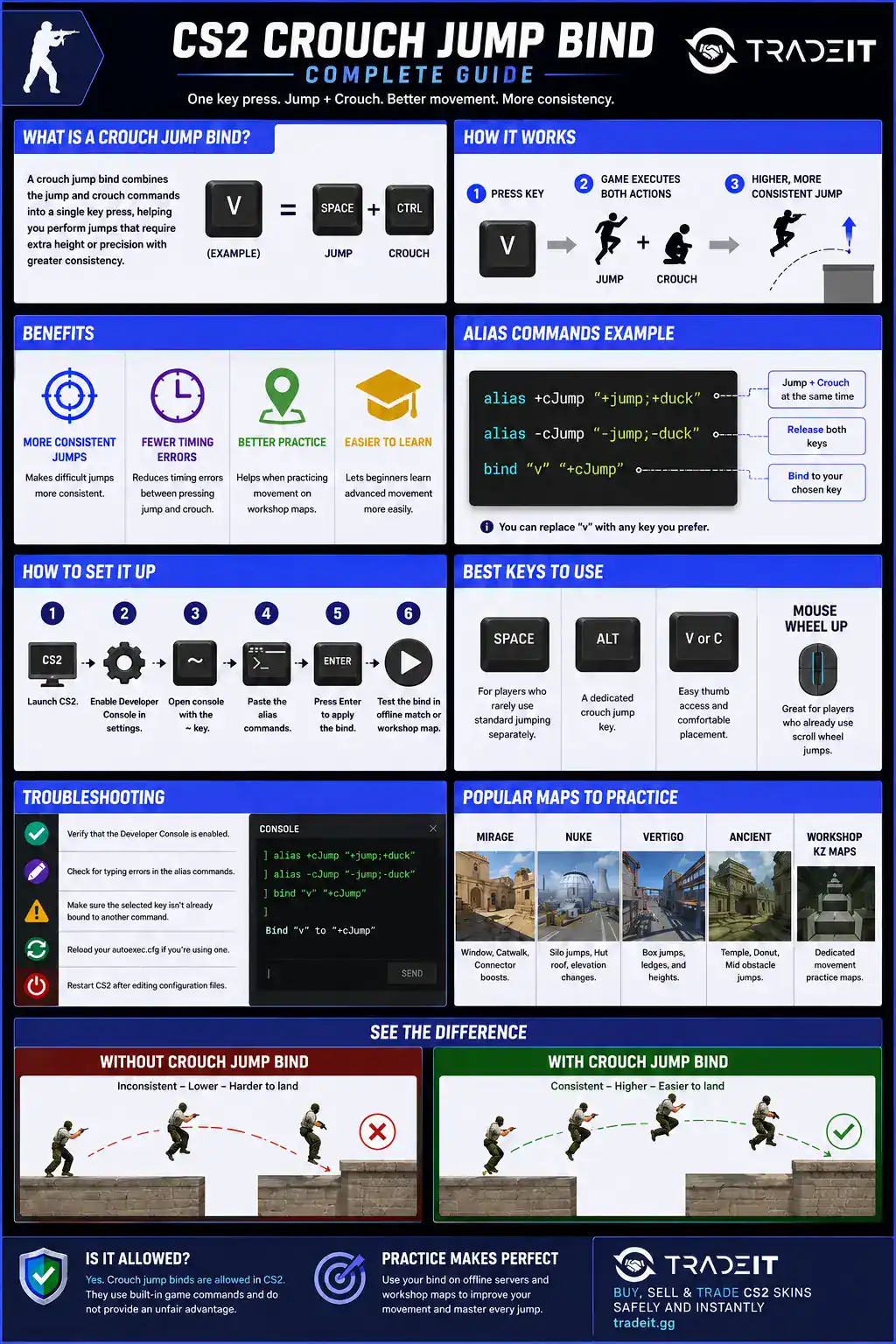
The most commonly used crouch jump bind in CS2 is:
alias "+cjump" "+jump; +duck"
alias "-cjump" "-duck; -jump"
bind "SPACE" "+cjump"
Replace SPACE with any key you prefer, such as ALT, MWHEELUP, or V. This alias presses both jump and crouch simultaneously, making certain jumps more consistent during practice.
What Is a Crouch Jump?
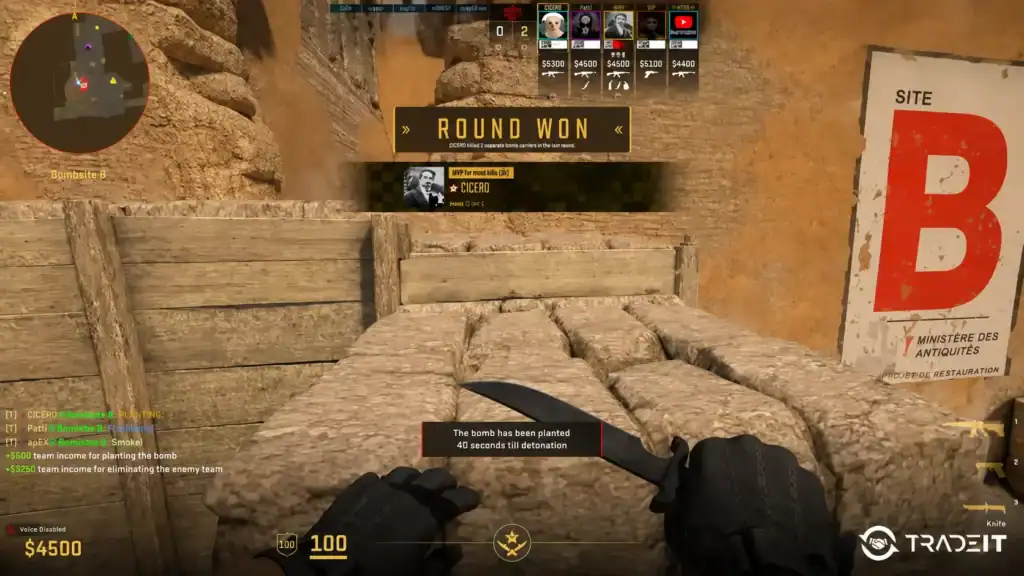
A crouch jump combines the jump and crouch actions into one movement. By crouching during the jump, your player model slightly changes position, allowing you to clear ledges, windows, and obstacles that may not be reachable with a standard jump alone.
Many classic Counter-Strike maps feature jumps that benefit from proper crouch timing, making this technique an important movement skill.
Why Use a Crouch Jump Bind?
A crouch jump bind offers several advantages:
Combining jump and crouch into a single key press makes difficult jumps easier to execute consistently, especially when practicing precise movement.
The bind reduces mistimed inputs by activating both actions simultaneously, eliminating the need to manually coordinate two separate keys.
It’s particularly useful on workshop maps where repeated movement challenges help improve consistency and refine advanced techniques.
Newer players can focus on mastering jump routes and positioning without worrying about the precise timing of crouch and jump inputs.
Many experienced players still perform crouch jumps manually, but binds can be useful for training or casual play. They are certainly worth considering, along with the most essential CS2 settings.
How to Set Up a Crouch Jump Bind
Setting up the bind only takes a few seconds:
Start Counter-Strike 2 and wait for the main menu to load.
Open the game settings and enable the Developer Console if it isn’t already turned on.
Press the ~ key to open the Developer Console.
Copy and paste the crouch jump alias commands into the console.
Press Enter to execute the commands and activate the bind.
Join an offline match or a Workshop map to verify that the crouch jump bind works correctly.
If you later want to remove the bind, simply bind the key back to its original function.
How to Save the Bind Permanently
Console commands reset after certain updates or configuration changes unless they’re stored in an autoexec.cfg file.
Create or edit your autoexec.cfg file, paste the crouch jump alias into it, save the file, and make sure your autoexec runs when CS2 launches. This ensures your bind loads automatically every time you start the game.
Complete your setup with the skins you actually want. Browse the CS2 store on Tradeit for weapons, knives, gloves, and more. →
Browse CS2 SkinsBest Keys for Crouch Jumping
The best key depends on your overall movement setup. Popular options include:
A good option for players who rarely use a separate jump key and want crouch jumping to become their primary jumping method.
A dedicated crouch jump key that lets you keep your regular jump controls while giving you quick access to the bind whenever you need it.
Both keys are easy to reach with your thumb, making them comfortable choices that don’t interfere with your movement keys.
Ideal for players who already rely on the scroll wheel for jumping and want to integrate crouch jumping into their existing movement setup.
Choose a key that feels comfortable without interfering with your normal movement.
Best Maps and Jumps to Practice
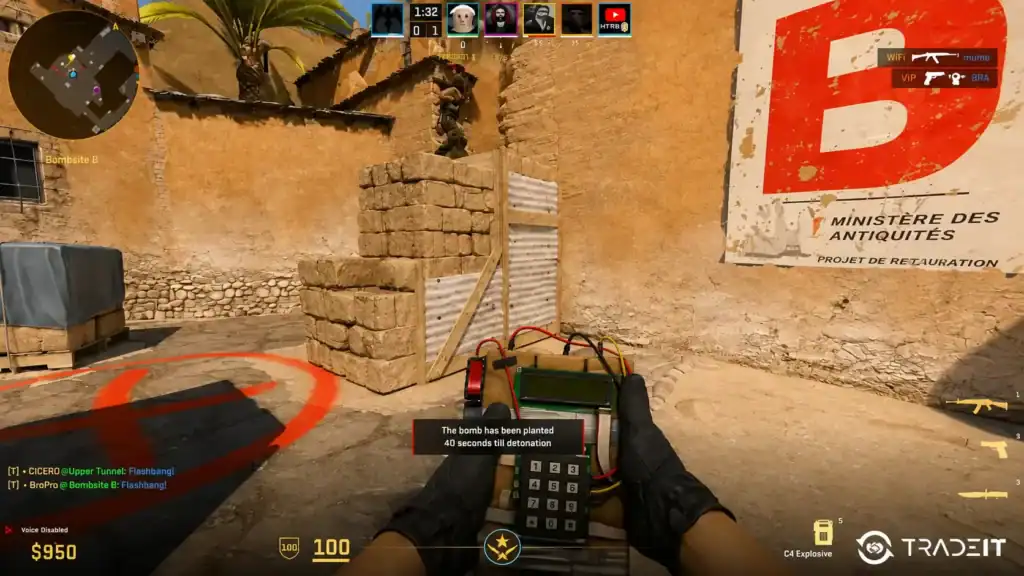
Workshop movement maps are the ideal place to practice crouch jumping. KZ (Kreedz), movement, and jump-training maps let you repeat jumps without interruptions while improving consistency.
You can also practice on official maps by jumping onto boxes, windows, and elevated positions that require precise movement.
Practice the Window jump, Catwalk movement, and common Connector boosts that rely on precise crouch jumping.
Great for practicing Silo jumps, Hut roof movement, and navigating multiple elevation changes around the map.
Offers numerous box jumps and narrow ledges that help improve timing and overall movement precision.
Practice jumps around Temple, Donut, and Mid to improve consistency on one of CS2’s most vertical maps.
Dedicated movement maps designed specifically for practicing crouch jumps, bhops, ladder movement, and other advanced techniques without interruptions.
Is Crouch Jump Bind Allowed in CS2?
Many players ask, “Is crouch jump bind OK in CS2?”
The bind works in Counter-Strike 2 because it combines existing in-game commands. However, players should always follow Valve’s current rules and the regulations of any league or tournament they participate in.
Some competitive events restrict certain aliases or scripts even if they function in the game. For casual play, offline practice, and workshop maps, crouch jump binds are commonly used.
CS2 vs CS:GO Movement Differences
Although CS2 preserves many movement mechanics from CS:GO, Source 2 introduced changes to movement responsiveness and networking. As a result, some jumps feel slightly different, and older movement guides may not transfer perfectly.
The crouch jump mechanic itself remains useful, but practicing in CS2 is the best way to build consistency.
Troubleshooting Crouch Jump Binds
If your bind doesn’t work:
Make sure the Developer Console is enabled in the game settings. Otherwise, the bind commands cannot be entered.
Even a small typo in the alias commands can prevent the bind from working. Double-check the syntax before testing.
Ensure the key you’ve chosen isn’t already assigned to another command, as conflicting binds can override your crouch jump bind.
If you’re using an autoexec.cfg, reload it or make sure it’s executed when the game starts so your latest changes take effect.
After editing configuration files, restart Counter-Strike 2 to ensure all changes are loaded correctly and the bind functions as expected.
Most problems are caused by incorrect syntax or configuration files that aren’t loading.
Alternative Crouch Jump Commands
Some players prefer assigning jump and crouch separately instead of using aliases. For example:
bind "SPACE" "+jump"
bind "CTRL" "+duck"
This traditional setup provides full manual control and is favored by many competitive players.
Whether you choose a dedicated crouch jump bind in CS2 or perform the movement manually ultimately comes down to personal preference and what feels most comfortable for your playstyle.
FAQs
Is crouch jump bind legal in FACEIT?
Yes. Standard crouch jump binds are allowed because they only combine normal game inputs.
Why does crouch jump help in CS2?
Crouch jumping slightly reduces your hitbox and increases vertical reach, helping access difficult jumps.
Can crouch jump binds improve movement?
Yes. They improve consistency and reduce failed jumps during stressful situations.
What is the best crouch jump bind key?
Most players prefer Mouse4 or Mouse5 because they allow easier movement control.
Did CS2 change crouch jumping?
CS2’s subtick system slightly changed movement timing, making some jumps feel different compared to CS:GO.