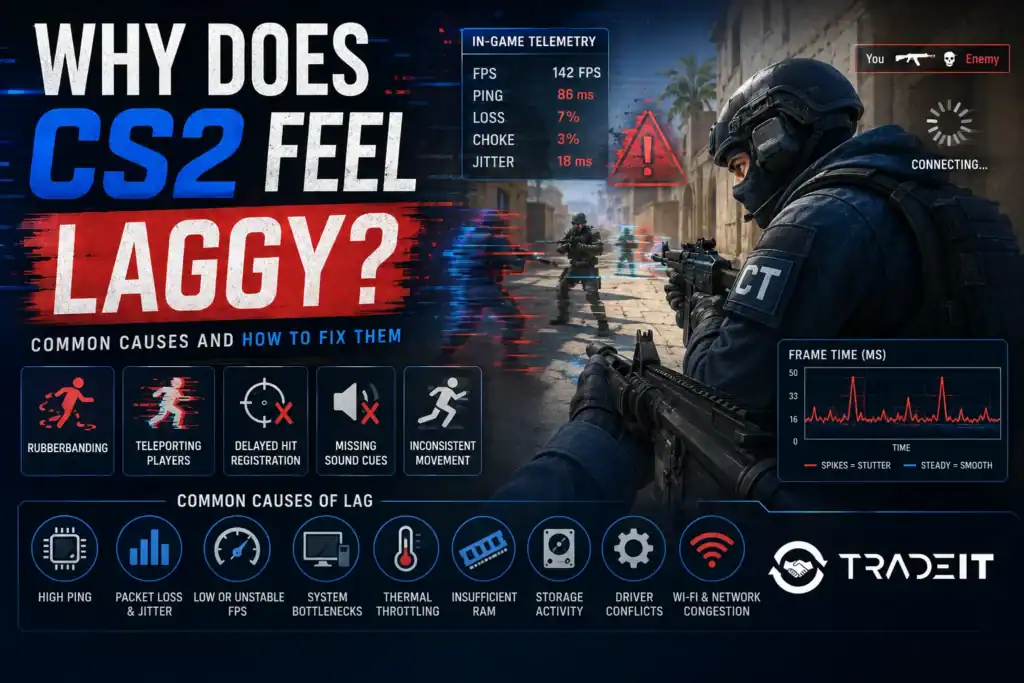


Counter-Strike 2 can feel laggy even when your FPS counter and internet speed appear normal.
The problem is that “lag” can describe several different issues, including low frame rates, unstable frame times, packet loss, high ping, input delay, and server-side problems.
Identifying the exact cause is the first step toward making CS2 feel smoother and more responsive.
Low or Unstable FPS
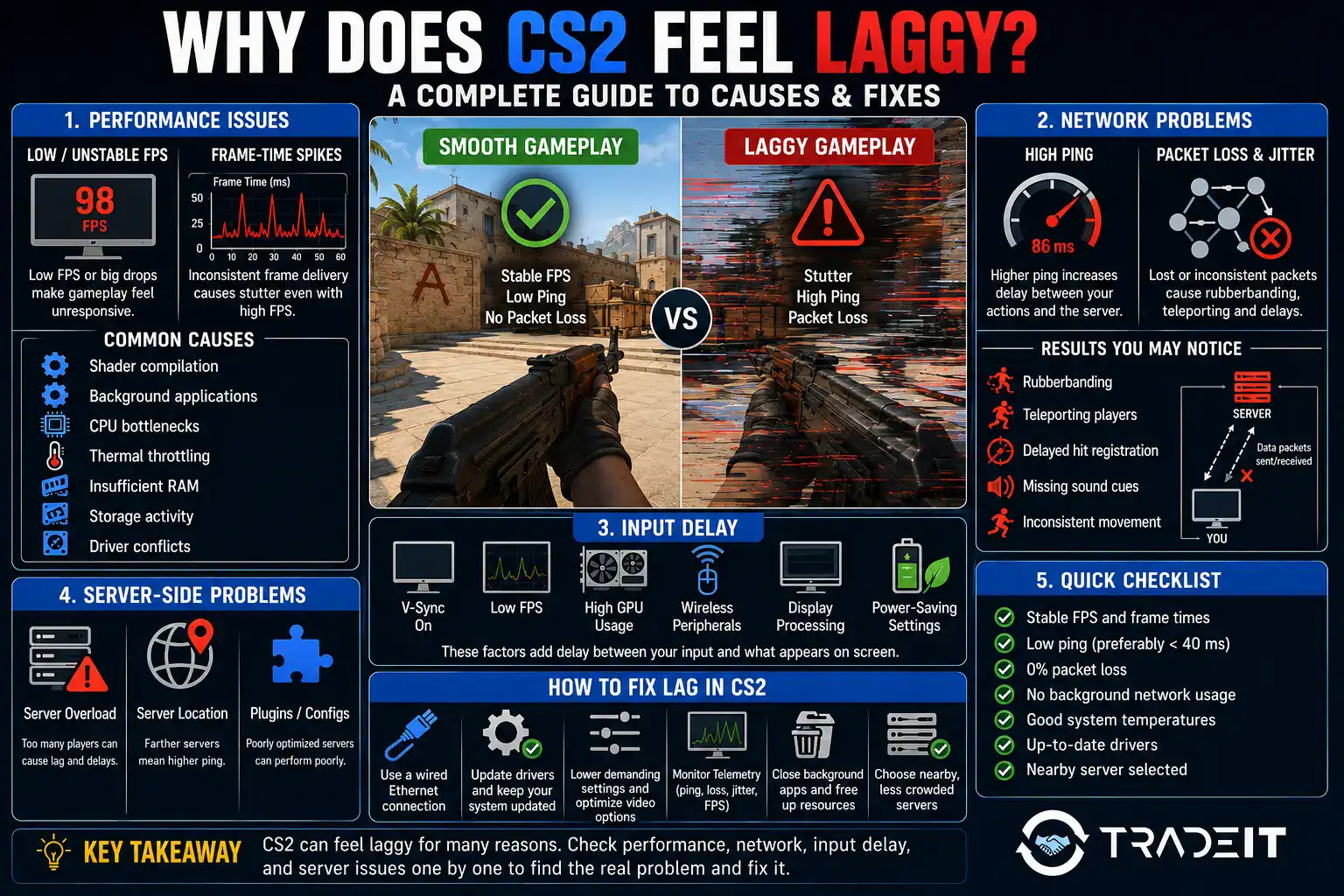
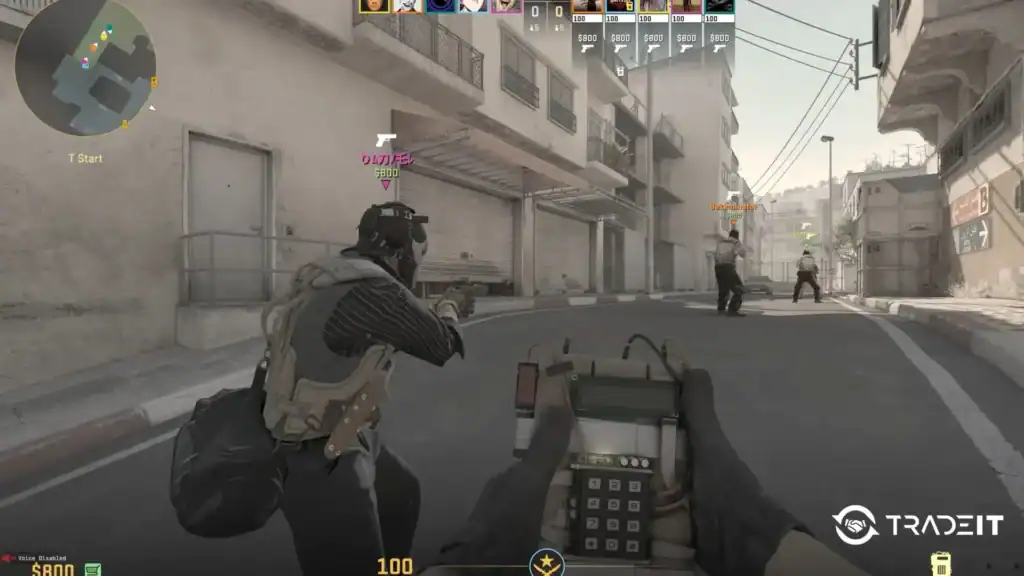
The most obvious cause of lag is poor frame-rate performance. If your FPS drops below your monitor’s refresh rate, movement may look less fluid and aiming can feel delayed.
However, average FPS does not tell the whole story. A system might display 200 FPS while still suffering from sudden frame-time spikes. These brief interruptions create stuttering that feels much worse than a consistently lower frame rate.
To improve performance, lower demanding settings such as shadows, ambient occlusion, particle detail, and anti-aliasing. Closing unnecessary programs can also free CPU and memory resources.
Frame-Time Spikes and Microstuttering
CS2 may feel choppy even when the FPS counter remains high. This is often caused by inconsistent frame delivery.
Instead of producing each frame at a steady interval, the game may render several frames quickly and then pause briefly. These pauses are known as frame-time spikes or microstutters. Common causes include:
Updating graphics drivers, restarting the game, and allowing shaders to finish compiling can reduce these interruptions.
High Ping
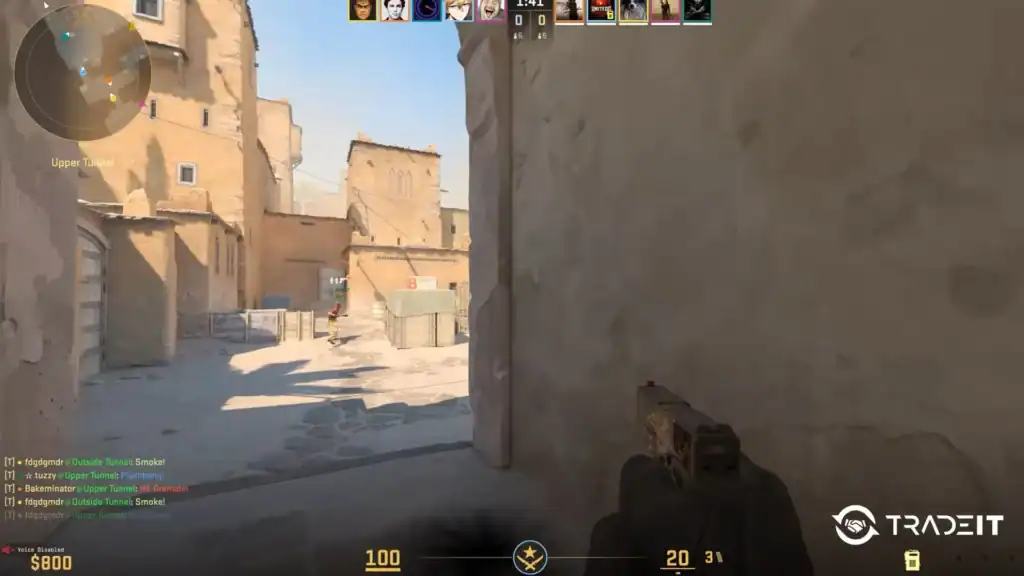
Ping measures how long data takes to travel between your PC and the game server. Higher ping creates a noticeable delay between your actions and the server’s response.
For example, enemies may appear to react sooner than you, even though the difference on your screen seems small. Shots, movement, and weapon switching may also feel less responsive.
Using a wired Ethernet connection and selecting nearby servers can help reduce latency.
Upgrade more than your settings. Browse thousands of CS2 skins on Tradeit and customize your loadout while enjoying a fast, secure trading experience. →
Browse CS2 SkinsPacket Loss and Jitter
Packet loss occurs when some of the data sent between your computer and the server fails to arrive. This can cause:
Jitter is the variation in your ping. Even if your average ping is low, frequent changes can make the game feel unstable.
Enable CS2’s Telemetry display to monitor ping, packet loss, and network quality during matches.
Wi-Fi and Network Congestion
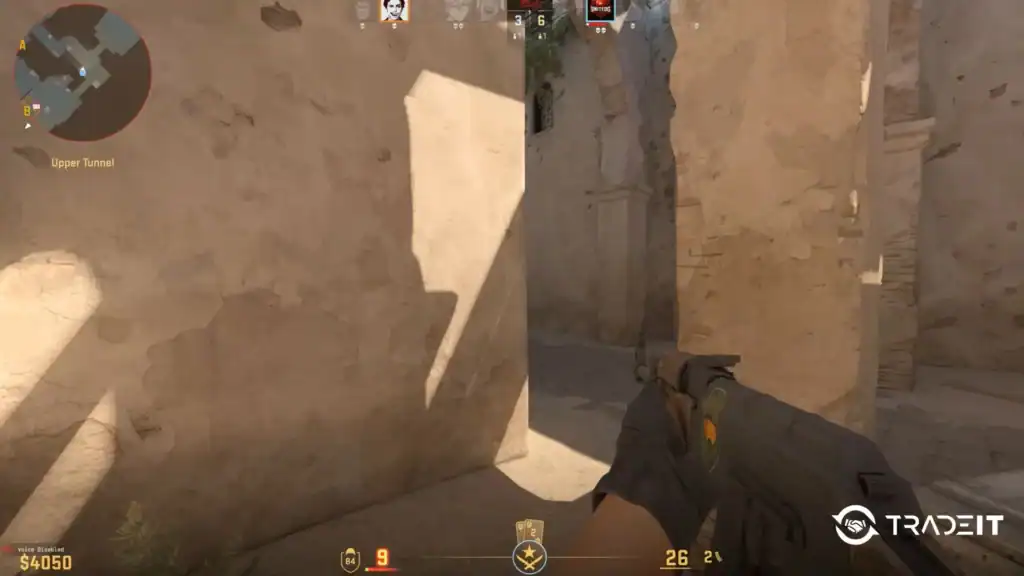
Wi-Fi is convenient, but it is less reliable than Ethernet. Walls, interference, distance from the router, and other wireless devices can reduce connection stability.
Network congestion can also create problems. Downloads, cloud synchronization, streaming services, and other devices may compete with CS2 for bandwidth.
Pause unnecessary network activity and connect your PC directly to the router whenever possible.
Input Delay
Input delay is the time between pressing a key or moving your mouse and seeing the action appear on-screen. It can be increased by:
Disabling V-Sync and keeping GPU usage from remaining permanently near 100% may improve responsiveness. Using a high-refresh-rate monitor can also make movement and aiming feel smoother.
Server-Side Problems
Sometimes the problem is not your PC or internet connection. A specific game server may be overloaded, unstable, or located too far from you.
If CS2 feels laggy only in certain matches, try another server or wait before playing again. Community servers can also perform differently depending on their hardware, plugins, and player count.
FAQs
Why does CS2 feel laggy even when I have high FPS?
High FPS doesn’t always mean smooth gameplay. Frame-time spikes, microstuttering, input delay, packet loss, or high ping can all make CS2 feel laggy despite a high average frame rate. Monitoring both FPS and frame times can help identify the real issue.
Why does CS2 feel laggy but my internet is fast?
Internet speed isn’t the same as connection quality. High ping, packet loss, jitter, Wi-Fi interference, or poor server routing can cause lag even on a fast broadband connection. A stable Ethernet connection is usually the best solution.
How can I make CS2 feel smoother?
Start by updating your graphics drivers, lowering demanding graphics settings, closing background applications, enabling CS2’s Telemetry, and using a wired Ethernet connection. Keeping your PC cool and maintaining consistent frame times can also improve responsiveness.
Why does CS2 only feel laggy in some matches?
This usually points to server-related issues. Some servers may be farther away, more heavily loaded, or experiencing temporary network problems. If the issue only happens occasionally, switching servers or waiting for the next match often resolves it.
Can low RAM make CS2 feel laggy?
Yes. Insufficient RAM can cause stuttering, longer asset loading times, and inconsistent frame delivery, especially when other applications are running in the background. Upgrading to 32 GB of RAM can improve overall smoothness for many systems.