Aiming settings in Counter-Strike 2 can significantly affect comfort and consistency. Some players prefer toggle aiming, where right-clicking once keeps the scope active, while others prefer hold to aim, which only keeps the scope active while the button is held down.
If you want to switch from toggle to hold in CS2, the process is simple and can be done through the console or saved permanently with an autoexec file.
Table of Contents
How to Enable Hold to Aim in CS2 (Quick Answer)
To turn on hold to aim in CS2, open the developer console and enter:
cl_debounce_zoom false
This changes scoped aiming from toggle mode to hold mode. While enabled, you must keep holding your zoom key to stay scoped.
If you want to return to toggle aiming later, use:
cl_debounce_zoom true
Method 1 – Console Command
The fastest way to enable hold to aim is through the developer console.
Follow these steps:
Launch Counter-Strike 2 and open the Settings menu.
Navigate to the Game section within your settings.
Turn on Developer Console (~) if it is currently disabled.
Press the ~ key to bring up the developer console.
Type the following command and press Enter:
cl_debounce_zoom false
The setting applies immediately, so you can test it in-game right away.
Using the console is ideal if you only want to experiment with hold aiming or switch between aiming styles occasionally.
Method 2 – Save It Permanently with Autoexec
Console settings may reset depending on your configuration files or launch setup. To make hold aiming permanent, add the command to your autoexec.
Here is how to do it:
Locate and open your Counter-Strike 2 installation directory on your PC.
Go to the following location:
game\csgo\cfg
Open your autoexec.cfg file or create one if it does not already exist.
Insert this line into the file:
cl_debounce_zoom false
Save the file and restart CS2 so the hold-to-aim setting loads automatically every time you launch the game.
Adding the command to autoexec ensures hold to aim stays enabled every time you launch the game without needing to re-enter the console command.
Hold to Aim vs Toggle Scope – What is the Difference?
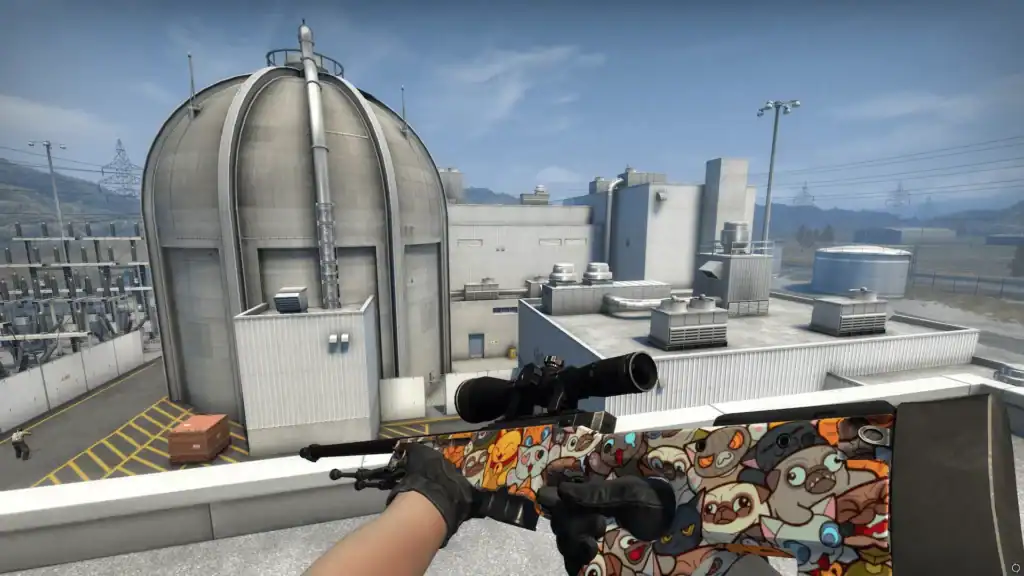
Hold to aim and toggle scope perform the same basic function but feel very different during gameplay.
Press the zoom button once to stay scoped until pressing it again or switching weapons. Many sniper players prefer this style because it requires less finger movement and feels more comfortable during longer holds.
Stay scoped only while holding the zoom button. Releasing it immediately exits the scope. Players who favor aggressive peeks and faster repositioning often prefer this more responsive aiming style.
Neither option provides a gameplay advantage on its own. The better choice comes down to comfort and muscle memory.
Which CS2 Weapons Does This Affect?
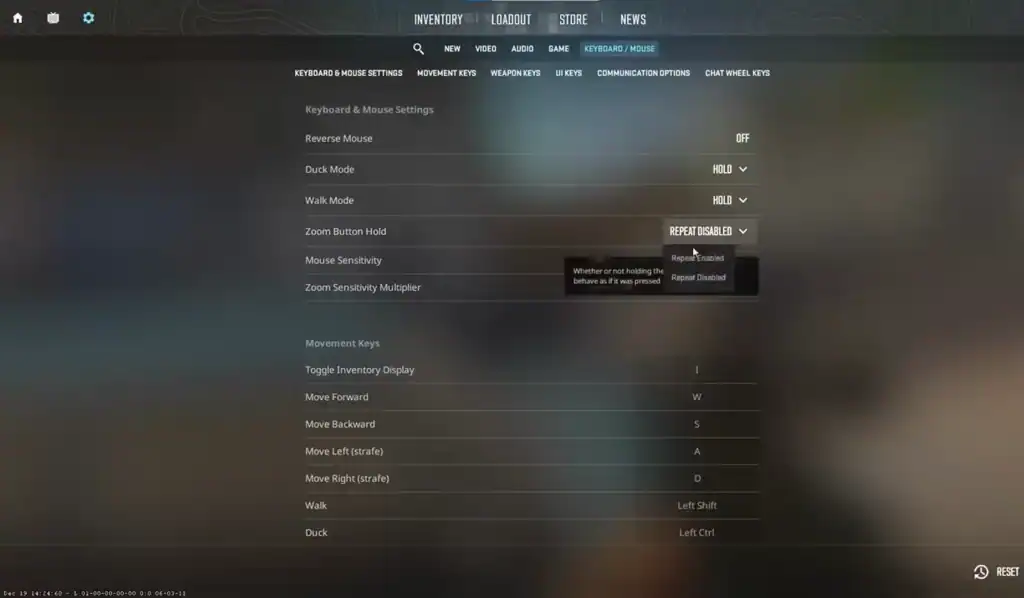
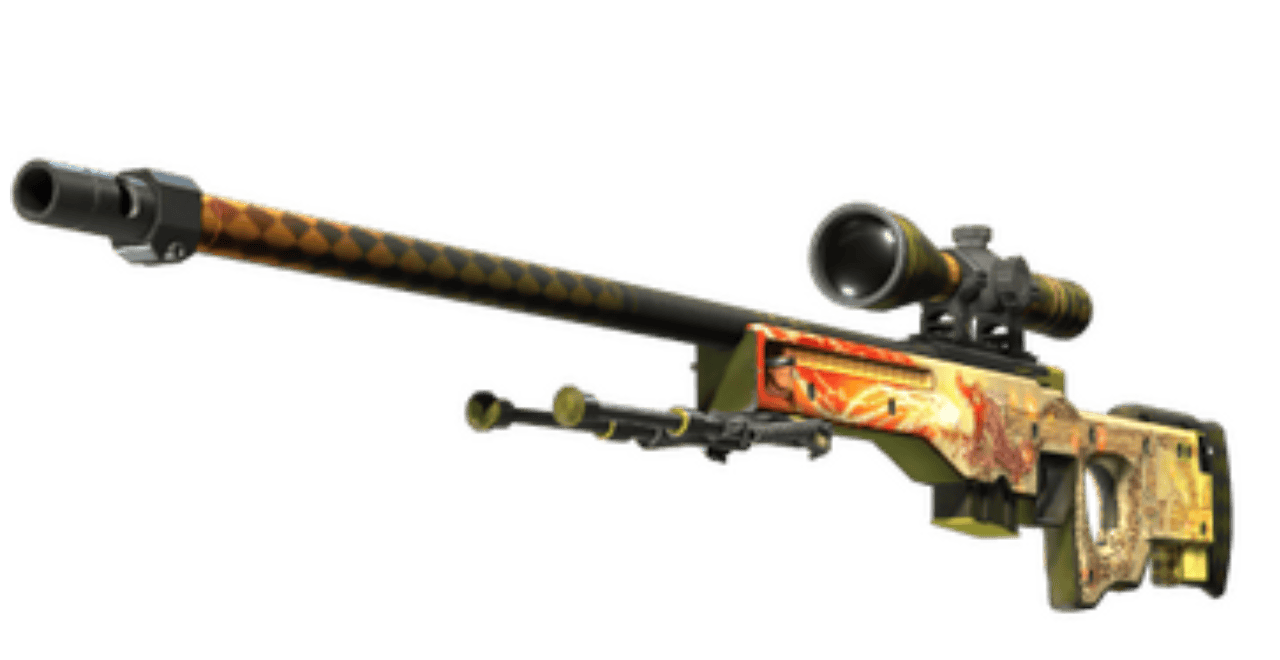
The hold-to-aim setting affects weapons that use zoom or scoped aiming in Counter-Strike 2.
This includes:
Whenever you use these weapons, the zoom behavior follows your current cl_debounce_zoom setting.
Players who regularly switch between rifles and sniper rifles may want to test both hold and toggle modes to find the most comfortable setup.
Hold to Aim Not Working – How to Fix It
If hold to aim is not working properly, several common issues may be causing the problem.
Try these fixes:
Confirm that the developer console is enabled in your CS2 game settings.
Type the command again to confirm it was entered and applied correctly.
Look for conflicting keybinds or mouse commands that may interfere with zoom behavior.
Verify that your autoexec.cfg file is saving correctly and loading on startup.
Restart the game after modifying configuration files to ensure changes apply properly.
Use Steam’s file verification tool if settings behave unexpectedly or commands fail to work.
Most problems are caused by configuration conflicts or commands not saving correctly. Once cl_debounce_zoom false is applied properly, hold aiming should work immediately.
Summary
Switching from toggle scope to hold to aim in CS2 is simple using the cl_debounce_zoom false command.
Whether you apply it through the console or save it permanently with an autoexec file, hold aiming can provide a more responsive feel for scoped weapons and aggressive playstyles.
If the setting does not work immediately, checking console settings, binds, and configuration files usually resolves the issue.
FAQs
How do I turn on hold to aim in Counter-Strike 2?
Open the developer console and enter:cl_debounce_zoom false
This changes scoped aiming from toggle mode to hold mode.
How do I switch back to toggle scope in CS2?
Use the following console command:cl_debounce_zoom true
This restores the default toggle zoom behavior.
Does hold to aim affect every weapon in CS2?
No. It only affects weapons with scoped zoom functionality, such as the AWP, Scout, AUG, SG 553, SCAR-20, and G3SG1.
Can I save hold to aim permanently in CS2?
Yes. Add cl_debounce_zoom false to your autoexec.cfg file so the setting loads automatically every time you start the game.
Why is hold to aim not working in CS2?
Common causes include the developer console being disabled, incorrect commands, conflicting mouse binds, or configuration files not loading properly. Restarting the game or verifying files through Steam can also help.