If you’re anything like me, you know that mastering the little details in CS2 can make a huge difference. One trick that’s been a game-changer for me is the ability to bind rethrow last grenade in CS2.
Whether you’re perfecting your pop flashes or smoke placements, this command is a must-have in your arsenal.
Table of Contents
Why Rethrow Your Last Grenade in CS2?
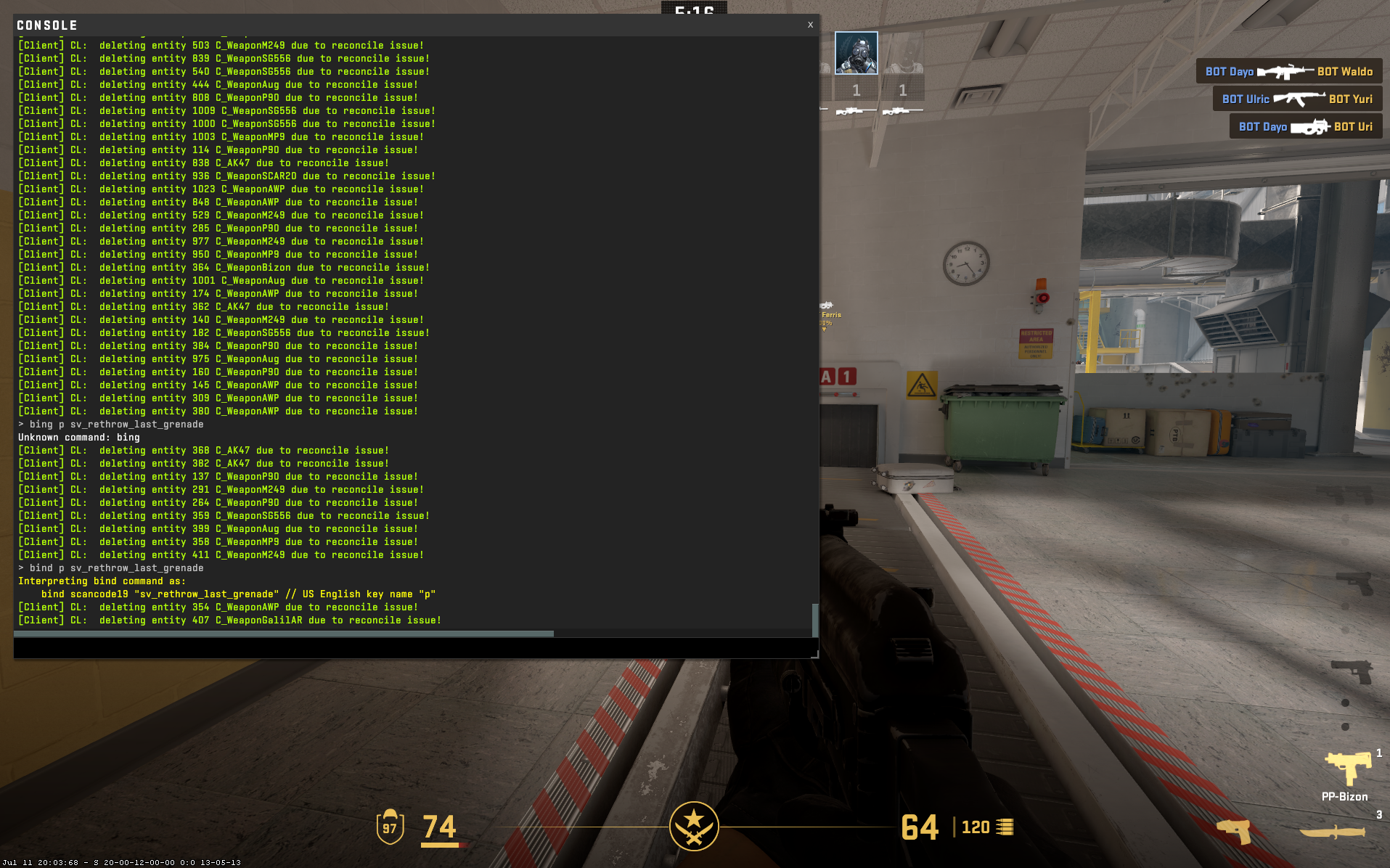
Perhaps you’re testing out a new flashbang angle or smoke spot, and you need to see if it hits the mark consistently. In such situations, you will need a way to rethrow your last grenade and a CS2 bind can help.
The rethrow last grenade command lets you repeat your last throw, making practice sessions so much smoother.
The CS2 Command That Binds Rethrow Last Grenade
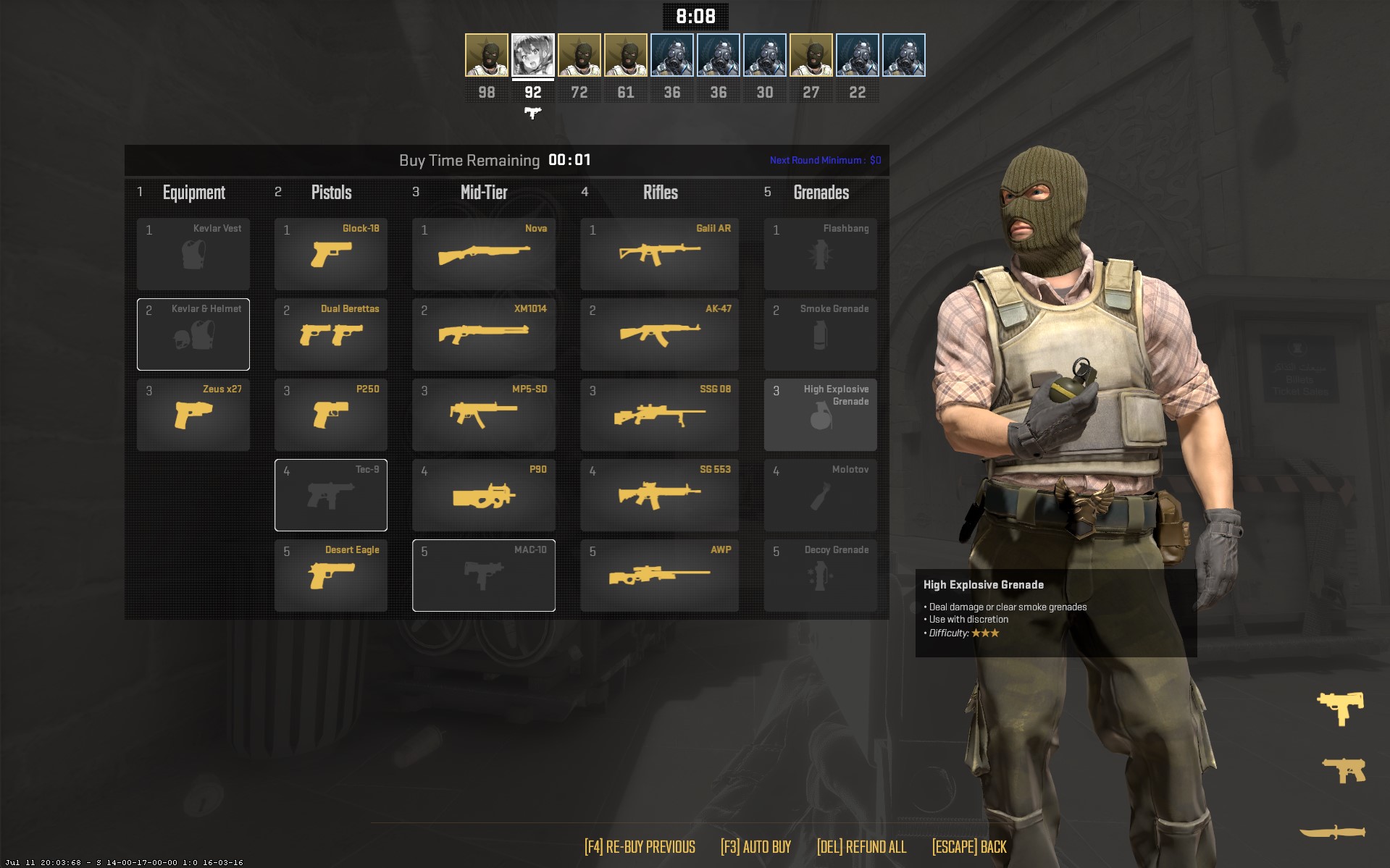
Before we dive into binding the command, let’s make sure you know how to open the developer console. It’s super easy:
Open your CS2 game settings and locate the “Enable Developer Console” option. Make sure it is set to “Yes”.
Press the tilde key (~) on your keyboard to open the console. This key is usually located directly below the Esc key.
Now that your console is open, you’re ready to input commands and take your gameplay to the next level.
Here’s the magic command you need:
bind <key> sv_rethrow_last_grenade
As the command suggests, it rethrows the last grenade you tossed. This is incredibly useful for testing pop flashes or smokes.
You throw it once, then move to wherever you need to check its effectiveness. Simple and effective!
How to Use It
Now, let’s talk about binding it to a key. You can choose any key you prefer.
Personally, I use the “v” key because it’s easy to reach and doesn’t interfere with my other controls. Here’s how you bind it:
bind v sv_rethrow_last_grenade
Replace “v” with any key of your choice if you have a different preference. Once bound, just press the key, and voila! Your last grenade throw is repeated.
Practical Tips
Stand in your preferred position, throw the flashbang, and use the rethrow bind to instantly repeat the lineup while checking its effect from multiple angles.
Throw your smoke grenade, activate the bind, and move around the map to confirm that the smoke lands perfectly every time.
The rethrow command allows you to repeat the exact same grenade lineup consistently without manually recreating the throw setup each time.
Useful CS2 Grenade Practice Binds
| Purpose | Bind Command | What It Does |
|---|---|---|
| Rethrow Last Grenade | bind "KEY" "sv_rethrow_last_grenade" | Instantly rethrows your last grenade from the same position for consistent testing. |
| Toggle Infinite Grenades | sv_infinite_ammo 1 | Gives unlimited grenades so you can practice without rebuying. |
| No Smoke Fade Delay (Practice) | bind "KEY" "ent_fire smokegrenade_projectile kill" | Removes smoke instantly for testing lineups repeatedly. |
| Restart Throw Setup | bind "KEY" "bot_kick" | Clears bots so you can reset practice scenarios quickly. |
| Quick Restart Round | bind "KEY" "mp_restartgame 1" | Restarts the round instantly to reset grenade positions. |
| Teleport to Crosshair (Practice servers) | bind "KEY" "noclip" | Lets you fly around and inspect grenade trajectories. |
| Show Impact Spots | bind "KEY" "sv_showimpacts 1" | Displays bullet/grenade impact markers for lineup precision. |
| Toggle Grenade Camera View (custom servers) | bind "KEY" "toggle cl_grenadepreview 0 1" | Helps visualize grenade paths (if supported on server). |
Conclusion
Binding the rethrow last grenade command in CS2 is a small tweak that offers massive benefits. It’s all about refining your gameplay and making sure your nades are on point.
FAQs
What does the “rethrow last grenade” bind do in Counter-Strike 2?
It instantly repeats your last thrown grenade from the exact same position, angle, and timing, allowing you to test lineups without resetting your setup.
How do I enable the rethrow last grenade command?
You need to bind a key to the command in the developer console, for example:bind "KEY" "sv_rethrow_last_grenade" (works only in practice or cheat-enabled servers).
Does the rethrow bind work in official matchmaking?
No. It only works in offline practice modes, private servers, or workshop maps where cheats are enabled.
Why is the rethrow grenade bind useful for practice?
It lets you quickly repeat smoke or flash setups, helping you refine precision, timing, and positioning without manually re-throwing every attempt.
Can I use the rethrow bind for all grenade types?
Yes. It works with smokes, flashbangs, HE grenades, molotovs, and decoys, as long as they were the last thrown grenade.