

Finding the perfect crosshair in Counter-Strike 2 can dramatically improve your aim consistency, target visibility, and overall comfort during matches.
While many players simply copy pro settings, crosshair workshop maps give you a much faster and more practical way to test hundreds of crosshair styles directly in-game.
Crosshair maps allow players to preview, customize, compare, and instantly apply different crosshairs without manually typing console commands.
They have become one of the most useful training tools in CS2, especially for players experimenting with sensitivity, resolution changes, or aiming styles.
Table of Contents
What Do Crosshair Maps Actually Help With?
A crosshair map is a specialized workshop map designed specifically to help players test and optimize their crosshair settings under real gameplay conditions.
Instead of changing settings blindly in menus, these maps let you:
Instantly switch between different crosshair presets without manually changing console commands.
Check how your crosshair performs against bright walls, dark corners, smoke, and moving targets.
Easily compare dynamic and static crosshairs to find the style that feels most comfortable.
Test how well your crosshair helps with spray control and recoil compensation during fights.
Fine-tune your crosshair placement for more accurate spray transfers and burst firing.
Try crosshair settings used by professional CS2 players and streamers with one click.
Generate and copy shareable crosshair codes that can be saved or shared with other players.
This is important because a crosshair that looks good in the menu may become difficult to see:
Some crosshairs become difficult to track when controlling recoil during extended spray patterns.
Certain colors and outlines may blend into bright environments and reduce visibility.
Smoke effects can make thin or low-contrast crosshairs difficult to see during fights.
Dynamic movement can affect how stable and readable a crosshair feels during peeks and strafes.
Large or thick crosshairs may block enemy models and reduce precision at long distances.
Crosshair maps solve this problem by providing realistic testing environments with bots, walls, lighting variations, and moving targets.
Best CS2 Crosshair Maps
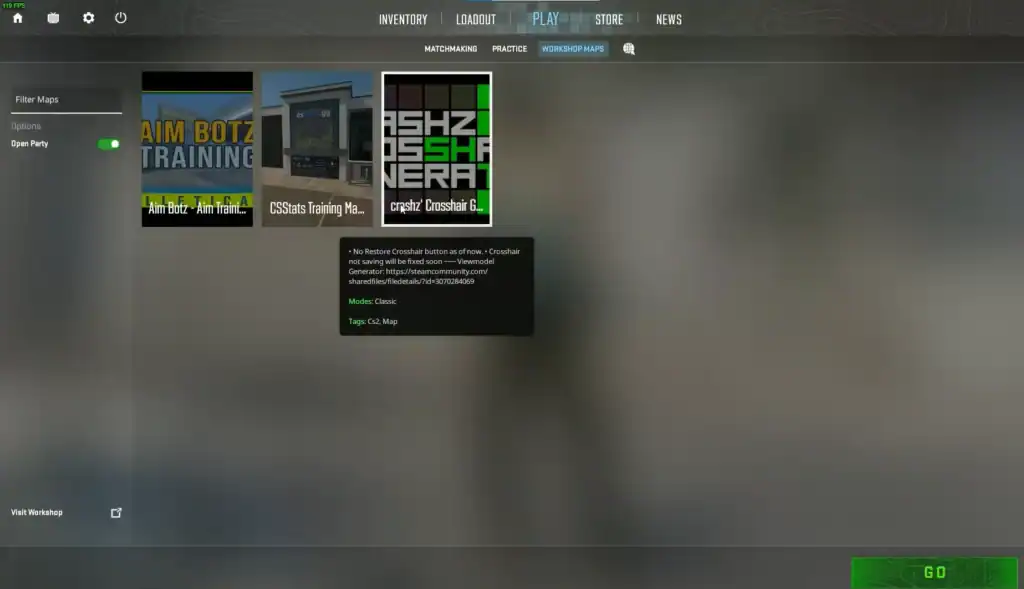
Several workshop maps stand out as community favorites due to their customization options and ease of use.
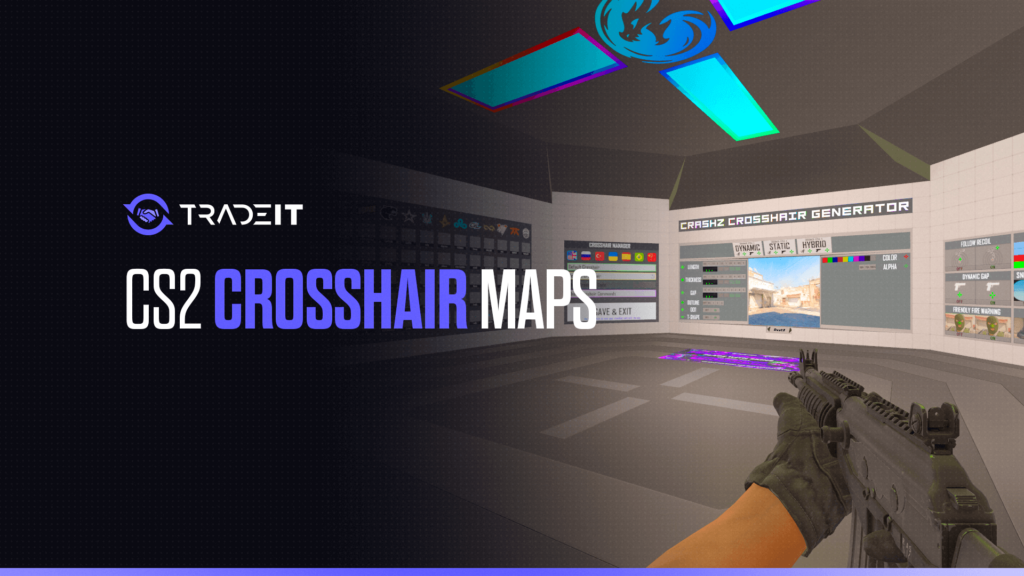
Crashz’ Crosshair Generator v4
One of the most popular workshop maps ever created for Counter-Strike. It allows players to:
Explore crosshair settings used by professional CS2 players and popular streamers.
Adjust size, thickness, gap, outline, color, alpha, and dynamic behavior in real time.
Instantly evaluate how your crosshair performs during sprays, bursts, and recoil control.
Generate and export shareable crosshair codes that can be saved or shared instantly.
This map is considered the standard starting point for most players.
Crosshair Generator by Yesber
A simpler alternative focused on fast testing and clean UI design. It is especially useful for beginners who want quick presets without overwhelming customization menus.
Aim Botz + Crosshair Testing
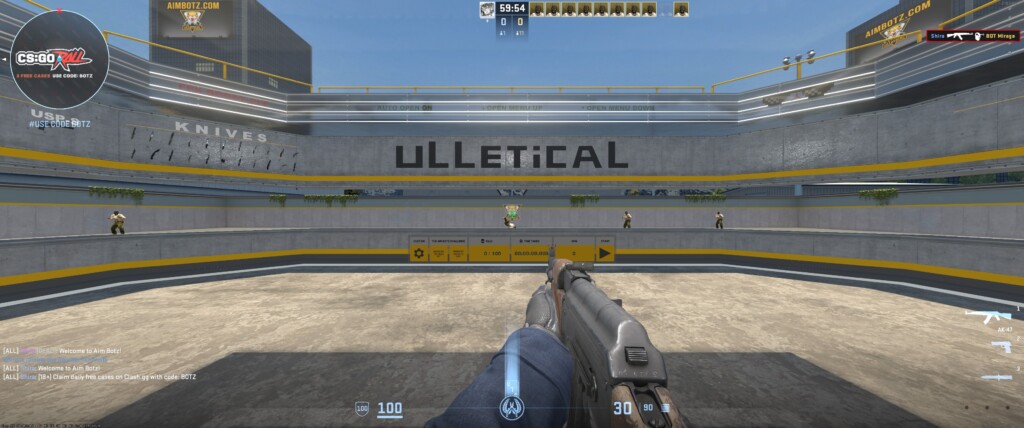
Although primarily an aim training map, many players also use Aim Botz to test crosshair visibility during flicks, sprays, and target tracking.
The constant movement and fast shooting environment make it excellent for real combat testing.
Crosshair Maps vs Aim Maps vs Training Maps
Many players confuse these workshop categories, but they serve very different purposes.
| Map Type | Main Purpose |
|---|---|
| Crosshair Maps | Customize and test crosshairs |
| Aim Maps | Improve flicking, tracking, and recoil |
| Training Maps | Practice grenades, peeks, movement, or scenarios |
Crosshair maps focus mainly on visibility and comfort, while aim maps improve mechanical skill. Training maps cover broader gameplay practice such as utility usage or positioning.
Using all three together creates a much more complete practice routine.
How to Use a CS2 Crosshair Map
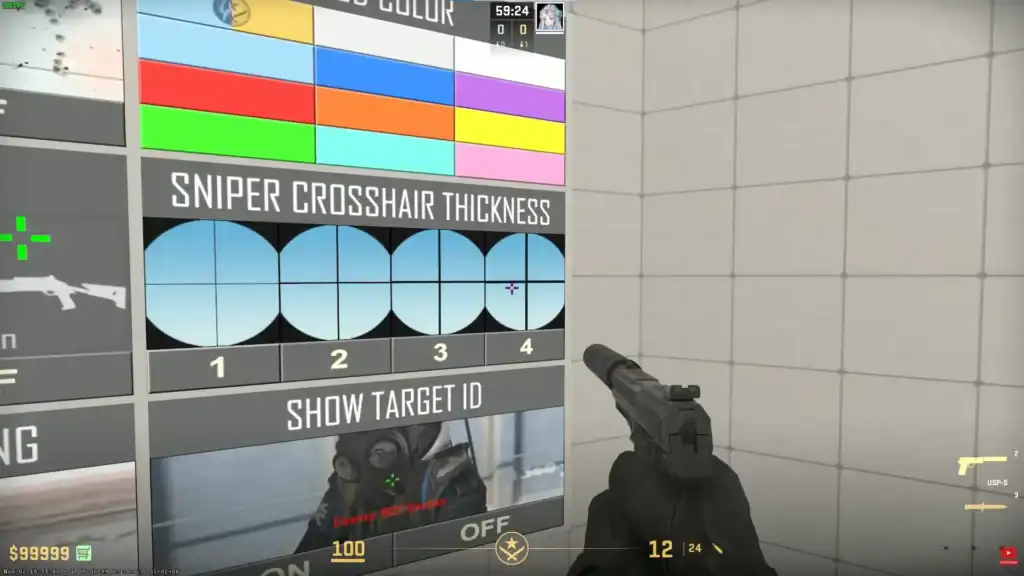
Getting started with workshop maps in CS2 is straightforward.
Open the Steam Workshop for Counter-Strike 2 and subscribe to your preferred crosshair workshop map.
Start Counter-Strike 2 normally through Steam after the workshop map finishes downloading.
Navigate to Play → Practice → Workshop Maps and select your subscribed crosshair map.
Adjust size, thickness, outline, gap, color, alpha, and dynamic behavior while testing visibility and recoil.
Use the built-in “Copy Crosshair Code” feature to generate a shareable code instantly.
Save the crosshair through CS2 settings, an autoexec config, or by storing the exported crosshair code.
Summary
Crosshair workshop maps are some of the most effective quality-of-life tools available in Counter-Strike 2. They make testing faster, simplify customization, and help players find crosshairs that remain visible and comfortable during real gameplay.
Whether you are copying professional settings or building your own style from scratch, using dedicated crosshair maps can save hours of trial and error while improving your consistency in matches.
FAQs
What is the best crosshair map in Counter-Strike 2?
Crashz’ Crosshair Generator v4 is widely considered the most popular crosshair workshop map because it allows players to test pro settings, customize every parameter, and export crosshair codes instantly.
Can crosshair maps improve aim in CS2?
Indirectly, yes. Crosshair maps help players find settings that improve visibility, recoil tracking, and comfort, which can make aiming feel more consistent during matches.
What is the difference between a crosshair map and an aim map?
Crosshair maps focus on testing and customizing crosshair settings, while aim maps are designed to improve mechanical skills like flicking, spray control, and target tracking.
Do CS2 crosshair maps work offline?
Yes. Most workshop crosshair maps can be launched locally through the Practice and Workshop Maps menu without connecting to online servers.
Can I copy professional player crosshairs from workshop maps?
Yes. Most modern crosshair maps include built-in pro player presets and export tools that generate shareable crosshair codes instantly.