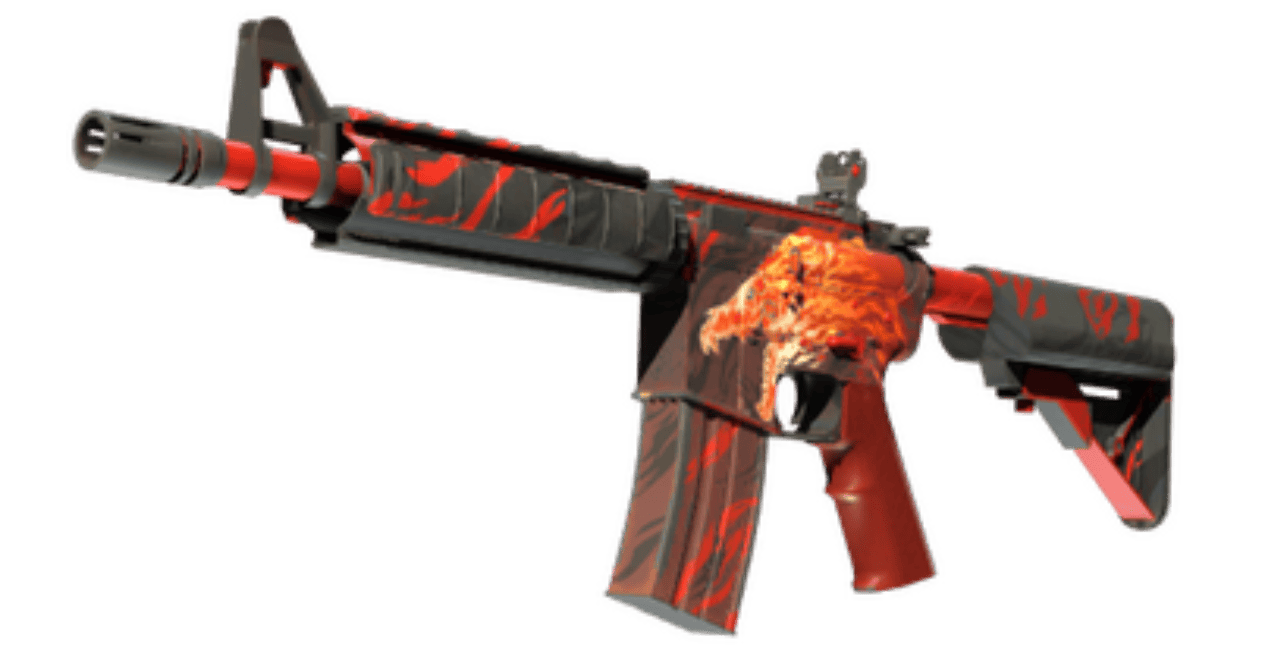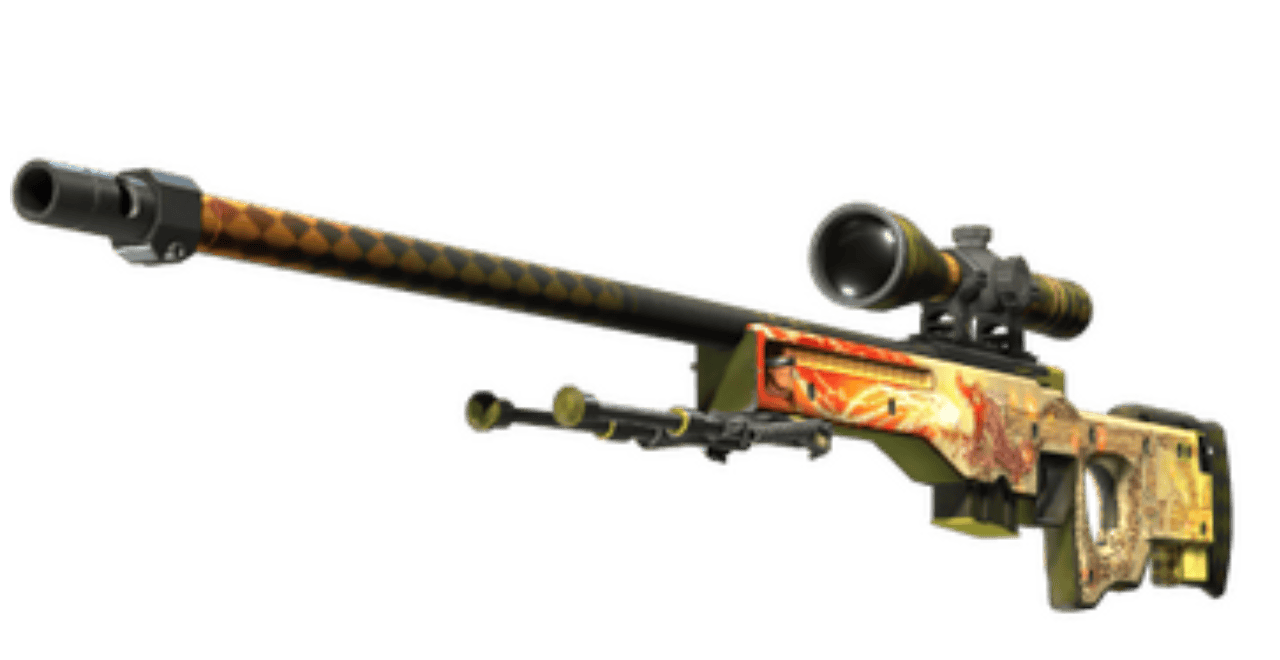
Your viewmodel in Counter-Strike 2 controls how your weapon and hands appear on screen. It does not change recoil or hit registration, but it can still affect visibility, comfort, and how clean the game feels while aiming.
In 2026, most competitive players still prefer simple, uncluttered viewmodels that keep the weapon out of the way without making it feel awkward. This guide explains what the CS2 viewmodel is, how to change it, and which setups make the most sense for different playstyles.
What is the CS2 Viewmodel?
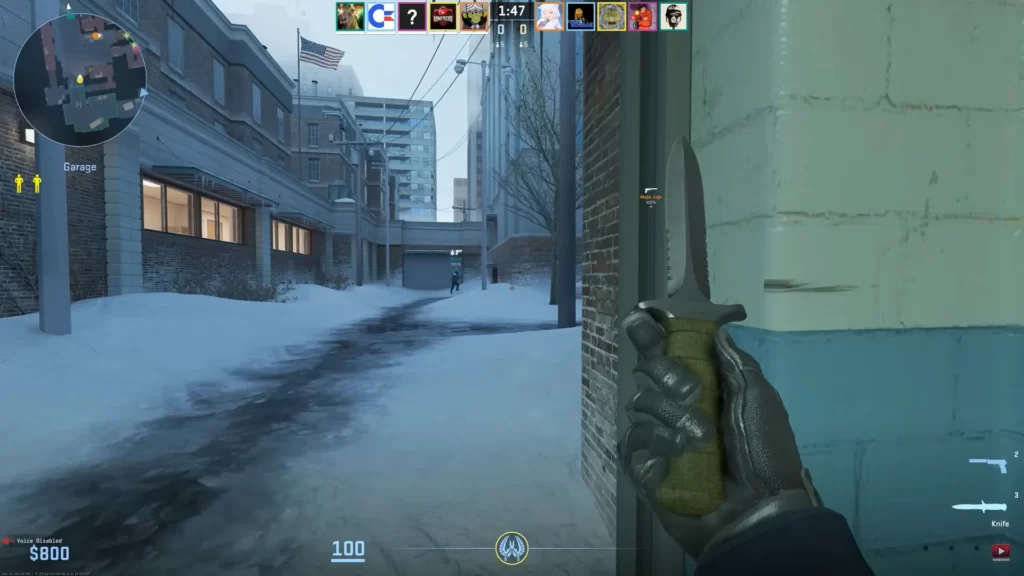
The CS2 viewmodel controls where your gun and hands appear on screen. It affects:
- Field of View (FoV): A bulky weapon can block your sightline.
- Aim & Recoil Focus: Consistent positioning builds muscle memory.
- Comfort: You might prefer a minimal look or a more immersive setup.
Best CS2 Viewmodel Presets for 2026
If you only want the short version, these are the most practical starting points:
- Best for competitive play: high FOV, low visual clutter
- Best for CS:GO veterans: more centered, familiar weapon placement
- Best for skin visibility: higher weapon presence, less screen efficiency
- Best for most players: start with a minimal setup, then adjust only one value at a time
The goal is not to find the most extreme viewmodel. It is to find one that feels clean and consistent every round.
How To Change Viewmodel in CS2
CS2 carries over several adjustable parameters from CS:GO, enabling players to tweak their viewmodel settings. To change your CS2 viewmodel, use the in-game developer console.
Key Commands:
viewmodel_offset_x– Moves weapon left/rightviewmodel_offset_y– Moves weapon forward/backviewmodel_offset_z– Moves weapon up/downcl_righthand 0/1– Switch weapon to left/right handviewmodel_fov– Adjusts how zoomed-in your weapon appears
Popular Viewmodel Configurations in CS2
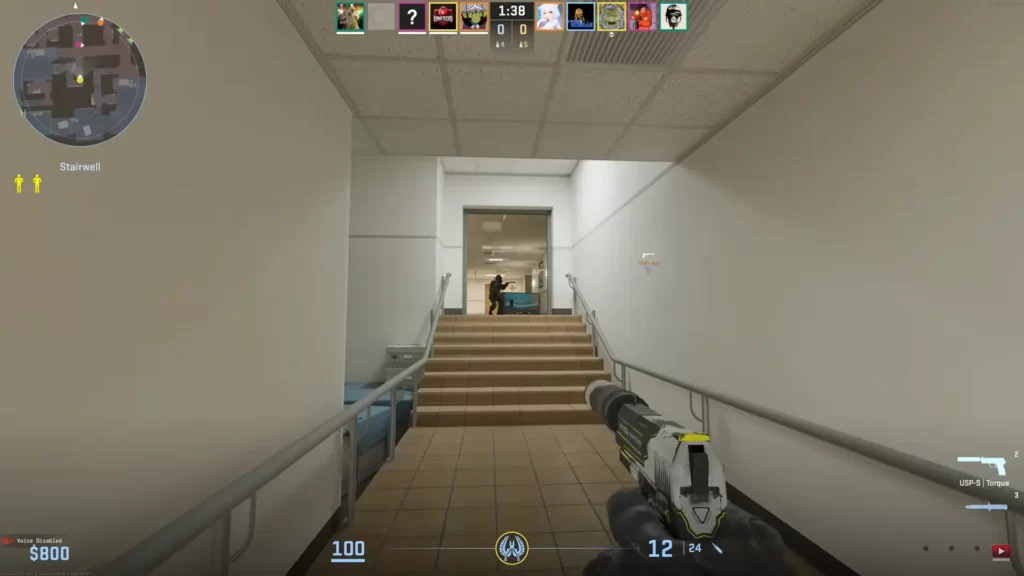
While the “best” viewmodel is still subjective, most players end up choosing one of a few familiar styles: minimal, classic, left-hand preference, or skin-showcase setups. The right one depends less on the meta and more on how much weapon visibility you want on screen.
| Viewmodel Type | X | Y | Z | FOV | Best For |
|---|---|---|---|---|---|
| Minimal | -2 | 2 | -2 | 68 | Competitive players |
| Classic Centered | 0 | 1 | -1 | 60 | CS:GO veterans |
| Left-Handed | N/A | N/A | N/A | N/A | Left-hand users |
| Max Visibility | 2 | 2 | 2 | 68 | Casual or immersive play |
1. Minimal Viewmodel
Best viewmodel for CS2 if visibility is your priority.
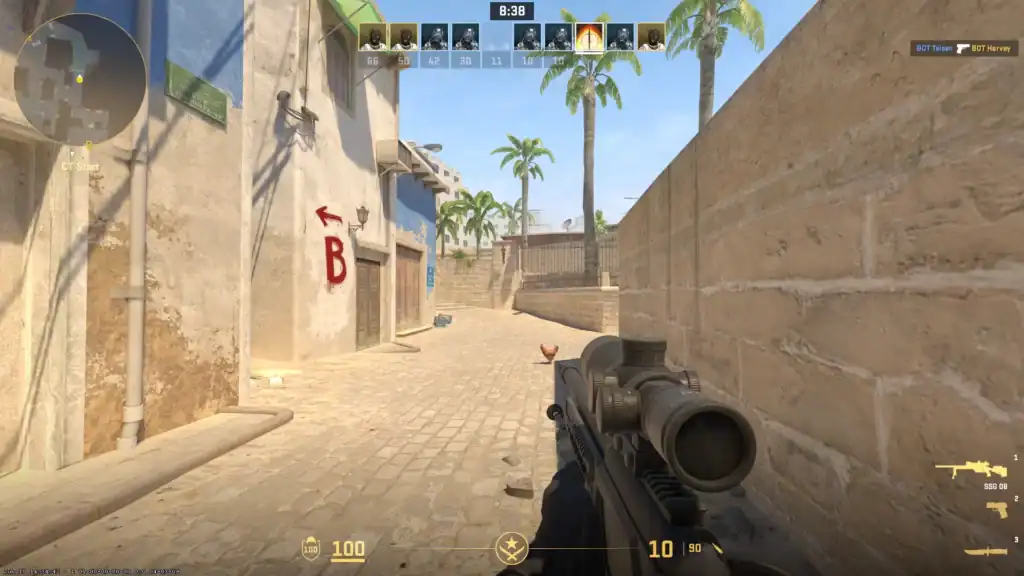
Overview: A “minimal” viewmodel pushes the weapon as far to the side as possible, reducing on-screen clutter and maximizing visibility.
Settings:
viewmodel_offset_x -2viewmodel_offset_y 2viewmodel_offset_z -2viewmodel_fov 68
Pros: Uncluttered screen, great for visibility
Cons: Feels less immersive
2. Centered Classic Viewmodel
Great for players transitioning from older versions.
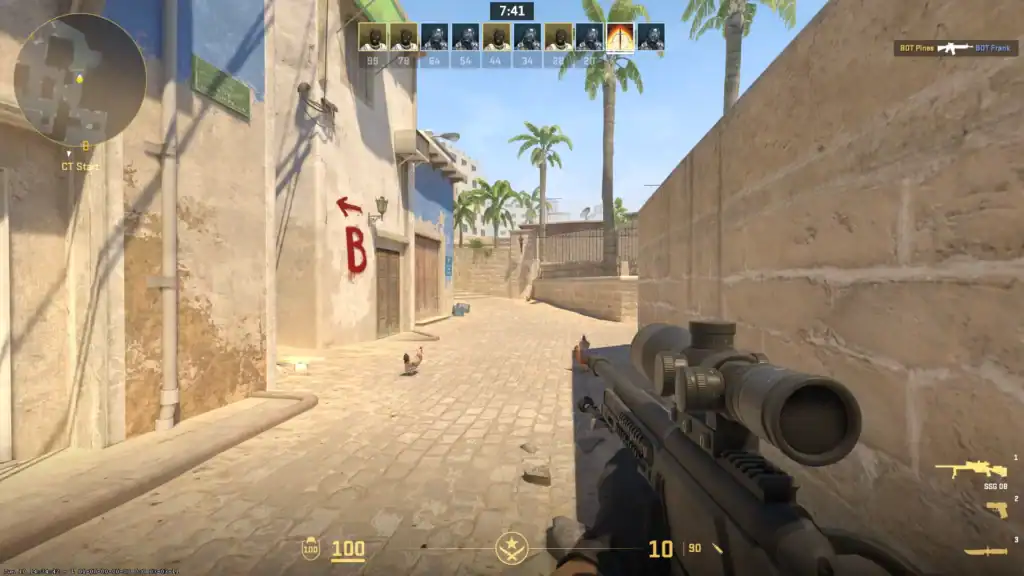
Overview: This configuration centers the weapon closer to the traditional default position, making it feel balanced for players transitioning from CS:GO.
Settings:
viewmodel_offset_x 0viewmodel_offset_y 1viewmodel_offset_z -1viewmodel_fov 60
Pros: Familiar to CS:GO players
Cons: Slightly more clutter
3. Left-Handed Viewmodel
Adds variety and personalization.

Overview: Ideal for left-handed players or those who prefer the aesthetic symmetry of left-hand positioning.
Command: cl_righthand 0 (Press H by default)
Pros: Fits left-handed players, or for visual comfort
Cons: May break muscle memory if you’re used to a right-hand setup
4. Maximized Weapon Visibility
Ideal for skin collectors or casual players.

Overview: For players who appreciate the detail and design of CS2’s weapons, this setup showcases the gun while maintaining some functionality.
Settings:
viewmodel_offset_x 2viewmodel_offset_y -2viewmodel_offset_z 2viewmodel_fov 68
Pros: Shows off skins and weapon details
Cons: Takes up screen space
How to Choose the Best CS2 Viewmodel
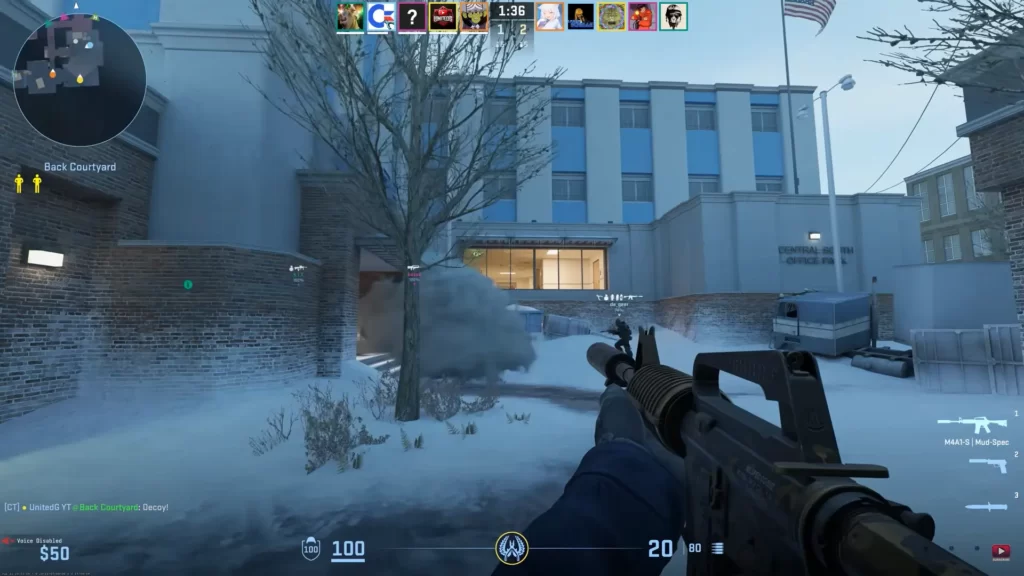
There is no single “best” ViewModel; it’s about what feels right to you. It depends on personal preferences and gameplay priorities. Consider the following factors:
– Playstyle:
- Riflers and AWPers usually prefer minimal setups.
- Entry fraggers might benefit from clear visibility.
– Consistency matters more than map type:
- For most players, it is better to stick with one clean viewmodel across every map instead of changing it depending on whether the map feels tight or open.
– Your Monitor Size & Resolution:
- Wide monitors benefit more from minimal setups.
- On smaller displays, centered view models work better.
A good rule is to change only one setting at a time.
- Change FOV if the weapon feels too close or too far
- Change X offset if you want it more left or right
- Change Y offset if you want it more forward or back
- Change Z offset if you want it higher or lower
If you change everything at once, it becomes much harder to tell what actually helped.
What Pro Players Usually Prefer
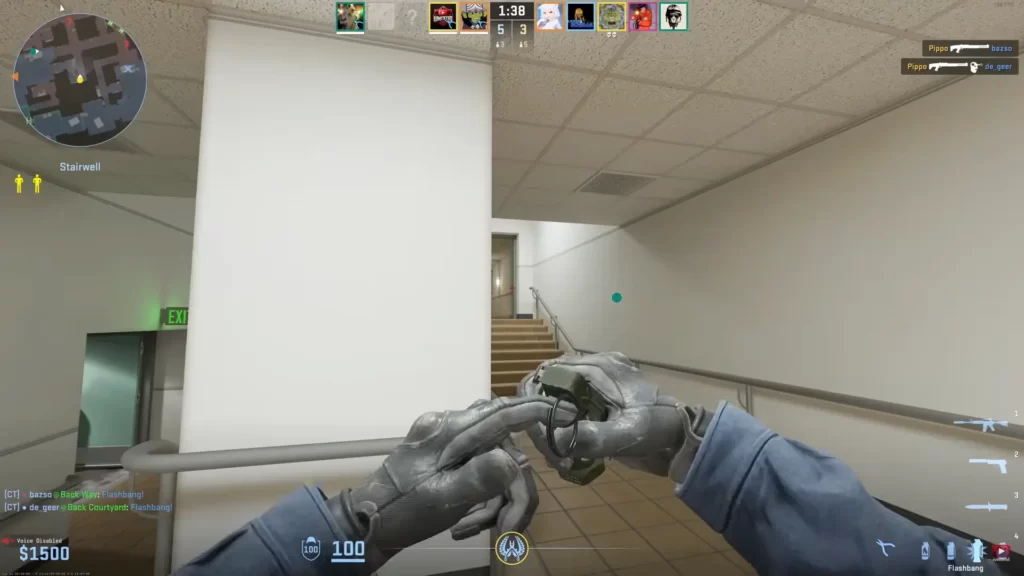
Most pro players do not use flashy viewmodels. The general trend is still:
- high viewmodel_fov
- low or moderate offsets
- clean weapon placement
- minimum screen obstruction
Some pros prefer the weapon slightly lower and farther away for better visibility, while others keep a more centered setup because it feels familiar. The important takeaway is that even at the highest level, there is no single perfect viewmodel.
Instead of copying one player forever, use pro settings as a starting point and adjust from there.
Best pro-style setup for riflers
- Riflers usually benefit most from a cleaner, less obstructive setup that keeps the center of the screen easy to read in fast fights.
Best pro-style setup for AWPers
- AWPers often want a stable, comfortable viewmodel that does not feel distracting when unscoping or swapping between weapons.
Best pro-style setup for general play
- If you want one safe default, a minimal viewmodel with high FOV and modest offsets is still the easiest all-round choice.
The best CS2 viewmodel in 2026 is the one that gives you a clean screen without making the weapon feel unnatural. For most competitive players, that means high FOV, reduced clutter, and a setup that stays consistent across every map.
If you are unsure where to start, begin with a minimal viewmodel, play a few matches, and then adjust only one setting at a time. That is the easiest way to find a setup that improves comfort without overcomplicating your aim.
Frequently Asked Questions
What is the best CS2 viewmodel?
There is no single best setup, but many competitive players prefer a high FOV and a clean, low-clutter placement that keeps the weapon from blocking too much of the screen.
Does viewmodel matter in CS2?
Yes, it affects how much of your screen is blocked by your weapon. A minimal viewmodel helps you see more and react faster.
What is the best FOV setting for CS2?
For the viewmodel, the max viewmodel_fov is 68. For gameplay, CS2 locks camera FOV to competitive standards.
What is the viewmodel FOV in CS2?
Viewmodel FOV controls how zoomed-in your weapon looks. A higher value makes it appear farther away, improving screen visibility.
How do I change my viewmodel in CS2?
Use the console with commands like viewmodel_fov, viewmodel_offset_x/y/z, or adjust them in the settings under Viewmodel.
What’s the default CS2 viewmodel?
The default viewmodel is more centered and more visible on screen than the typical competitive-style setups. It works fine for casual play, but many players reduce clutter by moving the weapon farther out and slightly lower.
Does viewmodel affect recoil or aim?
No. Viewmodel settings are visual only. They do not change recoil, spray patterns, or actual aim mechanics.
Can I use custom viewmodels in tournaments?
Yes, as long as the values are within allowed limits: viewmodel_fov ≤ 68, x ≤ 2.5, z ≥ -2. Over-limit settings are blocked on official servers.
Does the best viewmodel change by map?
Usually no. Most players perform better when they keep one consistent viewmodel across every map instead of changing it constantly.