Binding jump to the scroll wheel in Counter-Strike 2 is one of the most popular tweaks used by both casual and competitive players.
This simple adjustment can significantly improve your movement consistency, especially when it comes to bunny hopping and precise jumps.
If you’ve ever struggled with timing your spacebar jumps, using the mouse wheel can make a noticeable difference.
Table of Contents
Why Use Scroll Wheel for Jump?
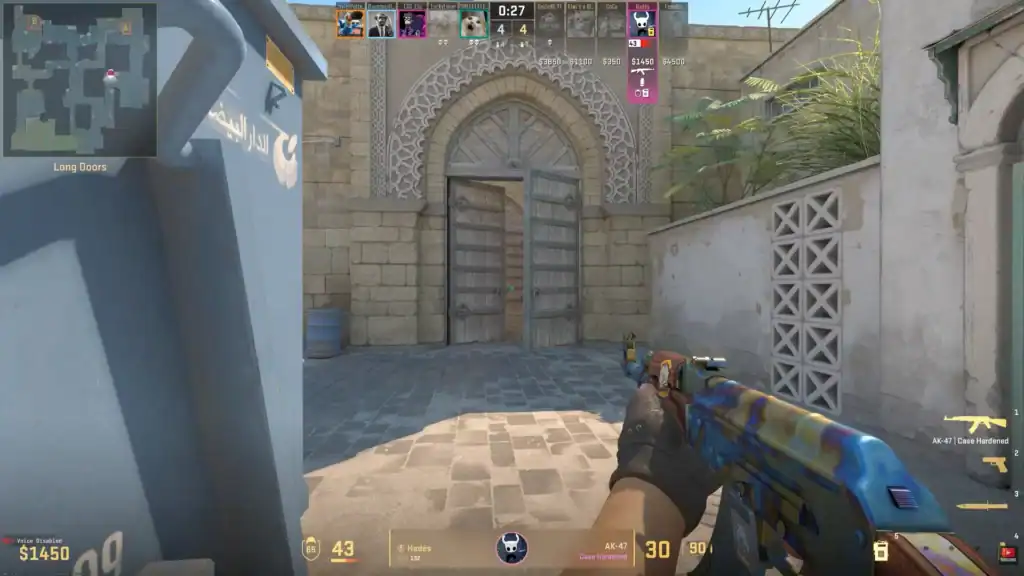
The main advantage of binding jump to the scroll wheel is input consistency. When you scroll, the game registers multiple jump inputs in rapid succession, increasing your chances of hitting the perfect timing window.
This is especially useful for:
Improves your ability to chain jumps smoothly for faster movement.
Gives you better control while moving mid-air during jumps.
Helps maintain smooth and reliable movement in fast-paced situations.
Instead of relying on a single key press, you’re effectively spamming the jump command, which makes it easier to land jumps smoothly.
How to Bind Jump to Scroll Wheel
You can set everything up quickly using the developer console:
Enable the developer console from Settings → Game.
Press ~ to open the console.
Type: bind mwheelup +jump and bind mwheeldown +jump.
This binds jump to both scroll directions for maximum consistency.
Optional: Keep Spacebar as Backup
You don’t have to remove your spacebar bind. In fact, many players keep it as a secondary jump key.
Use this command to ensure spacebar still works:
bind space +jumpThis gives you flexibility, especially in situations where scrolling may not feel ideal.
Does It Really Improve Gameplay?
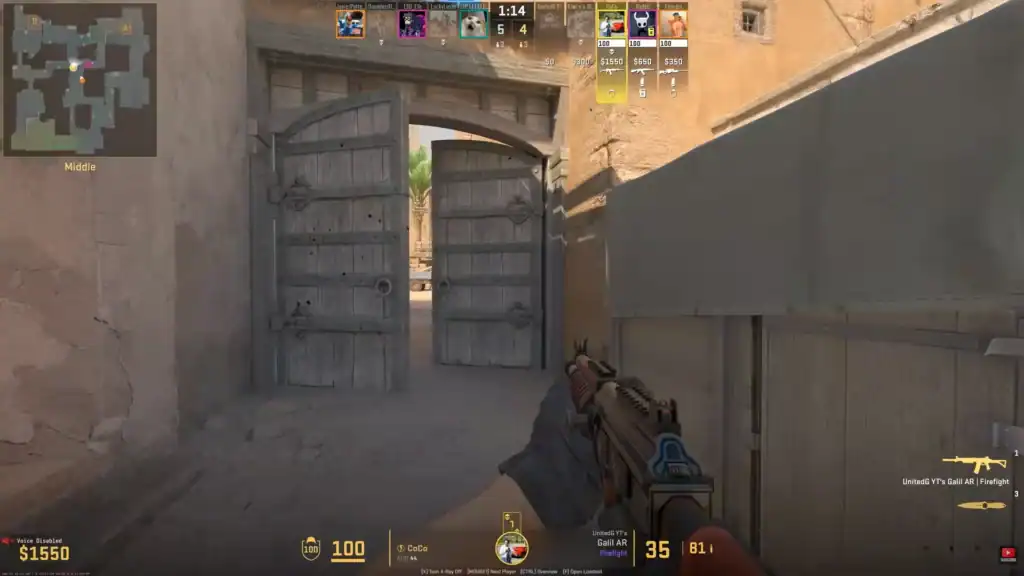
For most players, yes. While it won’t instantly make you better, it removes one layer of mechanical difficulty, timing your jumps perfectly.
With practice, you’ll notice:
Movement feels more fluid and natural during gameplay.
Helps maintain reliable timing for consecutive jumps.
Improves precision and control when moving mid-air.
However, it’s still important to practice movement techniques to fully benefit from the bind.
Summary
Binding jump to the scroll wheel in CS2 is a simple but effective optimization used by players at all skill levels. It improves jump consistency, makes bunny hopping easier, and enhances overall movement fluidity.
By combining scroll wheel jumping with proper movement practice, you can gain a small but meaningful advantage in your gameplay.
FAQs
1. Is binding jump to scroll wheel allowed in CS2?
Yes, binding jump to the scroll wheel is completely allowed in Counter-Strike 2 and widely used by both casual and professional players.
2. Should I bind jump to both scroll up and scroll down?
Most players do this for maximum consistency, as it increases the chances of hitting the perfect jump timing.
3. Can I still use the spacebar for jumping?
Yes, you can keep spacebar as a secondary jump key by binding it alongside your scroll wheel.
4. Does scroll wheel jumping guarantee perfect bunny hops?
No, it improves consistency but doesn’t guarantee perfect bunny hops. You still need proper timing and movement practice.
5. Is scroll wheel jumping better than spacebar?
For most players, yes, especially for movement techniques like bhopping. But it ultimately comes down to personal preference and comfort.