I’ve spent countless hours experimenting with different TF2 HUDs to find the perfect one. A good TF HUD (Heads-Up Display) can significantly enhance your gameplay experience by presenting information in a clear, accessible way.
This is my take on some of the best TF2 HUDs in 2026. Whether you’re a Sniper looking for precision, a Medic tracking teammates, or just someone who loves clean, minimal layouts, this guide lists the best TF2 HUDs for every type of player.
Table of Contents
Why Use a Custom TF2 HUD
Using a custom TF2 HUD enhances both gameplay performance and overall comfort by improving how information is presented on screen.
Instead of relying on the default interface, players benefit from a cleaner, more efficient layout. Key advantages include:
Keeps your screen clean and focused entirely on gameplay.
Health, ammo, and objectives are easier to see at a glance.
Clear information placement helps you react more quickly.
Layouts built for high-level and competitive TF2 play.
Adapt the HUD to your resolution, playstyle, and visual preferences.
TF2 HUD Installation Steps
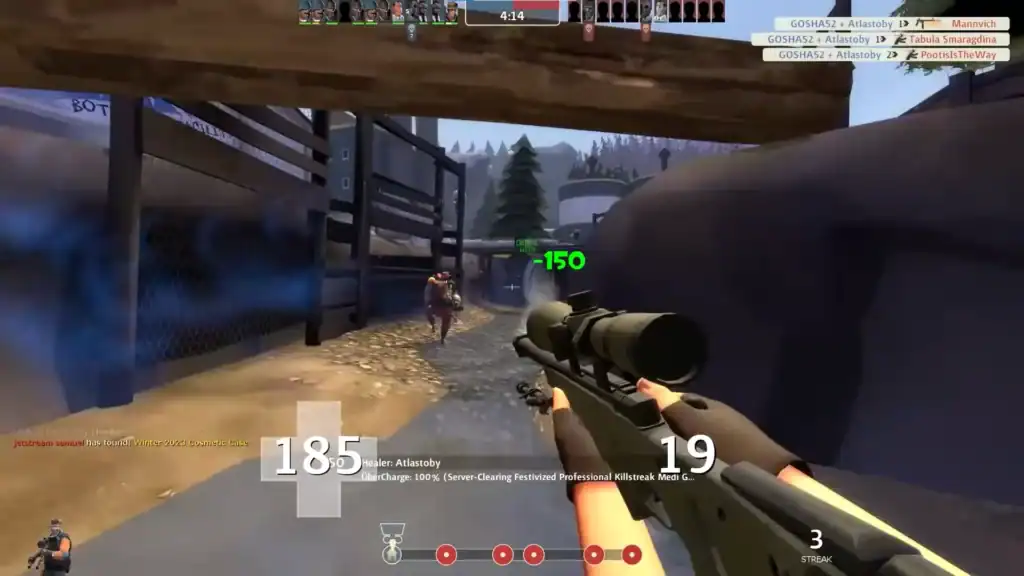
Installing a custom TF2 HUD is straightforward and takes only a few minutes. Follow these steps for a smooth setup:
Get it from a trusted source or the creator’s official page.
Unzip the archive to access the HUD folder.
Move the folder into your TF2 custom directory.
The new HUD should load automatically upon starting the game.
Ensure folders are not nested incorrectly if the HUD doesn’t appear.
Apply additional files to tweak colors, fonts, and layout to your liking.
This ensures your HUD is fully functional and tailored to your gameplay.
Best TF2 HUD Platforms
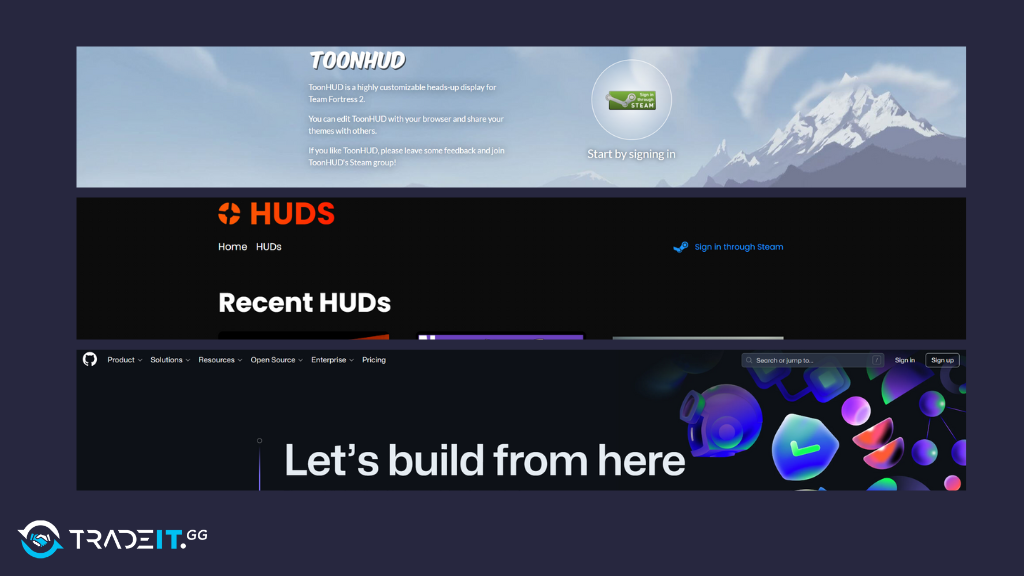
When it comes to finding the perfect HUD for TF2, the best place to start is a platform dedicated to HUDs. These sites offer a wide range of options, ensuring you can find something that suits your playstyle and aesthetic preferences.
Here are some of the best platforms to explore:
1. TF2 Huds
TF2 HUDs is the central hub for high-quality TF2 HUDs. It offers a vast collection of HUDs, all categorized and easy to browse.
Whether you’re looking for something minimalistic or highly customizable, this site has you covered.
The community here is active, providing updates and feedback on various HUDs.
2. ToonHUD
ToonHUD is not just a HUD but a platform in itself. It allows for extensive customization without the need for deep technical knowledge.
You can easily tweak fonts, colors, and layouts through its user-friendly interface, making it a popular choice among players who want a personalized experience.
3. GitHub

Believe it or not, some creators prefer the biggest online code repository known as GitHub for releasing their HUDs.
It’s not a true HUD site, but when it comes to some quality TF2 HUDs, GitHub isn’t lacking in any form or shape.
Learn: How to Install TF2 HUDs
Top TF2 HUDs: Ranked
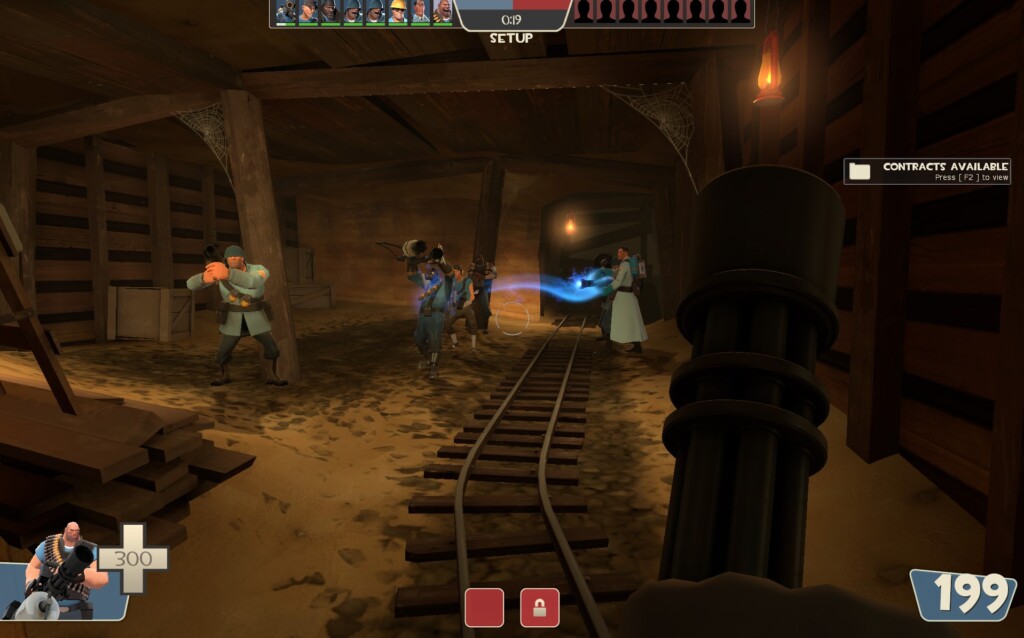
Based on personal experience and community feedback, here are the top TF2 HUDs you should consider:
1. BudHUD
BudHUD is my current favorite. It strikes a perfect balance between simplicity and customization. The layout is intuitive, with vital stats like health and ammo prominently displayed, making it ideal for both casual and competitive play.
2. ToonHUD
ToonHUD is a must-try for anyone who loves customization. Its easy-to-use interface allows you to personalize every aspect of the HUD, from colors to fonts.
This flexibility makes it a top pick for many players.
3. RaysHUD
RaysHUD is known for its clean and straightforward design. It conveys crucial information efficiently without overwhelming the screen with details.
This minimalistic approach makes it a favorite for those who prefer an uncluttered view.
4. E.V.E. HUD
E.V.E. HUD retains the style of the default HUD but adds neatness and useful shortcuts. It’s perfect for players who like the classic look but want more functionality.
5. 7HUD
7HUD features big numbers in the center, making it easy to check your ammo and health quickly. It’s straightforward and functional, ideal for fast-paced gameplay.
6. FlawHUD
FlawHUD offers a cool menu layout and centralizes health and ammo slightly lower for easy visibility. It’s a great choice for those who appreciate a stylish and functional design.
7. ZeesHUD
ZeesHUD is aesthetically pleasing, though some players find the placement of ammo and health distracting. It’s worth trying if you’re after a visually appealing HUD.
8. FUNKeHUD Reloaded
FUNKeHUD Reloaded is used by YouTuber FUNKe and is known for its visually appealing health and ammo displays.
It’s a solid choice for players who enjoy a stylish HUD.
9. ShrekHUD
ShrekHUD adds a humorous touch with Shrek-themed elements, including a red Shrek icon when health is low.
It’s a fun option for those looking to add some humor to their gameplay.
10. CollyHUD
CollyHUD is one of the cleanest-looking minimal HUDs, perfect for those who love dark green themes and a tidy layout.
Honorable Mentions for TF2 HUDs
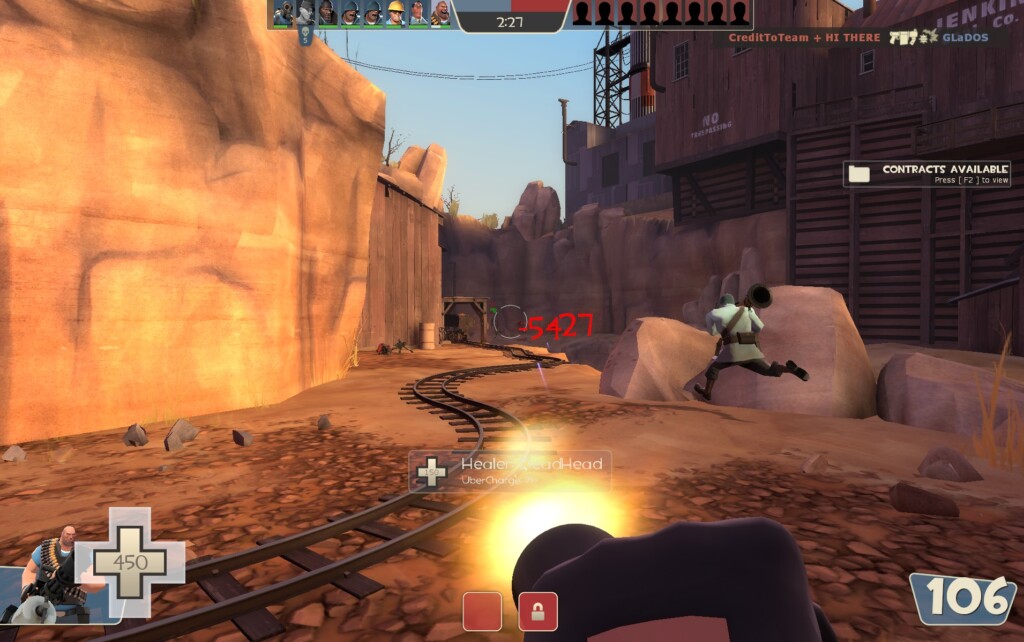
- g0R3HUD: For a full Quake feel, this HUD is exceptional.
- KN-Edit: With numerous edits available, it offers extensive customization.
- NOOBPANZERhud: Another solid choice with a unique style.
- m0rehud Black 2.0: A popular pick that many players, including myself, use frequently.
Conclusion
Choosing the right HUD ultimately comes down to personal preference and playstyle. I recommend trying a few different ones to see which enhances your TF2 experience the most.
FAQs
1. What is a TF2 HUD and why should I use one?
A TF2 HUD is a custom user interface that replaces the default HUD, offering cleaner visuals, better readability, and improved access to critical gameplay information.
2. Are custom TF2 HUDs allowed in Team Fortress 2?
Yes. Custom HUDs are fully allowed in TF2 and are widely used in both casual and competitive play, as they do not provide unfair gameplay advantages.
3. Which TF2 HUDs are best for competitive players?
Popular competitive HUDs include ToonHUD, RaysHUD, HypnotizeHUD, and BudHUD, as they prioritize clarity, minimalism, and fast information access.
4. Can I customize a TF2 HUD to fit my screen resolution?
Most modern TF2 HUDs support multiple resolutions and allow customization of colors, fonts, and layout elements to match your preferences.
5. Will using a custom HUD improve my performance?
While a HUD won’t change mechanics, clearer visuals and better information placement can improve focus, reaction time, and overall gameplay consistency.