Counter-Strike 2 offers players an engaging mix of multiplayer and single-player experiences.
While most of the game focuses on competitive and casual online matches, bots remain an essential feature for players looking to practice, experiment with strategies, or simply enjoy a more relaxed game without human opponents.
Table of Contents
Why Play with Bots in CS2?
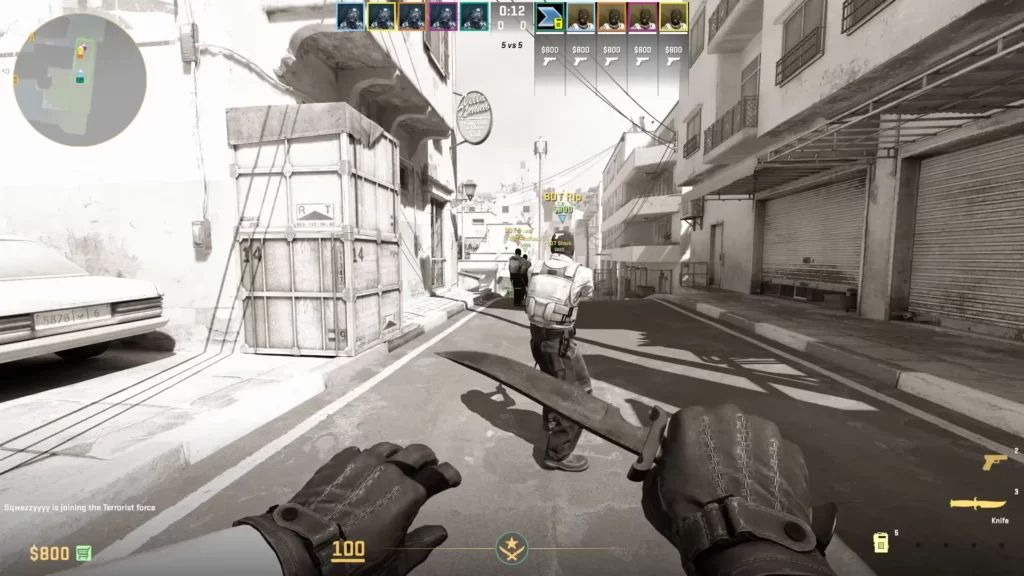
Playing with bots in CS2 can serve several purposes:
Improve your aim, movement, and map knowledge without the pressure of competitive matches.
Experiment with tactics, grenade lineups, and positioning before using them in real matches.
Explore maps at your own pace and understand key areas, callouts, and choke points.
Enjoy a stress-free environment where you control the difficulty and pace of the game.
Play without an internet connection and avoid toxic interactions in online matches.
How to Set Up a Bot Match in CS2
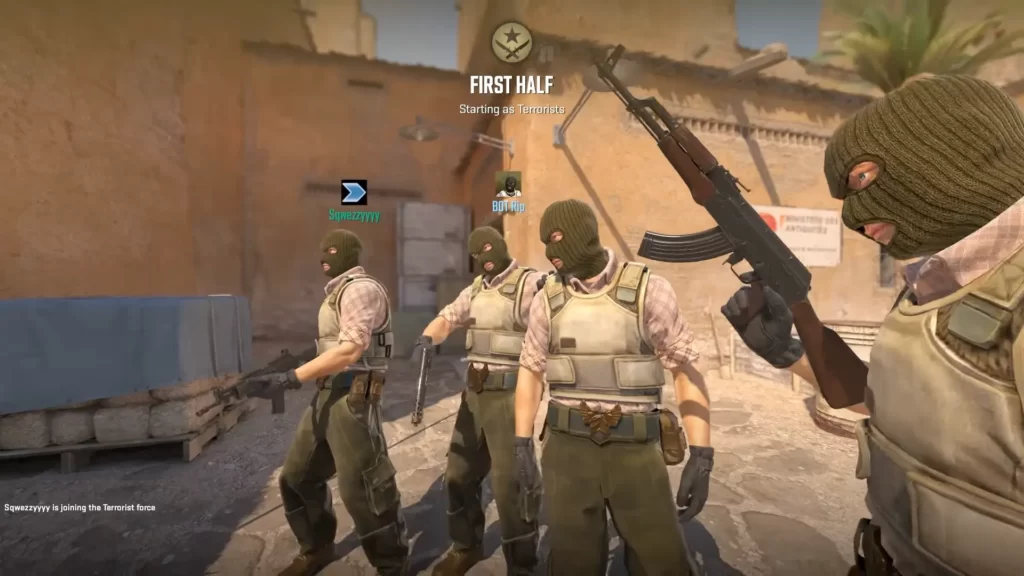
To play with bots, you can create a custom game directly from the CS2 menu. Follow these steps:
Launch the game and navigate to the “Play” tab to access available modes.
Choose “Practice with Bots” from the menu to start an offline or controlled match.
Select how you want to play:
Competitive: Standard ranked-style gameplay
Casual: Relaxed rules and shorter rounds
Deathmatch: Fast respawns focused on aim training
Choose your preferred map from the available pool to practice specific strategies or positions.
Set the challenge level:
Easy: Slow reactions and low accuracy
Medium: Balanced performance
Hard: Faster reactions and better aim
Expert: Highly skilled, near-human performance
Launch the game and begin practicing in a controlled environment at your own pace.
Using Console Commands for Customization
If you want more control over your bot matches, enabling the developer console allows you to customize settings. Here’s how:
Enable the Console
Go to CS2 settings and navigate to the Game tab to access gameplay options.
Find the Developer Console option and toggle it on to allow command input during gameplay.
Press the tilde key (~) in-game to open the console and start entering commands.
Popular Bot Commands
Here are some of the most useful commands when playing CS2 with bots:
| Category | Command | Description |
|---|---|---|
| Add Bots | bot_add_t | Adds a bot to the Terrorist team |
| Add Bots | bot_add_ct | Adds a bot to the Counter-Terrorist team |
| Remove Bots | bot_kick | Removes all bots from the match |
| Remove Bots | bot_kick [name] | Removes a specific bot by name |
| Set Difficulty | bot_difficulty [0–3] | Sets bot difficulty (0 = Easy, 3 = Expert) |
| Control Bots | bot_takeover | Lets you take control of a bot after death |
| Stop Movement | bot_stop 1 | Stops all bots from moving (0 to re-enable movement) |
| Bot Behavior | bot_quota [number] | Sets the total number of bots in the game |
| Bot Behavior | bot_knives_only 1 | Forces bots to use knives only |
Tips for Playing with Bots
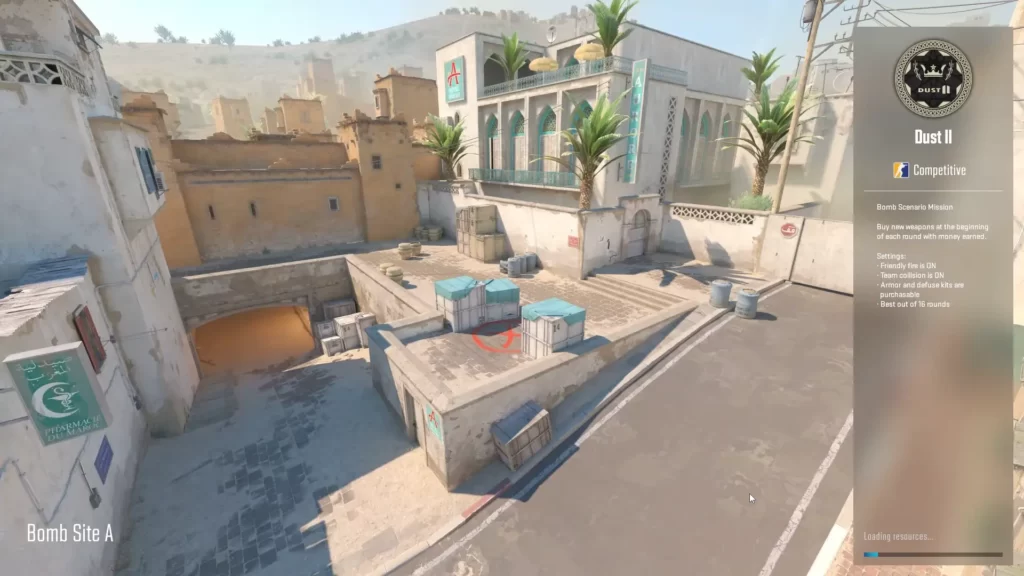
Use bot matches to practice headshots, spray control, and one-tap accuracy in a controlled environment.
Adjust settings to limit weapons or force specific loadouts, helping you master individual guns.
Use commands like noclip to discover positions, angles, and practice grenade lineups.
Start with Easy bots and work up to Expert to improve reaction time and confidence.
Play in Competitive mode with harder bots to replicate real match pressure and pacing.
Practice using callouts and communication habits, even solo, to improve team play later.
Advanced Customization with Workshop Maps
The CS2 community offers Workshop maps designed for training with bots. Popular options include:
Specialized maps designed to improve aim, tracking, and reflexes through repetitive shooting drills.
Dedicated environments where you can learn and perfect grenade lineups for smokes, flashes, and molotovs.
Custom maps featuring advanced AI behavior to simulate more realistic combat situations.
To access Workshop maps:
Access the Steam Workshop for CS2 to browse custom maps and training content.
Click Subscribe on your chosen maps to automatically download them to your game.
Start them through Practice with Bots or Custom Game options to begin training.
Benefits of Playing with Bots
When you play with bots, you get certain benefits:
Practice new strategies and weapons freely without affecting your competitive rank or performance stats.
Adjust bot strength and settings to match your skill level and support steady improvement over time.
Jump into practice instantly without waiting for matchmaking or dealing with server-related delays.
Summary
Playing with bots in CS2 is an invaluable tool for both new and experienced players. Whether you’re honing your aim, exploring maps, or experimenting with tactics, bot matches offer a customizable and stress-free environment for improvement.
FAQs
1. How do I start a bot match in CS2?
Go to the Play tab, select Practice with Bots, then choose your map and game mode to start a match with AI-controlled players.
2. Can I change bot difficulty in CS2?
Yes. You can adjust bot difficulty from Easy to Expert using in-game settings or console commands like bot_difficulty.
3. Is playing with bots good for improving skills?
Yes, bot matches are great for practicing aim, movement, map knowledge, and utility usage without affecting your competitive rank.
4. Can I customize bots in CS2?
You can customize bots using console commands such as adding/removing bots, changing difficulty, freezing movement, or limiting weapons.
5. Do bot matches require an internet connection?
No, bot matches can be played offline, making them ideal for practice without matchmaking or server issues.