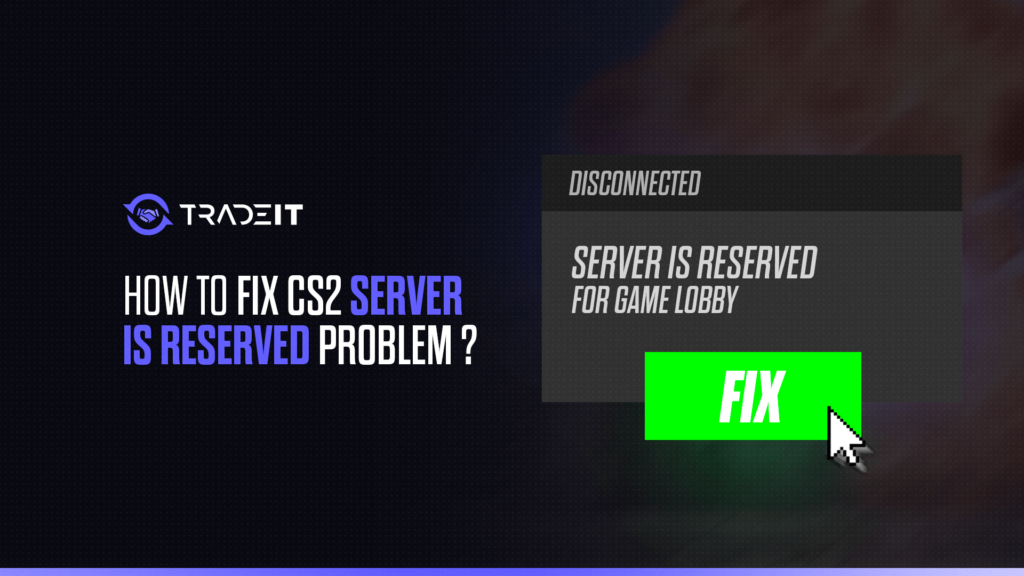

The CS2 server is reserved for game lobby error can appear when Counter-Strike 2 tries to connect you to a server that is already associated with a matchmaking lobby or existing session.
It can be confusing, especially when you are trying to reconnect to a match you were already playing. Fortunately, most cases can be resolved without reinstalling the game.
What Does “Server Is Reserved for Game Lobby” Mean in CS2?
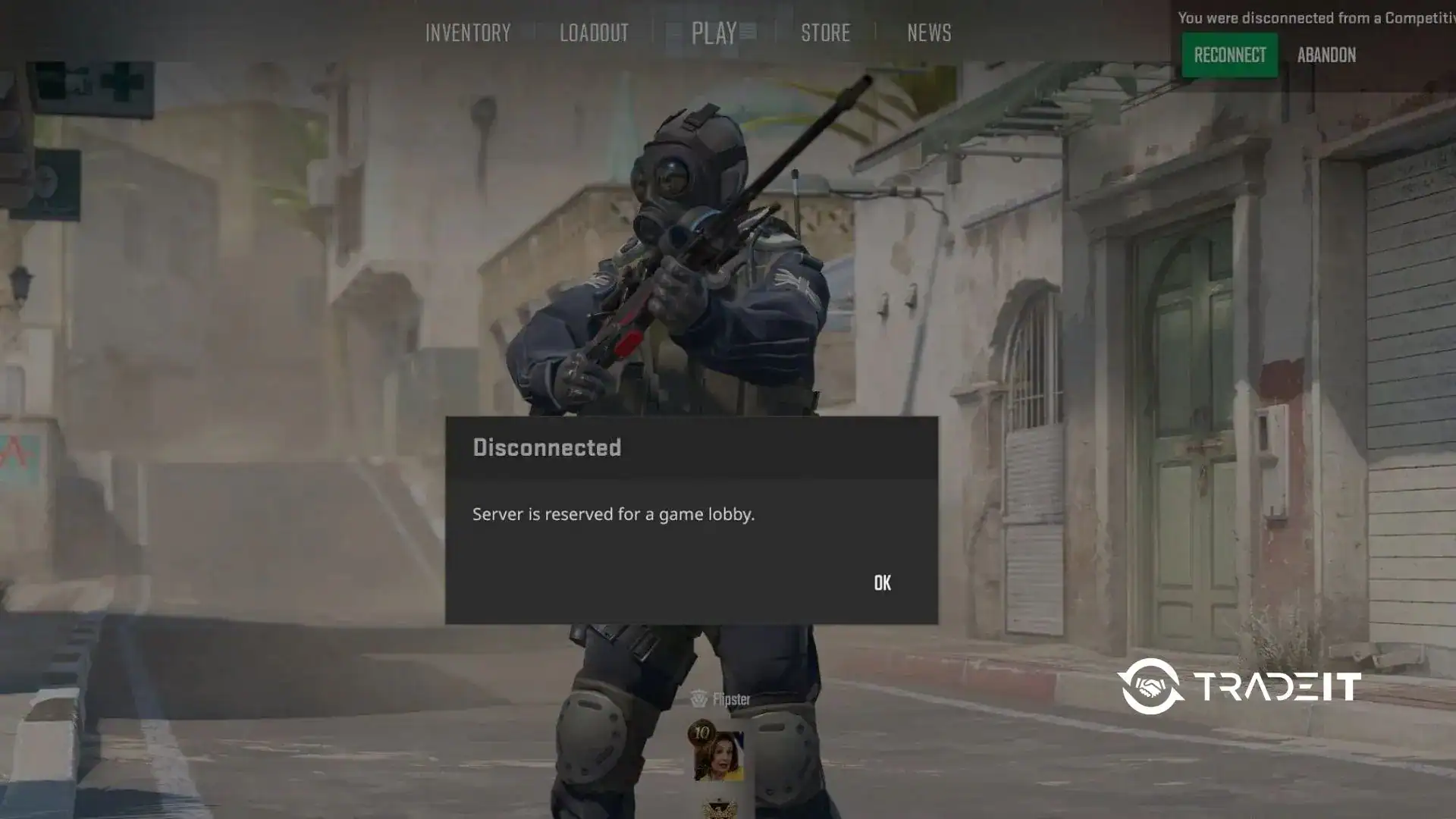
The message generally means that the server you are attempting to enter is currently reserved for a particular game lobby or session. CS2 therefore prevents your client from joining it normally.
The correct fix depends on the situation. If you are reconnecting to an official matchmaking game, your priority should be to reconnect to the existing match rather than queue for another one.
If the error appears when joining a community or private server, the issue may instead be related to that server’s availability, configuration, or connection method.
How to Fix the CS2 Reserved Game Lobby Error
Try the following solutions in order, starting with the least disruptive options. You usually do not need to reinstall CS2 for this error.
1. Reconnect to the Existing Match First
If you were disconnected from a Competitive, Premier, or other official match, do not immediately abandon the match or start another queue.
Launch CS2 and look for the Reconnect option to return to the ongoing game. Give the game a little time to restore the session if the server or your connection was temporarily unavailable.
This is particularly important because disconnecting from a competitive match and failing to reconnect can result in a cooldown.
2. Leave or Recreate the Lobby and Requeue
If you are not trying to reconnect to an active match, leave the current matchmaking lobby and create a new one.
A stale lobby state can sometimes prevent CS2 from establishing a fresh matchmaking session. Have your party members leave and rejoin if necessary, then queue again.
Avoid doing this if you are actually trying to return to an unfinished competitive match.
3. Restart CS2 and Steam
Completely close CS2 and restart the Steam client. If the problem remains, restart your computer as well.
This can clear temporary client states and connection issues. After restarting Steam, launch CS2 again and try reconnecting to the match or joining the server.
4. Check CS2 and Steam Server Status
Before changing network settings, check whether the problem is affecting other players.
A Steam or Counter-Strike service disruption can cause matchmaking and connection problems that cannot be fixed on your PC. If there is a widespread outage, waiting for the services to recover is usually the best option.
5. Verify CS2 Game Files and Install Updates
Make sure CS2 is fully updated in Steam. Then verify the installation:
Open Steam and go to your Library.
Find Counter-Strike 2 in your game library, right-click it, and select Properties.
Select Installed Files from the left-hand menu.
Click Verify integrity of game files and wait for Steam to complete the process.
Steam will scan the installation and replace damaged or missing files if necessary. Restart CS2 after verification finishes. If Steam downloads or replaces files, allow the process to complete before trying matchmaking again.
6. Check Network, VPN, Firewall, or DNS Only If Other Connections Also Fail
If CS2 consistently struggles to connect to multiple servers, investigate your network.
Temporarily disable a VPN, check whether your firewall or security software is blocking Steam or CS2, and restart your router. You can also test another network to determine whether the problem is connection-specific.
However, do not immediately change DNS or firewall settings if every other online connection works normally. A reserved game lobby message is not automatically evidence of a local network problem.
Once the connection issue is resolved, browse CS2 skins on Tradeit and find something new for your loadout. →
Buy CS2 SkinsIf the Error Happens on a Community or Private Server
Community servers work differently from official matchmaking, so troubleshooting should focus on the specific server.
Try the Server Browser or a Direct Connection
If a server’s normal join method produces the error, try finding it through the CS2 community server browser instead. If the server administrator provides a direct connection address, you can also try connecting that way.
This can help determine whether the problem is with the server listing, lobby connection, or your local CS2 client.
Confirm the Server Is Available and Accepting Your Lobby
The server itself may be full, restarting, private, password-protected, or configured to accept players through a particular lobby system.
If you can join other community servers but consistently cannot join one specific server, contact that server’s administrator rather than repeatedly changing your CS2 installation.
When Should You Wait or Contact Steam Support?
Wait if multiple players are reporting matchmaking problems or Steam services are experiencing an outage. Restarting your game repeatedly will not fix a server-side problem.
Contact Steam Support if the issue continues after restarting Steam, verifying CS2 files, updating the game, and confirming that your network works normally. Keep screenshots and note when the problem occurs.
If you receive a competitive cooldown after being unable to reconnect, remember that cooldowns are generally automated. If one was incorrectly issued, it may be automatically reversed by the system.
FAQs
Why does CS2 say the server is reserved for a game lobby?
It usually means the server is already reserved for a specific lobby or game session. This is especially relevant when reconnecting to an existing matchmaking game.
Can I get a cooldown if the reserved-server error prevents me from reconnecting?
Yes, potentially. Failing to reconnect to a competitive match within the permitted time can result in a cooldown, including when the disconnection was caused by technical or network problems.
Should I abandon a match if CS2 will not reconnect?
No. If the match is still active, try the reconnect option first. Abandoning an unfinished competitive match can result in a cooldown.
Does restarting Steam fix the reserved game lobby error?
It can. Restarting Steam clears temporary client states and is one of the basic troubleshooting steps worth trying.
Can the error be caused by a CS2 server outage?
Yes. If matchmaking services are experiencing problems, players may encounter connection and lobby-related errors.
Why can I join official servers but not a specific community server?
The individual community server may be offline, full, private, restarting, or experiencing its own configuration or connection problem.
Do I need to reinstall CS2 to fix this error?
Usually not. Restarting Steam, reconnecting to the existing match, checking service status, updating CS2, and verifying game files should be tried first.