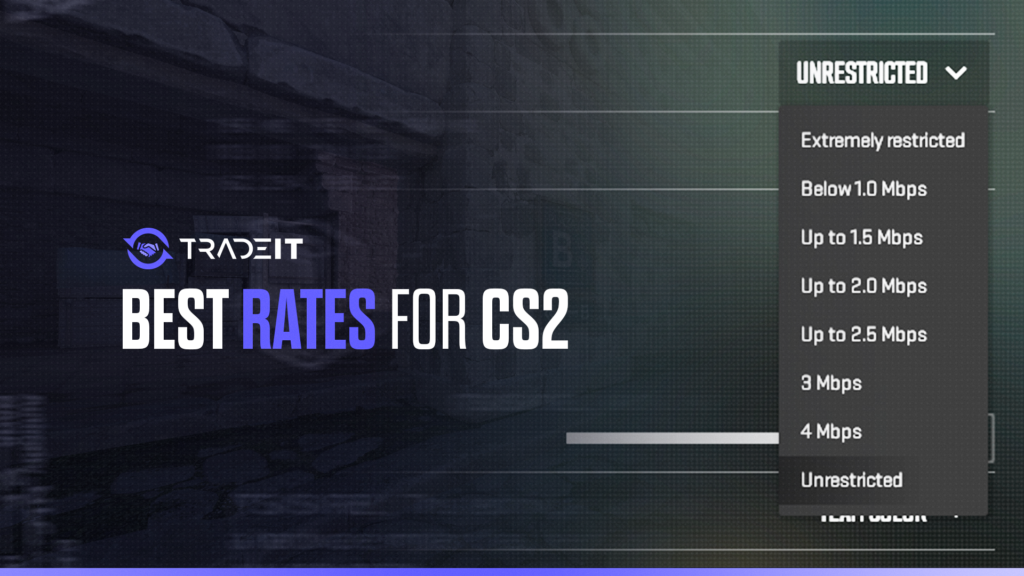
Rate settings in CS2 determine how much data your game exchanges with the server. While many players focus heavily on FPS and graphics, improper rate settings can also contribute to lag, delayed hit registration, and unstable gameplay.
The good news is that CS2 has simplified networking compared with older Counter-Strike titles. Still, understanding rate settings remains important if you want a smoother online experience.
Table of Contents
Quick Answer: Best Rate Settings in CS2
For most players, the recommended CS2 rate setting is:
rate 786432
This value allows the game to use the highest practical bandwidth limit supported by modern CS2 servers.
| Setting | Recommended Value | Purpose |
|---|---|---|
rate | 786432 | Maximum network bandwidth allocation |
| Internet connection | Stable broadband | Reduces packet loss and instability |
| Connection type | Wired preferred | Improves consistency |
For the vast majority of users, rate 786432 is the optimal setting.
What Does the Rate Command Do?
The rate command controls the maximum amount of network traffic exchanged between your game client and the server.
Think of it as a bandwidth ceiling.
| Low Rate | High Rate |
|---|---|
| Less server data received | More server data received |
| Possible delayed updates | Faster state synchronization |
| Higher risk of choke | Better consistency |
A higher rate does not increase FPS or reduce raw ping. Instead, it helps your client receive more complete server information. This can improve:
Improves how accurately player movement updates are synchronized between you and the server.
Helps maintain reliable hit registration and smoother combat interactions online.
Supports smoother communication with servers for a more responsive gameplay experience.
Modern connections generally benefit from using the highest supported rate value.
Recommended Rate Values by Connection Type

Although 786432 is usually best, different internet conditions may justify adjustments.
| Connection Type | Suggested Rate |
|---|---|
| Fiber / high-speed broadband | 786432 |
| Stable cable internet | 786432 |
| Moderate broadband | 524288–786432 |
| Weak or unstable connection | 196608–524288 |
Most modern players no longer need to reduce rate aggressively as they did during older CS versions. If your internet connection is stable, maximum rate is typically preferred.
How to Change Rate Settings in CS2
Changing rate settings is simple. Follow these steps:
The most common setup looks like this:
rate 786432
| Step | Action |
|---|---|
| 1 | Open CS2 |
| 2 | Open developer console |
| 3 | Type rate 786432 |
| 4 | Press Enter |
You can place the command inside an autoexec file if you want the setting to load automatically every launch.
Does Rate Affect Ping or Hit Registration?
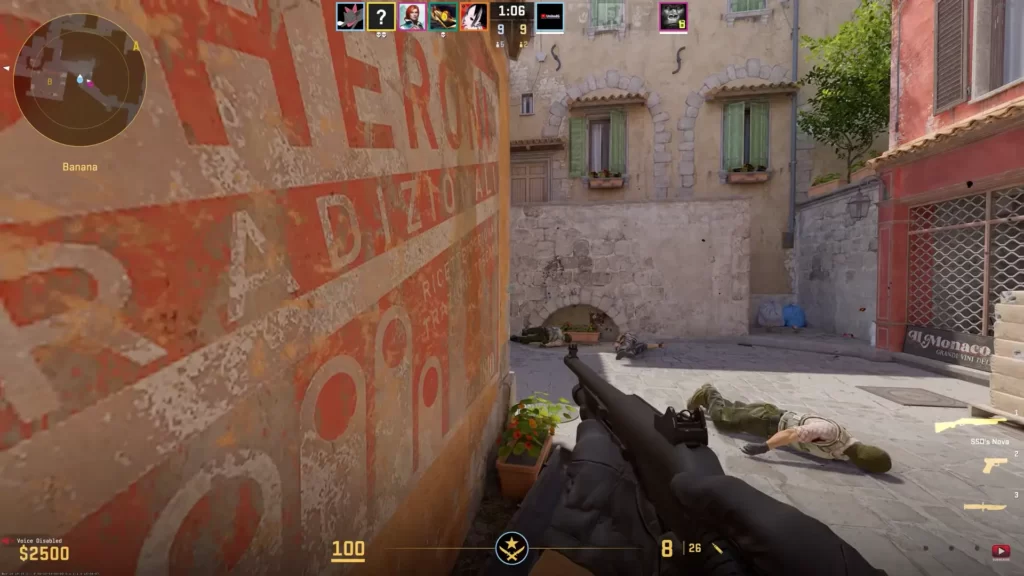
This is one of the most misunderstood topics in Counter-Strike.
| Question | Answer |
|---|---|
| Does rate lower ping? | No |
| Does rate increase FPS? | No |
| Can rate affect network consistency? | Yes |
| Can poor rate settings hurt gameplay? | Yes |
Rate does not directly reduce latency. Your ping depends mostly on:
The farther you are from a game server, the more latency your connection typically experiences.
Your internet provider’s routing efficiency can significantly affect ping stability and packet travel time.
Heavy traffic on your network or ISP infrastructure may increase latency and create inconsistent connections.
However, poor rate settings may cause inconsistent server updates, which players sometimes mistake for high ping or bad hit registration.
Common Rate Setting Mistakes
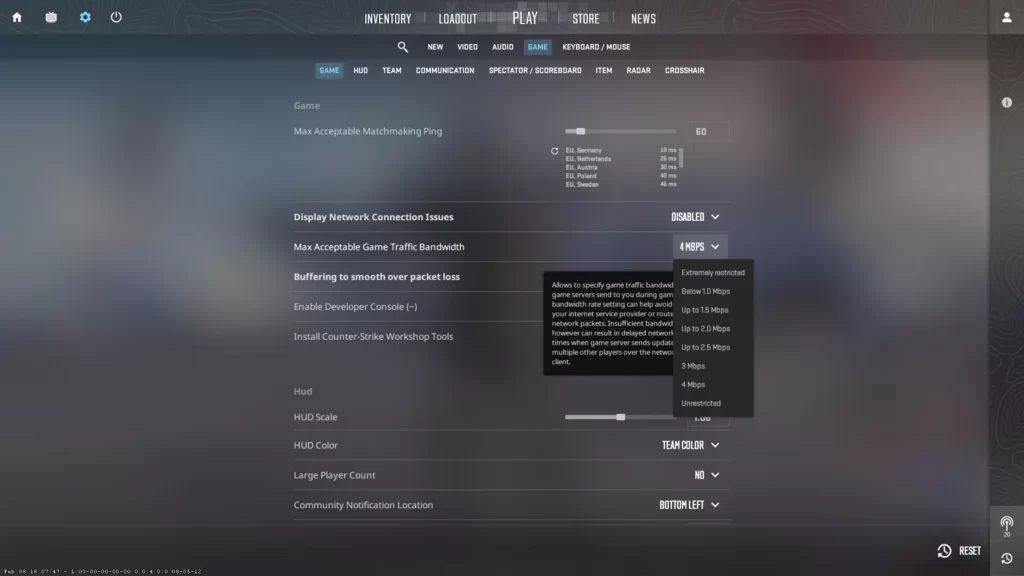
Many outdated guides still recommend legacy values from older Counter-Strike games.
| Mistake | Problem |
|---|---|
| Using very low rate values | Limits server communication |
| Copying old CS:GO configs blindly | May create unnecessary restrictions |
| Confusing rate with FPS settings | Different systems entirely |
| Ignoring network stability | Settings cannot fix poor internet |
CS2 networking is more modern than previous versions, so older optimization myths often do more harm than good.
Summary
The best rate setting in CS2 for most players is rate 786432. This allows your client to exchange the maximum practical amount of data with the server and helps maintain smooth synchronization.
Although rate settings do not improve FPS or lower ping directly, they remain important for stable networking and reliable gameplay.
Combined with a solid internet connection and proper server selection, the correct rate setting helps ensure the best possible CS2 experience.
FAQs
What is the best rate setting for CS2?
For most players, the recommended setting is:rate 786432
This allows the highest practical bandwidth usage supported by modern CS2 servers and is generally the best choice for stable connections.
Does the rate command lower ping in CS2?
No. The rate command does not directly reduce ping. Ping depends mainly on server distance, ISP routing, and internet quality. Rate settings control bandwidth allocation between your client and the server.
Can rate settings improve hit registration?
They can help with consistency. Proper rate settings improve how efficiently your client receives server updates, which may result in smoother synchronization and more reliable hit registration.
Should I use old CS:GO or CS 1.6 rate values in CS2?
Usually no. Many older rate recommendations were designed for previous Counter-Strike networking systems. CS2 uses a more modern architecture, and rate 786432 is typically preferred.
Do I need to set rate every time I launch CS2?
Not necessarily. You can add the command to an autoexec file so your preferred rate loads automatically whenever you start the game.