

Rust is a game that thrives on competition, survival, and strategy. One of the most crucial aspects of the game is the wipe schedule, which resets the world, bringing fresh opportunities and challenges.
Whether you’re a veteran player or new to Rust, understanding the force wipe schedule and how it affects gameplay is essential. In this guide, we’ll break down what force wipes are, their schedule, blueprint wipes, and how you can prepare for them.
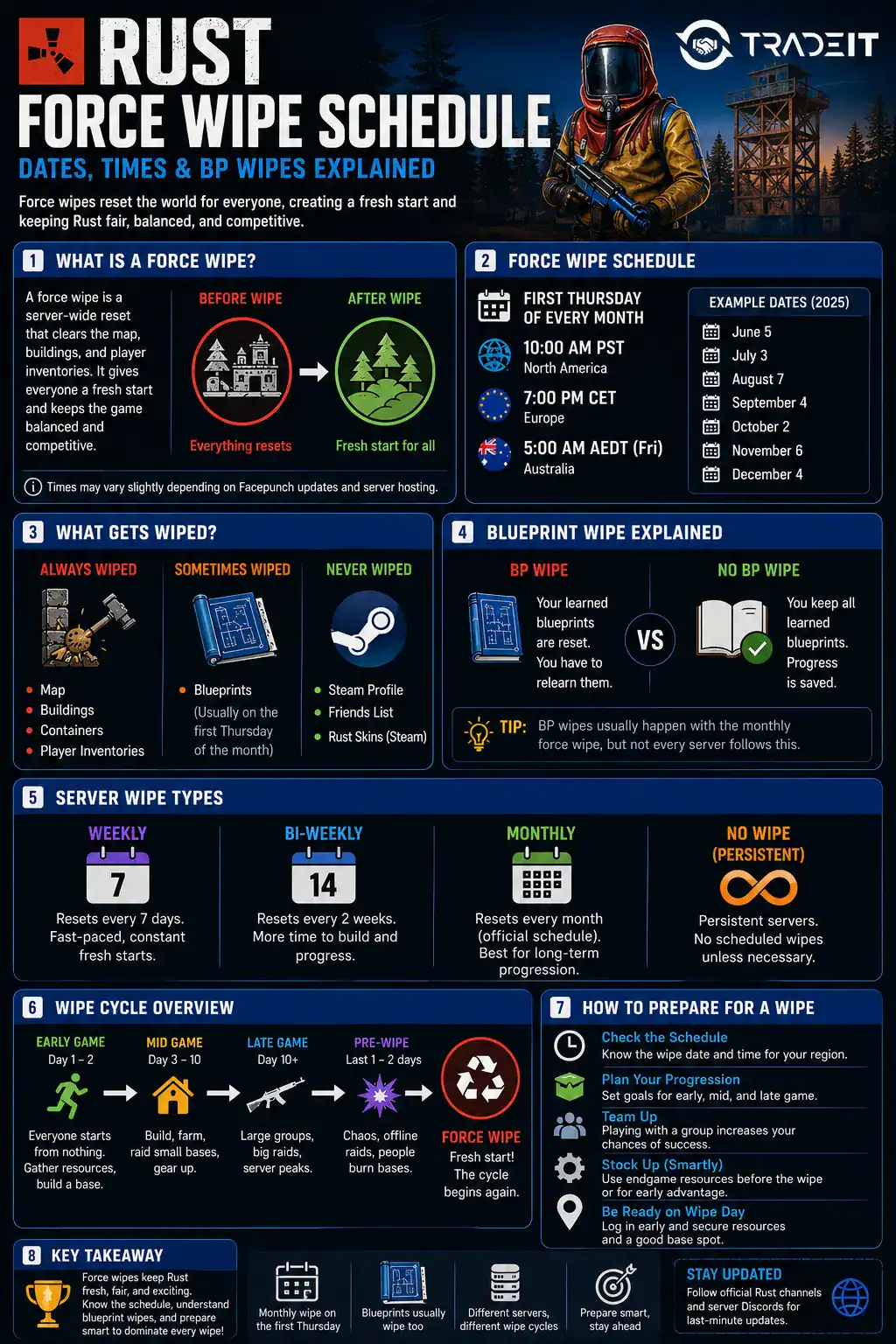
What Is a Rust Force Wipe?
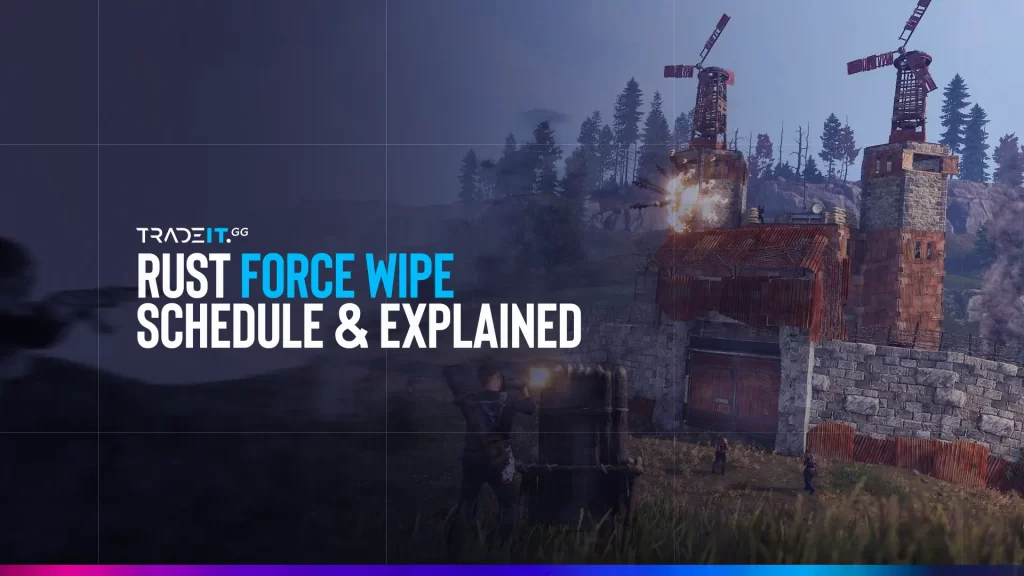
A force wipe in Rust is a complete reset of all official servers, clearing all player progress, buildings, and inventories. This wipe is mandatory and affects every player in the game, ensuring that all official servers start fresh at the same time.
Force wipes are different from server-specific wipes, which private server admins can schedule at their discretion. In official servers, the force wipe is enforced by Facepunch Studios, the developers of Rust.
Next Rust Force Wipe Dates
Rust force wipes always take place on the first Thursday of each month, alongside Facepunch’s monthly content update. If you’re planning a new wipe day start, here are the next three scheduled force wipes:
| Month | Force Wipe Date | Expected Time* |
|---|---|---|
| August 2026 | Thursday, August 6, 2026 | 19:00 London time |
| September 2026 | Thursday, September 3, 2026 | 19:00 London time |
| October 2026 | Thursday, October 1, 2026 | 19:00 London time |
When Does Rust Force Wipe Servers?
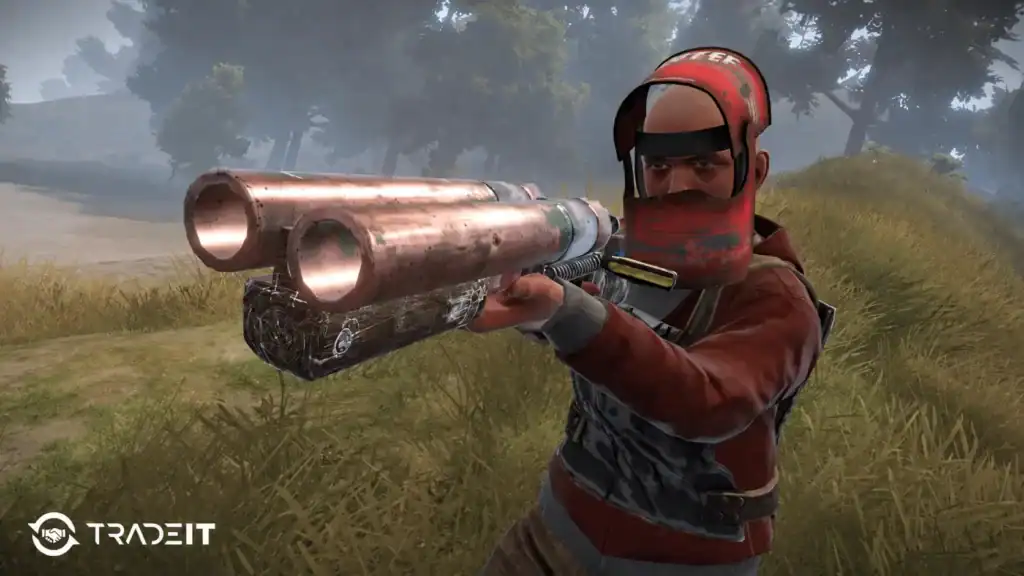
Rust force wipes occur on a monthly basis, specifically, the first Thursday of every month. The usual wipe time is around 19:00 (GMT in winter, BST in summer) / 14:00 EST / 11:00 PST.
However, this time may vary slightly depending on updates, patches, or unexpected delays. Facepunch Studios releases an update along with the force wipe, often adding new features, content, or bug fixes.
BP wipes are not on a fixed schedule. They typically coincide with major updates or significant game changes. Some community servers may have more frequent BP wipes to keep the gameplay fresh.
Start fresh with better gear. Browse the Rust store on Tradeit and gear up with the weapons, armor, and items you need for a strong start. →
Shop Rust ItemsWhat Is a BP Wipe (Blueprint Wipe)?
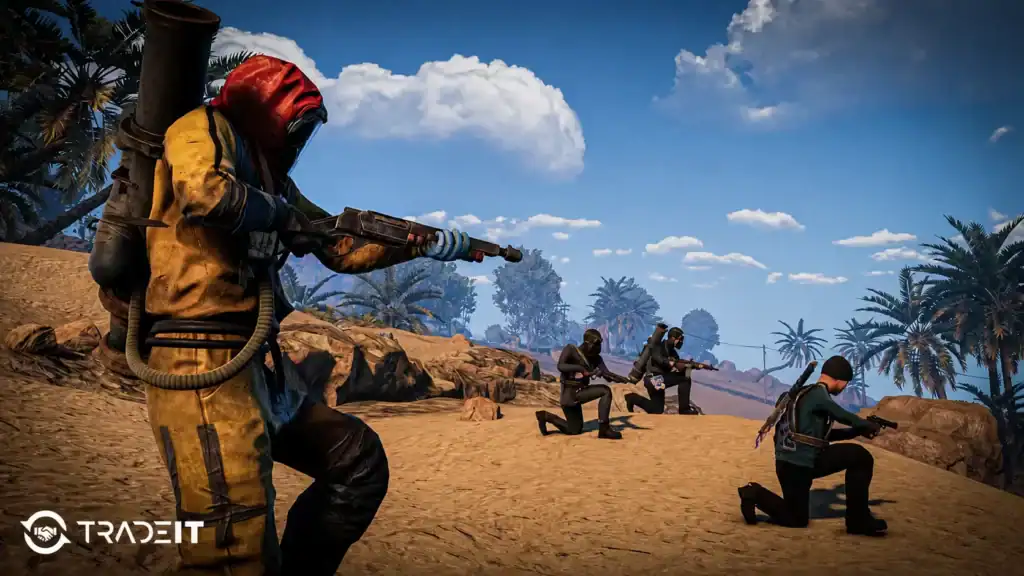
A blueprint wipe (BP wipe) is a separate reset that clears all learned blueprints. Unlike force wipes, BP wipes do not happen every month and are instead scheduled periodically by Facepunch Studios.
A BP wipe essentially resets crafting progress, forcing all players to rediscover and unlock blueprints again. This is done to maintain game balance and prevent veteran players from having a significant advantage over new ones.
How Do Force Wipes Affect Gameplay?
Force wipes are integral to Rust’s gameplay cycle. They help in:
Every player begins with no resources, weapons, or bases, ensuring everyone has the same opportunity to compete from the moment the server goes live.
Regular wipes stop powerful clans from dominating a server indefinitely, keeping gameplay competitive and welcoming for new and returning players.
Since every wipe creates a fresh world, players can experiment with different building locations, progression routes, and survival strategies each month.
Monthly force wipes coincide with Rust updates, bringing new features, balance changes, weapons, items, and gameplay improvements to every server.
How to Prepare for a Rust Force Wipe

Knowing that a wipe is coming can help you maximize your progress before and after it happens. Here are some tips to prepare:
What to Do Before the Wipe
Don’t save valuable materials or weapons for later. Since everything will be wiped, use your resources to build, craft, and enjoy the end of the wipe.
Try ambitious base designs, risky raids, or intense PvP fights that you might normally avoid. Wipes are the perfect time to experiment without long-term consequences.
Explore official, community, and modded servers to find the wipe schedule, progression speed, and player community that best matches your playstyle.
What to Do After the Wipe
Log in as soon as the servers come online after the wipe. Getting ahead of the crowd gives you first access to valuable resources and prime building locations.
Prioritize collecting wood, stone, metal ore, and cloth during your first hour. Securing these essentials early makes it much easier to establish a strong start.
Find a suitable place to build your starter base before the best locations become occupied. A well-positioned base can make gathering resources and defending your loot much easier.
Playing with friends or joining a group lets you gather resources faster, defend your base more effectively, and recover from setbacks much more easily than playing solo.
Private Servers and Wipe Schedules
While official Rust servers follow the first-Thursday wipe schedule, community and modded servers can set their own wipe frequency. Some common private server wipe schedules include:
These servers reset every seven days, offering fast-paced progression and frequent fresh starts for players who enjoy constant competition.
Resetting every two weeks, these servers strike a balance between rapid progression and giving players enough time to expand their bases and gear.
These servers typically follow Rust’s official monthly force wipe schedule, allowing for longer progression and more developed bases before the next reset.
Some servers avoid scheduled wipes altogether, only resetting when required by major game updates or administrative decisions. These worlds focus on long-term progression and base building.
Always check a server’s description before joining to see its specific wipe schedule.
Rust Wipe Times by Region
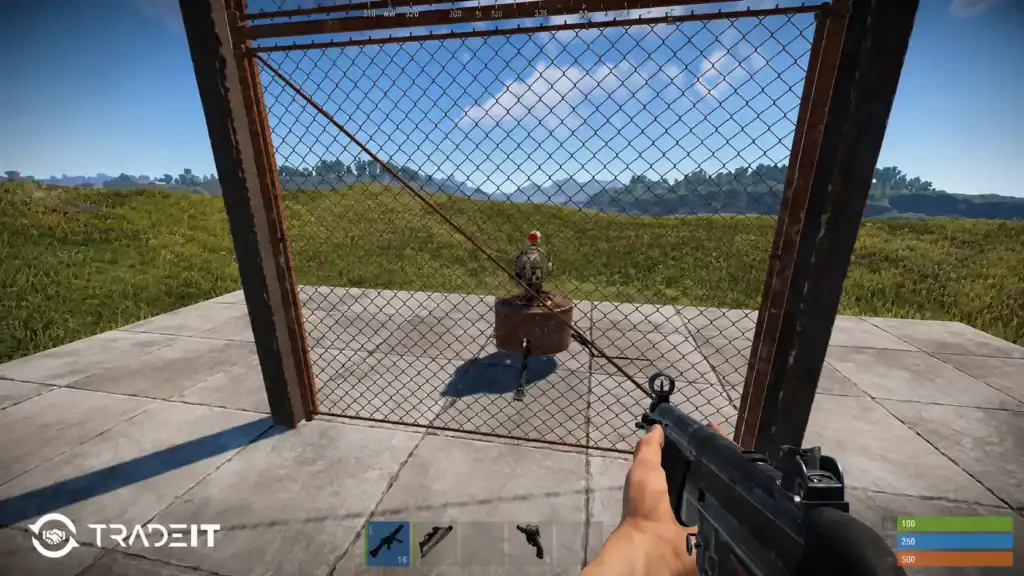
Facepunch typically releases the monthly Rust update and force wipe at 19:00 London time on the first Thursday of each month. Depending on your location, the wipe begins at approximately:
| Region | Local Time |
|---|---|
| London (UK) | 19:00 (GMT/BST) |
| UTC | 18:00 or 19:00* |
| Eastern Time (ET) | 14:00 |
| Central Time (CT) | 13:00 |
| Mountain Time (MT) | 12:00 |
| Pacific Time (PT) | 11:00 |
| Central European Time (CET/CEST) | 20:00 |
| Romania (EET/EEST) | 21:00 |
| Moscow (MSK) | 21:00 |
| Brazil (BRT) | 15:00 |
| Japan (JST) | 03:00 (next day) |
| Australia (AEST) | 04:00 (next day) |
How to Check Server Wipe Schedules
The easiest way to find a server’s wipe schedule is to check its description in Rust’s server browser or visit the server’s website or Discord.
Many community servers clearly state whether they follow weekly, biweekly, or monthly wipes, as well as whether they perform map-only or blueprint wipes.
If you’re unsure, you can also use popular Rust server listing websites, which display each server’s last wipe date, next scheduled wipe, and player count to help you choose the best server for your playstyle.
FAQs
Does every Rust server wipe on force wipe?
Official servers always wipe monthly, but community servers may follow custom schedules such as weekly, bi-weekly, or monthly wipes.
What time does Rust force wipe happen?
Rust force wipes occur on a monthly basis, specifically, the first Thursday of every month. The usual wipe time is around 19:00 (GMT in winter, BST in summer) / 14:00 EST / 11:00 PST.
Does a force wipe remove blueprints?
Not always. Blueprint wipes happen separately and are much less frequent than standard monthly force wipes.
Do Rust skins disappear after wipes?
No. Purchased skins and cosmetics remain permanently tied to your Steam account.
Why do Rust servers wipe?
Wipes keep gameplay balanced, refresh progression, reduce server clutter, and allow new content updates to integrate properly.