FPS drops in CS2 can feel unpredictable and frustrating, especially when they happen during key fights or while spraying.
Unlike simple lag spikes caused by network issues, FPS drops are tied directly to your system’s performance.
In CS2, these drops can appear randomly, during gunfights, or even when looking at specific effects like smoke or muzzle flash. This guide breaks down why they happen and how to fix them.
Quick Diagnosis – FPS Drop vs Other CS2 Performance Issues
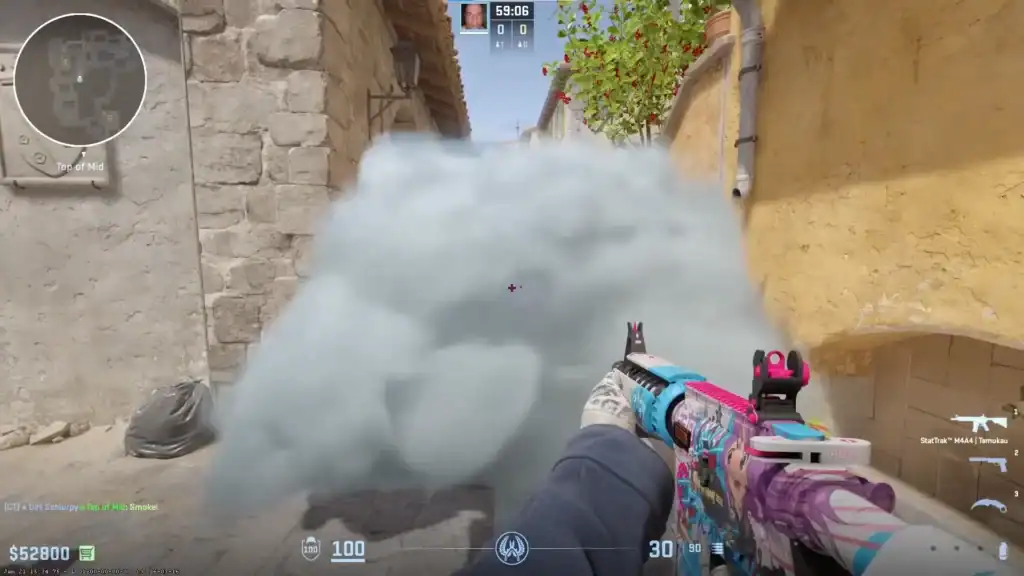
Before fixing anything, it’s important to confirm you’re actually dealing with FPS drops and not network lag or stuttering.
FPS drops typically include:
Sudden FPS decreases during gameplay, especially in fights or heavy action scenes.
Stuttering or inconsistent motion even when your ping remains stable.
Performance dips triggered specifically when shooting or using grenades and utilities.
Not to confuse with:
High ping or packet loss affecting server communication and causing lag or delayed actions.
Microstutter caused by asset streaming delays from storage devices during gameplay.
Why Does CS2 FPS Drop Randomly?
CS2 is heavily CPU and GPU dependent, and performance can fluctuate due to several system-level causes.
Even high-end PCs can experience FPS drops due to Source 2 engine optimization issues and map-dependent performance spikes.
Overheating CPU or GPU can reduce performance automatically, causing sudden and repeated FPS drops.
Browser tabs, overlays, and system services can consume CPU cycles and reduce in-game performance.
Dynamic shader compilation can cause short FPS dips, especially after updates or driver changes.
Outdated or corrupted drivers can lead to unstable frame pacing and inconsistent FPS performance.
Why Does CS2 FPS Drop When Shooting?
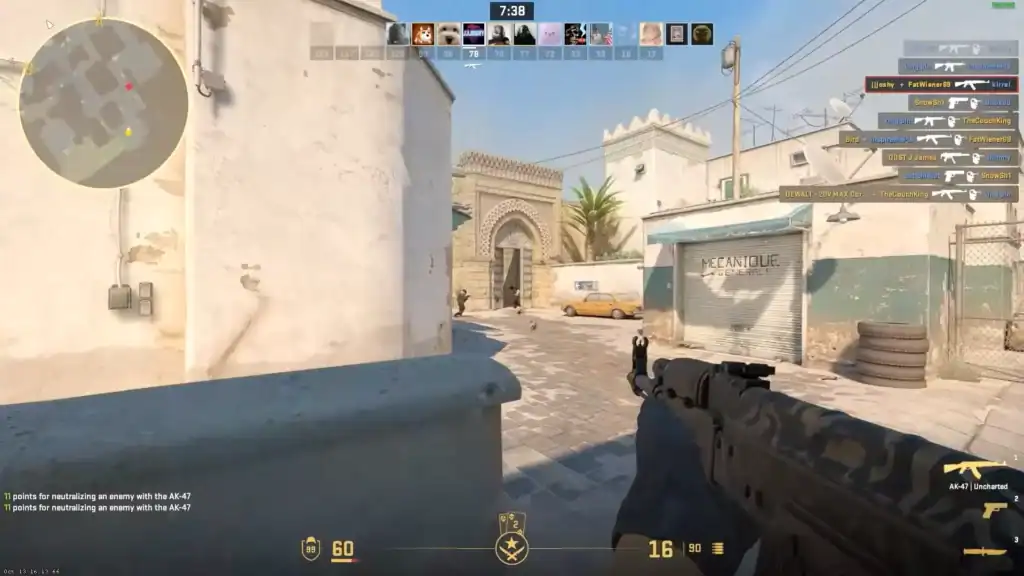
FPS drops during shooting are usually tied to real-time rendering of effects and physics calculations.
Every shot produces sparks, smoke, and particle effects that can temporarily overload GPU performance in combat.
Muzzle flashes and player movement generate real-time shadows that can cause sudden FPS spikes in close fights.
How to Fix CS2 FPS Drops
Turning off Hardware-Accelerated GPU Scheduling can improve frame consistency by reducing scheduling overhead.
Perform a clean driver install to remove corrupted files and ensure optimal GPU performance.
Use CS2 launch options to reduce unnecessary background rendering and stabilize performance.
Reducing particle effects and shadow quality can significantly reduce FPS spikes during fights.
Set Windows power plan to High Performance to prevent CPU downclocking during gameplay.
Allow CS2 to fully load shaders before matches to avoid in-game stuttering.
Turn off Windows Game Mode and Xbox Game Bar to reduce background interference.
Shut down unnecessary programs like browsers, launchers, and recording software.
CS2 FPS Drops on Linux and Mac
On Linux, performance issues often stem from Proton compatibility layers or Vulkan shader caching.
On Mac systems (where CS2 support is limited or unofficial depending on setup), performance is more sensitive to thermal limits and driver optimization. In both cases, shader caching and background load are key factors.
Summary
CS2 FPS drops can happen for many reasons, from shader compilation spikes to overheating or background processes.
Drops during shooting are usually tied to particle effects and dynamic rendering load. The most effective fixes include driver updates, lowering graphical settings, disabling unnecessary Windows features, and ensuring your system runs in a high-performance state.
FAQs
Why does CS2 randomly drop FPS even on a good PC?
Because CS2 relies heavily on CPU performance and dynamic shader compilation, even high-end systems can experience inconsistent frame pacing.
Why do FPS drops happen only when I shoot?
Gunfire triggers particle effects, lighting changes, and shadow calculations that can temporarily overload the GPU.
Can GPU drivers really fix CS2 FPS issues?
Yes. Corrupted or outdated drivers are one of the most common causes of unstable FPS in CS2.
Does lowering graphics settings fix FPS drops?
Yes, especially shadows, particles, and effects settings, which are the most performance-heavy elements.
Is CS2 optimization worse than CS:GO?
CS2 has more advanced visuals and a newer engine, which makes it more demanding and less stable on some systems compared to CS:GO.