After the release of CS2, Mac owners were hit with some bad news – Valve will not provide support for Mac users who want to play the newest version of Counter-Strike.
The decision was justified in a straightforward way: the users who want to play CS2 on a Mac represent less than 1% of the total player base.
However, this doesn’t mean you cannot play CS2 if you’re a Mac user. This guide teaches you how to do it.
Methods of Playing CS2 on a Mac

If you are a Mac user who wants to play CS2, here are your best options:
1. Use Cloud Gaming Services
The easiest method is cloud gaming. Platforms like NVIDIA GeForce NOW allow you to stream CS2 directly to your Mac without installing the game locally. Since the game runs on remote servers, your Mac’s hardware doesn’t need to be powerful.
All you need is:
A reliable connection of at least 50 Mbps ensures smooth gameplay.
Create an account to access cloud gaming services.
Connect your Steam account to access CS2 in the cloud.
This is the most beginner-friendly option and works well even on older Macs.
2. Install Windows via Boot Camp (Intel Macs Only)
If you’re using an Intel-based Mac, you can install Windows using Boot Camp. This allows you to run CS2 natively, giving you the best performance possible on your hardware.
Steps include:
Get the official Windows ISO file from Microsoft’s website.
Use Boot Camp Assistant to create space for Windows.
Complete the installation and install all necessary drivers.
Download Steam and install Counter-Strike 2.
This method offers near-native performance but requires disk space and setup time.
3. Use Virtualization Software (Apple Silicon Macs)
For newer Macs with Apple Silicon (M1, M2, etc.), Boot Camp is not available. Instead, you can use virtualization tools like Parallels Desktop to run Windows.
However, there’s a catch:
CS2 may not run properly due to anti-cheat restrictions and GPU limitations.
Performance is generally worse compared to running the game natively on Windows.
This method is not ideal for competitive play, but it may work for testing or casual use.
4. Try Compatibility Layers (Experimental)
Some users attempt to run CS2 using compatibility tools like CrossOver or Wine-based solutions. These translate Windows instructions into macOS-compatible ones.
That said:
Performance and stability can vary significantly between setups.
Game or system updates can suddenly stop the game from working.
Security systems may block gameplay or prevent the game from launching.
This approach is best suited for advanced users willing to experiment.
Which Method Should You Choose?
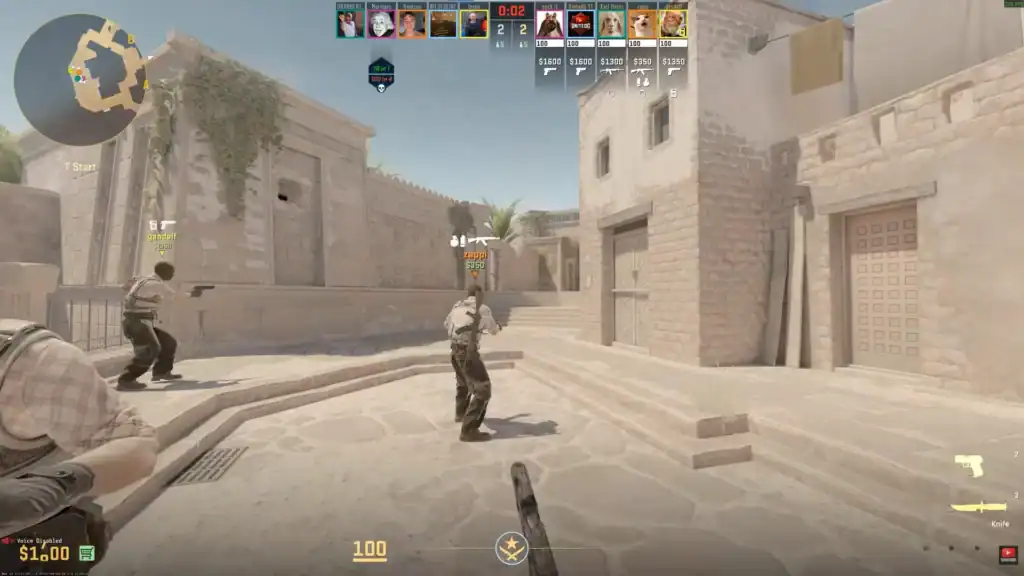
Cloud gaming offers the easiest setup with no installations required.
Boot Camp delivers near-native performance by running Windows directly.
Cloud gaming remains the most reliable option for M1, M2, and newer Macs.
Summary
While CS2 isn’t officially supported on macOS, Mac users still have solid options. If you want the simplest route, cloud gaming is hard to beat. If you’re chasing performance and have an Intel Mac, Boot Camp is your best bet.
Either way, with the right setup, you can jump into CS2 matches without switching to a Windows PC.
FAQs
Can I play CS2 natively on macOS?
No, CS2 does not have native macOS support. You’ll need to use alternatives like cloud gaming, Windows installation, or compatibility tools to run the game on a Mac.
What is the easiest way to play CS2 on a Mac?
The simplest method is using cloud gaming services like NVIDIA GeForce NOW, which lets you stream the game without installing it locally.
Is Boot Camp still a good option for CS2?
Yes, but only for Intel-based Macs. Boot Camp allows you to install Windows and run CS2 with near-native performance.
Can I play CS2 on Apple Silicon Macs (M1, M2, M3)?
Yes, but your best option is cloud gaming. Virtualization tools like Parallels Desktop may not deliver stable performance or full compatibility.
Are compatibility tools like CrossOver reliable for CS2?
Not really. Tools like CrossOver can sometimes work, but performance and compatibility issues—especially with anti-cheat systems—make them unreliable for consistent gameplay.