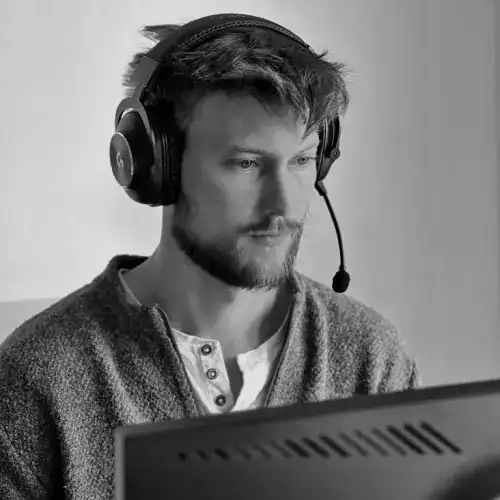
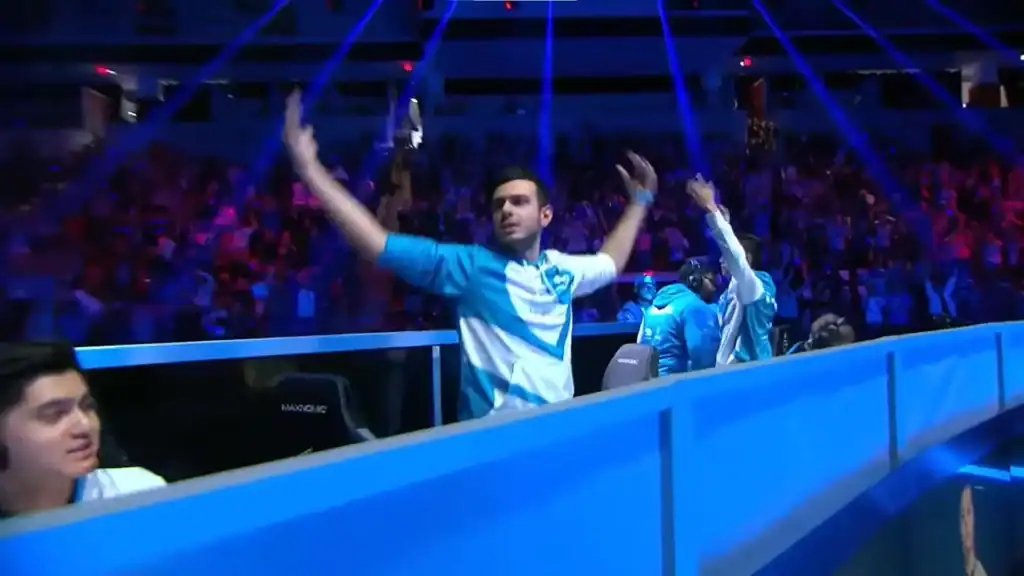
Tarik “Tarik” Celik is one of the former greats of Counter-Strike. He is best known for winning ELEAGUE Major Boston 2018 with Cloud9.
In this guide, you will find a detailed breakdown of Tarik’s CS2 settings, including sensitivity, crosshair, viewmodel, video, and config, based on his professional setup.
Table of Contents
Mouse and Sensitivity Settings
These settings are fundamental for consistent aim and movement.
| Setting | Value |
|---|---|
| DPI | 800 |
| Sensitivity | 1.50 |
| eDPI | 1200 |
| Zoom Sensitivity | 1.00 |
| Hz | 1000 |
| Windows Sensitivity | 6 |
Tarik’s sensitivity is designed for precision with a mouse DPI that’s fairly standard for CS2 pros. This combination offers a balance between flick shots and tracking.
Crosshair Settings
Tarik’s crosshair is clean and minimal, helping reduce clutter while remaining visible on most backgrounds.
| Setting | Value |
|---|---|
| Style | Classic Static |
| Follow Recoil | No |
| Dot | No |
| Length | 1 |
| Thickness | 0 |
| Gap | -3 |
| Outline | No |
| Outline Thickness | 1 |
| Color | Green (255/255/255) |
| Split Distance | 7 |
| Fixed Gap | 3 |
| Inner Split Alpha | 1 |
| Outer Split Alpha | 0.5 |
| Split Size Ratio | 0.5 |
| Sniper Width | 0 |
This crosshair is static and doesn’t follow recoil, which many players prefer for consistency and muscle memory.
Viewmodel Settings
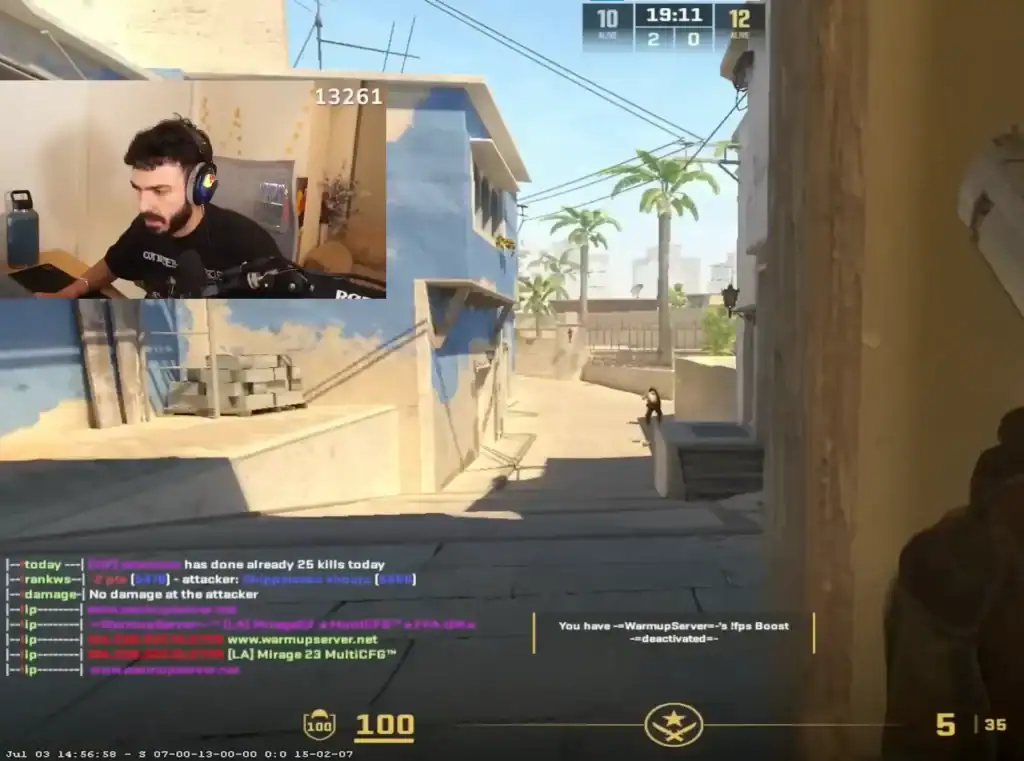
How your weapon appears on screen can influence your vision and comfort.
| Setting | Value |
|---|---|
| FOV | 68 |
| Offset X | 2.5 |
| Offset Y | 0 |
| Offset Z | -1.5 |
| Preset Position | 2 |
| Bob | False |
Tarik’s viewmodel moves the weapon slightly out of the way while still keeping it natural, allowing better visibility during movement and firefights.
Video and Graphics Settings
Optimized video settings can improve visibility and performance during gameplay.
Basic Video
| Setting | Value |
|---|---|
| Resolution | 1280×960 |
| Aspect Ratio | 4:3 |
| Scaling Mode | Stretched |
| Brightness | 80% |
| Display Mode | Fullscreen |
Using a stretched 4:3 resolution can make player models appear wider and easier to spot, a common choice for competitive players.
Advanced Video
| Setting | Value |
|---|---|
| Boost Player Contrast | Enabled |
| V-Sync | Disabled |
| Model / Texture Detail | Low |
| Texture Filtering Mode | Bilinear |
| Shader Detail | Low |
| Particle Detail | Unknown |
| Ambient Occlusion | Unknown |
| FidelityFX Super Resolution | Unknown |
These settings reduce visual clutter and can help increase FPS while enhancing clarity for enemy players.
HUD and Radar Settings
Tarik also customizes his HUD and radar for better in-game information clarity:
| Setting | Value |
|---|---|
| HUD Scale | 0.95 |
| HUD Color | White |
| Radar Centers Player | Yes |
| Radar Rotating | Yes |
| Radar Size | 1 |
| Radar Zoom | 0.45 |
These changes help Tarik track enemies and maintain spatial awareness more effectively.
Tips for Using Pro Settings
If your monitor refresh rate or resolution differs, adjust settings accordingly.
Even pro settings may take time to feel natural and comfortable.
Settings only help when muscle memory and aim training keep pace.
Using setups like Tarik’s can provide a competitive foundation, but always tweak them to what feels best in your hands.
Summary
These settings are popular among competitive CS2 players and can be a great starting point if you’re trying to play like Tarik.
FAQs
1. What sensitivity does Tarik use in CS2?
Tarik uses an 800 DPI mouse with an in-game sensitivity of 1.50, resulting in an eDPI of 1200. This setup balances precision aiming with fast flicks.
2. Does Tarik use a static or dynamic crosshair?
Tarik uses a static crosshair that does not follow recoil. This helps maintain consistency and improves muscle memory during sprays.
3. Why does Tarik play on a 4:3 stretched resolution?
A 4:3 stretched resolution makes player models appear wider, which can make enemies easier to spot and track in fast-paced fights.
4. Are Tarik’s video settings optimized for performance?
Yes. His settings prioritize low visual clutter and high FPS, with most advanced graphics options set to low or disabled.
5. Should I copy Tarik’s settings exactly?
Tarik’s settings are a great starting point, but you should always adjust sensitivity, resolution, and brightness to match your hardware and comfort level.