

Sometimes you need to leave a CS2 match and may wonder whether there is a way to have your teammates remove you instead.
CS2 still has the callvote kick command, but self-kicking is mode and server dependent, and current reports are inconsistent about whether it works in official matchmaking.
This guide explains the command, how to test it safely, and why getting kicked is not necessarily a penalty-free way to leave.
Can You Kick Yourself in CS2?
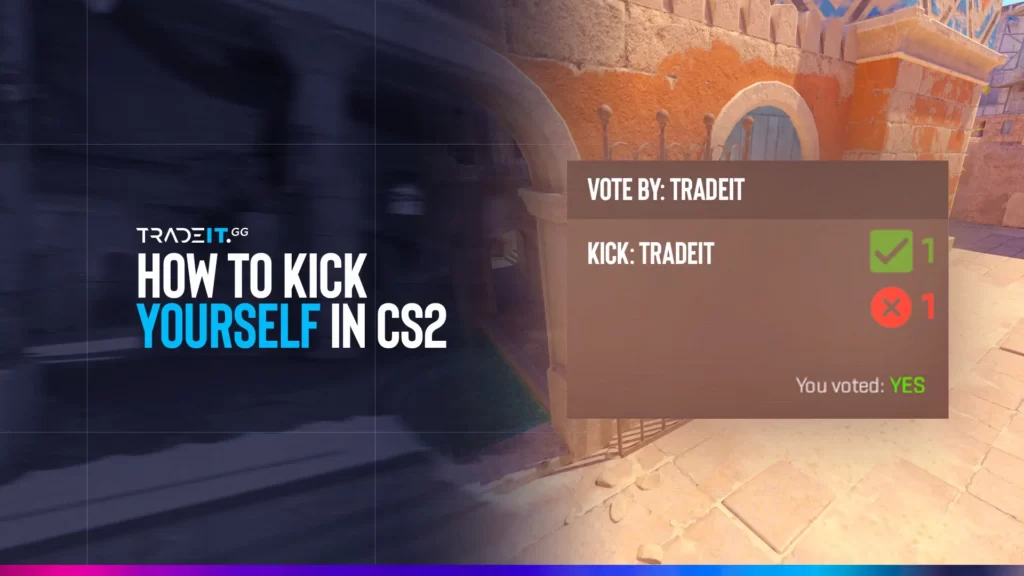
Yes. On servers and modes where the kick vote is permitted, you can initiate a vote against your own UserID with callvote kick. Your teammates must still pass the vote. You cannot instantly remove yourself with a console command.
How to Vote Kick Yourself in CS2
If the server allows the vote, the process is straightforward.
1. Enable and Open the Developer Console
Go to Settings → Game and set Enable Developer Console (~) to Yes. Then press the ~ key to open the CS2 console.
2. Use status to Find Your UserID
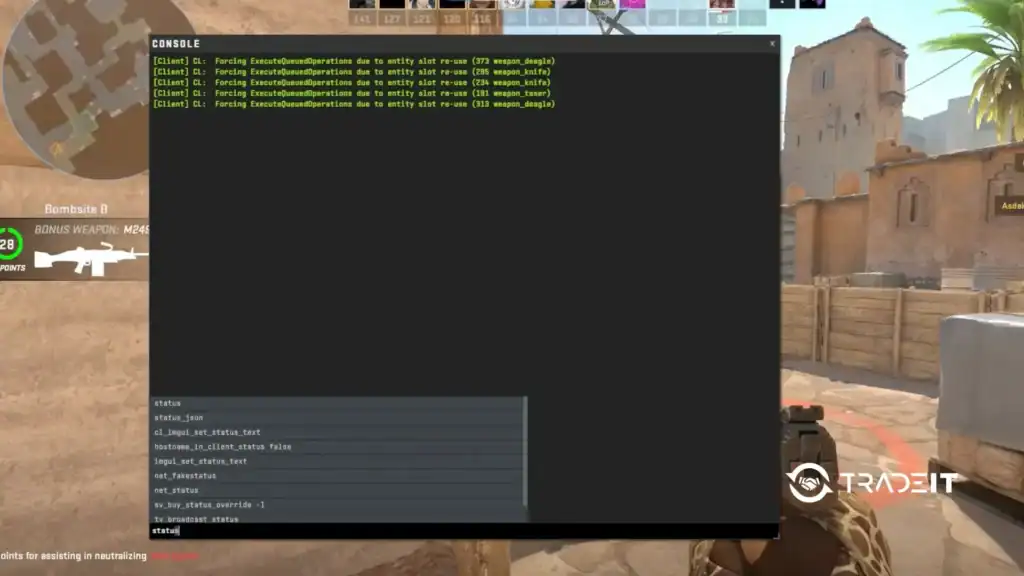
Type:
statusPress Enter and find your own name in the player list. The number shown as your userid is the identifier used by the kick command. This is a temporary server-side player ID, not your SteamID.
3. Run the callvote kick Command
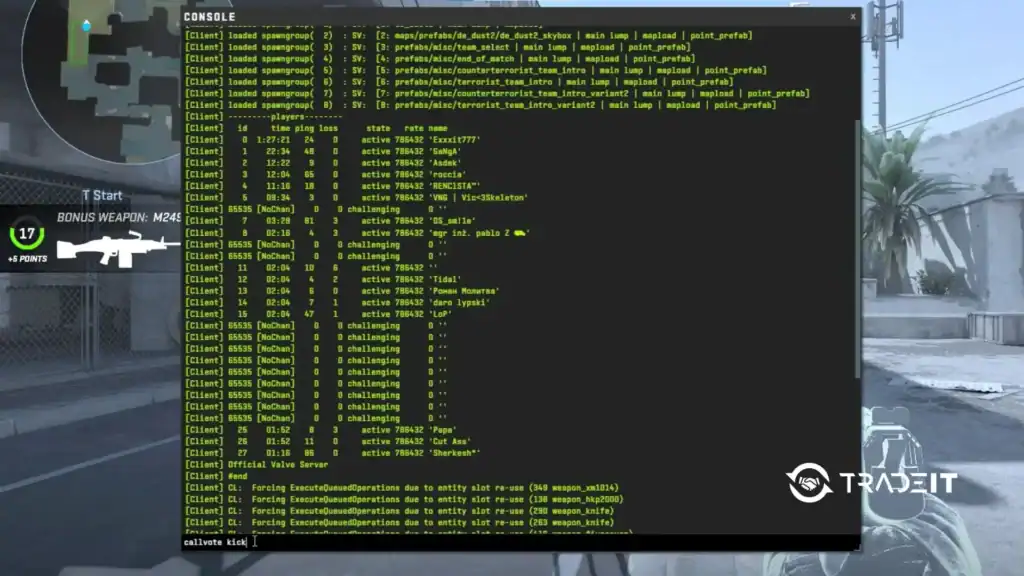
Use:
callvote kick [YourUserID]For example, if your status output shows your userid as 7:
callvote kick 7If the server permits the vote, a kick vote will appear for your teammates.
4. Wait for the Team Vote
You aren’t kicked immediately. Your teammates must vote for the kick to succeed. If the vote fails, you remain in the match.
Give your CS2 loadout a refresh with current skins on Tradeit. →
Buy CS2 SkinsDoes Self-Kicking Work in Premier and Competitive?
Do not treat self-kicking as a guaranteed Premier or Competitive feature. At the moment self-kick votes do not work consistently in official matchmaking.
Because Valve does not provide a public support page documenting a guaranteed self-kick workflow for these modes, the safest approach is to test the current build before publishing a definitive claim.
What Happens After You Get Kicked?
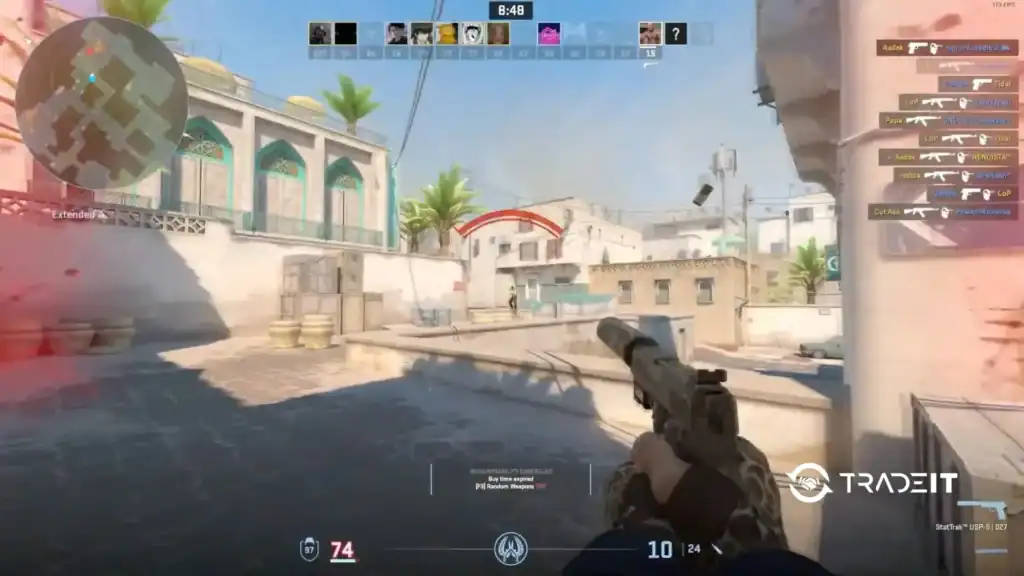
If a kick vote succeeds, you are removed from the match. Being kicked should not be considered a guaranteed way to avoid matchmaking consequences.
Competitive cooldowns can be issued for several behaviors, including abandoning matches, AFK/non-participation, and being kicked from too many competitive matches.
So even if your teammates agree to kick you, repeated use can have consequences. It is not equivalent to safely finishing a match.
Safer Alternatives If You Need to Leave a Match
If you genuinely need to leave, communicate with your teammates first. If a legitimate surrender option is available, use it according to the match rules.
Otherwise, leave only when necessary and accept the game’s normal consequences. Don’t deliberately grief, AFK, or manipulate votes simply to manufacture a penalty-free exit.
FAQs
What is the CS2 command to kick yourself?
The command is:callvote kick [YourUserID]
Find your UserID with status first. The command only works where the server permits the vote.
Can you kick yourself from a Premier match?
It is not guaranteed. Current reports conflict over whether self-kick votes work consistently in Premier. Test the current game build rather than relying on older CS:GO era instructions.
Can you kick yourself from Competitive in CS2?
The same uncertainty applies. Community reports describe both successful and blocked attempts, so there is no reliable guarantee for official Competitive matchmaking.
Does getting kicked avoid an abandonment cooldown?
No guarantee. Getting kicked is not a reliable way to avoid matchmaking consequences. Steam’s competitive rules can apply penalties for being kicked from too many competitive matches as well as for abandoning matches.
Why does callvote kick not work with my UserID?
Check that you used the userid shown by status, rather than your SteamID. If the command is formatted correctly but the vote still fails, the current server or game mode may restrict self-kicking.
Can you force-kick yourself without a team vote?
No. callvote kick starts a vote; it does not provide an instant self-removal command.
Can a four-player party kick the solo player in CS2?
Kick-vote rules can include protections and restrictions depending on the matchmaking situation. Don’t assume that a four-player party can always remove the fifth player. The current vote rules determine whether the vote is available and how it is processed.