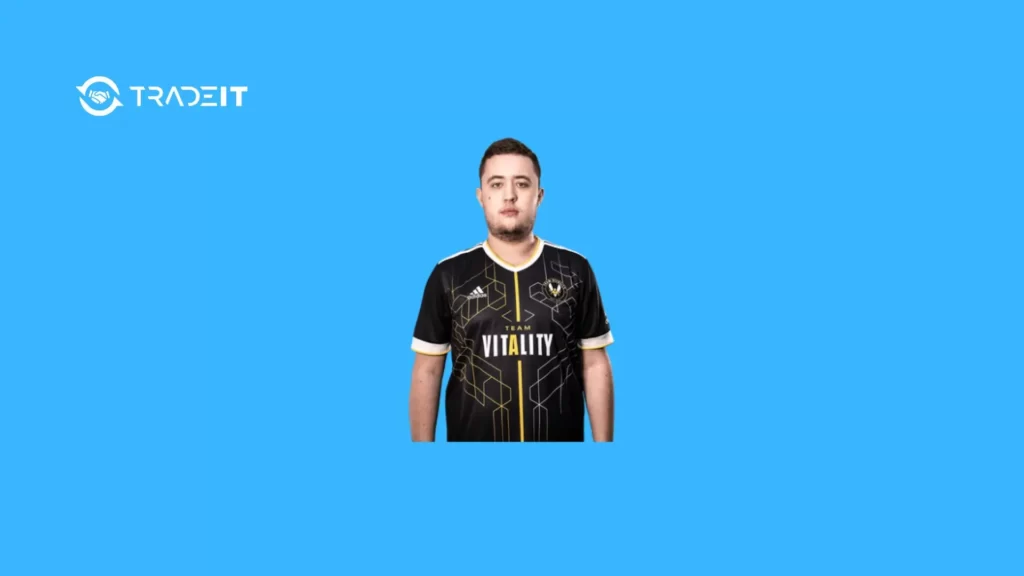
Mathieu “ZywOo” Herbaut, professional AWPer for Team Vitality, is widely regarded for his precise aim and smooth playstyle.
His CS2 settings are optimized for clarity, stability, and competitive performance. Following his setup can help aspiring players emulate a professional feel in Counter-Strike 2.
Table of Contents
Mouse and Sensitivity Settings
| Setting | Value |
|---|---|
| DPI | 400 |
| CS2 Sensitivity | 2.00 |
| eDPI | 800 |
| Zoom Sensitivity | 1.00 |
| Polling Rate | 1000 Hz |
| Windows Sensitivity | 6 |
ZywOo’s moderate sensitivity allows precise flick shots while maintaining the ability to quickly track enemies across the map. The setup works for both rifles and AWP.
Crosshair Settings
| Setting | Value |
|---|---|
| Crosshair Style | Classic Static |
| Length | 1 |
| Thickness | 1 |
| Gap | -3 |
| Outline | None |
| Color | Cyan |
| Alpha | 200 |
| Split Distance / Fixed Gap | 3 |
The crosshair is minimal, highly visible, and consistent, providing an exact aiming reference without obstructing view.
Viewmodel Settings
| Setting | Value |
|---|---|
| Viewmodel FOV | 68 |
| Offset X | 2.5 |
| Offset Y | 0 |
| Offset Z | -1.5 |
| Preset Position | 2 |
| Viewmodel Bob | Off |
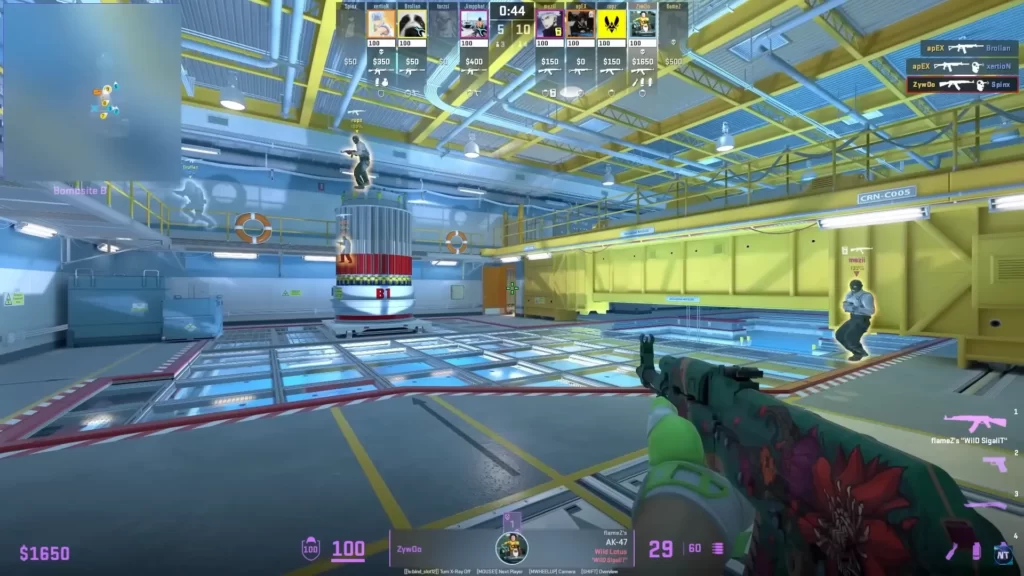
These viewmodel settings keep the weapon model from blocking your view while maintaining a natural feel during movement.
Video Settings
These are ZywOo’s video settings:
Basic Video
| Setting | Value |
|---|---|
| Resolution | 1280×960 |
| Aspect Ratio | 4:3 Stretched |
| Display Mode | Fullscreen |
| Brightness | 80% |
Advanced Video
| Setting | Value |
|---|---|
| Boost Player Contrast | Enabled |
| V-Sync | Disabled |
| NVIDIA Reflex Low Latency | Enabled |
| Max FPS | Unlimited |
| MSAA | 4x |
| Shadow Quality | High |
| Texture / Model Detail | High |
| Texture Filtering | Anisotropic 4x |
| Shader Detail | High |
| Particle Detail | Low |
| Ambient Occlusion | Medium |
| HDR Quality | Quality |
| FidelityFX SR | Disabled |
ZywOo sets video options to maximize visibility of enemies while keeping input lag minimal and FPS high.
Monitor and Display Preferences
| Setting | Value |
|---|---|
| Monitor | 24.5-inch TN panel |
| Refresh Rate | 240–360 Hz |
| Response Time | 1 ms |
| Resolution | 1920×1080 |
A high refresh rate and low response time allow faster visual reaction to opponent movements and smooth gameplay.
Launch Options and Config Tweaks
| Setting | Purpose |
|---|---|
| -novid | Skips intro video |
| -tickrate 128 | Ensures high tickrate for servers |
| -high | Runs CS2 at high priority |
| +fps_max 0 | Removes FPS cap |
| -nojoy | Disables joystick support |
These launch options reduce startup delays, improve server simulation, and minimize input lag.
Summary
ZywOo’s CS2 settings are crafted for precision aiming, fast responsiveness, and clear visibility.
His combination of moderate sensitivity, a minimal cyan crosshair, optimized video settings, and a high-refresh-rate monitor helps him perform consistently at the professional level.
While these settings are a great starting point, players should adjust them to suit their own comfort and playstyle.
FAQs
What mouse DPI does ZywOo use in CS2?
ZywOo uses a DPI of 400, which allows precise control for both AWP and rifles.
Which crosshair style does ZywOo prefer?
He uses a small, static, cyan crosshair for clear visibility without distractions.
What monitor refresh rate does ZywOo play on?
ZywOo uses a 240–360Hz monitor to maximize responsiveness.
Why are ZywOo’s video settings mostly low?
He prioritizes frame rate and visibility over graphics details to react faster in competitive play.
What sensitivity is recommended based on ZywOo’s setup?
His sensitivity is 2.00 with 400 DPI, which balances speed and precision effectively.