Spinning your character in Counter-Strike 2 has become a popular trick among players who enjoy experimenting with console commands, creating funny clips, or testing game mechanics.
While spinning doesn’t provide any competitive advantage, it can be useful for content creation, casual servers, and learning how CS2’s console system works.
In this guide, we’ll explain how the spin command works in CS2 and how you can enable it.
Table of Contents
CS2 Spin Essentials
| Command | Function | Explanation |
|---|---|---|
| +right | Spin Right | Continuously rotates your character’s view to the right until the command is stopped. |
| -right | Stop Right Spin | Stops the right rotation that was started with the +right command. |
| +left | Spin Left | Continuously rotates your character’s view to the left. |
| -left | Stop Left Spin | Stops the left rotation started by the +left command. |
| cl_yawspeed [value] | Adjust Spin Speed | Changes how fast your character spins. Higher values increase rotation speed, while lower values make the spin slower. |
What Is the Spin Command in CS2?
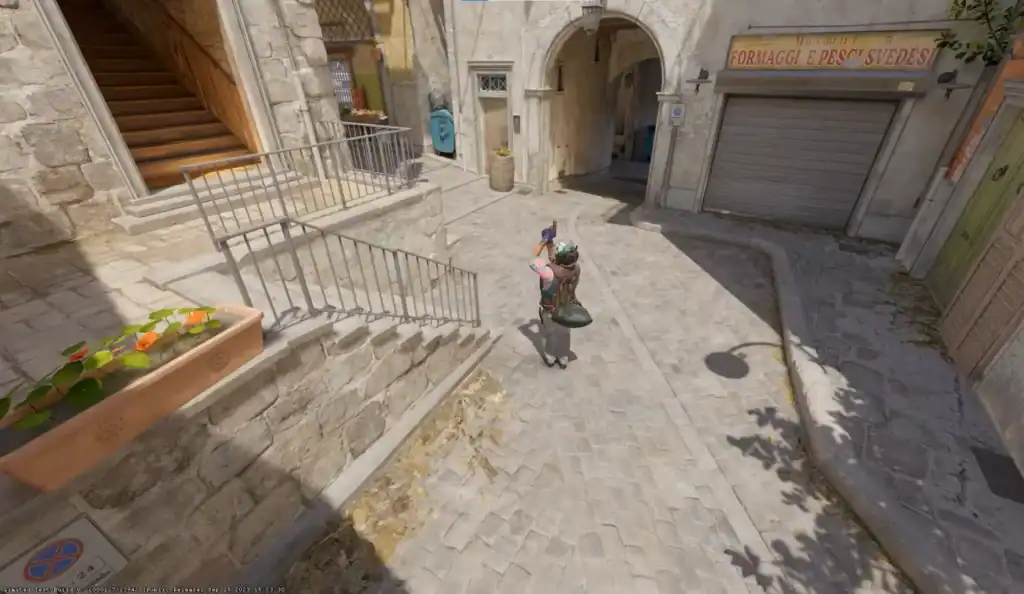
The spin command is a console-based trick that automatically rotates your character’s view. Instead of manually moving your mouse in circles, the game continuously spins your camera at a set speed.
Players often use spinning for:
Perfect for creating entertaining clips, memes, or chaotic spinning moments in CS2.
Useful for testing camera movement behavior and rotation mechanics.
Great for recording stylish gameplay clips or cinematic shots.
A fun way to experiment with CS2 console commands and settings.
It’s important to note that spinning does not improve gameplay performance and should never be used in competitive matches, as unusual behavior may raise suspicion.
Enabling the Developer Console
Before you can use the spin command, you must enable the developer console in CS2. The console allows players to enter commands that control various game settings.
Follow these steps to activate it:
Launch Counter-Strike 2 and open the main Settings menu from the game interface.
Navigate to the Game tab where gameplay options and interface settings are located.
Locate the option labeled Enable Developer Console (~) in the list of settings.
Change the option to Yes. You can now open the console anytime by pressing the ~ key.
Once enabled, you can open the console at any time by pressing the ~ (tilde) key on your keyboard.
Using the Spin Command
After opening the console, you can enter commands that control camera rotation. The most common method uses the yaw command, which adjusts horizontal rotation speed.
Here’s the typical command used for spinning:
+right
This command continuously rotates your character to the right. To stop the spinning motion, simply type:
-right
You can also spin in the opposite direction using:
+left
And stop it with:
-left
These commands make your camera rotate automatically until you manually stop it.
Adjusting Spin Speed
You can also control how fast your character spins by adjusting yaw sensitivity.
Example command:
cl_yawspeed 300
Higher values increase the rotation speed, while lower values slow it down. This allows you to create anything from slow cinematic spins to extremely fast rotations.
Common uses for adjusting spin speed include:
Spinning can help create interesting camera angles when capturing highlight clips or short gameplay videos.
Useful for producing cinematic rotations or dramatic camera effects in CS2 videos.
Helps players evaluate mouse sensitivity and camera responsiveness during practice or configuration.
When Should You Use the Spin Command?
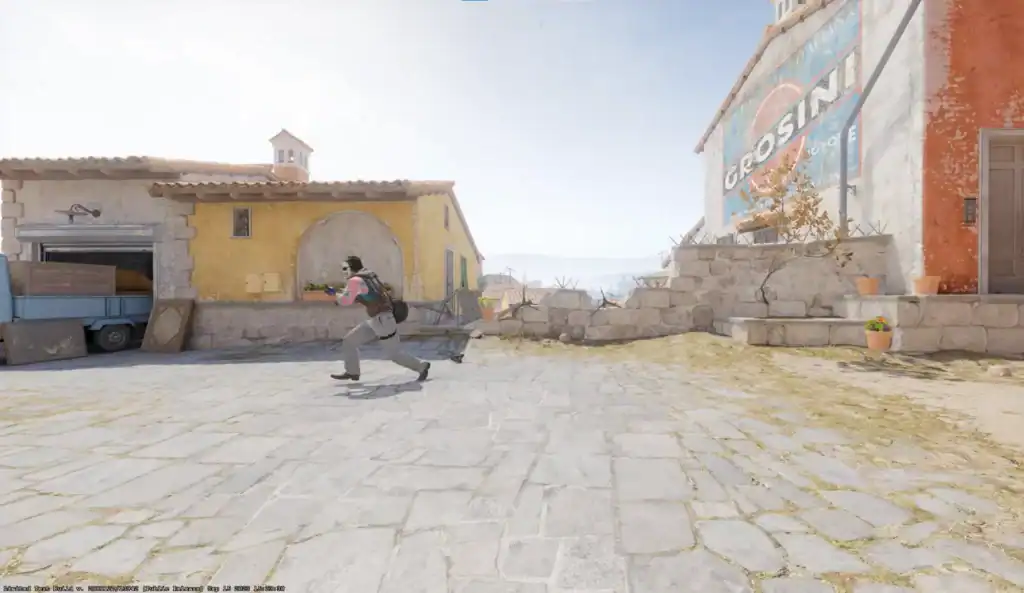
Spinning is mostly used in private servers, practice modes, or casual environments. It’s often seen in:
Often used in CS2 montages and YouTube videos to add dynamic camera movement and creative transitions.
Commonly seen on community servers and sandbox modes where players experiment with commands.
Perfect for funny clips, memes, or highlight reels that showcase chaotic or entertaining moments.
However, spinning continuously during competitive matches is not recommended because it can distract teammates and disrupt gameplay.
Summary
The spin command in Counter-Strike 2 is a simple console trick that automatically rotates your character’s camera. By enabling the developer console and using commands like +right, +left, and cl_yawspeed, players can easily control spinning behavior in the game.
Although it doesn’t offer any tactical advantage, spinning can be entertaining, useful for video clips, and a great way to explore CS2’s console commands. Just remember to keep it for casual or creative scenarios rather than competitive matches.
FAQs
Is spinning allowed in CS2?
Yes, spinning using console commands is allowed, but it should only be used in casual environments.
What command makes you spin in CS2?
The most common command is +right, which rotates your character to the right automatically.
How do you stop spinning in CS2?
Open the console and type -right or -left depending on which direction you were spinning.
Can you change the spin speed in CS2?
Yes, you can adjust it using the cl_yawspeed command.
Do spin commands work in competitive matches?
They technically work, but using them in competitive play is not recommended since it can disrupt normal gameplay.