While many players enjoy matchmaking on official servers, community servers offer unique experiences with custom game modes, maps, and rules. This guide will help you navigate the steps to play CS2 on community servers and maximize your enjoyment.
Table of Contents
What Are CS2 Community Servers?
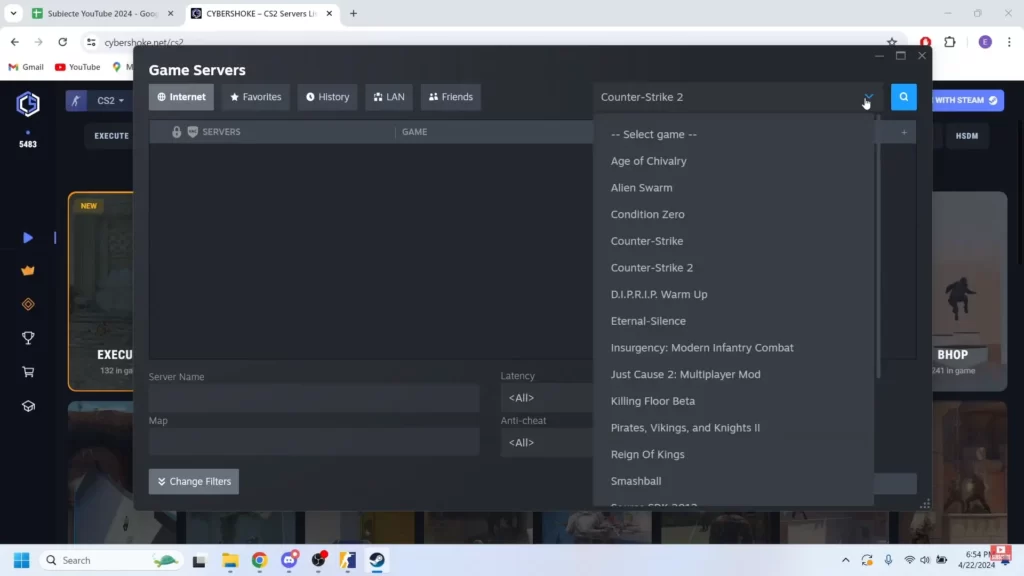
Community servers are privately hosted servers run by individuals or groups of players. Unlike official servers managed by Valve, these servers offer custom content, including:
Community-made maps that add fresh challenges and new environments.
Play unique modes like surf, zombie escape, and deathrun that aren’t in official matchmaking.
Enjoy unique settings like unlimited ammo, low gravity, or weapon restrictions for a new gameplay twist.
These servers foster creativity and allow players to enjoy the game in ways not possible on standard matchmaking servers.
Why Play on CS2 Community Servers?
Playing on community servers can enrich your CS2 experience for several reasons:
Explore different game modes beyond competitive matches, testing new skills or just having casual fun.
Engage with a close-knit group of players who share similar interests and playstyles.
Practice mechanics like surfing, grenade throws, or aiming in customized server settings.
Enjoy a relaxed atmosphere where you can unwind and play without the pressures of competitive matchmaking.
Step-by-Step Guide to Joining CS2 Community Servers
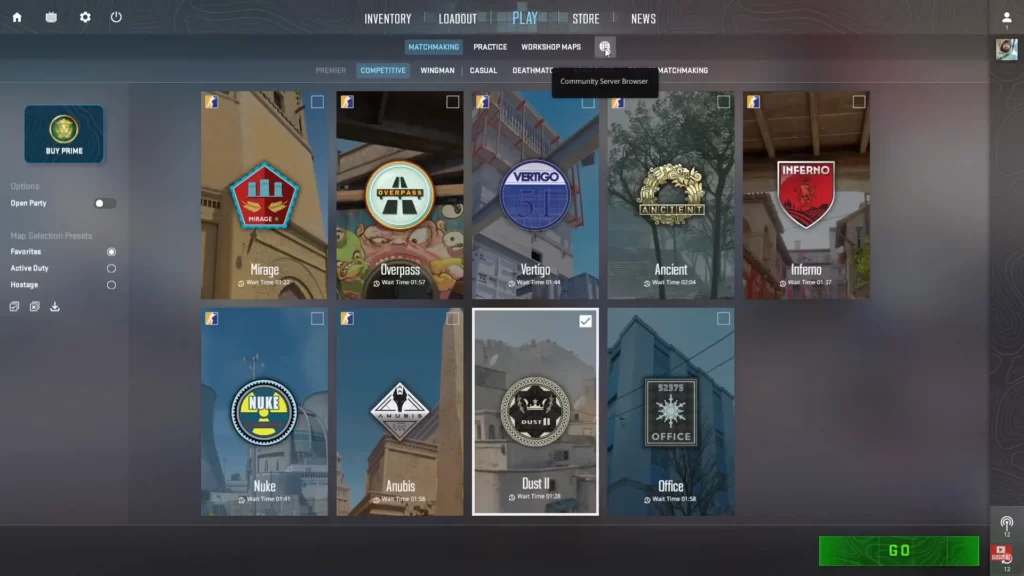
To play CS2 on community servers, simply follow these steps:
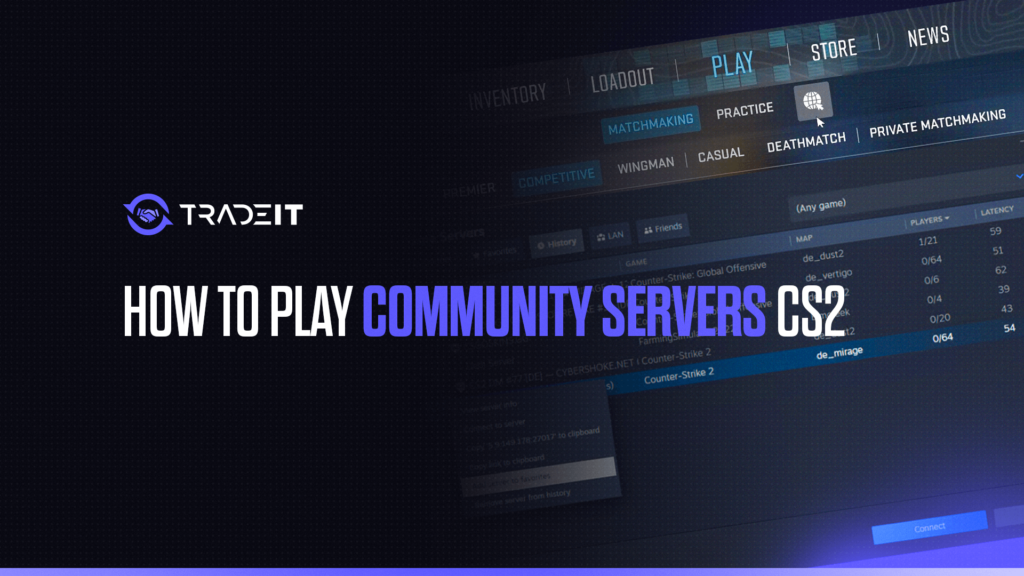
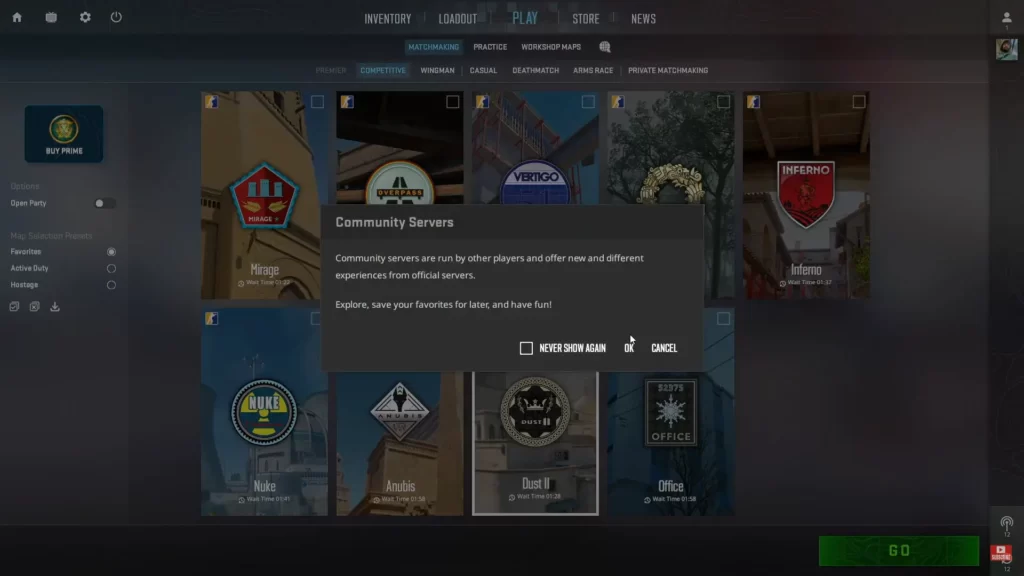
From the CS2 main menu, go to Play → Globe Icon / Community Servers.
Filter servers by game mode, map, ping, or player count to narrow your search.
Click the star icon on your favorite servers to save them for easy access later.
Quickly reconnect to servers you recently played on using the History tab.
How to Join a Friend on a CS2 Community Server
Press Shift+Tab or open Steam and navigate to your Friends list to see who is online.
Check which community server your friend is playing on. You can see this in their profile or in the Friends tab.
Click the Join Game button next to your friend’s name in the Steam Friends list. CS2 will connect you to their server.
If needed, open the console (~) and type connect IP:PORT using the server’s address your friend provides.
Once connected, coordinate with your friend in-game and enjoy the session together.
Tips for a Smooth Community Server Experience
Here are some tips to improve your experience:
Keep your CS2 client up-to-date to avoid compatibility issues on community servers.
Follow server instructions for plugins like Sourcemod to ensure smooth gameplay.
Use in-game chat or voice respectfully. Toxic behavior can lead to bans.
Save servers you enjoy for quick access later.
Try new game modes and maps to keep your CS2 experience fresh and exciting.
Popular Community Server Game Modes
Here are some of the most popular community server game modes:
Navigate obstacle courses by gliding along ramps using precise movement mechanics.
Survive waves of zombies while completing objectives.
Practice aiming and shooting without the pressure of rounds.
Immerse yourself in scenarios like cops and robbers or military missions.
Enjoy a collection of small, fun challenges to mix up gameplay.
Summary
Playing on community servers in CS2 opens up endless possibilities to enjoy the game beyond its standard modes.
Whether you’re a casual player looking for fun or a seasoned competitor aiming to improve specific skills, community servers have something for everyone.
FAQs
1. What are community servers in CS2?
Community servers are player-hosted servers that offer custom game modes, maps, rules, and plugins. They’re separate from Valve’s official matchmaking and include modes like Deathmatch, Surf, KZ, Retakes, Aim training, and Skin Inspect servers.
2. How do I find and join community servers in CS2?
Open CS2, go to Play → Community Servers, then use the search bar or filters to find servers by name, map, ping, or player count. You can also join directly via console using the connect IP:PORT command.
3. Is it safe to play on community servers? Can I get VAC banned?
Yes, it’s safe. VAC bans only apply to cheating on Valve’s official servers. Community servers run independently and typically use server-side plugins, not client-side cheats. Simply playing on them does not risk a VAC ban.
4. Why can’t I join some community servers?
Common reasons include outdated game versions, high ping, full servers, missing maps, or server plugins that are temporarily offline. Restarting CS2 or refreshing the server list often fixes the issue.
5. Can I play community servers with friends?
Absolutely. Friends can join the same community server through the server browser, by sharing a direct connect IP, or by joining via Steam’s “Join Game” option if the server allows it.