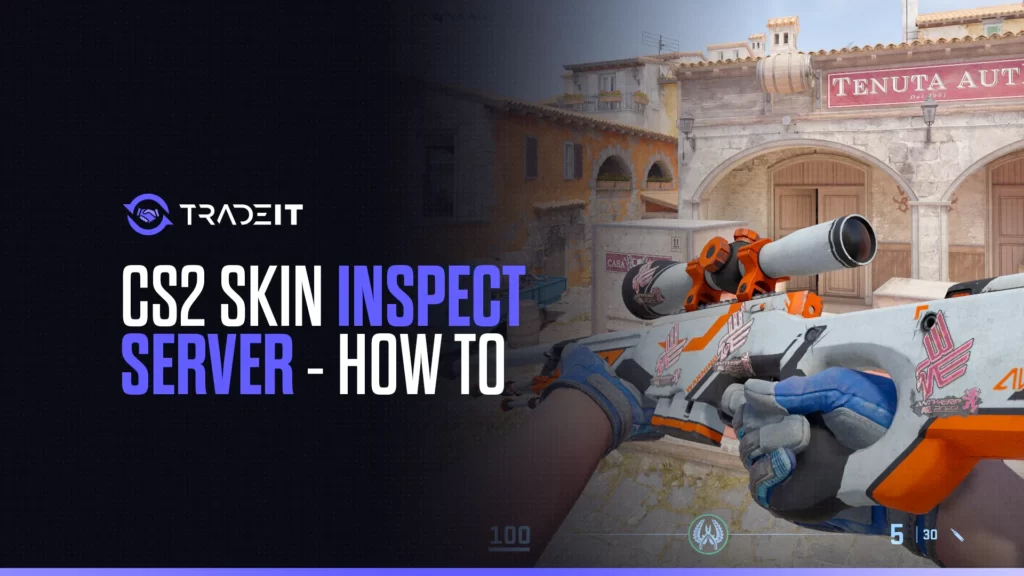
Ever since Counter-Strike 2 dropped, skin inspecting has changed a lot. If you’re like me, you probably miss the days when you could just load up a community server, flex your skins, and check out others’ without any fuss.
Now, things are a bit different, but setting up a CS2 Skin Inspect Server is still possible. It just takes a few extra steps.
Table of Contents
What Is a Skin Inspect Server?
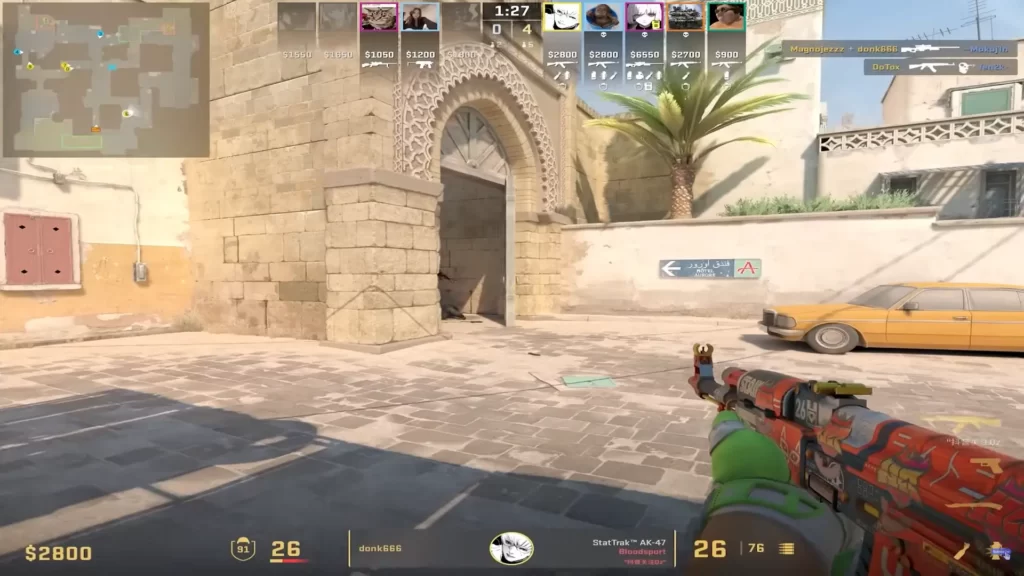
A skin inspect server lets you freely check out any skins with different wear values, stickers, and floats, without needing to own them.
Why Bother?
View skins directly in CS2 under real lighting and map environments.
Check rare patterns and sticker placements without relying on screenshots.
Verify float values and skin condition in-game before committing to a trade.
Now, let’s get into how you can set up your own CS2 skin inspect server.
How To Set Up a CS2 Skin Inspect Server
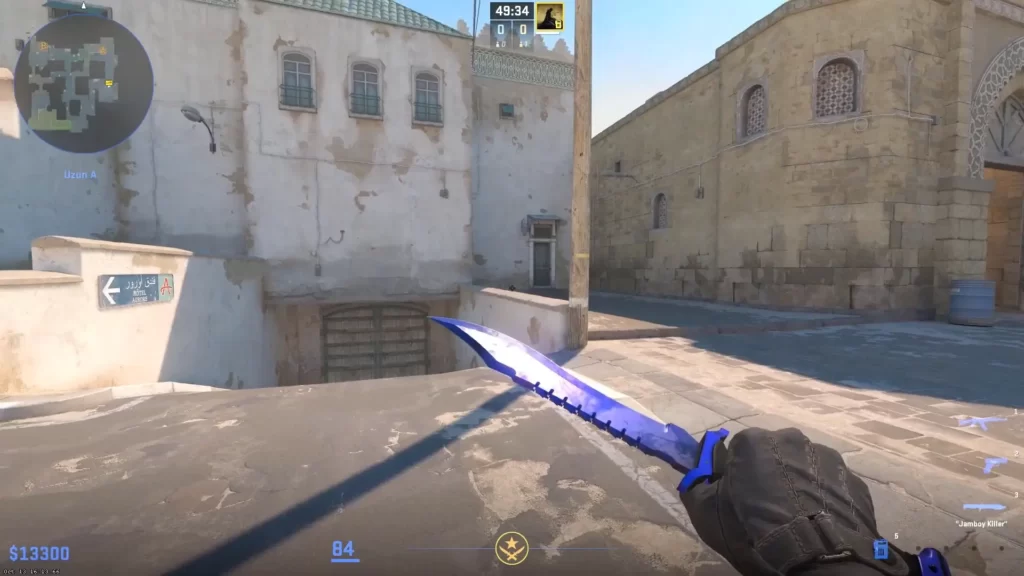
Follow these steps:
Step 1: Install a Local Server
CS2’s private servers work differently now, but you can still create one:
Go to Settings → Game and enable the Developer Console in CS2.
Open the console (~) and type map de_dust2 to start an offline server.
Step 2: Enable Cheats for Free Skin Inspection
Once you’re in the server, use these commands to enable cheats and access any skin:
In the console, type sv_cheats 1 to unlock testing commands.
CS2 doesn’t support classic CS:GO skin commands, so third-party plugins or tools are needed to apply skins.
Full Local Dedicated Server with Plugins
Install via SteamCMD using login anonymous and app_update 730 validate.
Extract the framework into the addons/counterstrikesharp directory.
Add the plugin to CounterStrikeSharp and update gameinfo.gi if required.
Start with +map de_dust2 using Linux or Windows dedicated commands.
Use the console command connect 127.0.0.1:27015.
Access skins with !ws, !knife, !glove, or inspect links.
Alternative: Using Community Servers
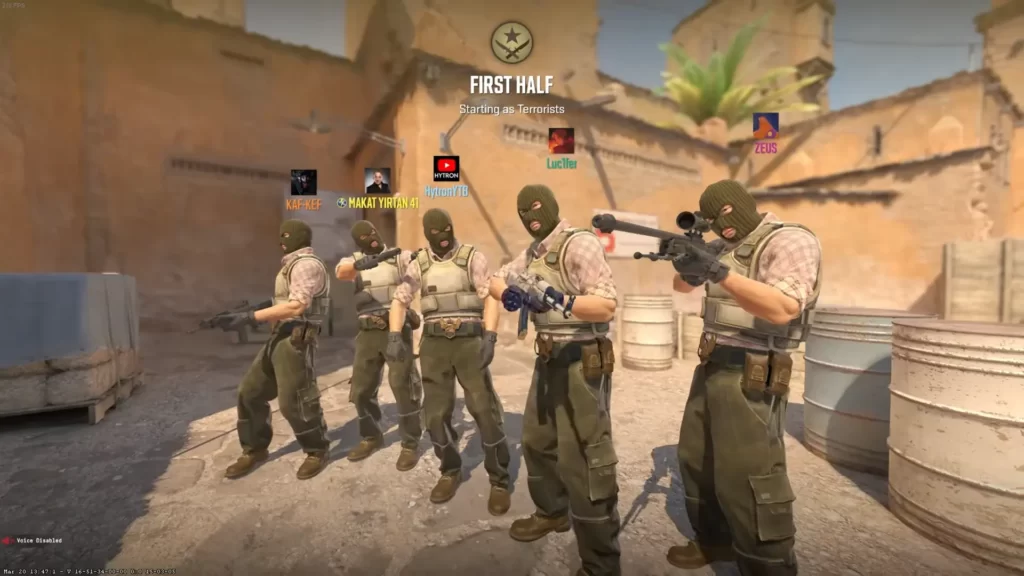
Since CS2 lacks direct workshop plugins, community servers are your next best bet.
Navigate to Community Servers directly from the CS2 main menu.
Search for “Skin Inspect” or “Skin Changer” servers.
Join a server and freely test skins directly in gameplay.
The downside? These servers aren’t always reliable, and not all skins are available.
Safety Concerns
You might be wondering: is this safe? Is there any VAC ban risk?
The answer is no. Setting up and using a CS2 Skin Inspect Server is generally safe, with no VAC ban risk for players or hosts.
VAC scans and bans occur only on Valve matchmaking servers (Competitive, Premier, etc.). Community servers like skin inspect servers are not VAC-secured by default, so joining or hosting them does not trigger VAC checks.
Plugins like WeaponPaints run entirely server-side, modifying what clients see via network messages. No client-side code runs on your PC, meaning zero VAC detection risk.
There are no reported VAC bans linked to using or hosting CS2 skin inspect servers. This is consistently confirmed across GitHub issues, Reddit (/r/cs2, /r/GlobalOffensive), Steam forums, and recent X posts (checked up to Feb 2026). Traders and skin communities use these servers daily without issues.
Summary
Setting up a CS2 Skin Inspect Server isn’t as simple as it used to be, but it’s still doable.
Whether you go the local server route or find a CS2 community server, you’ve got options. Valve might not officially support this anymore, but for traders, collectors, and skin lovers, it’s still worth the effort.
FAQs
1. What is a CS2 skin inspect server?
A CS2 skin inspect server is a custom server that lets players preview weapon skins in-game, often with any pattern, float value, stickers, or wear level before buying or trading.
2. Do skin inspect servers show the exact float and pattern?
Most inspect servers do. They allow you to set specific float values, seed patterns, and even apply stickers so you can see how the skin will actually look in CS2.
3. Are CS2 skin inspect servers safe to use?
Yes, as long as you join reputable community servers. They do not require logins or trades and cannot access your inventory.
4. Can I inspect skins I don’t own?
Yes. That’s one of the main benefits. Inspect servers let you test skins you don’t own, including rare patterns and high-tier finishes.
5. Do inspect servers work differently from the in-game inspect feature?
Yes. The standard in-game inspect is limited to skins you already own or view on the market, while inspect servers offer full control over wear, stickers, and patterns for testing and comparison.