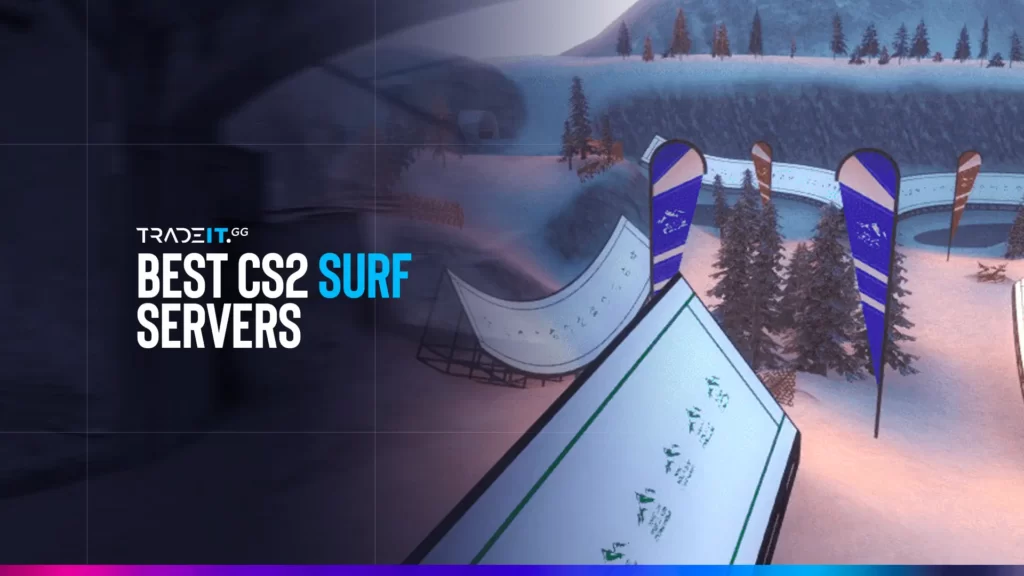
In Counter-Strike 2, surfing requires you to glide through ramps, conquer challenges, and keep your balance like a pro. This guide introduces you to a list of top-rated CS2 surf servers.
Table of Contents
Community Favorite CS2 Surf Servers
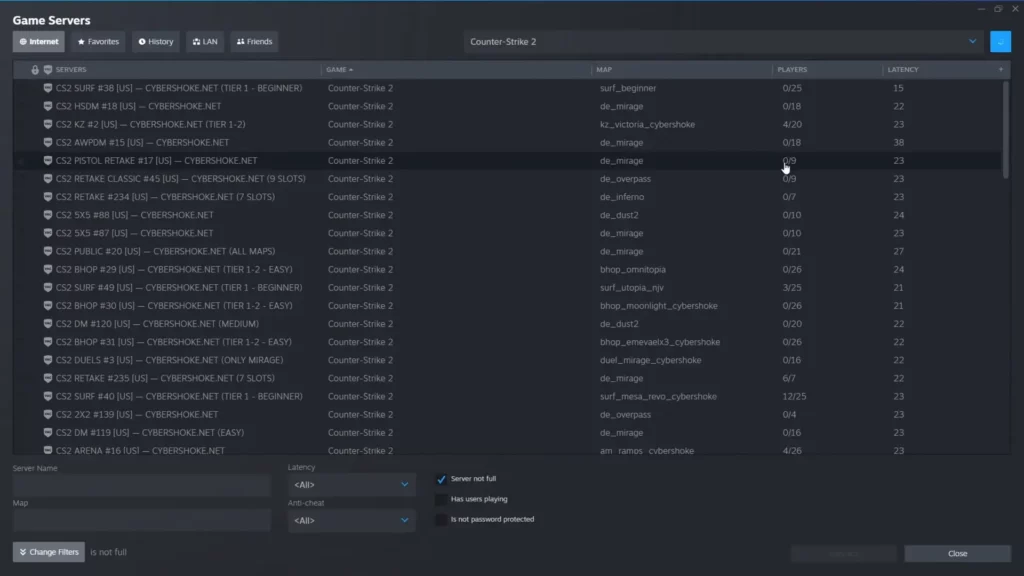
Here are the best CS2 Surf Servers for you to enjoy:
1. Cybershoke
Cybershoke’s beauty lies in the extensive variety of servers categorized by difficulty. This allows surfers of all skill levels to find their perfect match and progressively hone their craft.
Characteristics:
Maps: surf_easy_v2, surf_easy2
Gentle slopes, wide ramps, and forgiving jumps designed to teach core surfing mechanics without frustration.
Map: surf_intermediate_v3
Narrower ramps and tighter jumps that demand better timing, sharper turns, and smoother air control.
Map: surf_advanced_v4
Complex curves, tight rails, and long jumps that test speed control and refined movement techniques.
Map: surf_pro_v5
Extreme difficulty with hair-pin turns, near-impossible jumps, and high-speed sections for elite surfers only.
2. Xplay
Similar to Cybershoke, Xplay doesn’t provide a numbered ranking. However, their clear categorization by difficulty streamlines your server selection process.
Characteristics:
Maps: surf_training, surf_easy
Learn the fundamentals of movement, bunny hopping, and basic slope navigation in a safe, beginner-friendly environment.
Map: surf_medium
More intricate jumps and tighter turns that emphasize momentum control and consistent strafing throughout the run.
Map: surf_hard
Narrow ramps, complex jumps, and fast-paced sections that demand quick decision-making and precise movement control.
Map: surf_expert
Pixel-perfect jumps, lightning-fast routes, and extreme technical difficulty designed exclusively for elite surfers.
3. Killzone Gaming (KZG) Surf Servers
One of the go-to server networks for CS2 surf, known for reliable uptime and an active surfing community. KZG servers often host a wide range of surf maps suitable for both beginners and seasoned surfers.
Characteristics:
Large and consistently active surf community.
Low-latency, smooth, and stable server hosting.
Beginner to advanced surf map progression.
Skill tracking with global and map-based rankings.
Regular surf events, races, and competitions.
4. SurfHeaven / Flowstate Surf
Servers focused on providing smooth physics and clean surfing experiences with a variety of maps. They tend to cater to players looking to improve timing and technique.
Characteristics:
Maps built to steadily improve surf technique.
Smooth, clean surf physics for precise movement.
Designed for intermediate to advanced surfers.
Track completion times with competitive rankings.
5. GFL Surf (Gaming Freedom League)
A server recommended for North American surfers, featuring quality server performance and a good map rotation for different skill levels. It’s known for having reliable availability for NA players.
Characteristics:
Optimized for low ping across North America.
Easy maps that gradually scale in difficulty.
Active staff presence to assist and moderate.
Most active during prime evening hours.
Finding CS2 Surfing Maps to Conquer
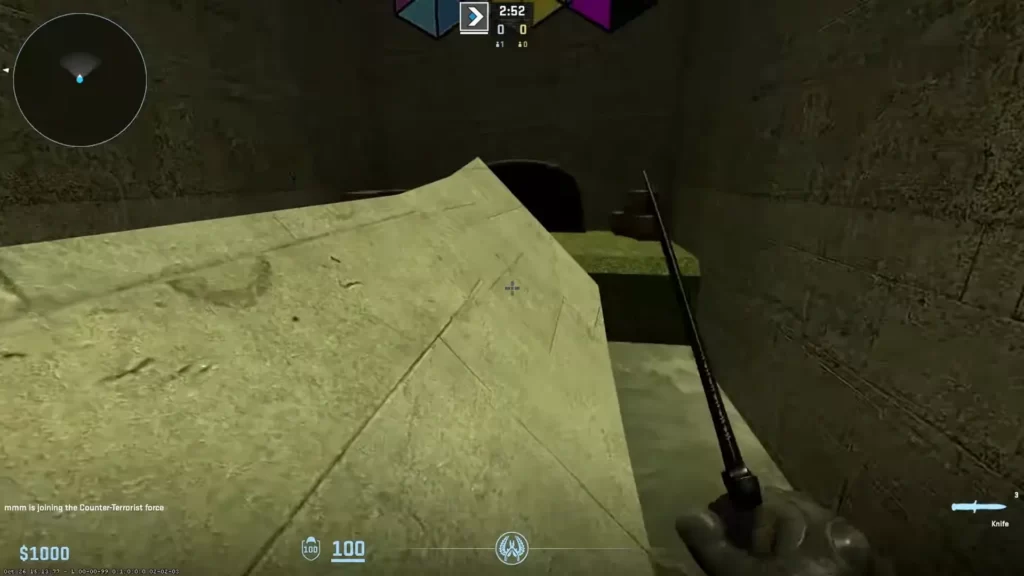
Mastering essential surf maps is a must for any aspiring CS2 surfer. Here’s how to connect to surf servers in CS2:
Head to the Steam Workshop to browse and access community-created CS2 surf maps.
Apply the CS2 filter and type surf in the search bar to find relevant maps.
Subscribe to any surf maps you like—this automatically downloads them to your game.
Open CS2 and select Workshop Maps from the menu to load your subscribed maps.
Before playing, paste the recommended console commands from the source section to ensure proper surf mechanics.
Modifying game settings while practicing CS2 surfing on offline surf maps is necessary to make the experience more challenging and enjoyable.
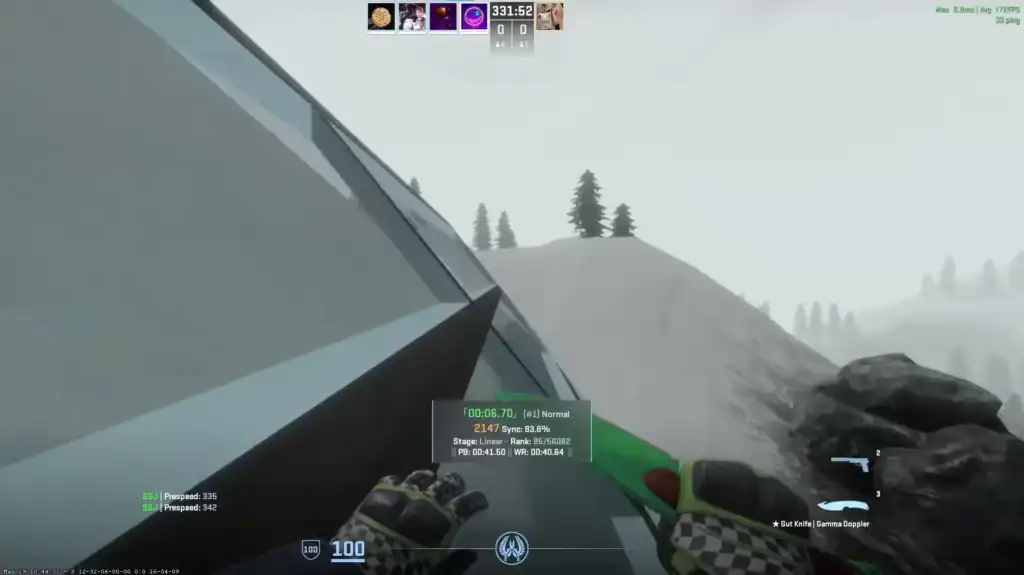
Tweak the settings to suit your personal preferences, particularly the air acceleration value. Lowering this value can make things more challenging and fun while surfing through the maps.
To master advanced maps, try these amazing tips and tricks:
Learn high-level skills like ramp boosting and wall riding to gain speed and control on demanding surf maps.
Thorough exploration often reveals hidden shortcuts and secret sections that can dramatically improve completion times.
Leverage community-made guides and video tutorials for deeper insights, advanced routes, and technique optimization.
With practice and dedication, you’ll conquer these challenging maps in no time!
How to Pick a CS2 Surf Server Depending on Your Skill Level
| Server | Beginner Friendly | Advanced Friendly | Why It’s Good |
|---|---|---|---|
| Cybershoke | ⚠️ | ✅ | Smooth performance and diverse map pools, leaning more toward intermediate and advanced surfers. |
| XPLAY.GG | ✅ | ✅ | Balanced map rotations with progression tracking, suitable for both beginners and experienced players. |
| Killzone Gaming (KZG) Surf Servers | ✅ | ✅ | Large active player base with maps ranging from easy to high-tier; skill progression and leaderboards make it great for all levels. |
| SurfHeaven / Flowstate Surf | ✅ | ⚠️ | Clean physics and mixed difficulty maps; excellent for beginners and mid-level players. |
| GFL Surf (Gaming Freedom League) | ✅ | ⚠️ | NA-centric servers with beginner-friendly maps and strong peak-time activity. |
When choosing a CS2 surf server, consider these important factors beyond the maps themselves:
Choose a server close to your region. Lower ping results in smoother movement, better responsiveness, and a more enjoyable surfing experience.
A populated server with active players ensures competition, motivation, and a more dynamic surf environment.
Servers with custom-made maps offer fresh challenges, creative layouts, and visual variety beyond standard surf experiences.
Look for servers offering leaderboards, stat tracking, and special in-game events like races or trick competitions for added depth.
Consider what features are important to you when selecting a CS2 surf server to find the perfect fit for your playstyle and preferences.
How to Join Surf Servers in CS2
Open Counter-Strike 2 from your Steam library.
Click Play → Community Servers from the main menu.
Use the filter bar and type surf to find surf servers.
Choose a server with low ping and active players.
Double-click the server or click Connect.
Follow server instructions, pick a map, and start learning.
CS2 Surfing Servers Etiquette and Tips
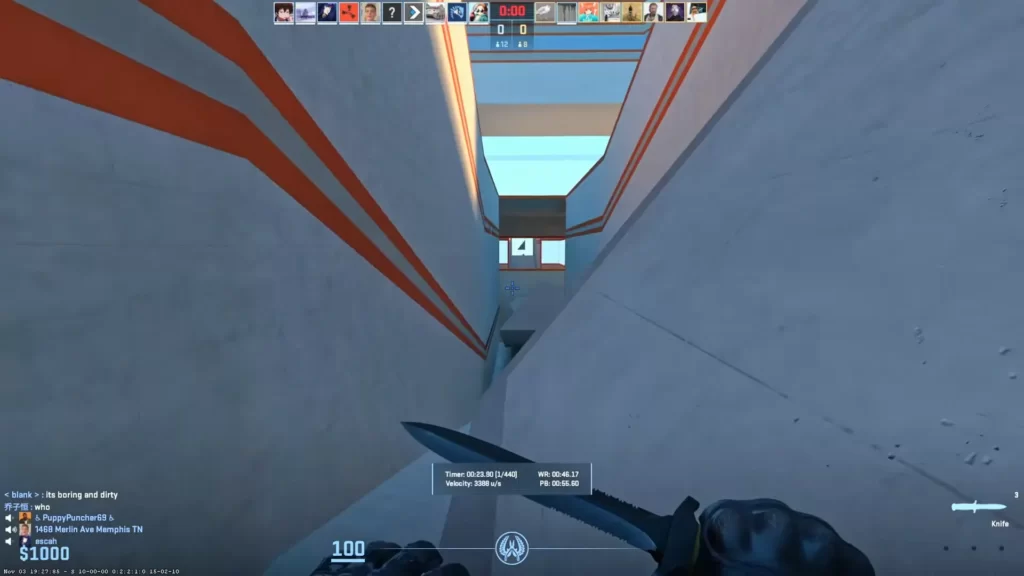
Creating a positive and enjoyable experience for all players is necessary when surfing in CS2. Following server etiquette and tips can help ensure a smooth and pleasant experience.
Some general etiquette for chatting on CS2 surfing servers includes:
Avoid hacks, cheats, or scripts that provide unfair advantages and disrupt gameplay.
Never impersonate other players or staff members to maintain fairness and trust.
Be polite and maintain a friendly attitude towards all players in the server.
Communicate over voice chat in English to ensure clear communication for everyone.
Do not use map glitches or bugs that provide unfair advantages during play.
Adhere to all server-specific commands and rules to maintain fair and organized gameplay.
When interacting in CS2 Surfing in-game chats, consider:
Listen to music or chat with friends while surfing to make your sessions more enjoyable and social.
Utilize entertaining server commands like !usp or !knife to enhance your gameplay experience.
Turn on the developer console to input commands, tweak settings, and fully customize your surfing experience.
Always respect the server rules to ensure fair play and a smooth experience for everyone.
Remember, being respectful and friendly goes a long way in ensuring a positive experience for everyone involved.
Customizing Your Surfing Experience
Personalizing your surf experience can make your gameplay truly unique. You can change your player models by joining a server with custom player models and replacing the existing model with a new one.
To enhance your surfing experience, consider customizing settings like sensitivity, maps, configuration, and skins. Lowering your sensitivity can help with precise movements while surfing, and flaunting your skin can add a personalized touch to your experience.
TIP: How to Play Workshop Maps with Friends in CS2
Summary
CS2 surfing offers an exhilarating and unique gaming experience for players of all skill levels.
With our comprehensive guide to top-rated surf servers, essential maps, server etiquette, customization options, and connecting with the surf community, you’re now well-equipped to ride the waves and conquer the world of CS2 surfing.
FAQs
1. What are CS2 surfing servers?
CS2 surfing servers are custom game servers where players use movement mechanics to glide along ramps and slopes, performing jumps and tricks instead of standard combat gameplay.
2. How do I find the best CS2 surf servers?
The easiest way is through the Steam Workshop. Filter by CS2 and type “surf” in the search bar. Look for servers with active communities, low ping, and good reviews.
3. Do I need special commands to surf?
Yes. Most surf servers require certain console commands to be pasted for proper movement and physics. Common commands adjust jump strength, air control, and movement sensitivity.
4. Are there different difficulty levels on surf servers?
Absolutely. Servers range from Beginner maps (easy slopes and jumps) to Expert maps (tight rails, long jumps, and high-speed sections). Players should choose maps according to their skill level.
5. Can I practice surfing solo, or do I need others?
Surfing can be practiced solo, but many servers include community features like leaderboards, races, or trick competitions, which make multiplayer interaction more engaging and rewarding.