Aleksandr “s1mple” Kostyliev is widely considered one of the greatest Counter-Strike players of all time.
Famous for his explosive aim, fast reactions, and confidence in high-pressure situations, s1mple’s CS2 settings are built around responsiveness, precision, and visual clarity.
Below is a complete breakdown of his setup, structured with tables for easy reading and practical use.
Table of Contents
Mouse and Sensitivity Settings
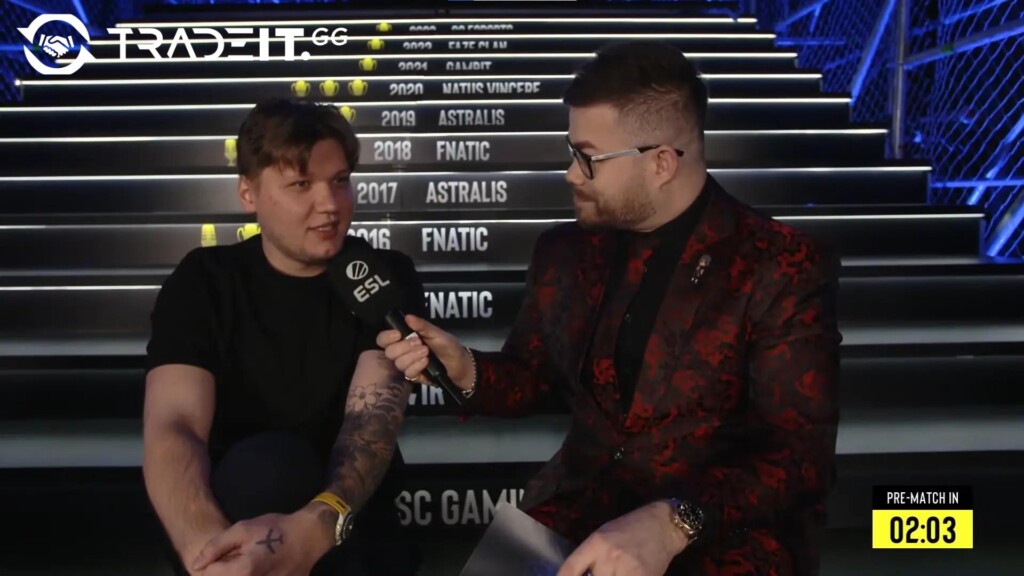
Unlike many professional players who favor very low sensitivity, s1mple uses a relatively high sensitivity, which supports his aggressive playstyle and rapid flick shots, especially when AWPing.
| Setting | Value |
|---|---|
| DPI | 400 |
| In-game Sensitivity | 3.09 |
| eDPI | 1236 |
| Zoom Sensitivity | 1.00 |
| Polling Rate | 1000 Hz |
| Windows Sensitivity | 6 |
| Raw Input | Enabled |
This sensitivity allows s1mple to turn quickly, react instantly, and maintain control in close-quarters combat.
Crosshair Settings
S1mple’s crosshair is small, static, and unobtrusive, helping him focus on precise headshots without visual distractions.
| Crosshair Option | Value |
|---|---|
| Style | Classic Static |
| Color | Cyan |
| Length | 1 |
| Thickness | 1 |
| Gap | -4 |
| Dot | No |
| Outline | No |
| Alpha | 255 |
| Fixed Gap | 3 |
| Sniper Width | 0 |
This compact design keeps the center of the screen clear, which is especially important during fast-paced duels.
Viewmodel Settings
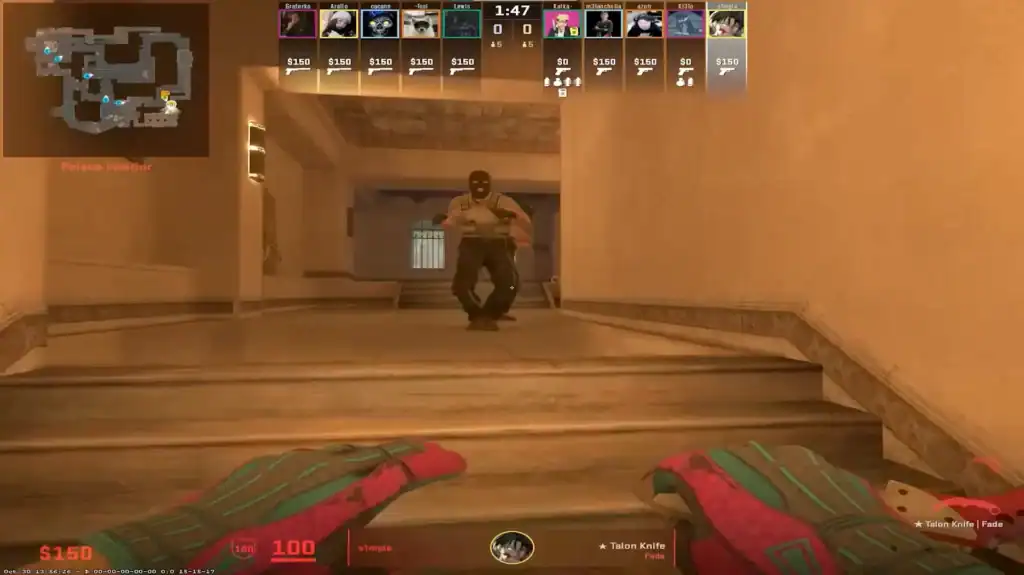
The viewmodel controls how much of the weapon is visible on screen. S1mple’s settings maximize visibility while keeping the gun comfortably positioned.
| Viewmodel Setting | Value |
|---|---|
| Field of View (FOV) | 68 |
| Offset X | 2.5 |
| Offset Y | 0 |
| Offset Z | -1.5 |
| Preset Position | 2 |
| Weapon Bob | Disabled |
This configuration reduces screen clutter and helps keep enemies in clear focus during fights.
Video Settings
S1mple is well known for playing on a stretched resolution, which makes player models appear wider and can make targets feel easier to track with the AWP. His video settings balance clarity and performance.
Basic Video Settings
| Setting | Value |
|---|---|
| Resolution | 1280×960 |
| Aspect Ratio | 4:3 (Stretched) |
| Display Mode | Fullscreen |
| Brightness | 110% |
Advanced Video Settings
| Setting | Value |
|---|---|
| Boost Player Contrast | Disabled |
| V-Sync | Disabled |
| Anti-Aliasing | 8x MSAA |
| Global Shadow Quality | High |
| Model / Texture Detail | High |
| Shader Detail | High |
| Texture Filtering | Bilinear |
| Particle Detail | Low |
| Ambient Occlusion | Medium |
| HDR Quality | Quality |
| NVIDIA Reflex | Disabled |
This setup prioritizes smooth gameplay while maintaining enough visual detail to clearly identify enemies.
Monitor and Display Preferences
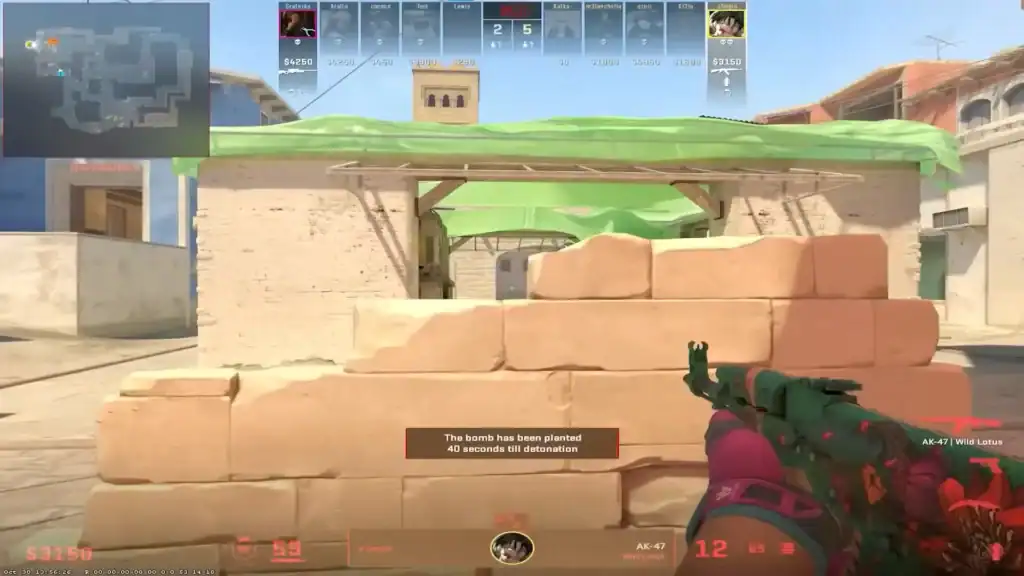
S1mple typically plays on high-refresh-rate monitors, which provide smoother motion and lower input latency, which are critical advantages in competitive CS2.
| Display Feature | Preference |
|---|---|
| Resolution Style | Stretched |
| Refresh Rate | 360 Hz |
| Display Mode | Fullscreen |
| Aspect Ratio | 4:3 |
A high refresh rate combined with stretched resolution enhances responsiveness and visual tracking during intense firefights.
Launch Options and Config Tweaks
To streamline performance and reduce distractions, s1mple uses optimized launch options.
-novid -console +fps_max 999
These options remove the intro video, enable the console, and allow the game to run at high frame rates.
Summary
S1mple’s CS2 settings reflect his unique approach to the game: fast, aggressive, and mechanically demanding. His higher sensitivity, stretched resolution, and performance-focused video settings support quick reactions and confident plays.
While copying pro settings won’t instantly improve results, using s1mple’s configuration as a baseline can help you better understand how professional players optimize their environment for top-level CS2 performance.
FAQs
1. Are s1mple’s CS2 settings suitable for beginners?
They can be used as a reference, but his higher sensitivity may feel too fast for beginners. New players may want to lower the sensitivity slightly and adjust gradually.
2. Why does s1mple use such a high sensitivity compared to other pros?
His sensitivity supports rapid flicks, fast reactions, and aggressive AWP play, which fits his personal aiming style and experience.
3. What is the advantage of stretched resolution in CS2?
Stretched resolution makes enemy models appear wider, which some players find easier to track, especially in close- to mid-range fights.
4. Should I copy s1mple’s video settings exactly?
Not necessarily. His settings are optimized for high-end hardware. Adjust shadow quality, anti-aliasing, or resolution if your PC struggles to maintain stable FPS.
5. Will using s1mple’s settings improve my rank?
Settings alone won’t increase your rank. Improvement comes from practice, positioning, and decision-making, but good settings can help with consistency and comfort.