As Counter-Strike 2 evolves with ever-faster gameplay and tighter decision-making, finding time to practice precise mechanics becomes critical.
That’s why the infinite time command has become a go-to tool for players looking to refine aim, utility usage, grenade lineups, and movement without the pressure of a ticking clock or sudden round endings.
Using the infinite time command can help you improve your CS2 rank much faster. Whether you’re warming up, rehearsing grenade trajectories, or working on unorthodox setups, having limitless time in a private environment allows you to build muscle memory and confidence.
Table of Contents
Commands Table: Infinite Time Essentials
| Console Command | Purpose | Game Mode |
|---|---|---|
mp_roundtime_defuse 60 | Sets defusal map rounds to the maximum duration of 60 minutes. | Defusal (Bomb Scenario) |
mp_roundtime_hostage 60 | Sets hostage rescue map rounds to the maximum duration of 60 minutes. | Hostage Rescue |
mp_roundtime 60 | Sets standard round duration to 60 minutes on custom maps. | Generic / Custom Maps |
mp_ignore_round_win_conditions 1 | Prevents rounds from ending when objectives are completed. | All Modes |
mp_restartgame 1 | Restarts the match so new round-time settings take effect immediately. | All Modes |
mp_buytime 9999 | Extends the buy period for the entire round. | All Modes |
mp_buy_anywhere 1 | Allows players to purchase weapons anywhere on the map. | All Modes |
mp_freezetime 0 | Removes the freeze period at the start of rounds. | All Modes |
mp_warmuptime 9999 | Creates an extremely long warm-up session. | Warm-Up |
mp_warmup_end | Ends the warm-up instantly and starts the match. | Warm-Up |
sv_cheats 1 | Enables cheat-protected commands often used during practice sessions. | Private Servers |
bot_kick | Removes bots so they do not interrupt long practice rounds. | Practice Servers |
These console command snippets together form the basic console command for infinite time in CS2 setups. They allow you to create a sandbox-like, unhurried environment perfect for honing mechanics.
There is no true infinite-time command in CS2. Instead, players use a combination of round-time and practice commands to create very long rounds and prevent premature round endings. These settings are ideal for grenade practice, aim training, and map exploration, but the game still enforces a maximum round duration.
How to Enable the Developer Console
Before using any infinite time command, you’ll need to enable CS2’s developer console:
Once your console is enabled, you’re ready to enter the essential Infinity Time Commands or any practice setup configuration.
Top Uses of Infinite Time in CS2
With the game’s 2024-2025 updates delivering updated bullet physics, remastered CS2 maps, and improved recoil patterns, infinite time environments are more valuable than ever. Popular uses today include:
🎯 Lineup Mastery
Perfecting grenade throws (smokes, molotovs, flashes) on Vertigo, Overpass, Anubis, and other refreshed maps without time stress.
🏃 Movement Drills
Practicing jump-throws, bunny-hops, and ramp shots at your own pace.
🗺️ Positional Exploration
Testing awkward or creative spots on maps like Ancient and Mirage.
💣 Utility Scenarios
Replaying post-plant setups to optimize position and crossfires.
Advanced Practice Setup (2026 Edition)
Here’s a complete practice config for 2026 that you can paste into your autoexec or run via console:
Add sv_infinite_ammo 1 or noclip if you’re testing grenades or navigating complex angles. This advanced practice setup gives you full buy freedom and no interruptions.
Common Mistakes and Limitations
Even experienced users can hit snags when using infinite time:
Commands don’t persist across map reloads unless placed in your autoexec config.
Public matches disable these commands—they’re only for private or local servers.
Some users forget to issue mp_restartgame 1, leaving the round stuck under old settings.
Excessive buy time or ignored win conditions can cause UI glitches or buy-phase loops.
Using sv_cheats 1 in local but forgetting to disable before scrims can lead to soft penalties in lobbies.
Combining Infinite Time with Other Commands
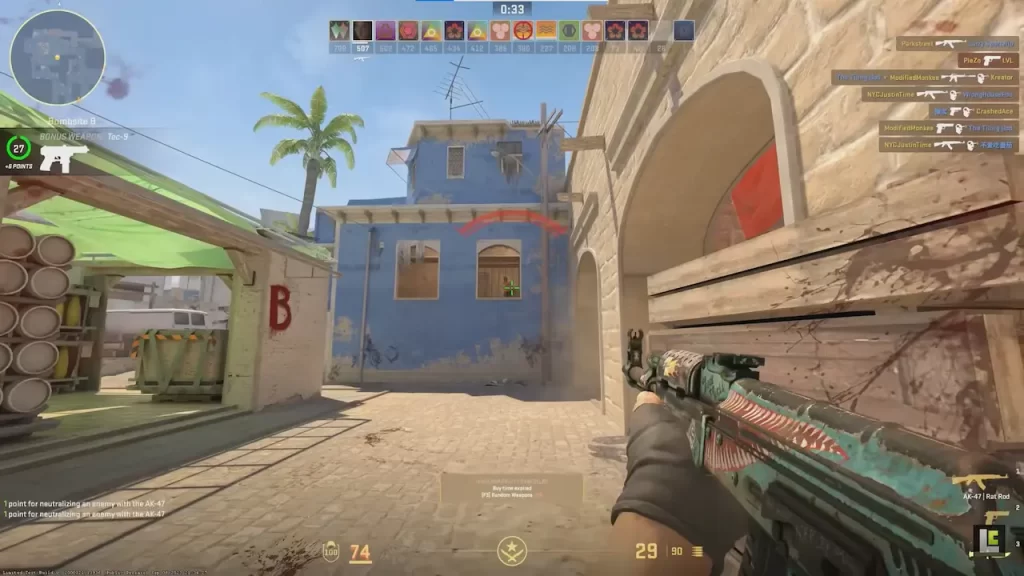
Infinite time pairs well with additional commands to create ultra-efficient practice routines:
sv_showimpacts 1
Visualize your jabs and bullet impacts for precise feedback.
mat_wireframe 2
Reveal wallbang damage zones on Mirage or Inferno.
cl_showpos 1
Monitor velocity and height during movement drills.
host_timescale 0.5
Slow motion for tactical adjustments and detailed practice.
Combining these with infinite time gives you a powerful replay-ready environment for complete breakdowns of mechanics and map control.
Useful Workshop Maps for Practice
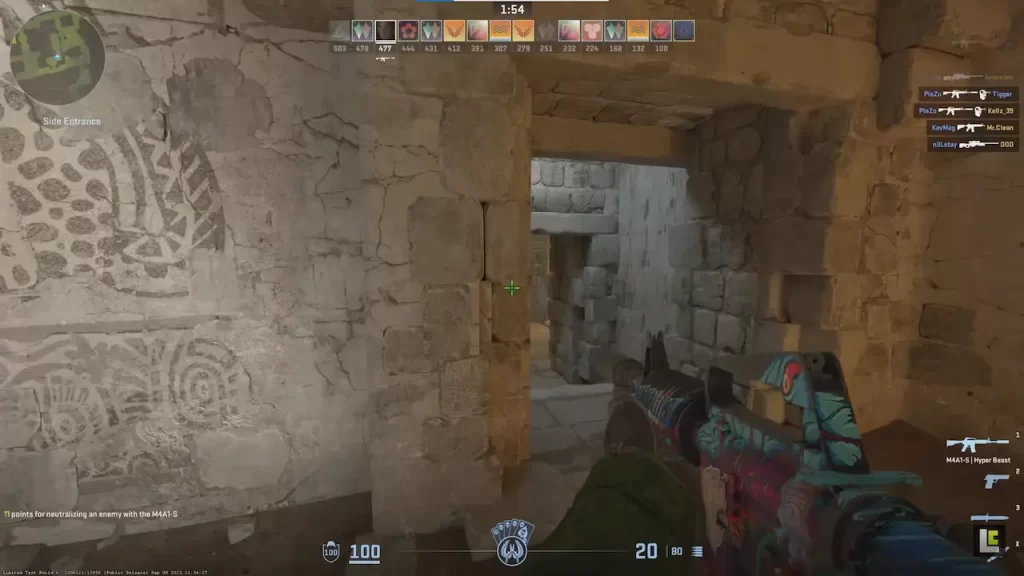
Here are some top-rated CS2 workshop maps that mesh perfectly with infinite time setups:
Yprac Practice Range CS2
Classic aim training with bots and customizable scenarios.
Crashz’ CS2 Training
Excellent for recoil and spray control in slow-motion or freeze drills.
Nade Training++ (CS2)
Made for smoke, flash, and molotov lineups across modern maps.
FAST-RCS & Movement
Ideal for testing bunny hops or movement spray control.
Infinite time lets you linger as long as needed on each spot to analyze and perfect every flick, grenade arc, or angle peek.
Conclusion
Using the infinite time command for your CS2 practice sessions can greatly improve your experience. Simply use the setup described in this guide, and you’re ready to go.
FAQs
What is the Infinite Time Command in CS2?
The Infinite Time Command is a console setting in CS2 that removes round timers, allowing you to practice or explore maps without being interrupted by round ends.
How do I activate the Infinite Time Command?
Enable the developer console in CS2’s settings, open it with the assigned key (default ~), and enter commands like mp_roundtime_defuse 60 or mp_roundtime 60 combined with mp_restartgame 1.
Does the Infinite Time Command work in competitive matches?
No. The command only works in custom servers, private lobbies, or when cheats are enabled. It’s not usable in official matchmaking games.
What are common uses for Infinite Time in 2026?
The best CS2 pro players use it for aim training, grenade practice, movement drills, exploring new maps, or testing strategies without time pressure.
Can I combine Infinite Time with other commands?
Yes. Infinite Time can be paired with commands for infinite ammo, free grenades, or no freeze time to create a comprehensive training environment.