You may not care at first, but learning how to get service medals in CS2 becomes important after playing the game for a few months.
To accomplish this, you must first climb to the Global General Rank (Rank 40). What follows is a strategic blend of XP grinding and in-game performance that culminates in resetting your profile rank to claim your medal.
This concise guide outlines the critical steps to achieving that goal.
Table of Contents
CS2 Service Medal Requirements

| Requirement Step | Description |
|---|---|
| 1. Play official game modes | Earn XP by playing Premier, Competitive, Deathmatch, Wingman, or other official CS2 modes |
| 2. Gain XP to level up | Progress your Profile Rank from Level 1 to Level 40 (Global General) |
| 3. Reach Rank 40 | Unlock eligibility to claim a Service Medal once you hit the maximum profile level |
| 4. Claim the Service Medal | Click “Get Service Medal” in your profile to receive it and reset your rank |
| 5. Rank reset | Your profile resets back to Rank 1 after claiming the medal |
| 6. Repeat for upgrades | Reaching Rank 40 again in the same year upgrades the medal color (up to 6 tiers total) |
Achieving and Upgrading the CS2 Service Medal
Earning a Service Medal in CS2 marks a player’s long-term commitment to progressing their profile rank. The process revolves around reaching the maximum Profile Rank 40 (Global General) and then resetting progress to claim the reward.
Each Service Medal is tied to a specific year, meaning it reflects that year’s progression cycle and cannot be reused across different seasons.
After obtaining the medal, players can continue leveling their profile to upgrade it further. Each upgrade requires repeating the Rank 40 progression and resetting again within the same year.
Once the reset is completed, matchmaking access and competitive progression remain unaffected, and players can immediately continue playing without any restriction beyond restarting their profile level.
Understanding CS2 Service Medal Tiers and Colors
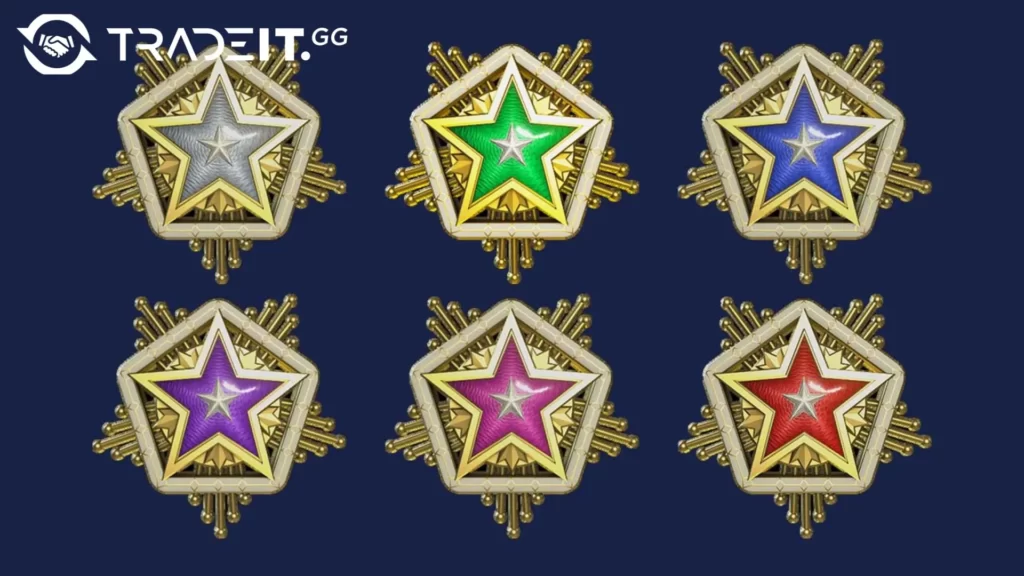
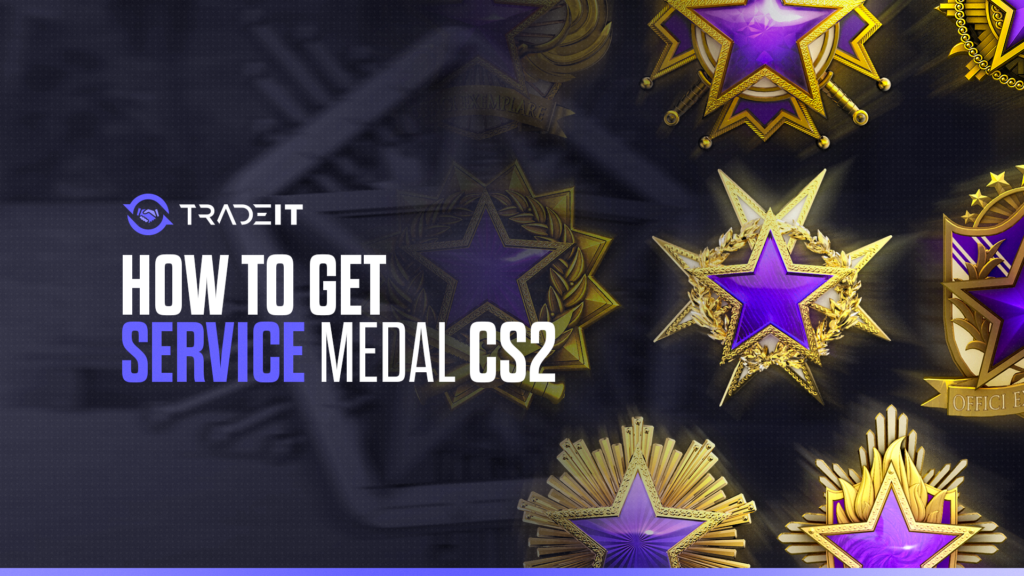
While the journey to the service medal is a thrilling one, the medal itself holds a world of intrigue. Counter-Strike 2 service medals come in six distinct tiers, each represented by a unique color.
This color-coded system signifies a player’s level of achievement in the game, making each medal tier a coveted achievement.
CS2 Service Medal Levels: Color Significance and Rarity
Each tier of the CS2 service medal is associated with a specific color, reflecting its rarity and the achievement it represents. The first tier of the service medal is represented by the color gray, a humble beginning to an illustrious journey.
The colors progress as follows:
Cyan – Beginner level
- Basic understanding of mechanics
- Learning fundamentals and aim control
Green – Stable progression level
- Solid improvement stage
- Consistent performance gains
Blue – Intermediate level
- Noticeable skill development
- Better control and awareness
Purple – Advanced level
- Strong mechanical consistency
- High-level game understanding
Pink – Elite level
- Refined mechanics and precision
- Strong competitive performance
Red – Peak mastery
- Top-tier performance level
- Near-professional skill execution
Each color upgrade marks a significant milestone, highlighting the player’s dedication and prowess in the game.
Gaining XP and Advancing Your Profile Rank in CS2
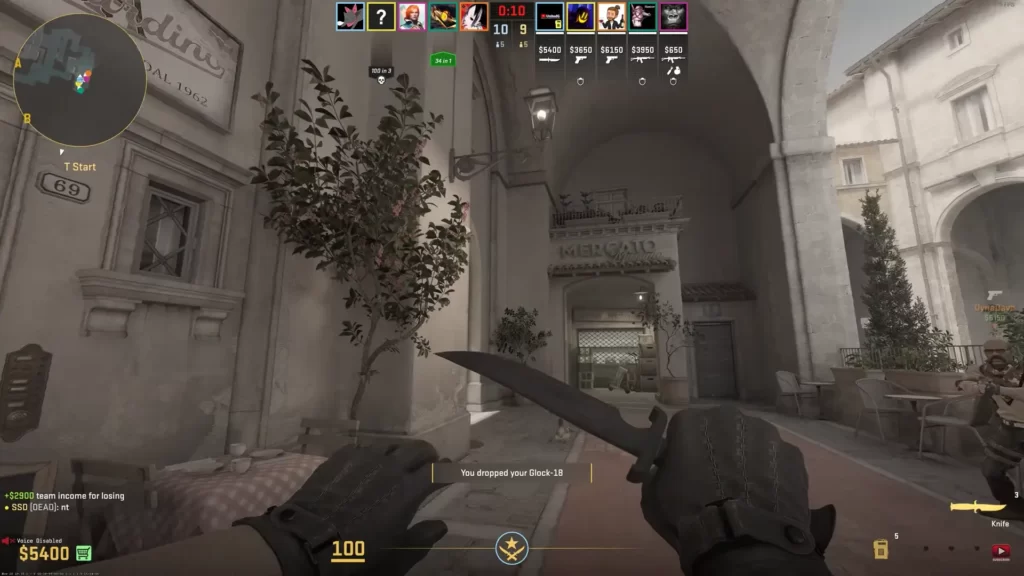
Progressing toward the Service Medal in CS2 requires earning XP to increase your Profile Rank, which goes from Rank 1 up to Rank 40 (Global General).
This system is based entirely on gameplay XP, not competitive skill ranks like Premier rating or Global Elite.
To progress efficiently, you need to play official CS2 game modes such as Premier, Competitive, Deathmatch, and other Valve-supported playlists. Each match rewards XP based on performance, match outcome, and time played.
Once you reach Rank 40, you can claim a Service Medal and reset your profile level to start a new yearly medal progression cycle.
Weekly Bonus XP and XP Reduction System
CS2 does not use a fixed XP pool anymore. Instead, it uses a weekly bonus and diminishing returns system.
Players receive increased XP gains at the start of each week, especially during their first matches. As more XP is earned, the bonus gradually decreases.
After extended play, XP gains are significantly reduced in what is commonly known as the “XP overload” state. This system resets every week.
Efficient Ways to Maximize XP Gain
Different game modes provide different XP efficiency depending on how you play.
Ideal for fast XP gains and short training sessions.
Great for quick warm-ups and steady XP progression.
Provides strong XP rewards when you win rounds consistently.
High XP potential with consistent performance over time.
Regular weekly play maximizes bonus XP before it decreases.
Summary
Earning a service medal in CS2 is a journey of skill, strategy, and dedication. From reaching the Global General Rank to resetting the profile rank, from understanding medal tiers and colors to gaining XP and advancing ranks, every aspect of this journey is laden with excitement and challenges.
FAQs
1. What is a Service Medal in CS2?
A Service Medal in CS2 is a cosmetic reward earned for leveling up your profile rank to the maximum level within a yearly cycle. It represents your overall XP progression in the game, not your competitive skill rank.
2. How do you get a Service Medal in CS2?
To get a Service Medal, you must reach Profile Rank 40 (Global General) by earning XP through official game modes such as Premier, Competitive, Deathmatch, and other Valve-supported modes. Once you reach Rank 40, you can claim the medal and reset your level.
3. Do you need to reach Global Elite rank to get a Service Medal?
No. The Service Medal has nothing to do with competitive ranks like Silver, Global Elite, or Premier ratings. It is only based on your XP profile level progression.
4. Can you earn more than one Service Medal per year?
Yes. After reaching Rank 40 and claiming your Service Medal, you can reset your profile level and continue earning XP to upgrade your medal color multiple times within the same year.
5. Does XP carry over after resetting for a Service Medal?
No. When you claim a Service Medal, your XP level resets back to Rank 1, and you start progressing again toward the next medal tier within the same yearly cycle.