The M4A4 is one of the most popular rifles in Counter-Strike 2 for Counter-Terrorist players. Known for its high accuracy, manageable recoil, and fast fire rate, it’s essential to know how to equip and use it efficiently to gain an edge over your opponents.
This guide will walk you through everything you need to quickly equip your M4A4 in CS2.
Table of Contents
Buying the M4A4 in CS2
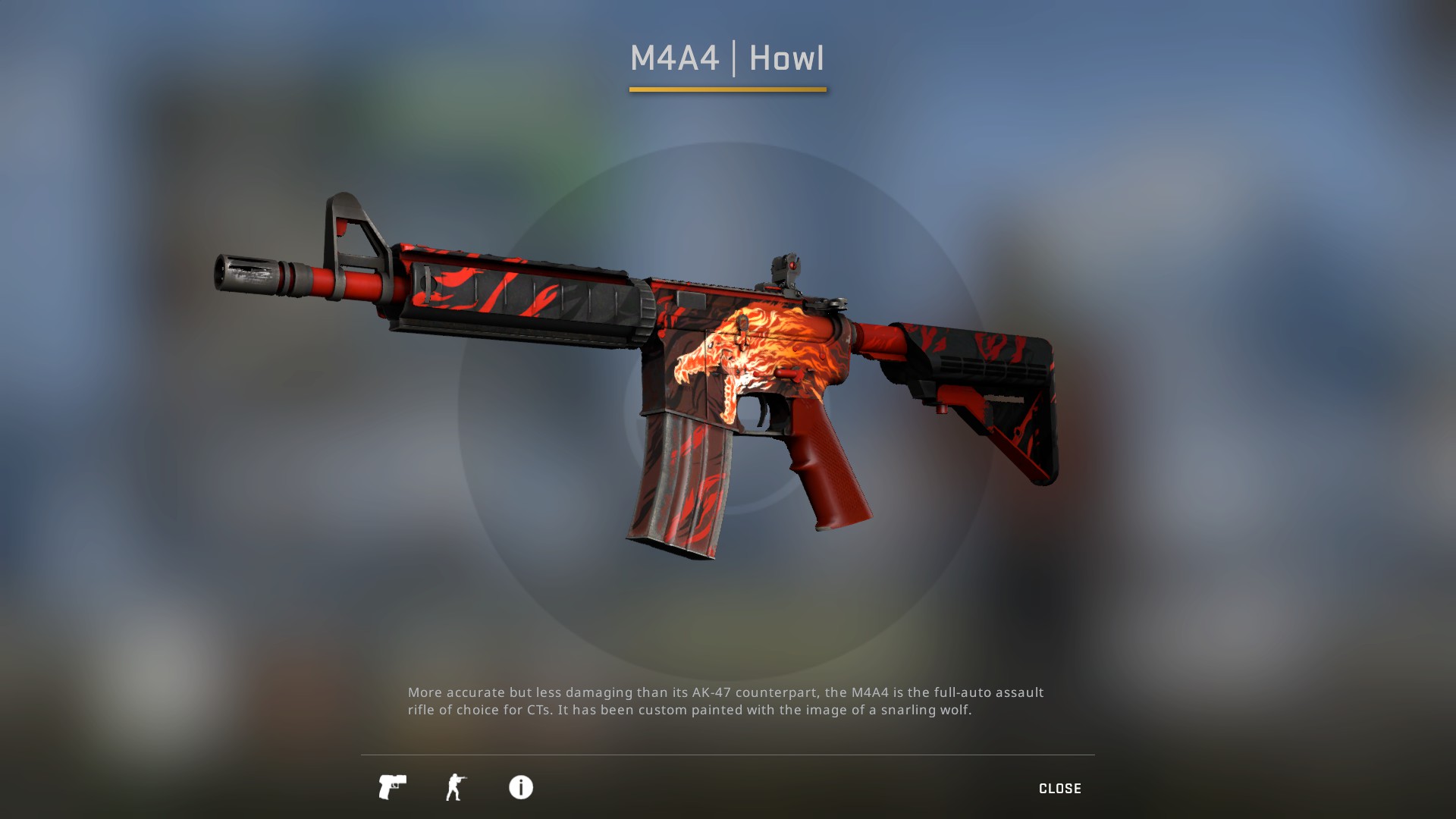
The first step to equipping the M4A4 is purchasing it during the buy phase. Follow these steps for a fast and effective purchase:
Press the default key B during the buy phase at the start of a round to access the purchase interface.
Within the buy menu, choose the “Rifles” section to find the M4A4 along with other primary weapons.
Ensure you have at least $3100 in-game, then click on the M4A4 to prepare for purchase.
Press the buy key to instantly acquire the M4A4 and equip it for the current round.
Alternatively, you can use the quick-buy keys if you’ve customized them in your settings. Many professional players bind the M4A4 directly to a single key for faster equipping, eliminating the need to navigate menus under pressure.
Equipping from Inventory
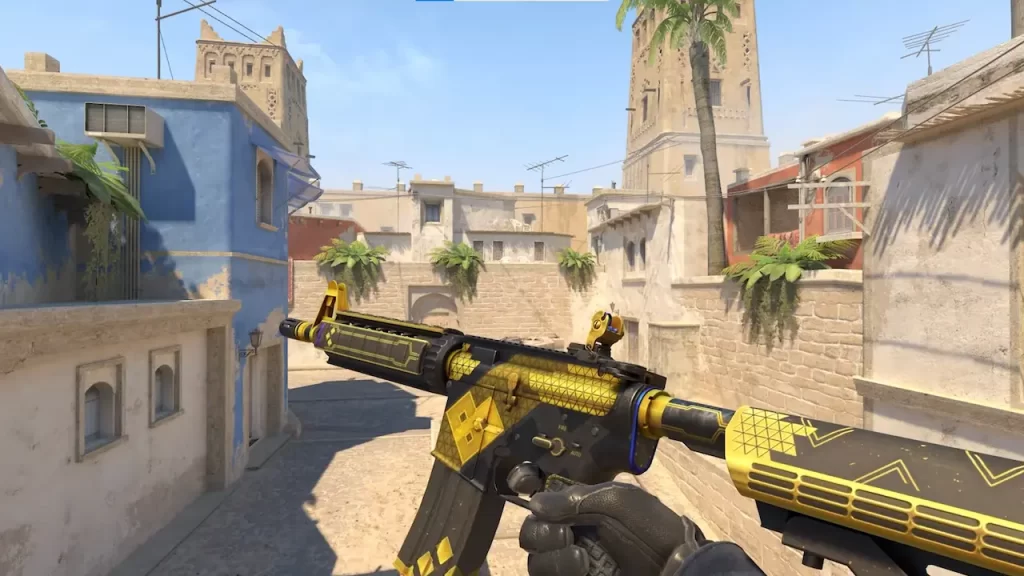
If you’ve purchased or picked up an M4A4 mid-game, equipping it from your inventory is straightforward:
Press the I key to open your inventory and view all available weapons and equipment.
Find the M4A4 under the “Primary Weapons” section of your inventory for quick access.
Select the M4A4 and press the assigned key to equip it instantly for immediate use.
Equipping from inventory is useful when swapping weapons after picking up a dropped rifle from a teammate or enemy. This ensures you’re always ready with the right weapon for the next engagement.
Optimizing Your Loadout
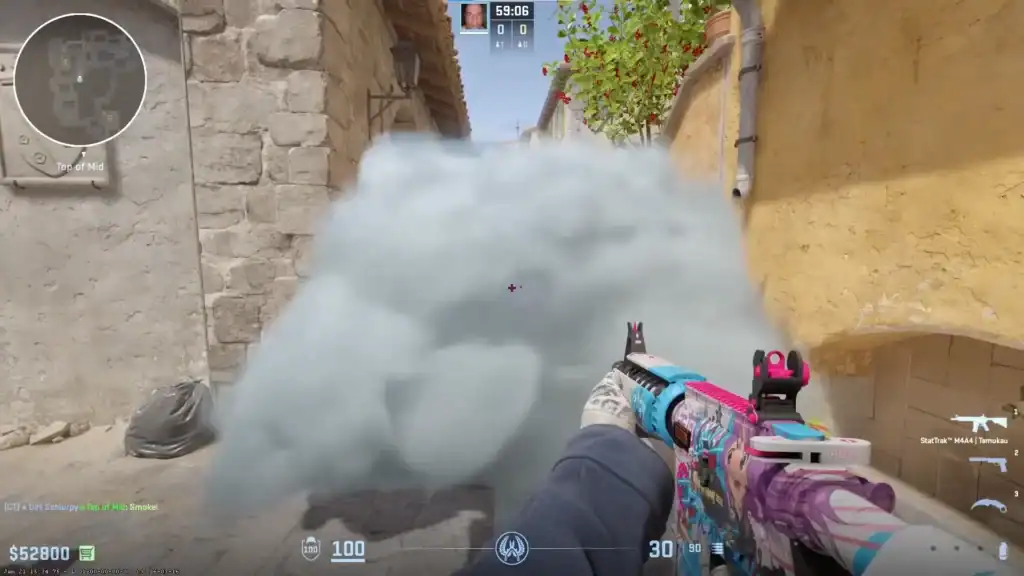
Once you have the M4A4, it’s important to optimize its setup for maximum effectiveness:
CS2 supports skins, stickers, and other cosmetic options. Choose attachments that don’t impact performance but enhance visibility and tracking.
Pair the M4A4 with a crosshair that suits long-range accuracy and spray control for better performance in matches.
Always check your magazine; the M4A4 holds 30 rounds per magazine. Carry extra ammo for extended engagements and continuous firepower.
Switching Between Weapons Quickly
Fast switching can save your life in close-quarters combat:
Use the number keys (1 for primary, 2 for secondary) to switch instantly between weapons during matches.
Combine number keys with quick weapon binds in your settings to allow one-click swaps during a firefight.
This practice allows you to maintain control in high-pressure situations without fumbling through menus or inventory.
Summary
Equipping the M4A4 in CS2 is fast and simple once you know the steps. Whether you’re buying it during the round, picking it up from a teammate, or optimizing your loadout, these tips ensure you’re always ready for combat.
Quick purchases, efficient inventory management, and proper weapon handling will give you the confidence to dominate matches as a Counter-Terrorist.
By mastering these methods, your M4A4 performance will be smoother, more reliable, and deadly accurate in any engagement.
FAQs
How do I quickly buy the M4A4 in CS2?
Press the B key during the buy phase, navigate to the Rifles section, and select M4A4. You can also bind it to a quick-buy key for faster access.
Can I equip the M4A4 from my inventory?
Yes, open your inventory with I, locate the M4A4 under Primary Weapons, and select it to equip instantly.
How can I switch to the M4A4 faster during combat?
Use the number keys (1 for primary, 2 for secondary) or set up custom quick weapon binds to swap weapons instantly.
Does the M4A4 come with attachments in CS2?
CS2 allows cosmetic skins and stickers but doesn’t include functional attachments. Crosshair and viewmodel settings can be optimized for better handling.
What should I keep in mind about ammo when using the M4A4?
The M4A4 holds 30 rounds per magazine. Always monitor your ammo, and carry extra when possible to avoid running out during firefights.