CS2 is a great game, you beat a bunch of enemies, get that adrenaline pumping, and you’re totally in the zone.
But if you’re a leftie or your right eye just happens to be the MVP, you might feel like you’re playing with one hand tied behind your back. Switching to a left-hand view in CS2 can be a game-changer, literally.
If you’re a left-handed player or right eye dominant, adapting your CS2 settings to better suit your playstyle is crucial for comfort and aiming accuracy.
This article will guide you through changing to left-hand in CS2 console commands. This is a simple tweak that can greatly enhance your gaming experience.
Table of Contents
How to Switch Hands in CS2
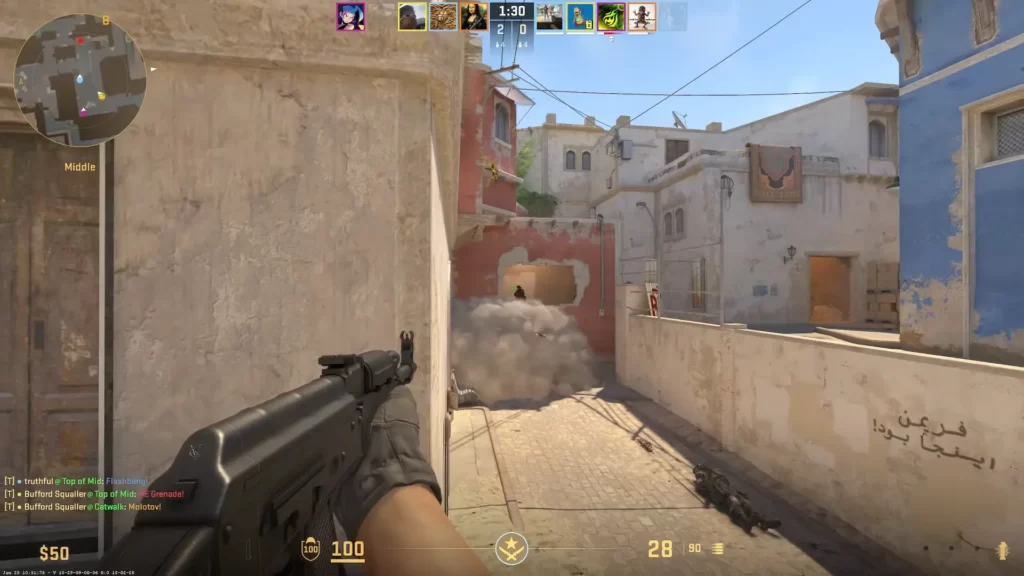
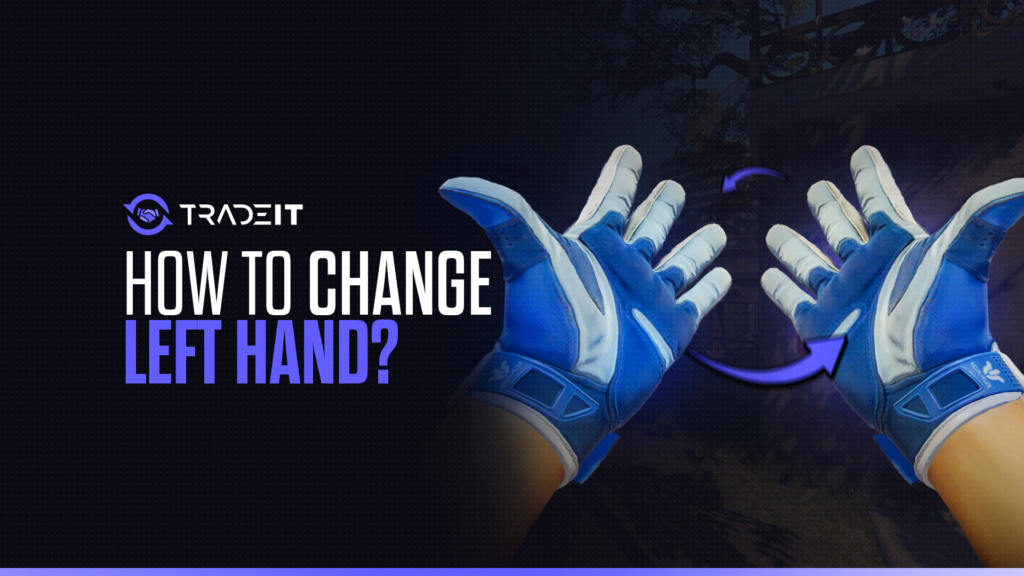
Switching hands in Counter-Strike 2 allows you to change which side your weapon appears on your screen, either left or right.
This is purely a visual preference and does not affect gameplay mechanics such as accuracy, recoil, or movement speed. Many players use it to improve visibility around corners or to feel more comfortable with their aim positioning.
The easiest way to switch hands is by using the in-game console. First, make sure the developer console is enabled in your game settings. Once it is active, you can use a simple command to toggle between hands during gameplay.
The most commonly used method is binding a key to the switch command. For example:
bind "h" "switchhands"
This allows you to instantly swap your weapon hand position by pressing the assigned key. You can replace “h” with any key you prefer, depending on your control setup.
Some players also create an autoexec configuration file so the bind is automatically applied every time they launch the game.
Optimizing Your Gameplay Settings if You Are Left-Handed
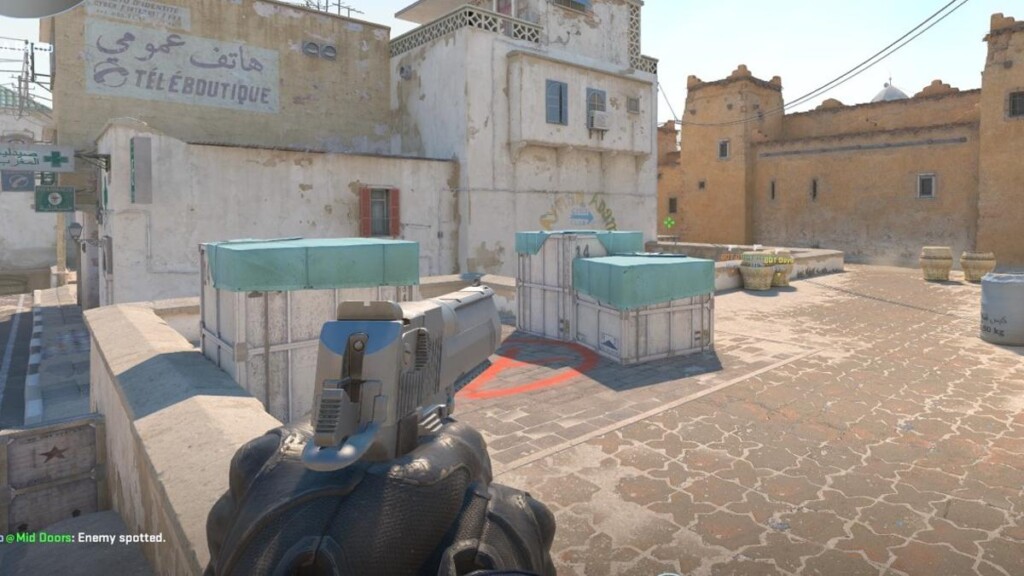
If you’re a left-handed player in CS2, optimizing your settings can lead to improved comfort and performance. Here’s a streamlined approach to tailoring your gameplay:
Reassign controls to more accessible keys like arrow keys or the numeric keypad for better comfort and reach.
Fine-tune DPI and in-game sensitivity to improve aiming precision and overall control comfort.
Adjust your HUD layout so key elements like the map and health bar stay within your natural field of view.
Use left-handed mice and ergonomic peripherals designed to reduce strain and improve comfort.
Practice in custom maps and training scenarios to quickly adapt to your new setup and build consistency.
Also Check Out: Your Guide to CS2 Quickswitch Bind Setup
Summary
In conclusion, the addition of a left-hand view feature in CS2 would be a significant step towards inclusivity, catering to the needs of left-handed and right eye dominant players.
Meanwhile, console commands offer a temporary workaround to switch hands, helping players align their gameplay with their visual dominance.
FAQs
1. How do I switch to left hand in CS2?
In Counter-Strike 2, you can switch hands using the console command switchhands or bind a key to toggle between left and right hand view.
2. Do I need to enable the developer console to change hand position?
Yes, you must enable the developer console in settings first, then use console commands or key binds to switch to left hand.
3. Can I permanently set my weapon to left hand in CS2?
You can bind a key or create an autoexec config, but CS2 does not always offer a permanent in-game menu toggle for left-hand view depending on updates.
4. What is the command to toggle hands in CS2?
The main command is:switchhands
You can also bind it like:bind "key" "switchhands" for quick toggling during gameplay.
5. Does playing left-handed affect gameplay in CS2?
No, switching to left hand in Counter-Strike 2 is purely visual and does not affect recoil, aim, or hit registration.