Customizing your loadout in Counter-Strike 2 allows you to control which weapons appear in the buy menu during matches.
Since the game limits the number of weapons you can equip in each category, adjusting your loadout ensures that your preferred rifles, pistols, and SMGs are always available when the round begins.
Changing your loadout is quick and can be done directly from the inventory menu. Once configured, the selected weapons will appear automatically in the buy menu whenever you play as either the Counter-Terrorists or the Terrorists.
Table of Contents
Opening the Loadout Menu
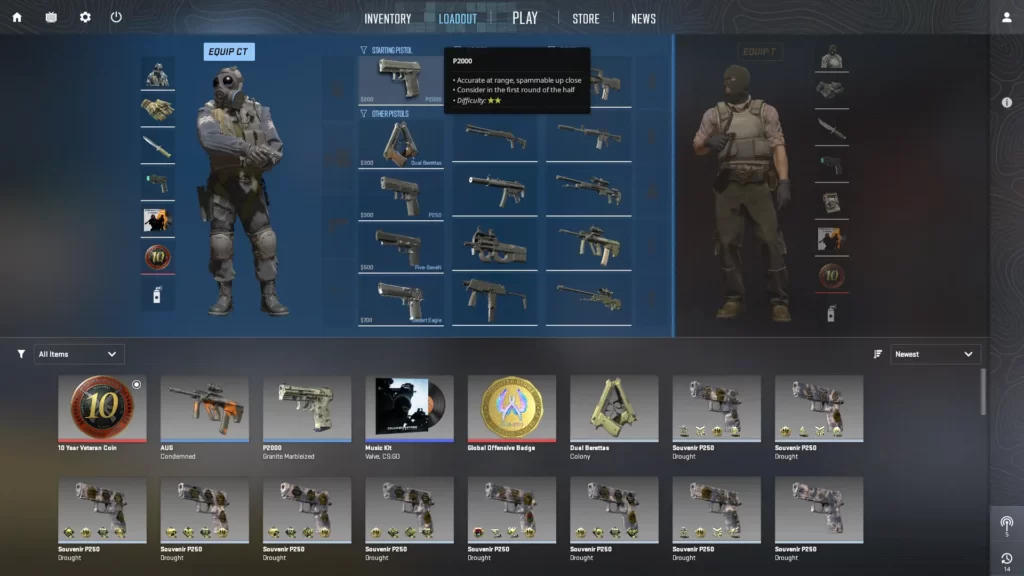
To start customizing your weapons, you first need to access the loadout interface. This menu is part of the main inventory system in CS2, where you can also view skins, inspect items, and manage cosmetics.
Follow these steps to open the loadout menu:
Start Counter-Strike 2 and reach the main menu where all game options are displayed.
Click the Inventory tab at the top of the screen to view all weapons and cosmetic items.
Inside the inventory interface, locate the Loadout section where weapon slots are displayed.
Select either the Counter-Terrorist or Terrorist loadout to begin editing your weapon setup.
Once inside the loadout screen, you will see different weapon categories such as pistols, mid-tier weapons, rifles, and heavy weapons.
Selecting Weapons for Your Loadout
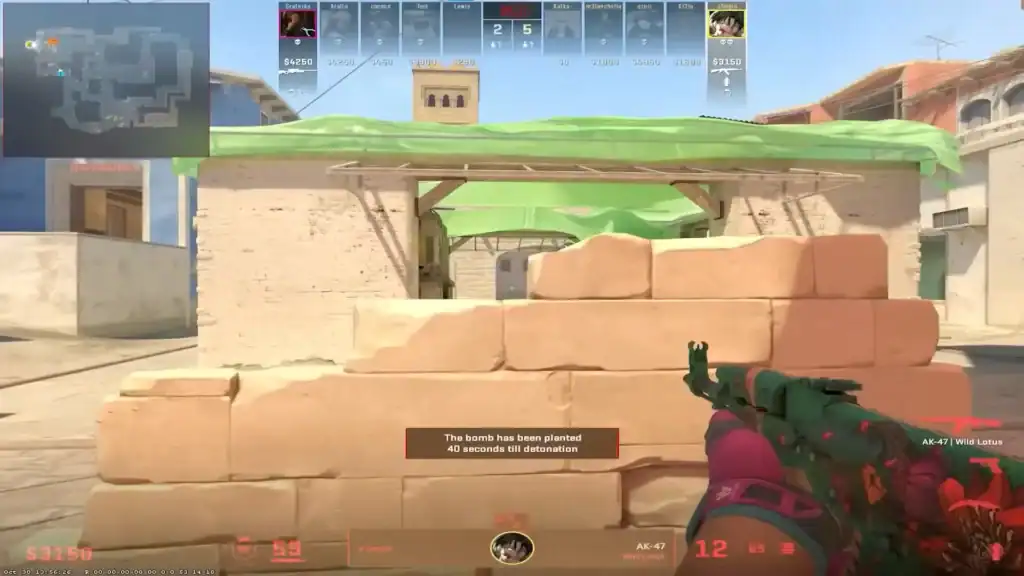
CS2 limits how many weapons can appear in each category of the buy menu. Because of this, you must choose which weapons you want to include in your loadout.
For example, the rifle category contains several options, but only a certain number can be equipped at the same time. To customize your loadout, click on the weapon category and select the weapons you want to use during matches.
Typical rifle choices include:
A powerful Terrorist rifle known for its high damage and one-shot headshot potential.
The main Counter-Terrorist rifles used for defensive play and precise shooting.
Scoped rifles that provide improved accuracy at longer ranges.
Affordable rifle options commonly used during eco or low-economy rounds.
Selecting the weapons you use most often will make buying faster and more efficient during the round’s buy phase.
Customizing CT and T Loadouts
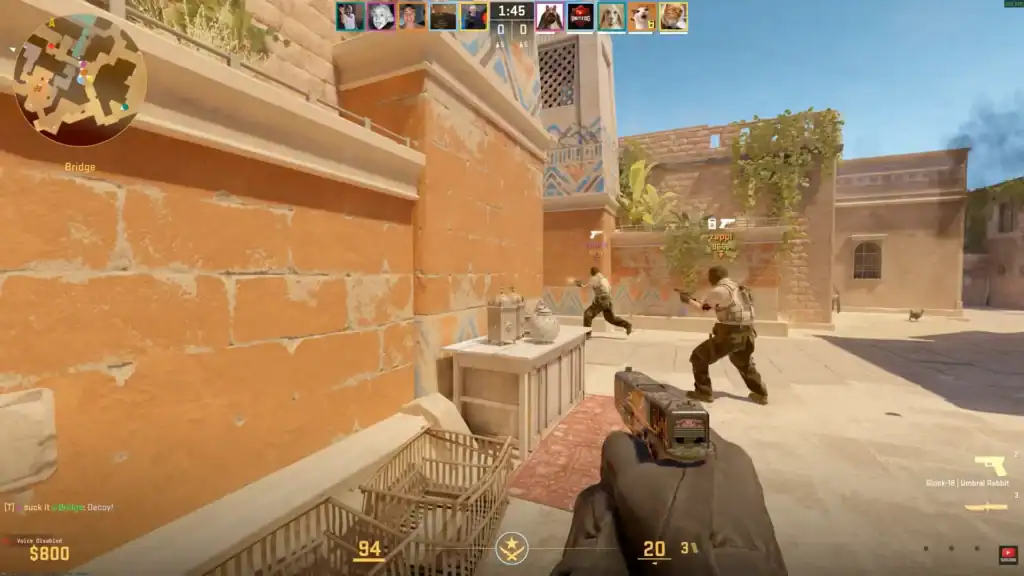
An important feature in CS2 is that the Terrorist and Counter-Terrorist sides use separate loadouts. This allows you to tailor your weapon selection based on the role you play on each team.
For example, the Counter-Terrorist side includes rifles like the M4A4, M4A1-S, and AUG, while the Terrorist side focuses on weapons such as the AK-47, SG 553, and Galil AR.
Separating loadouts by team offers several advantages:
Choose the weapons you use most often so they always appear in the buy menu.
Removing unused weapons keeps the buy menu organized and easier to navigate.
A streamlined loadout helps you buy weapons faster during the limited buy phase.
This system helps players stay focused and make faster purchasing decisions at the start of each round.
Saving and Using Your Loadout
Once you select your preferred weapons, CS2 saves your loadout automatically. There is no separate confirmation button required. Any changes you make will immediately update the buy menu for future matches.
When you enter a game, your chosen weapons will appear in the appropriate categories. This allows you to purchase them quickly without scrolling through unnecessary options.
If your preferences change later, you can simply return to the loadout section and swap weapons whenever you want.
Summary
Changing your loadout in CS2 helps you customize which weapons appear in the buy menu.
By selecting the weapons you use most often and organizing them separately for Terrorists and Counter-Terrorists, you can streamline your purchasing process and focus more on gameplay.
A well-organized loadout not only saves time but also improves your efficiency during fast-paced matches.
FAQs
1. How do you change your loadout in CS2?
You can change your loadout by opening the Inventory from the main menu and selecting the Loadout section. From there, choose either the Terrorist or Counter-Terrorist side and replace weapons in each category with the ones you prefer.
2. Why can’t I equip every weapon in my CS2 loadout?
CS2 limits the number of weapons that can appear in each buy menu category. This system keeps the buy menu simpler and forces players to select only the weapons they plan to use most often.
3. Can you use different loadouts for Terrorists and Counter-Terrorists?
Yes, CS2 allows separate loadouts for each team. This means you can equip different rifles, pistols, and other weapons depending on whether you are playing on the Terrorist or Counter-Terrorist side.
4. Does changing your loadout affect weapon skins?
No, changing your loadout only affects which weapons appear in the buy menu. Your skins, stickers, and other cosmetic items remain applied to the weapons you own.
5. Can I change my loadout during a match in CS2?
No, loadouts must be changed from the main menu inventory. Once you are in a match, you can only buy the weapons that are already equipped in your loadout configuration.