In Counter-Strike 2, your skill level isn’t the only thing that affects matchmaking. Valve also uses a hidden metric called Trust Factor – an invisible score that determines who you get matched with. If yours is low, you’ll likely run into cheaters, toxic players, or longer queue times even if you’re playing well.
Many players improve their experience by staying in higher-quality matchmaking pools (clean play, fewer reports, stable Steam account history), and yes, trading skins is a separate thing you can do for the loadout you want. Still, it’s not a Trust Factor “booster.”
Nobody knows for sure how the Trust Factor works in CS2, but it’s not hard to guess how it is calculated. In this guide, you’ll find out all you need to know about this issue.
1. What is the Trust Factor?
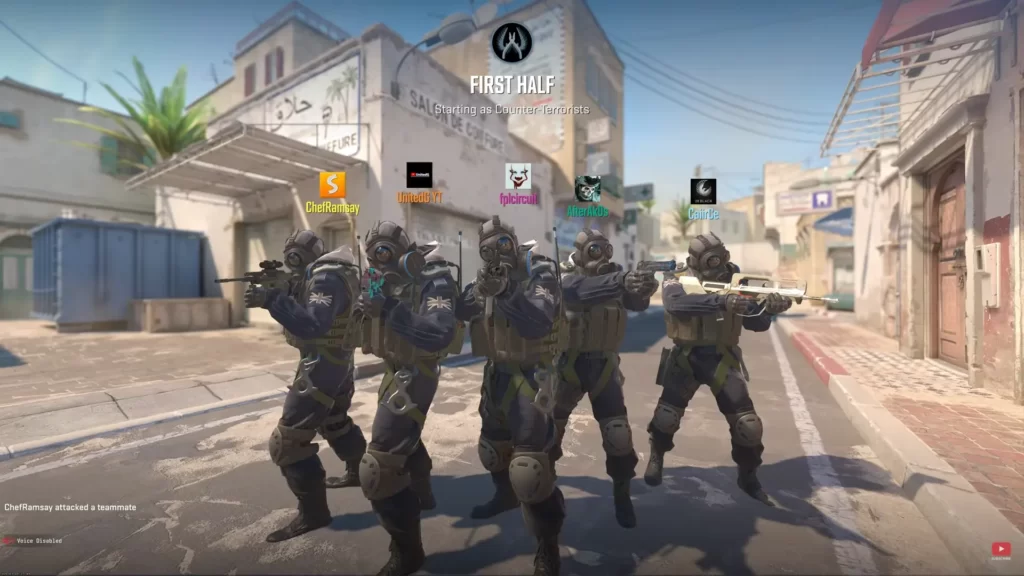
Trust Factor in CS2 is Valve’s behind-the-scenes system for matching players. Valve doesn’t publish the formula. Officially, it’s determined by looking at your experience in CS2 and on Steam to keep matchmaking accurate.
- Reports for griefing or cheating
- Game bans (VAC, Overwatch, trade)
- Voice/text toxicity flags
- Steam account age, level, and purchase history
- General behaviour across all Steam games
Valve, the developer of CS2, has kept the criteria for how Trust Factor is determined under wraps, challenging players to consistently display good behavior, not just in CS2 but in all Steam games, to achieve a high Trust Factor. But it’s clear bans and reports weigh heavily. If you’ve ever hit errors, see our guide on VAC unable to verify session in CS2.
Trust Factor’s Role in Matchmaking
Trust Factor pairs you with players who have a similar level of trust in Valve’s system. That’s why two players with similar ranks can have completely different matchmaking experiences. A high Trust Factor means fewer toxic players, better comms, and fairer games. It also makes climbing easier, as explained in our CS2-ranked guide.
It is believed that it also goes the extra mile to pair players with comparable trust factors, thereby enhancing the overall match experience.
Valve’s Trust Factor considers the historical interactions and behavior of new players, not only within CS2 but also within the entire Steam platform.
A positive history significantly enhances your initial Trust Factor, underlining the significance of maintaining consistent and positive interactions across all Steam services.
2. How to Check Your Trust Factor in CS2 (Hidden Signals)
You can’t see a numeric Trust Factor score in CS2. Valve keeps it hidden, so every “check” is really a signal-based test, not a number you can measure.
| Sign | What it suggests |
|---|---|
| Friends see “Your party member has a lower Trust Factor” | You’re dragging them down |
| Queues take 5+ minutes at off-peak times | Maybe low trust |
| Every other match has rage hackers or mic spam | Definitely low trust |
| Quick queues and calm teammates | High trust—keep it up |
The most useful signals (best → weakest)
1) Party warning message (strongest signal when it appears)
Queue with a friend (or ask them to invite you). If CS2 shows a warning like:
“Your matchmaking experience may be affected because one of your party members has a low Trust Factor.”…that’s the clearest in-game hint that someone in the lobby has lower trust. (It won’t show every time.)
2) Compare match quality with and without you (simple friend test)
Have your friend queue solo for 2–3 games, then queue with you for 2–3 games (same time/region).
If matches consistently turn into more griefing/rage cheaters / toxic comms when you join, it can indicate a trust gap.
3) Pattern check: queue times + lobby quality together
Long queues alone can be normal. The stronger signal is long queues + consistently messy lobbies.
4) “Looking to Play” list (community observation, not official)
Community testing suggests the Looking to Play list can look “healthier” on higher trust accounts and more sparse/suspicious on low trust accounts. Treat this as a rough sanity check only.
| Signal | Higher Trust Usually Looks Like | Lower Trust Often Looks Like |
|---|---|---|
| Teammates | Calmer comms, fewer abandons | Toxic comms, rage quits |
| Enemies | Fewer blatant cheaters | Frequent blatant cheaters |
| Queue Time | Consistent | Inconsistent / long |
| Party Warning | Rare | May show when grouping (THESPIKE.GG) |
3. What Affects Trust Factor (Confirmed Signals vs. Myths)
Valve doesn’t share the full formula, but says Trust Factor is determined using your experience in CS2 and on Steam.
High-impact signals (most consistent in community testing)
- Reports for cheating/griefing/abuse (repeat spikes matter more than one-off reports)
- Bans & enforcement history (VAC/game bans/cooldowns can leave long effects)
- Steam account history (age, consistent normal activity, stable ownership patterns)
- Who you queue with (stacking with low-trust accounts can drag the party experience down)
Myths / weak claims (don’t promise these)
- “There’s a website that shows your Trust Factor number.” (No official number exists.)
- “Buying skins increases Trust Factor.” (No proof — don’t frame it as a method.)
4. Fast ways to raise Trust Factor (2026 checklist)
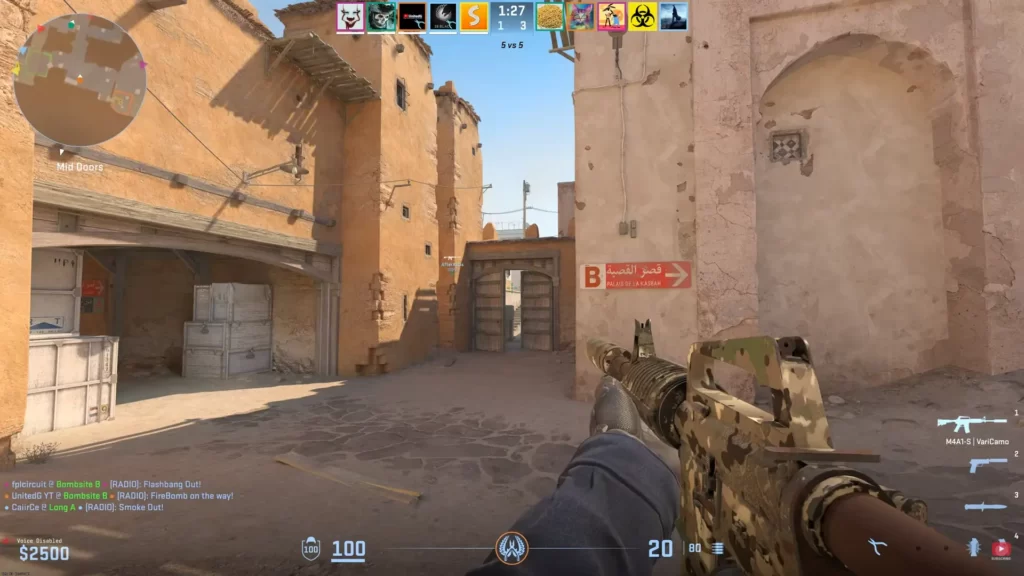
- Play clean: zero cheats, zero griefing, minimal team damage.
- Use voice like an IGL, not a rage mic.
- Up your Steam level: craft badges, review games, earn profile XP.
- Stay active: legit hours in multiple Valve games look trustworthy.
- Prime Status: still the easiest instant boost in 2026.
A simple 10-match “Trust cleanup” plan (works in real life)
For your next 10 matches:
- After 10 clean matches, reassess queue time + lobby quality using the checks above.
- No abandons. Don’t rage-quit, don’t AFK.
- Comms rule: call info only (no flaming).
- Avoid report magnets: no team damage, no grief “jokes,” no chat spam.
- Queue with one stable friend (not a new/flagged account).
Do’s and Don’ts to Boost the Trust Factor
| ✅ Do This | ❌ Avoid This |
|---|---|
| Stay active on your Steam account | Getting reported often |
| Use voice chat respectfully | Griefing or trolling teammates |
| Level up your Steam profile | Playing on brand-new accounts |
| Buy and play legit Steam games | Using cheats or third-party tools |
| Join CS2 or Steam discussions | Insulting players or rage-quitting |
5. Strengthen your Steam profile
Your Steam account is a big part of your Trust Factor. A low-level or brand-new account with minimal games or VAC history might get flagged more often. To build credibility:
- Public profile: Let Valve cross-check hours and achievements.
- Own a few paid games: free-only libraries raise red flags.
- No VAC or trade bans ever: these scar your Trust Factor permanently.
- Join groups & discussions: positive votes and comments help.
A clean profile today pays off for every future Valve title, too.
In 2026, scammers and cheaters still try to fake accounts, and Valve watches for those patterns. A clean, active Steam profile is the easiest long-term boost.
6. Is Prime Status worth it for Trust Factor?
Buying Prime usually improves match quality by filtering parts of the player pool, but it’s not a guaranteed “high Trust Factor switch.” Treat it as a strong baseline upgrade, not a magic fix.
You can combine this with optimizing your CS2 graphics settings to improve overall matchmaking performance. In 2026, non-Prime queues remain a playground for wallhackers and spin-bots farming new accounts.
In 2026, Prime Status is still considered the “entry ticket” to serious matches. If you’re not Prime, you’re more likely to get matched with cheaters, smurfs, or low-trust players.
7. Recovering from bans (what’s realistic)
- Major VAC ban: Trust hit is permanent; create a new main or accept a low-trust life.
- Game ban for griefing: Cool-down ends, but trust damage lingers for weeks.
- Overwatch conviction: Takes months of clean play to heal.
The earlier you stop bad habits, the faster the algorithm forgives.
Your hidden Trust Factor often matters more than raw aim. Play clean, level your Steam account, and talk like a teammate. Do that, and you’ll leave low-trust chaos behind.
8. Avoid “Trust Factor Checker” Scams (Important in 2026)
There is no official tool that shows your exact Trust Factor as a number. If a site asks you to log in, download software, paste an API key, or pay for a “Trust boost,” treat it as a red flag. Use the in-game signals (party warning, match quality patterns, LTP sanity check) instead
Frequently Asked Questions
Does CS2 still use Trust Factor?
Yes. Valve describes Trust Factor as a matchmaking system based on your experience in CS2 and on Steam, and it’s used to help keep matches fairer.
Can the Trust Factor affect my rank?
Indirectly, yes. A low Trust Factor leads to worse lobbies with griefers and throwers, which can make ranking up more difficult.
How do I see my exact score?
You can’t view the exact Trust Factor score. Only lobby quality and Valve’s warning messages provide indirect hints.
Will a private profile hurt my trust?
A private profile may reduce some public signals (hours/history) people associate with “trusted” accounts, but Valve doesn’t publish exact rules. If you’re troubleshooting low-quality matches, many players keep profiles public to remove doubt, but privacy is your call.
Can I reset my Trust Factor?
There’s no reset button. The practical approach is avoiding reports, staying clean, and being consistent for weeks – then re-check your signals (party warning, match quality, queue patterns).
Does queuing with low-trust friends affect me?
It can affect match quality for the whole party. If matches get noticeably worse only when specific accounts join the lobby, that’s a useful signal to test (solo vs grouped).
Other Topics You Might Be Interested In
- See a complete list of CS2 skins on Tradeit.
- Discover the most expensive CS2 skins.
- Discover the cheapest CS2 knife.
- Learn about the best knives in CS2.
- Discover the most expensive CS2 knife.
- Discover the cheapest CS2 skins.