The best Rust mods can completely transform your gameplay experience, whether you want a more casual survival environment, faster progression, or fully customized PvP servers.
In Rust, mods are typically installed on community servers and are used to adjust gameplay mechanics, add quality-of-life improvements, and create entirely new systems that don’t exist in the vanilla version of the game.
Unlike single-player modding in some other games, Rust mods are primarily server-side. This means you don’t usually install them directly into your game files.
Instead, you join modded servers that run custom plugins through frameworks like uMod (formerly Oxide). Understanding how these mods work and how to access them is essential if you want to experience the full variety of Rust gameplay.
Table of Contents
What Are Rust Server Mods
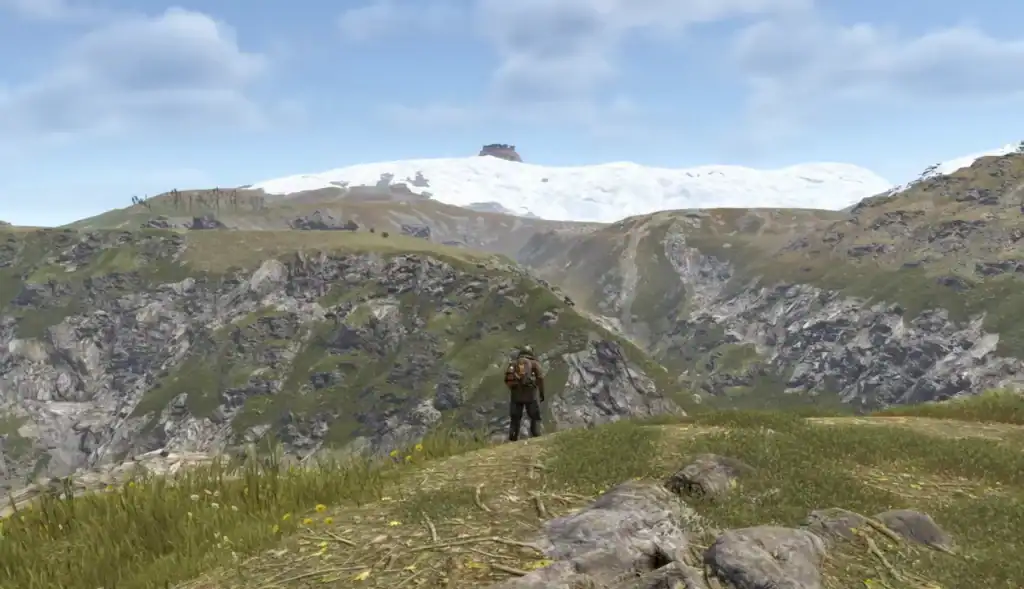
Rust server mods are plugins installed by server owners to change or enhance gameplay. These mods can range from small quality-of-life features to full gameplay overhauls.
Most of the best Rust mods are designed around improving player experience or adding structure to community servers.
Here are some of the best Rust mods that you will come across:
| Mod Name | Function |
|---|---|
| Gather Manager | Adjusts resource gathering rates (e.g., x2, x5, x10 servers) |
| Better Chat | Enhances in-game chat with ranks, colors, and formatting |
| Economics | Adds an in-game currency system for trading and shops |
| Shop UI | Lets players buy items through a graphical shop interface |
| Teleportation System (TPR / Home / Warp) | Enables fast travel between set locations |
| Kits Plugin | Gives players starter kits or reward loadouts |
| Image Library / GUI Frameworks | Supports custom UI elements for advanced server systems |
| Auto Doors | Automatically opens and closes doors when players approach |
| No Decay | Prevents building decay over time on modded servers |
| ZLevels Remastered | Adds leveling system for gathering skills (wood, stone, etc.) |
| Clans | Enables formation of player groups with shared permissions |
| Stack Size Controller | Increases or modifies stack limits for items |
| Better Loot | Adjusts and improves loot tables across the map |
| NPC Raidable Bases | Spawns AI-controlled raid bases for PvE/PvP challenges |
| Custom Map Markers | Allows players or admins to place advanced map markers |
| Raid Protection | Adds protection timers for new bases to prevent early raids |
Common Types of Rust Server Mods
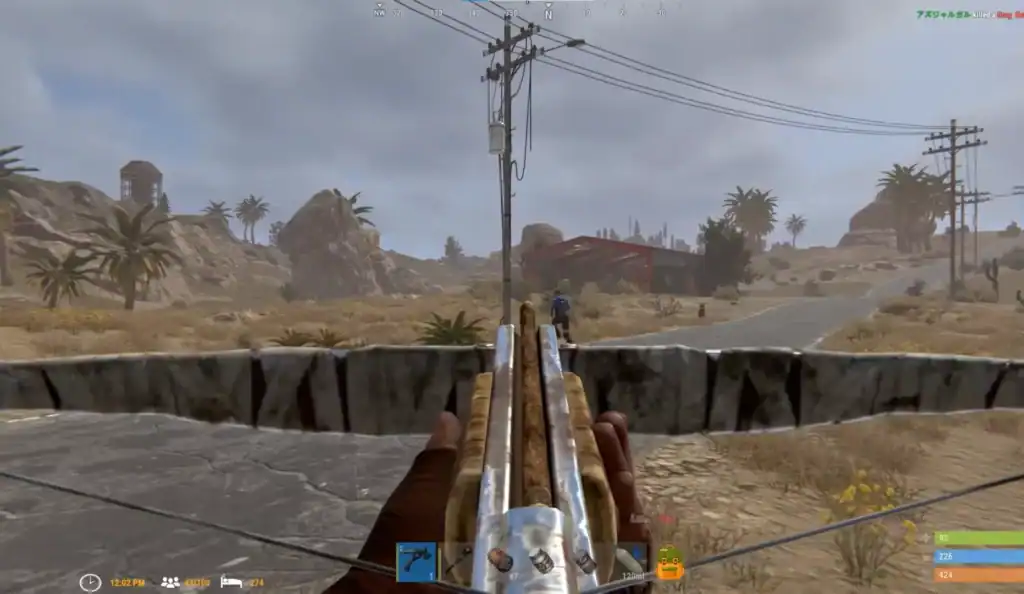
Common types of Rust server mods include:
Quality-of-Life Mods
Streamlines resource processing with auto smelting and automated crafting systems to reduce grind.
Enables fast travel via commands, making movement across the map quicker and more efficient.
Provides enhanced interface elements for easier base management and building control.
Speeds up gameplay with fast loot systems and automatic inventory organization.
Improves coordination with advanced map markers and real-time team tracking tools.
These Rust mods are especially popular because they reduce tedious grinding and make the game more accessible to new players.
Economy and Progression Mods
Introduces virtual money and shop systems that power player economies and trading servers.
Enables player trading, vending machines, and shop-based economies for deeper interaction.
Adds progression systems with perks, levels, and unlockable abilities.
Provides starter kits and reward loadouts for new players or server events.
Adds reward systems for combat, raiding, and resource farming activities.
These systems change Rust into a more structured survival experience, often resembling RPG progression.
PvP and Combat Mods
Reworks raid mechanics and explosive balance to create fairer and more competitive destruction gameplay.
Adds visual feedback for hits and damage dealt, improving combat awareness and responsiveness.
Adjusts weapon stats, recoil, and damage values for tailored server gameplay experiences.
Introduces structured PvP arenas and events for organized combat and tournaments.
Enables skill-based matchmaking and ranking systems for competitive progression.
These mods are common on competitive Rust servers where balance and fairness are prioritized.
Custom Events and Gameplay Mods
Modifies helicopter and cargo train events to create more dynamic and rewarding server encounters.
Transforms gameplay into survival against AI or infected-style enemies for a PvE twist.
Rebalances or completely redesigns loot drops across the map and events.
Introduces increased difficulty mechanics like harsher survival rules and limited resources.
Adds custom game modes and events to keep gameplay fresh and engaging.
These modifications help servers stand out and keep gameplay fresh over time.
How to Install Rust Mods
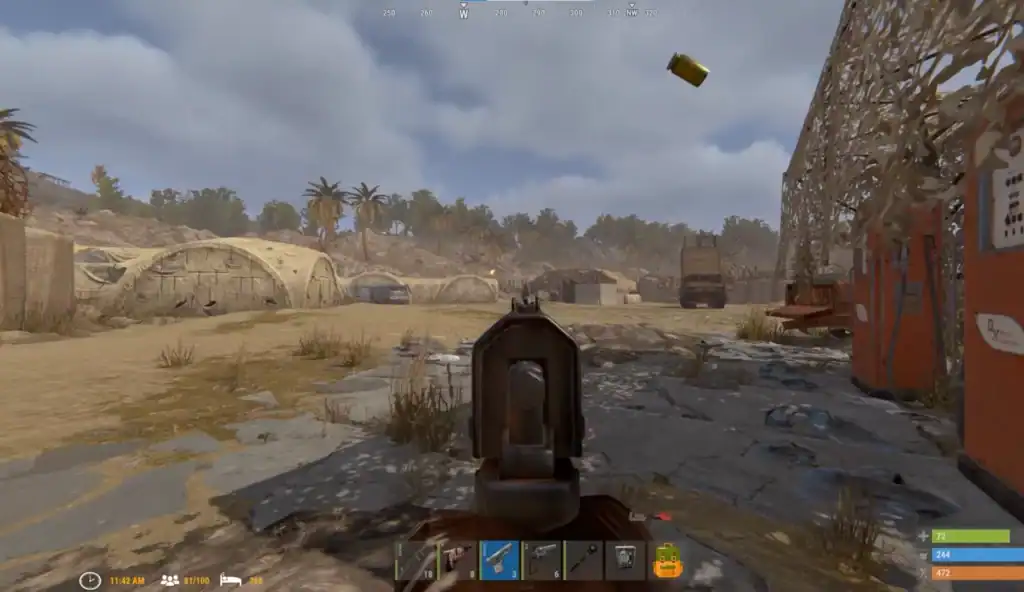
Installing the best Rust mods depends on whether you are a player or a server owner.
For Players
Players usually don’t install mods directly. Instead:
Open Steam and start Rust to access the main menu.
Navigate to the Community Server list from the in-game menu.
Look for servers using tags like x10, vanilla+, or modded.
Select and join a server running the mods you want to experience.
Once you join, the server automatically loads the required plugins. No manual installation needed.
For Server Owners
If you want to install mods on your own server:
Set up a Rust dedicated server on your machine or host.
Install the uMod (Oxide) framework into server files.
Get mods from the uMod plugin repository.
Place files into /oxide/plugins folder.
Restart to activate all installed mods.
Adjust server behavior using .cfg configuration files.
This setup allows full control over gameplay, including rates, permissions, and custom features.
Why Use Rust Mods?
The best Rust mods significantly improve replayability. They allow server communities to create unique experiences ranging from hardcore survival to relaxed PvE worlds.
Mods also help reduce grind, improve fairness, and introduce entirely new gameplay systems that keep players engaged long-term.
For new players, modded servers can make Rust less punishing and more accessible. For veterans, they offer a way to experience fresh challenges beyond vanilla gameplay.
Summary
Whether you’re exploring modded servers or running your own, the best Rust mods can redefine how you experience the game.
From quality-of-life improvements to full gameplay overhauls, mods bring endless variety to Rust’s survival sandbox. Learning how to find and install them is the first step toward discovering a completely different side of the game.
FAQs
1. What are the best Rust mods?
The best Rust mods are usually server-side plugins that improve gameplay, add systems, or completely change progression in Rust. Some of the most popular and widely used mods include:
- Gather Manager – Adjusts resource gathering rates (e.g., x2, x5, x10 servers)
- Better Chat – Enhances in-game chat with ranks, colors, and formatting
- Economics – Adds an in-game currency system for trading and shops
- Shop UI – Lets players buy items through a graphical shop interface
- Teleportation System (TPR / Home / Warp) – Enables fast travel between set locations
These mods are popular because they allow servers to create unique experiences ranging from casual survival to heavily customized PvP or RPG-style gameplay.
2. Do I need to install Rust mods manually as a player?
No. Most mods are server-side, meaning they automatically load when you join a modded server. You don’t need to install anything manually.
3. How do I find modded Rust servers?
You can find modded servers in the in-game server browser by searching for tags like “modded,” “x2/x5/x10,” or “vanilla+,” depending on your preferred playstyle.
4. What is uMod (Oxide) in Rust?
uMod (formerly Oxide) is the most common modding framework used for Rust servers. It allows server owners to install plugins that modify gameplay mechanics and add new features.
5. Are Rust mods safe to use?
Yes, mods on trusted servers are safe. However, always join reputable servers, as poorly managed or unofficial servers may have unstable or unbalanced modifications.