If you are seeking to refine your Counter-Strike 2 performance with commands that directly impact your practice efficiency, this 2025 guide provides a selection of the best CS2 practice commands.
These commands are vital for configuring your game environment, perfecting your movements, and sharpening your strategic skills.
Table of Contents
Most Useful CS2 Practice Commands
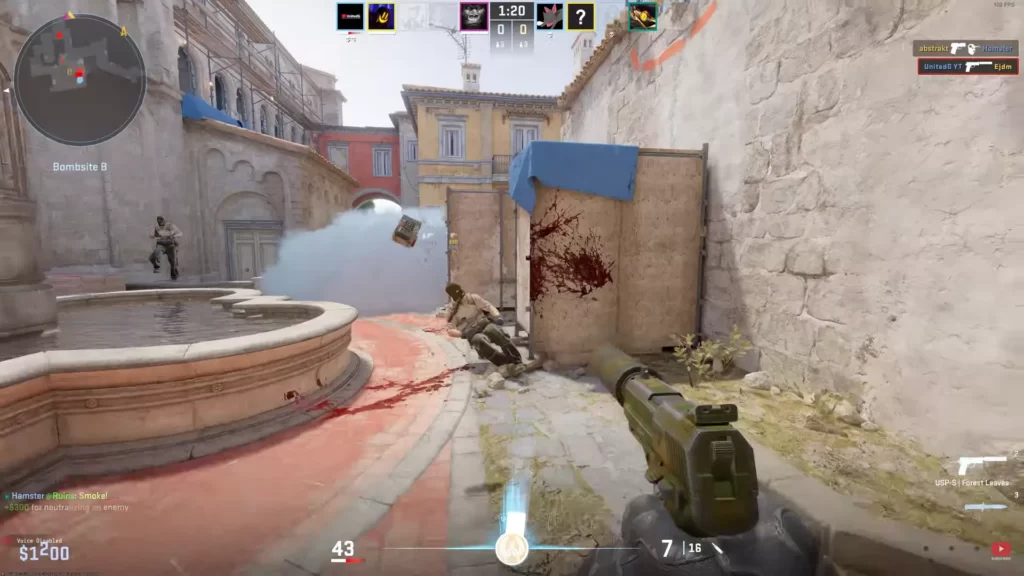
Here are most of the key CS2 practice commands to use for an improved practice session:
| COMMAND | WHAT IT DOES |
| mp_startmoney 60000 | Gives you $60000 at the start of the game. |
| mp_maxmoney 60000 | Raises the maximum amount of money that you can have. |
| mp_buytime 1 | Both teams can buy anywhere. |
| sv_showimpacts 1 | Shows useful information related to bullet impact. |
| sv_showimpacts_time 1 | Sets the amount of display time for the information related to bullet impact. |
| sv_infinite_ammo 1 | Gives you infinite ammo. |
| ammo_grenade_limit_total 5 | Sets the maximum total amount of grenades you can carry at any given time |
| sv_cheats 1 | Sets whether or not cheat commands are allowed on the server. |
| bot_add [T/CT][easy/normal/hard/expert] | Adds a bot on a given team and with a given level of expertise. |
| bot_kick [name] | Kicks a bot. |
| mp_warmup_end | Ends the warmup. |
| mp_roundtime_defuse 60 | Set the round time to 60 minutes. |
| mp_respawn_on_death_ct 1 | Offers instant respawn to the CT side. |
| mp_respawn_on_death_t 1 | Offers instant respawn to the T side. |
| sv_grenade_trajectory_time_spectator 15 | Sets the amount of time, in seconds, that grenade trajectories are drawn on the screen for spectators |
| mp_roundtime 60 | Sets the round time to 60 minutes. |
| mp_freezetime 0 | Permits instant movement at the start of the round. |
| god | Enter god mode and become immortal. |
| sv_gravity | Changes the gravity. |
| noclip | Allows you to fly. |
Just Copy+Paste
If you just want to get started, simply copy+paste these commands and you’re good to go:
mp_warmup_end
mp_maxmoney 60000
mp_startmoney 60000
mp_limitteams 0
mp_autoteambalance 0
mp_buy_anywhere 1
mp_buytime 9999
mp_freezetime 0
mp_roundtime 60
mp_roundtime_defuse 60
mp_respawn_on_death_ct 1
mp_respawn_on_death_t 1
sv_cheats 1
sv_infinite_ammo 1
sv_showimpacts 1
sv_showimpacts_time 10
sv_grenade_trajectory_prac_pipreview 1
sv_grenade_trajectory_time_spectator 15
ammo_grenade_limit_total 5
bot_kick
mp_restartgame 1
echo “Practice Settings Loaded!”
Activating the Developer Console in CS2
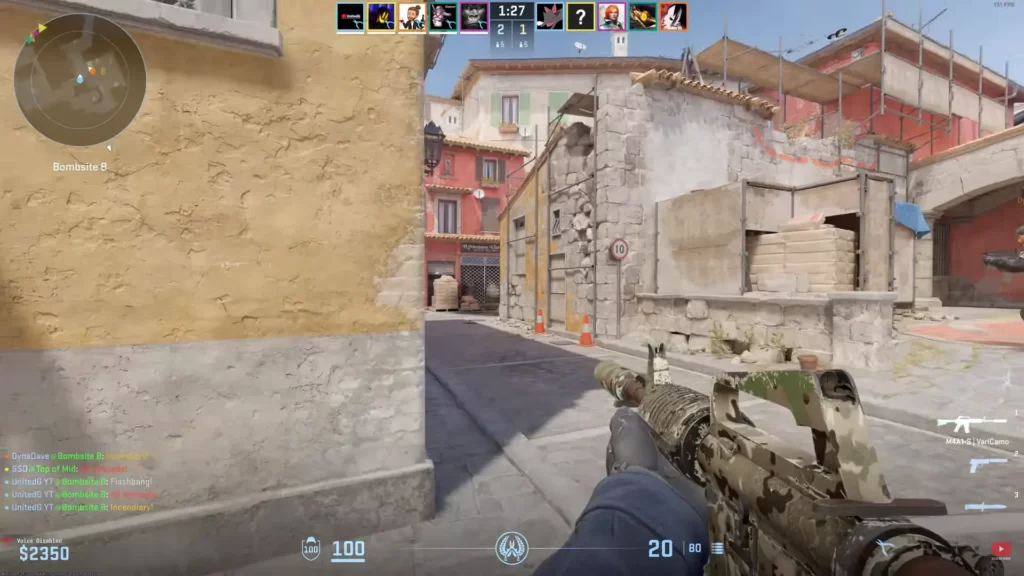
The developer console in CS2 serves as a hub for tweaking your gaming experience. It allows players to input and execute a variety of commands. To enable it, follow these steps:
Launch Counter-Strike 2 from Steam to begin setting up commands.
Navigate to the Game section in Settings to access the console options.
Ensure the “Enable Developer Console (~)” option is set to Yes.
Press ~ (tilde) and input your desired console commands for practice or configuration.
For more advanced players looking to automate the execution of certain commands each time the game is launched, you can:
Open the game files folder and create a new text file to start your autoexec configuration.
Rename the newly created text document to autoexec.cfg so CS2 recognizes it automatically.
Inside autoexec.cfg, write all the console commands you want executed automatically every time CS2 launches.
TIP: Learn more about creating an autoexec file in CS2.
Setting Up Your Ultimate CS2 Practice Server
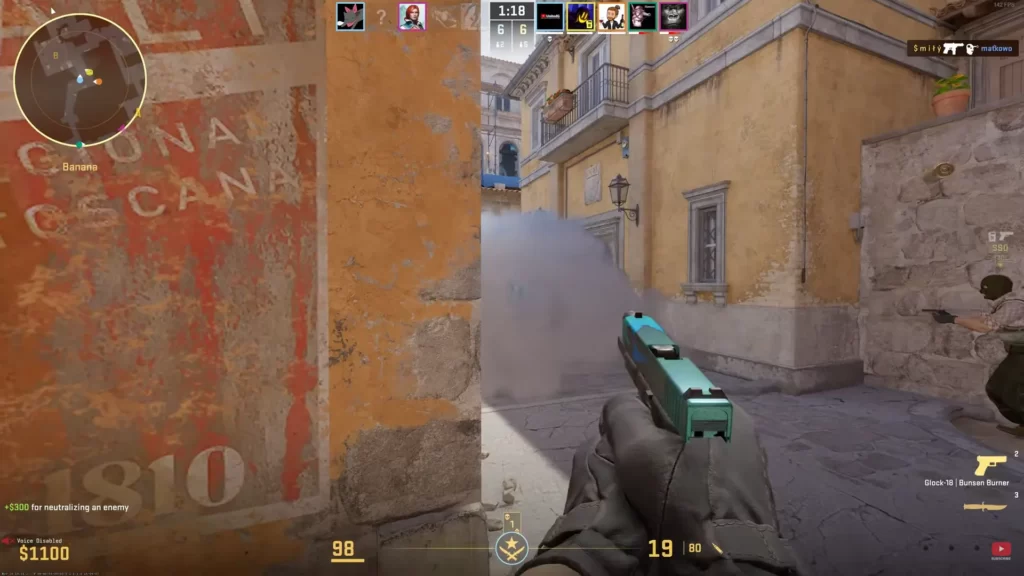
Creating a personal practice server in CS2 significantly enhances your gaming experience. With your server, you can customize the training environment to your needs, focus on specific skills, and elevate your gameplay performance.
Instant Respawn Commands
Being able to instantly respawn in your practice server keeps you in the action and maximizes your training time. To achieve this, use these commands:
mp_respawn_on_death_ct 1 mp_respawn_on_death_t 1 With these commands, both the CT-side and T-side players will respawn instantly.
Grenade Trajectory Tweaks
Becoming proficient at grenade throws constitutes a crucial element of CS2 gameplay. To visualize grenade trajectories and improve your accuracy, use this command:
For a complete nade practice setup, copy+paste these commands:
sv_cheats 1
sv_infinite_ammo 1
ammo_grenade_limit_total 5
sv_grenade_trajectory 1
sv_grenade_trajectory_time 10
sv_grenade_trajectory_prac_pipreview 1
// Example of a key bind for smoke lineups
bind “F1” “use weapon_smokegrenade; +attack; -attack”
Round Time Management
Gaining control over round times aids in crafting an optimal practice environment. Commands like mp_roundtime 60 and mp_roundtime_defuse 60 can extend the rounds and the bomb defuse time to a maximum of 60 minutes.
This is especially useful for practicing specific scenarios or techniques without the pressure of a ticking clock.
Utilizing the mp_freezetime 0 command permits instant movement at the round’s inception. If you prefer to bypass the warmup period, mp_warmup_end will catapult you directly into the fray.
Creating Your CS2 Practice Config
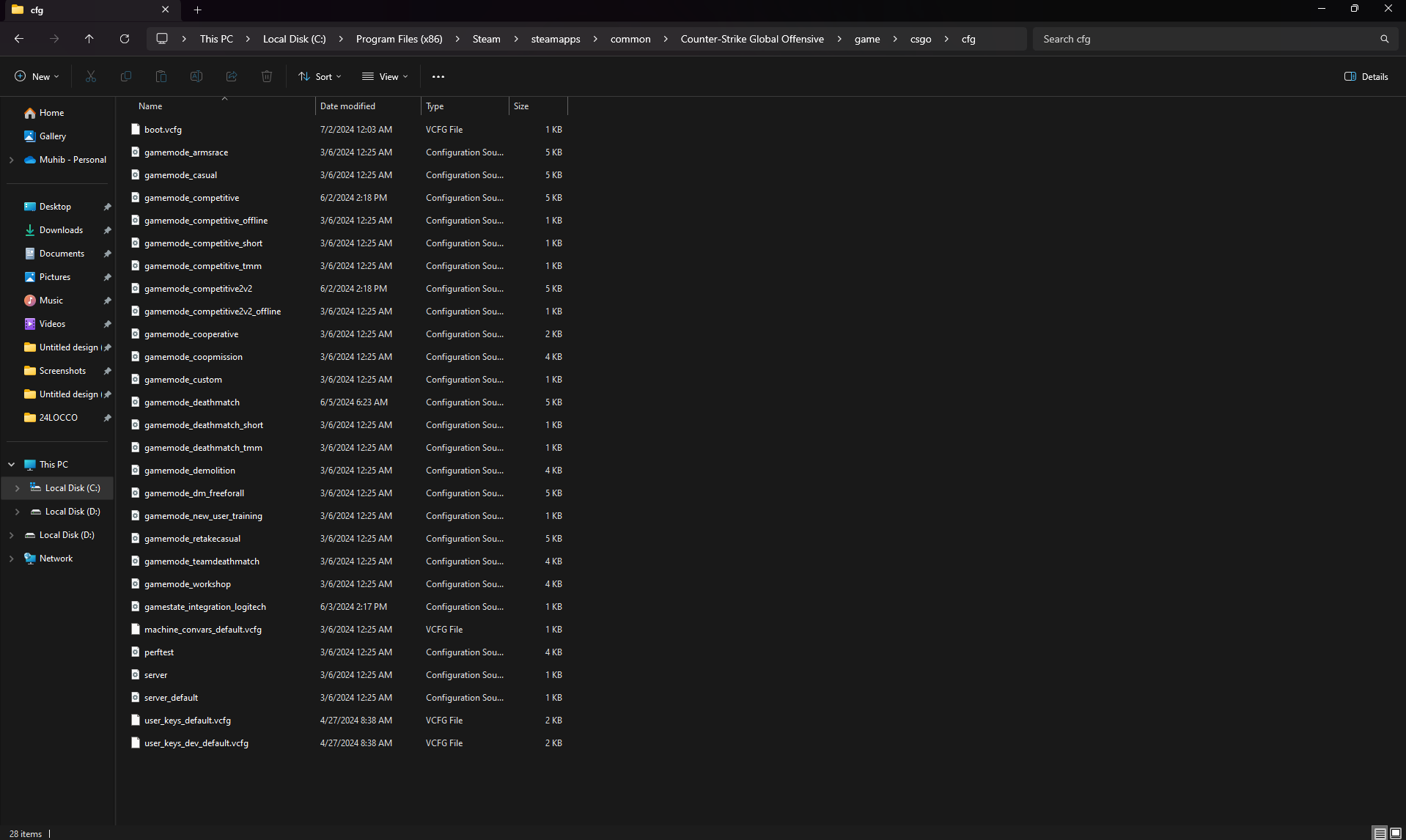
To streamline your practice sessions, creating a custom config file is essential. This file contains commands that automatically set up your practice environment every time you launch the game.
Here’s how to do it:
Steps to Create a Config File
Go to: C:\Program Files (x86)\Steam\steamapps\common\Counter-Strike Global Offensive\game\csgo\cfg
Make a copy of the existing autoexec.cfg file.
Rename the copied file to practice.cfg and remove all current content.
// CS2 Practice Config mp_warmup_end mp_maxmoney 60000 mp_startmoney 60000 mp_limitteams 0 mp_autoteambalance 0 mp_buy_anywhere 1 mp_buytime 9999 mp_freezetime 0 mp_roundtime 60 mp_roundtime_defuse 60 mp_respawn_on_death_ct 1 mp_respawn_on_death_t 1 sv_cheats 1 sv_infinite_ammo 1 sv_showimpacts 1 sv_showimpacts_time 10 sv_grenade_trajectory_prac_pipreview 1 ammo_grenade_limit_total 5 bot_kick mp_restartgame 1 echo "Practice Settings Loaded!"
Save your new practice.cfg in the same folder.
Quick Commands for Immediate Use
If you prefer not to create a config file, you can enter these commands directly into the console:
mp_warmup_end; mp_maxmoney 60000; mp_startmoney 60000; mp_limitteams 0; mp_autoteambalance 0; mp_buy_anywhere 1; mp_buytime 9999; mp_freezetime 0; mp_roundtime 60; mp_roundtime_defuse 60; mp_respawn_on_death_ct 1; mp_respawn_on_death_t 1; sv_cheats 1; sv_infinite_ammo 1; sv_showimpacts 1; sv_showimpacts_time 10; sv_grenade_trajectory_prac_pipreview 1; ammo_grenade_limit_total 5; bot_kick; mp_restartgame 1; echo "Practice Settings Loaded!";
Useful Binds
Here are some handy binds to enhance your practice experience. Open the console and paste these commands:
bind "MOUSE5" "noclip" - Allows you to fly around the map
bind "MOUSE4" "sv_rethrow_last_grenade" - Re-throws the most recent grenade
Essential CS2 Practice Commands for Skill Improvement
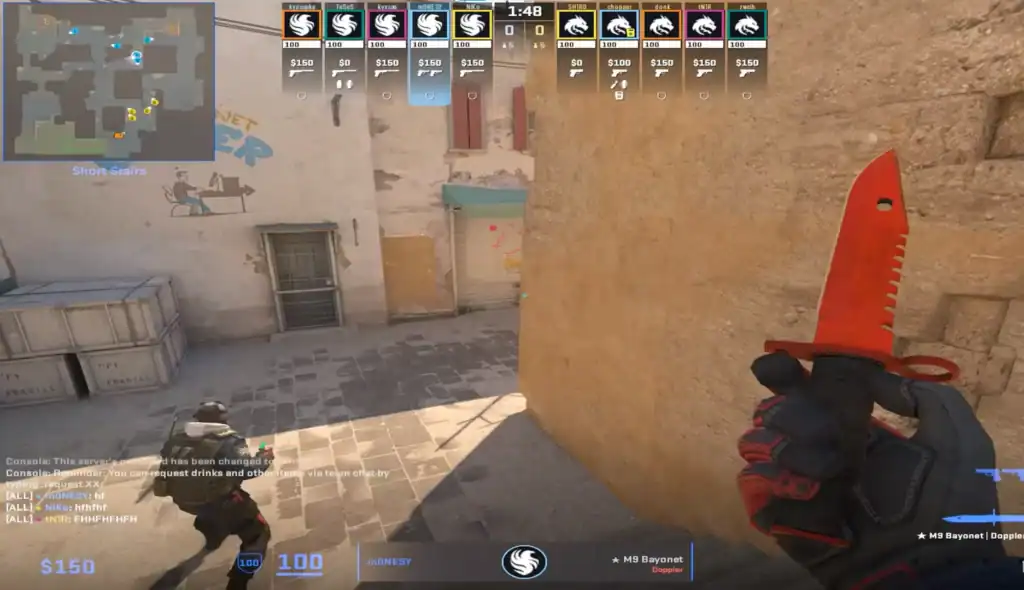
CS2 boasts an array of CS2 console commands that assist in honing specific skills such as aim training and movement mastery. Examine some of these commands and their role in sharpening your skills.
Aim Training Commands
In CS2, enhancing your aim is of paramount importance. Commands like bot_add_ct, bot_add_t, and bot_stop 1 can help you practice and improve your aiming skills by allowing you to control bots.
By practicing against bots, you can focus on improving your aim without the pressure of a live match.
Another important command here is sv_infinite_ammo 1, which provides infinite ammunition.
Movement Mastery
Achieving proficiency in movement in CS2 can provide a competitive advantage in matches. Here are some tips to enhance your jumping skills, a critical aspect of advanced movement techniques in the game:
Use bind mwheeldown +jump to attach jumping to your scroll wheel for quicker and more consistent jump inputs.
Improve movement speed by timing jump inputs perfectly to maintain momentum across long distances.
Jump while smoothly strafing left or right to gain additional speed and reach elevated positions more easily.
Combine a jump with a crouch at the peak of your jump to clear obstacles or access higher terrain.
Additionally, enabling cheats on the server by using the command sv_cheats 1 can provide a valuable opportunity to practice and refine specific movements and techniques that are normally limited.
TIP: Learn how to use CS2 bind commands.
Advanced Launch Options for Enhanced Practice
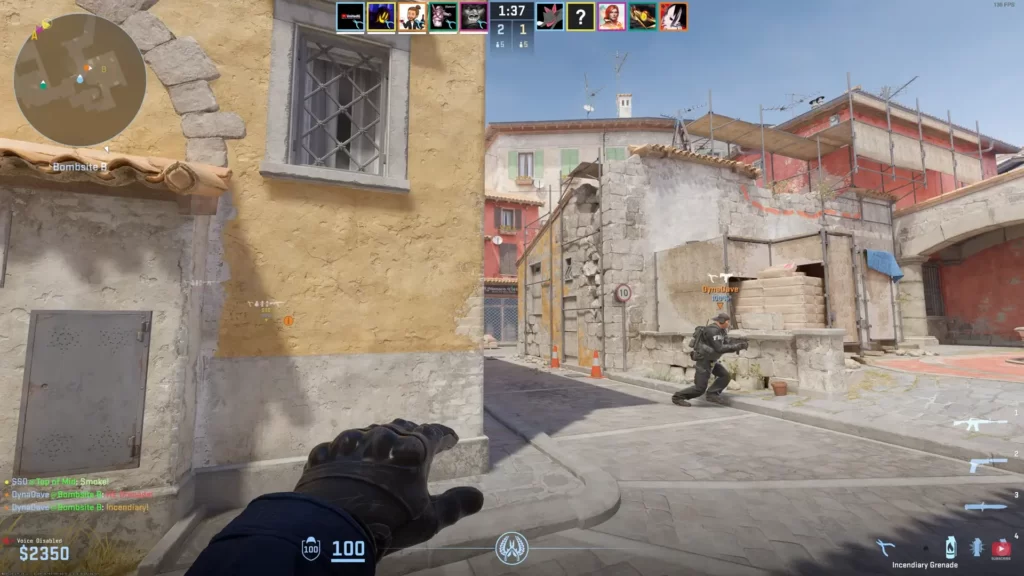
Fine-tuning your game’s launch options can substantially boost your practice sessions. The -high launch command prioritizes Counter-Strike 2 in terms of CPU usage, preventing other applications or background processes from consuming excessive power.
To make this adjustment, simply access your Steam library and modify the game’s properties.
Summary
Mastering CS2 console commands is an effective way to enhance your gameplay and set up a perfect practice server. This guide taught you some of the most useful CS2 practice commands. Explore them and take your gaming experience to the next level!
FAQs
1. What are the most essential CS2 practice commands for aim training?
The core commands are:
sv_cheats 1
bot_kick
sv_infinite_ammo 1
ammo_grenade_limit_total 5
weapon_accuracy_nospread 1
These let you practice recoil, sprays, and tracking without interruptions.
2. How do I practice recoil patterns in CS2?
Use:
sv_infinite_ammo 1
sv_cheats 1
weapon_recoil_scale 0 (to visualize bullet paths)
They let you fly around the map, test throws, and watch exact trajectories.
3. How do I spawn bots for peeking or flick practice?
Use:
mp_restartgame 1
sv_rethrow_last_grenade to instantly retry a throw
mp_round_restart_delay 0
These commands rapidly reset rounds and help grind setups fast.
4. What commands help with grenade practice?
Use these must-have nade commands:
noclip
sv_grenade_trajectory 1
sv_grenade_trajectory_time 10
sv_infinite_ammo 1
They let you fly around the map, test throws, and watch exact trajectories.
5. What’s the best way to reset utility or positions quickly?
Use:
mp_restartgame 1
sv_rethrow_last_grenade to instantly retry a throw
mp_round_restart_delay 0
These commands rapidly reset rounds and help grind setups fast.