Taunting in Team Fortress 2 is one of the game’s most iconic features. It’s how players celebrate kills, flex expensive cosmetics, or just inject some chaos into a match.
From simple class animations to deadly taunt kills, knowing how taunts work and how to access them quickly makes the experience far more fun. This guide explains how to taunt in TF2, how to open the taunt menu, and how to bind taunts to keys for faster use.
Table of Contents
What Is a Taunt in TF2?
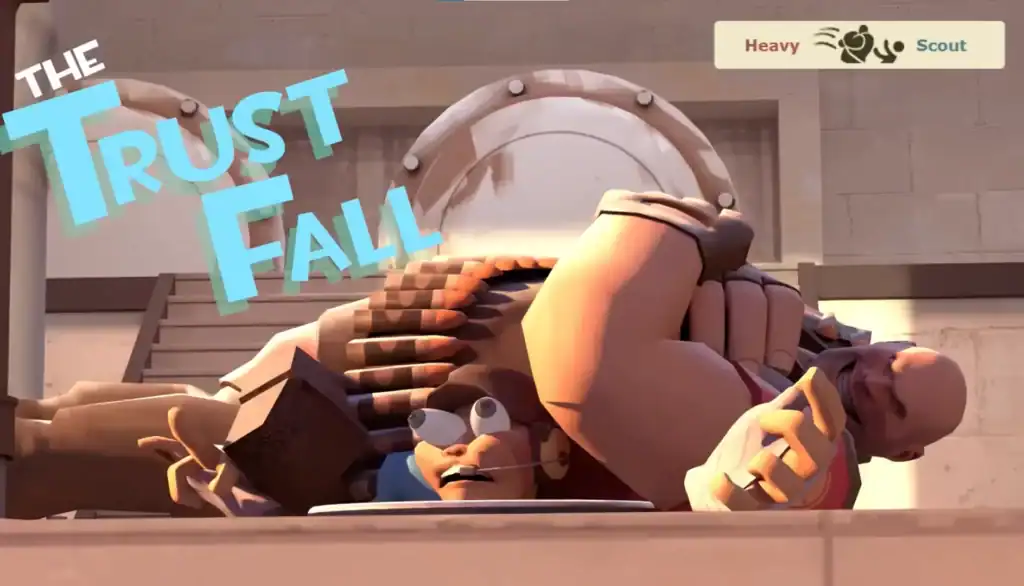
A taunt is a character animation triggered by the player, usually for comedic or expressive effect. Every class has default taunts, while many weapons and cosmetics unlock special ones.
Types of Taunts
Built-in taunts unique to each class, available to every player.
Special animations tied to certain weapons, often flashy or deadly.
Stylish taunts unlocked through items, crates, or the Mann Co. Store.
High-risk taunts that can instantly kill enemies at close range.
Interactive taunts that allow teammates—or enemies—to join in.
Some taunts are purely visual, while others can instantly kill enemies if timed correctly.
How to Perform a Basic Taunt
By default, taunting in TF2 is very simple:
Press G on your keyboardYour character will perform the taunt associated with the currently equipped weapon or default class taunt.
Important Limitations
Your character is completely locked in place during a taunt.
Enemies can freely damage or kill you while you’re taunting.
Certain taunts must fully finish before you regain control.
Because of this, taunts are best used after fights or in safe areas.
How to Open the Taunt Menu
If you own more than one taunt, TF2 gives you a radial menu to choose between them. Hold G instead of tapping it. This opens the taunt menu, allowing you to select a taunt using your mouse.
When the Taunt Menu May Not Appear
With only one taunt available, the menu won’t appear.
The taunt menu key may have been reassigned or unbound.
Stuns or ongoing taunts prevent opening the taunt menu.
In those cases, TF2 will default to a single taunt instead of showing the menu.
How to Bind Taunts to Keys
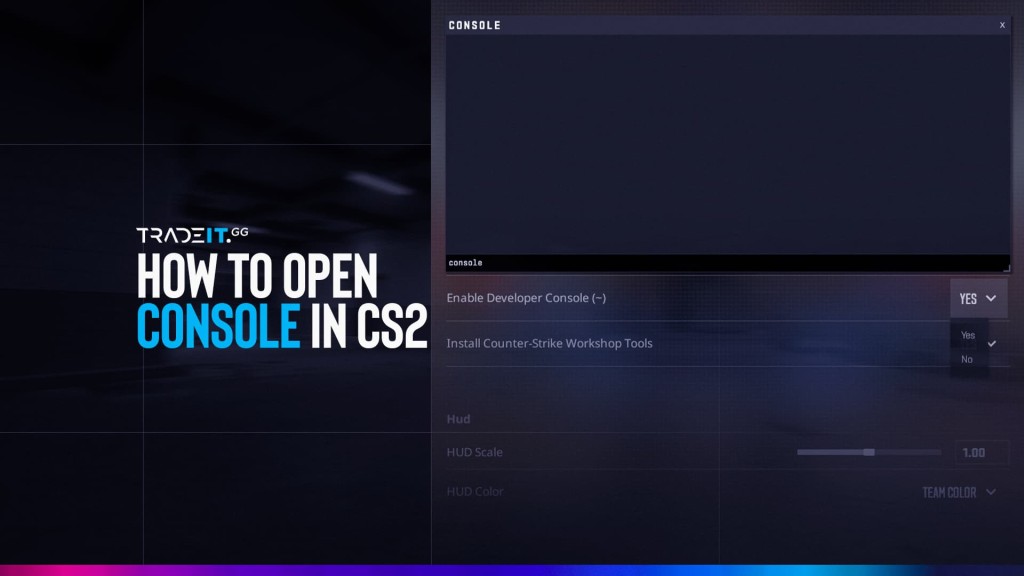
Before binding taunts, you need access to the console. Enable Developer Console in Keyboard settings. Open it with the ~ key.
Binding a General Taunt Key
To bind a key to your currently equipped taunt:
bind h tauntBinding a Specific Taunt
You can bind individual taunts by name.
bind j "taunt_by_name Taunt: The Schadenfreude"The taunt name must be written exactly as it appears in your inventory.
Binding the Taunt Menu
If you want instant access to the taunt menu:
bind g +taunt_menuThis is useful if you frequently switch between different taunts.
Tips for Using Taunts Effectively
Here’s how to use taunts properly:
Celebrate after securing kills, not during active combat.
Avoid open areas where enemies can easily punish you.
Use taunt kills carefully, as they leave you exposed.
Style and Psychology
Well-timed taunts can frustrate and tilt opposing players.
Group taunts create fun, friendly interactions during matches.
Cosmetic taunts let you show off style and personality.
Summary
Taunts are a huge part of what makes Steam‘s Team Fortress 2 memorable. Whether you’re casually laughing at an enemy, pulling off a risky taunt kill, or celebrating with teammates, knowing how to open the taunt menu and bind taunts to keys gives you more control and flair.
FAQs
Can you taunt while moving in TF2?
No, taunting locks your character in place for the duration of the animation. You cannot move, attack, or defend yourself while taunting, which makes timing and positioning very important.
Why does the taunt menu not open when I hold G?
The taunt menu only appears if you own more than one taunt for the selected class. If you only have a single taunt, TF2 will automatically play it instead of showing the menu.
Can taunts actually kill enemies in TF2?
Yes, certain weapon taunts are taunt kills. These can instantly kill enemies if they are in range, but they are risky because you are vulnerable during the animation.
Do taunt keybinds reset after updates or reinstalling TF2?
They usually do not reset after updates, but reinstalling the game or deleting your config files can remove custom binds. Saving your binds in an autoexec file helps prevent this.
Are taunts purely cosmetic or do they affect gameplay?
Most taunts are cosmetic, but taunt kills and psychological effects can influence gameplay. A well-timed taunt can demoralize opponents or boost team morale.