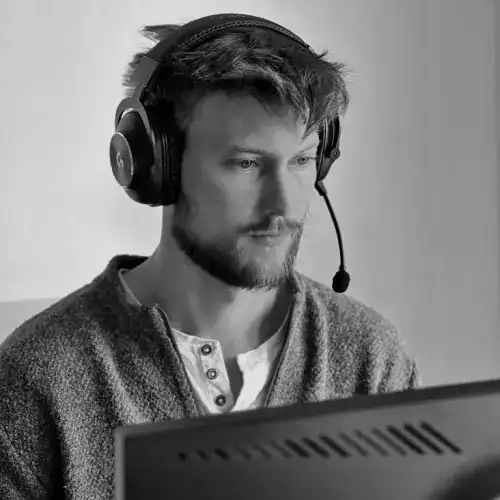
Ilya “m0NESY” Osipov is widely regarded as one of the most mechanically gifted players in Counter-Strike 2. As Team Falcons’ star AWPer, his aggressive playstyle and lightning-fast reactions make his setup a popular reference point for competitive players.
In this guide, we break down m0NESY’s CS2 settings, including crosshair, mouse, viewmodel, graphics, and HUD options.
Table of Contents
Mouse and Sensitivity Settings
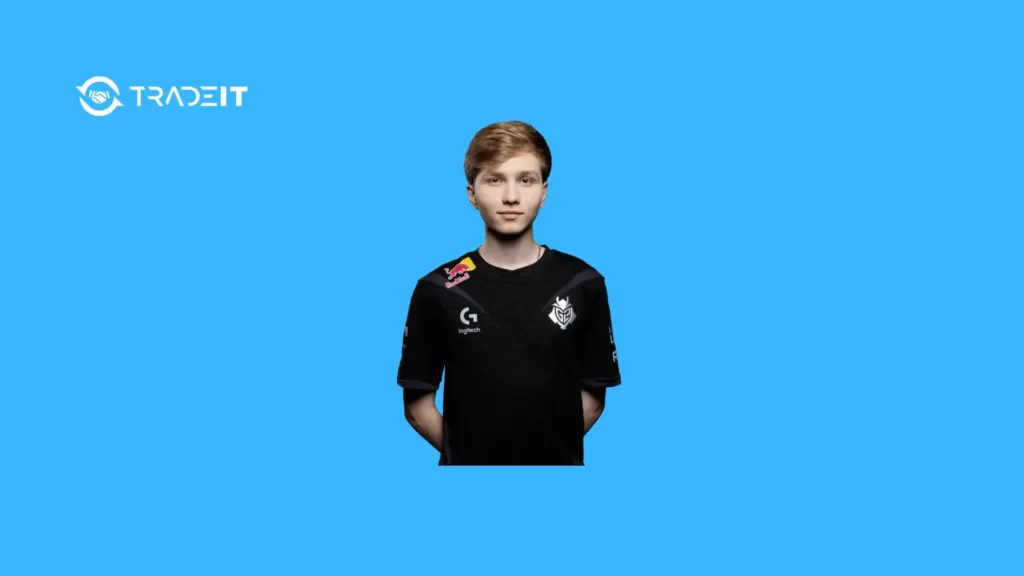
M0NESY uses a low DPI combined with a balanced in-game sensitivity, favoring precision and consistency.
| Setting | Value |
|---|---|
| DPI | 400 |
| Sensitivity | 2.3 |
| Effective DPI (eDPI) | 920 |
| Zoom Sensitivity | 1 |
| Polling Rate | 2000 Hz |
| Windows Sensitivity | 6 |
This configuration allows smooth flicks, reliable tracking, and precise micro-adjustments, all of which are important for AWP gameplay.
Crosshair Settings
M0NESY’s crosshair is static and minimal, designed to remain visible without blocking targets.
| Setting | Value |
|---|---|
| Style | Classic Static |
| Follow Recoil | No |
| Center Dot | No |
| Length | 1 |
| Thickness | 1 |
| Gap | -4 |
| Outline | No |
| Color | Cyan |
| Alpha | 255 |
The compact design ensures consistent aim placement in both rifle and AWP duels.
Viewmodel Settings
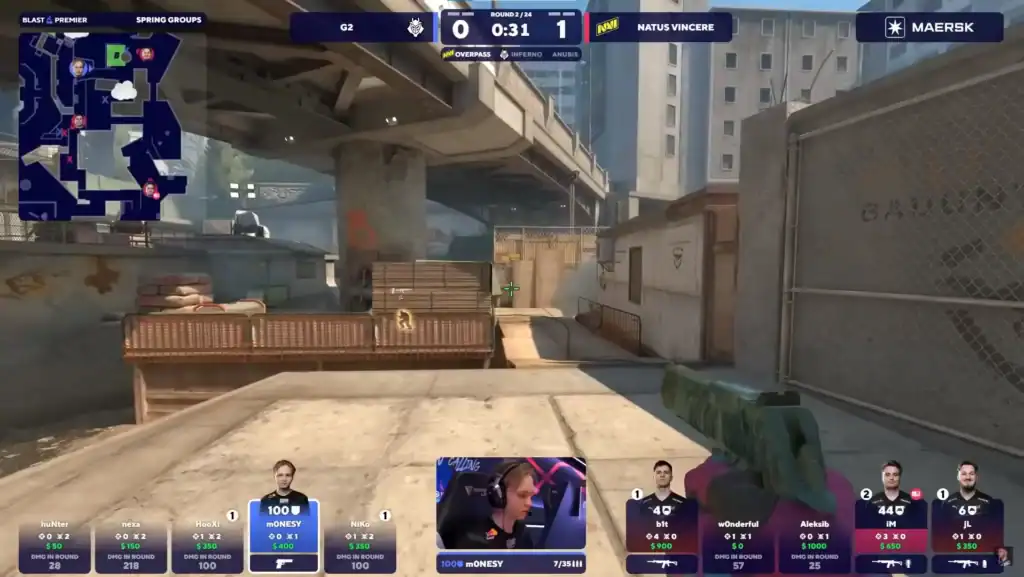
His viewmodel keeps the weapon out of the center of the screen while maintaining a natural feel.
| Setting | Value |
|---|---|
| Viewmodel FOV | 68 |
| Offset X | 2.5 |
| Offset Y | 0 |
| Offset Z | -1.5 |
| Preset Position | 3 |
This setup improves visibility and reduces unnecessary visual clutter.
Resolution and Aspect Ratio
Like many professional players, m0NESY uses a stretched resolution for improved target visibility.
| Setting | Value |
|---|---|
| Resolution | 1280×960 |
| Aspect Ratio | 4:3 |
| Scaling Mode | Stretched |
| Display Mode | Fullscreen |
| Brightness | 93% |
Stretched 4:3 makes enemy models appear wider, which many players find easier to track.
Advanced Graphics Settings
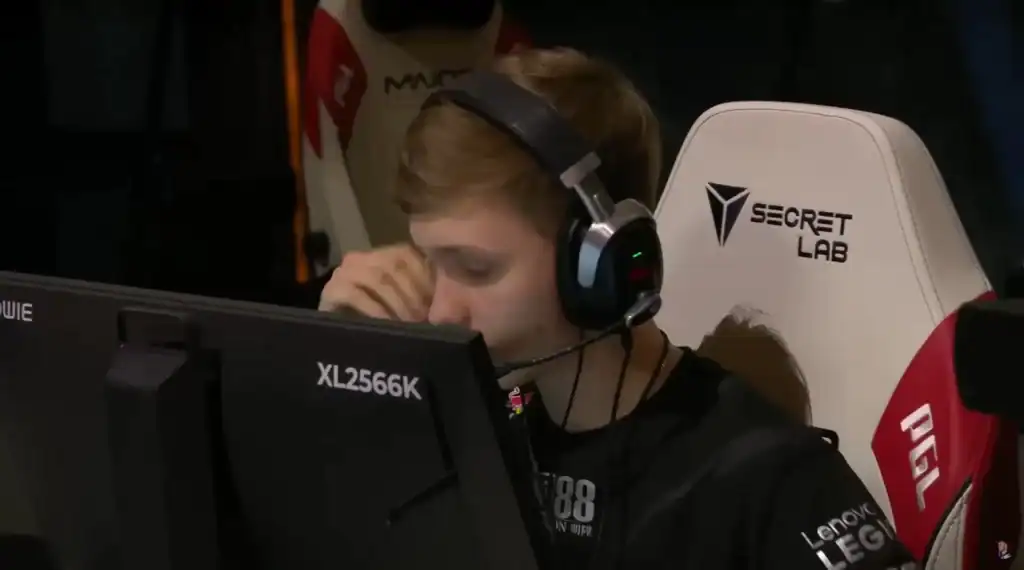
M0NESY’s graphics configuration prioritizes high FPS and clarity over visual fidelity.
| Setting | Value |
|---|---|
| Boost Player Contrast | Disabled |
| V-Sync | Disabled |
| MSAA | 8x |
| Global Shadow Quality | High |
| Model / Texture Detail | Low |
| Texture Filtering | Bilinear |
| Shader Detail | Low |
| Particle Detail | Low |
| Ambient Occlusion | Disabled |
| HDR | Performance |
| FidelityFX Super Resolution | Disabled |
These settings help maintain smooth gameplay while minimizing distractions.
HUD and Radar Settings
His HUD and radar are tuned for clarity and strong map awareness.
| Setting | Value |
|---|---|
| HUD Scale | 1 |
| HUD Color | Yellow |
| Radar Centers Player | Yes |
| Radar Rotating | Yes |
| Radar HUD Size | 0.91 |
| Radar Map Zoom | 0.4 |
This configuration keeps critical information readable without overwhelming the screen.
Conclusion
M0NESY’s CS2 settings are built around precision, visibility, and performance. His static crosshair, stretched resolution, and carefully tuned sensitivity support his fast-paced yet controlled playstyle.
While copying a professional’s settings won’t instantly improve performance, m0NESY’s setup offers a proven foundation for competitive players looking to optimize their CS2 experience.
FAQs
1. What sensitivity does m0NESY use in CS2?
M0NESY uses 400 DPI with an in-game sensitivity of 2.3, resulting in an effective DPI (eDPI) of 920, which balances precision and speed.
2. Does m0NESY use a dynamic or static crosshair?
He uses a classic static crosshair, meaning it does not move or expand while shooting, helping maintain consistent aim placement.
3. Why does m0NESY play on a 4:3 stretched resolution?
The 4:3 stretched resolution makes enemy models appear wider on screen, which many professional players find easier to track and hit.
4. Are m0NESY’s graphics settings focused on quality or performance?
His settings prioritize performance and clarity, keeping visual effects low to maintain high and stable FPS during competitive matches.
5. Should I copy m0NESY’s CS2 settings exactly?
M0NESY’s settings provide an excellent starting point, but you should adjust sensitivity, resolution, and HUD options to match your comfort and playstyle for best results.