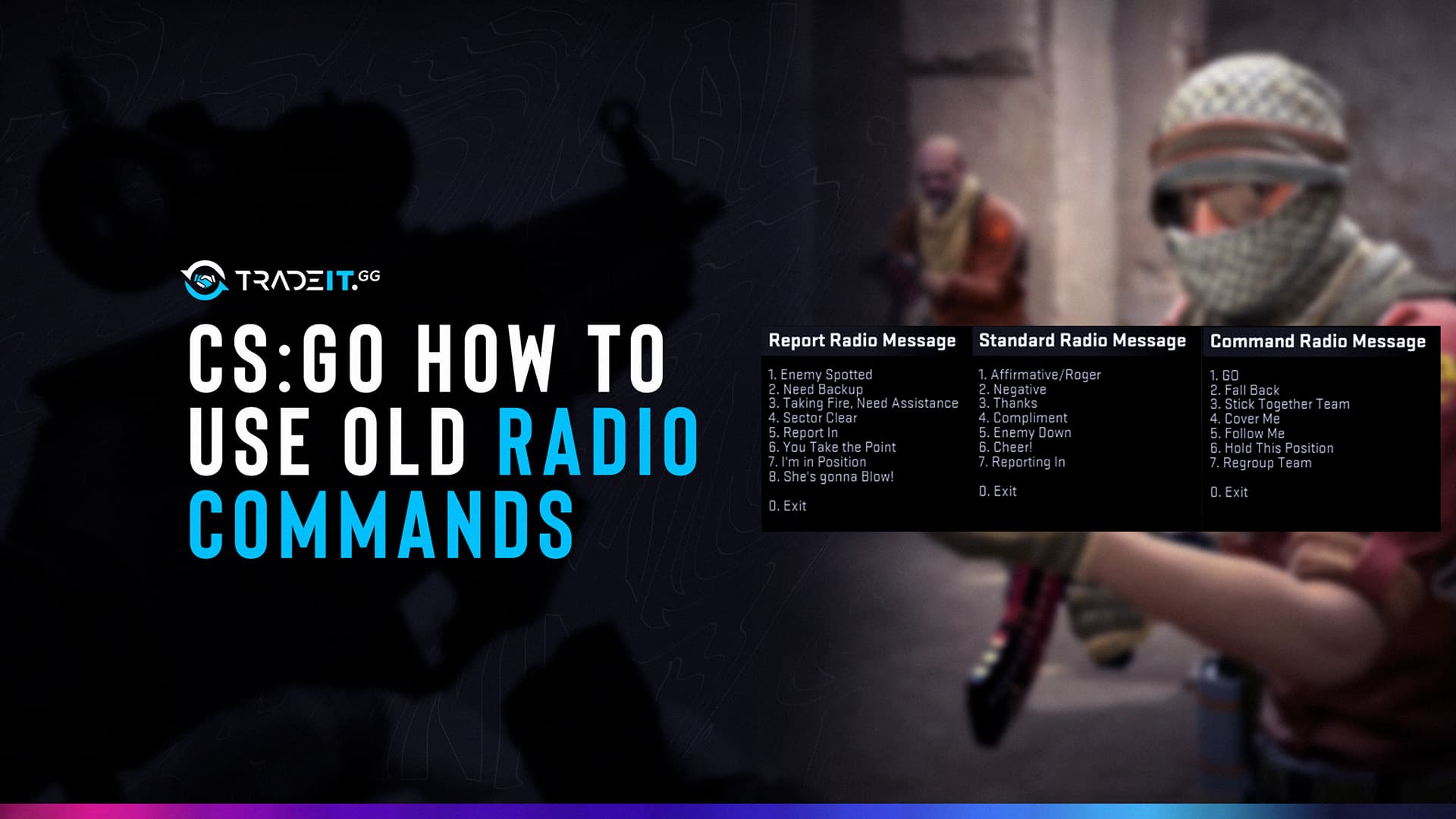
Radio commands in Counter-Strike 2 are one of the most underrated communication tools, especially in solo queue.
While voice chat is faster and more flexible, radio commands are instant, clear, and language-independent, making them incredibly valuable in pugs where coordination is limited.
Table of Contents
Why Use Radio Commands in CS2?

Radio commands shine in situations where voice chat falls short:
Predefined messages are universally understood by all teammates.
Communicate key information instantly without needing voice chat.
Avoid distracting voice comms and stay focused during critical moments.
Messages are always short, clear, and easy to understand.
In many solo queue matches, a well-timed radio call like “Enemy spotted” or “Need backup” can be more effective than unclear or delayed voice comms.
When Radio Is Better Than Voice Chat
Radio commands are often the smarter choice in specific scenarios:
Faster than speaking during fights, allowing instant communication.
Useful when teammates don’t respond to voice communication.
Keeps communication clean and focused during intense rounds.
Removes confusion caused by accents or language differences.
Voice chat is still ideal for detailed strategies, but radio commands excel at fast, universal communication.
Useful Radio Command Binds
You can bind radio commands to keys for instant use. Open the console and use:
bind KEY "command"
Recommended Binds
bind z "radio1"
bind x "radio2"
bind c "radio3"
Custom Quick Binds
bind v "player_ping"
bind f1 "say_team Enemy spotted!"
bind f2 "say_team Need backup!"
bind f3 "say_team Rotating"
These binds help you communicate without opening menus.
Most Useful Radio Commands
| Radio Command | In-Game Message | When to Use |
|---|---|---|
| Enemy Spotted | “Enemy spotted” | When you see opponents and want to alert teammates instantly |
| Need Backup | “Need backup” | When defending a site or getting pressured |
| Go Go Go | “Go go go” | To signal a push or fast execute |
| Fall Back | “Fall back” | When a push fails or you need to regroup |
| Hold Position | “Hold this position” | To stop teammates from overextending |
| Sector Clear | “Sector clear” | After checking an area |
| Cover Me | “Cover me” | When planting or reloading |
| Stick Together | “Stick together team” | To encourage grouped play |
| Reporting In | “Reporting in” | To confirm presence or readiness |
| Affirmative / Negative | “Affirmative / Negative” | Quick yes/no responses |
Common Use Cases in Pubs
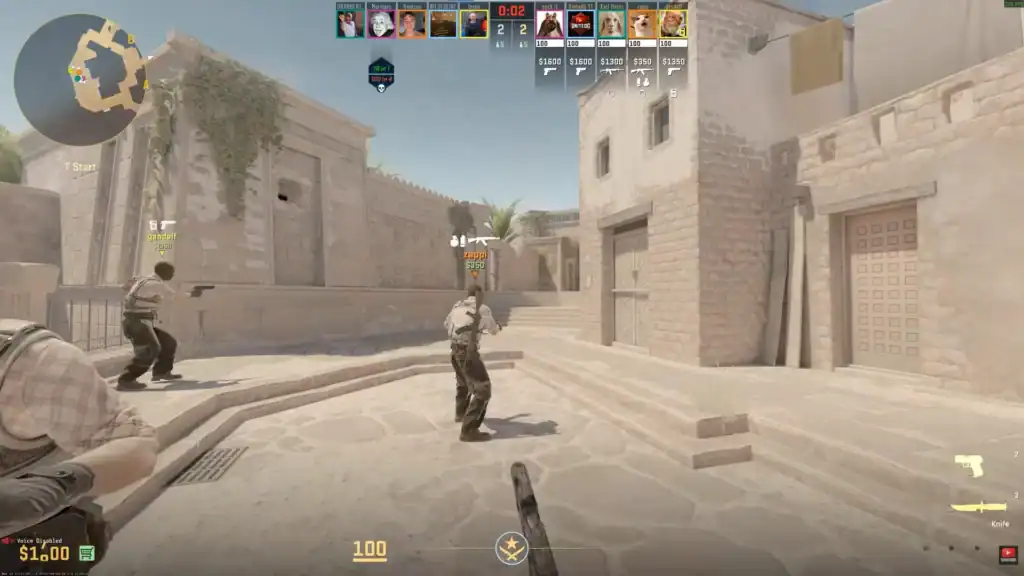
In competitive matches, radio commands are especially effective:
“Need backup” when enemies rush a bombsite.
“Go go go” to coordinate fast site entries.
“Enemy spotted” or “Rotating” for fast map updates.
Minimal comms to maintain focus and awareness.
“Stick together” to maximize impact with limited economy.
“Sector clear” or “Hold position” to stabilize control.
Radio commands help create structure even in chaotic games.
Summary
Radio commands in CS2 provide fast, reliable, and universal communication, making them essential for solo queue and pugs.
While voice chat is better for strategy, radio excels in clarity and speed. By binding key messages and using them in the right situations, you can significantly improve team coordination, even without saying a word.
FAQs
How do I use radio commands in CS2?
You can use the default radio menus by pressing Z, X, or C, or bind specific commands to keys using the console for faster access.
Are radio commands better than voice chat in CS2?
They are better for quick, clear communication—especially in solo queue, clutch situations, or when dealing with language barriers.
Can I create custom radio binds in CS2?
Yes, you can bind messages using commands like bind f1 "say_team Need backup!" to send instant team messages.
Do radio commands work in competitive matches?
Yes, radio commands are available in all game modes, including competitive and Premier.
What are the most useful radio commands in CS2?
Commands like “Enemy spotted,” “Need backup,” “Go go go,” and “Fall back” are among the most useful for quick team coordination.