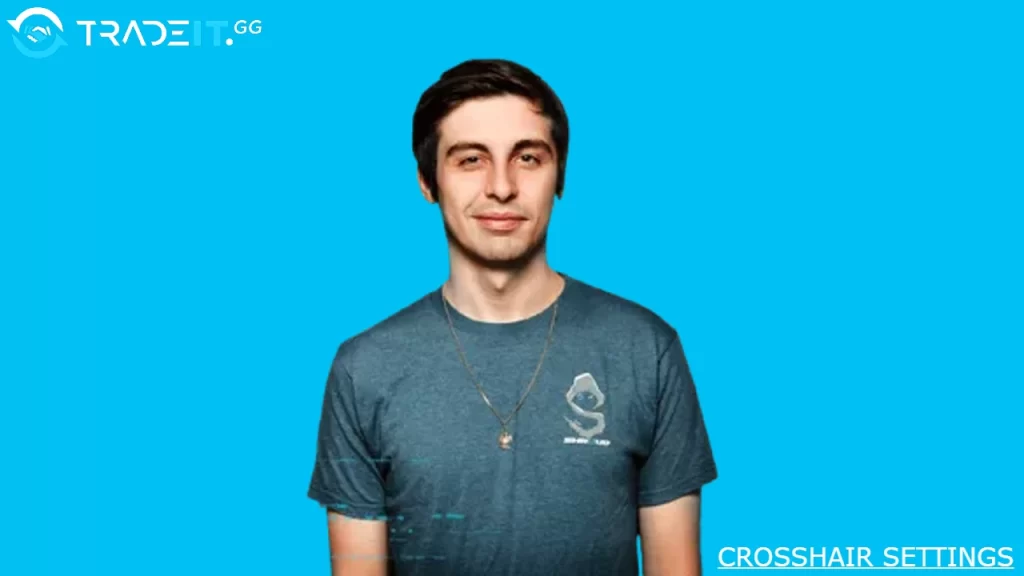
Michael “shroud” Grzesiek is one of the most influential FPS players and content creators in the world.
While he’s no longer competing professionally in CS2 full-time, many players still study his settings to find inspiration or optimize their own setup.
Below is a comprehensive breakdown of Shroud’s CS2 settings, including crosshair, sensitivity, video, monitor, and more.
Table of Contents
Mouse and Sensitivity Settings
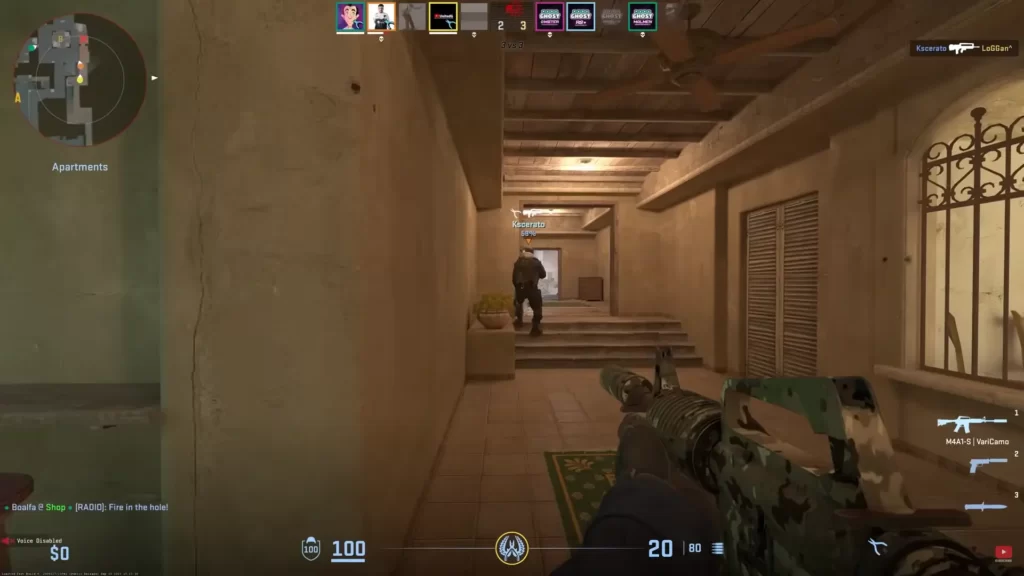
Getting your mouse and sensitivity dialed in can make a major difference in aiming precision and reaction time.
Shroud’s configuration balances flexibility and control, favoring low DPI with a comfortable in-game sensitivity that works well for both tracking and flicking.
| Setting | Shroud’s Configuration |
|---|---|
| DPI | 800 |
| Sensitivity | 1.25 |
| eDPI | 1000 |
| Zoom Sensitivity | 1 |
| Polling Rate | 1000 Hz |
| Windows Sensitivity | 6 |
This setup delivers precise micro-adjustments while remaining responsive during fast-paced engagements.
CS2 Crosshair Settings
Shroud uses a simple, static crosshair designed for visibility across all maps and lighting conditions. The goal is clarity without distractions, especially during intense gunfights.
| Setting | Value |
|---|---|
| Style | Classic Static |
| Follow Recoil | No |
| Dot | No |
| Length | 5 |
| Thickness | 1.5 |
| Gap | -2 |
| Outline | No |
| Color | Green |
| Alpha | 255 |
| Split Distance | 7 |
The result is a clean and readable crosshair that stays consistent regardless of movement or recoil.
Video and Display Settings
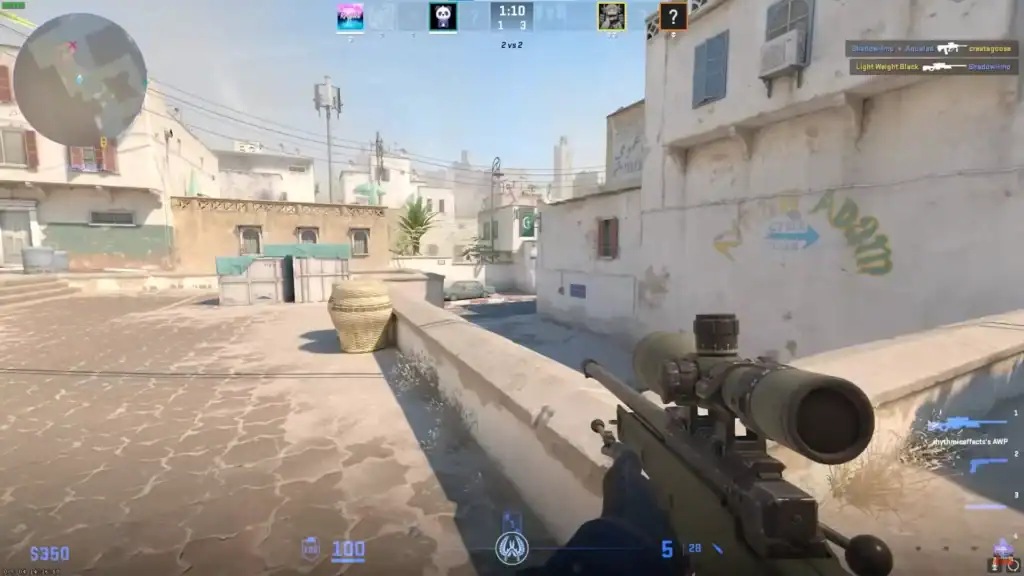
Shroud’s video settings focus on sharp visuals and smooth performance, ensuring enemies remain easy to spot while keeping frame rates high and input lag low.
| Setting | Configuration |
|---|---|
| Resolution | 2560×1440 |
| Aspect Ratio | 16:9 |
| Scaling Mode | Native |
| Display Mode | Fullscreen |
| Brightness | 93% |
| Boost Player Contrast | Enabled |
| V-Sync | Disabled |
| NVIDIA Reflex | Disabled |
| MSAA | 4× |
| Global Shadow Quality | High |
| Texture / Model Detail | High |
| Shader Detail | High |
| Particle Detail | High |
| Ambient Occlusion | Medium |
| FidelityFX Super Resolution | Disabled |
These settings prioritize competitive clarity without unnecessary visual noise.
Viewmodel and Visual Positioning
The viewmodel controls how much of the weapon appears on screen. Shroud opts for a setup that minimizes obstruction while maintaining consistency and balance.
| Setting | Value |
|---|---|
| Viewmodel FOV | 68 |
| Offset X | 2.5 |
| Offset Y | 1 |
| Offset Z | -1.5 |
| Preset Position | 2 |
| Bob Lower Amount | 5 |
| Bob Lat | 0.1 |
| Bob Vert | 0.1 |
This configuration reduces weapon sway and keeps the center of the screen clear for aiming.
Launch Options and Config
Launch options help optimize performance, reduce startup clutter, and ensure the game runs at the desired refresh rate.
Shroud’s CS2 Launch Options:
-novid -high -tickrate 128 -freq 240
These options skip intro videos, prioritize the game process, and force a 240Hz refresh rate for smoother gameplay.
Summary
Shroud’s CS2 settings emphasize precision, clarity, and responsiveness. His combination of low-DPI mouse control, a clean crosshair, optimized visuals, and a minimal viewmodel offers a strong foundation for competitive play.
While personal preference always matters, this setup serves as an excellent baseline for players looking to refine their own CS2 configuration.
FAQs
1. Are Shroud’s CS2 settings good for beginners?
Yes. Shroud’s settings are well balanced and make a great starting point, but beginners should still adjust sensitivity and resolution to their comfort level.
2. What sensitivity does Shroud use in CS2?
Shroud uses 800 DPI with an in-game sensitivity of 1.25, resulting in an effective DPI (eDPI) of 1000.
3. Does Shroud use a static or dynamic crosshair?
He uses a static crosshair, which helps maintain consistency and reduces visual distractions during gunfights.
4. Should I copy Shroud’s video settings exactly?
You can, but it’s best to adjust resolution and graphics options based on your hardware to maintain stable FPS and low input lag.
5. Why do pro players like Shroud use low DPI settings?
Lower DPI allows for more precise aiming and better recoil control, especially in long-range engagements common in CS2.