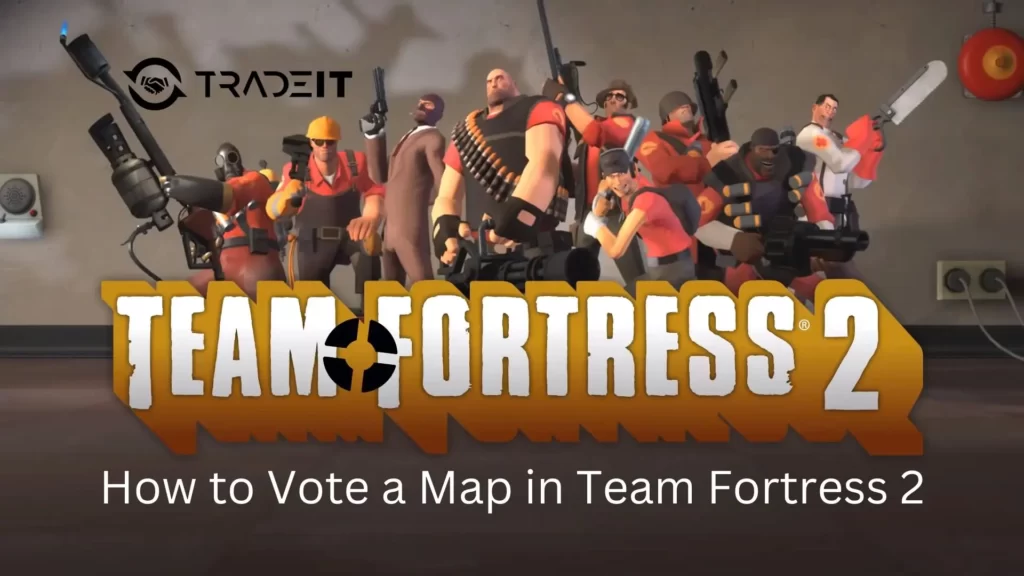
Map voting in Team Fortress 2 is a simple yet powerful feature that lets players influence what map is played next without leaving the server.
Whether you are tired of the current map, want to practice a specific layout, or simply follow the server’s rotation, understanding how map voting works and which commands to use can greatly improve your TF2 experience.
Table of Contents
What Is Map Voting in TF2?
Map voting allows players on supported servers to collectively decide which map will be played next. This system is most commonly found on community servers and casual-style servers that use custom plugins.
It is important to note that map voting is not available in Valve Casual matchmaking, where maps are selected through Valve’s queue system instead.
When map voting is enabled, players can participate either through an in-game voting menu or by using chat-based commands, depending on how the server is configured.
How to Vote a Map Using the In-Game Menu
The in-game voting menu is the simplest and most accessible way to vote for a new map, especially if you are unfamiliar with chat commands. Many community servers support this method by default.
To vote for a map using the menu, follow these steps:
Press ESC to bring up the Team Fortress 2 main menu.
Choose Call Vote to initiate a server-wide vote.
Select Change Map from the available voting options.
Choose the map you want to play next from the list provided.
Once the vote is active, other players can vote yes or no. If enough players agree, the server will switch to the selected map either immediately or after the current round ends, depending on server settings.
This method is ideal for newer players because it requires no commands and works consistently across many servers.
TF2 Map Vote Commands Explained
On servers that support chat-based voting, commands offer a faster and more flexible way to influence map selection. These commands are usually powered by server plugins and can vary slightly from server to server.
The most commonly used map vote commands include:
Signals that you want to change the current map. Once enough players type rtv, a map vote starts automatically.
Opens the map voting menu manually on servers that support these commands.
Suggests a specific map for the next vote, such as !nominate pl_upward.
Not all servers use the same commands, so it is always a good idea to check available options by reading server messages or typing !help in chat.
Why Map Voting Sometimes Does Not Work
If your attempt to vote for a TF2 map does not produce any results, the issue is usually related to server restrictions rather than a mistake on your end.
Common reasons map voting may not work include:
You are playing in Valve Casual, where map voting is completely disabled.
The server has map voting turned off entirely by the server owner.
There are not enough active players to meet the vote requirement.
Voting is locked until the current round comes to an end.
The server uses different or custom vote commands instead of the standard ones.
When in doubt, check the server rules or use the help command to see what options are available.
Tips for Successful Map Voting

Timing and communication can make a big difference when trying to change maps. Starting a vote when most players are ready for a change increases your chances of success. Nominating popular or familiar maps also helps gather support.
It is best to avoid spamming vote commands, as many servers enforce cooldowns or penalties. Being respectful and patient goes a long way in getting other players to vote with you.
Summary
Map voting in Team Fortress 2 gives players more control over their gameplay experience, especially on community servers.
While Valve Casual does not support map voting, most community servers allow it through in-game menus or chat commands like rtv and !nominate.
Once you understand how these systems work, changing maps becomes quick, easy, and far more enjoyable.
FAQs
1. Can you vote for maps in Valve Casual TF2?
No, Valve Casual matchmaking does not support map voting. Maps are selected automatically by Valve’s queue system, and vote commands will not work there.
2. What does the rtv command do in TF2?
The rtv command stands for “Rock the Vote.” When enough players type rtv in chat, it triggers a server-wide vote to change the current map.
3. Why doesn’t the map I nominated appear in the vote?
Some servers limit which maps can be nominated or rotate available maps based on recent playtime. Even if you nominate a map, it may be excluded by server rules.
4. Do all TF2 community servers support map voting?
No, map voting depends on server settings and plugins. While many community servers enable it, some disable voting entirely or restrict it to certain times.
5. Is it possible to force a map change by yourself?
On most servers, no. Map changes usually require a majority vote. Only server admins or moderators can force a map change without a vote.