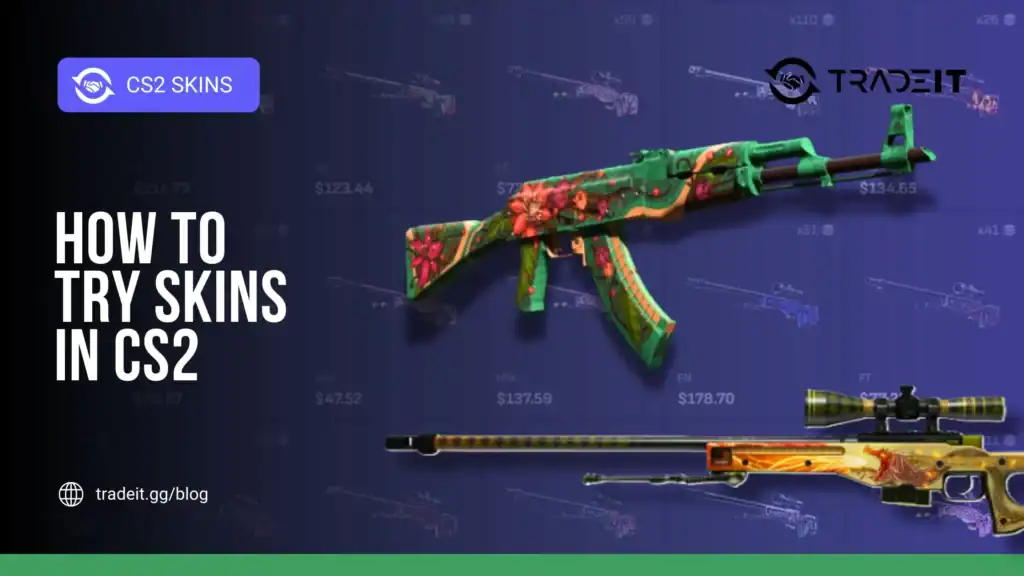
Skins are a huge part of Counter-Strike 2’s identity. From flashy knives to subtle weapon finishes, they let players personalize their loadout and show off style without affecting gameplay.
But before spending real money on a skin, most players want to see how it actually looks in-game. Luckily, CS2 offers several reliable ways to view and test skins before committing to a purchase.
This guide walks you through the best methods to try skins in CS2, whether you just want to inspect them, test them in action, or compare different finishes.
Table of Contents
Inspecting Skins Directly in CS2
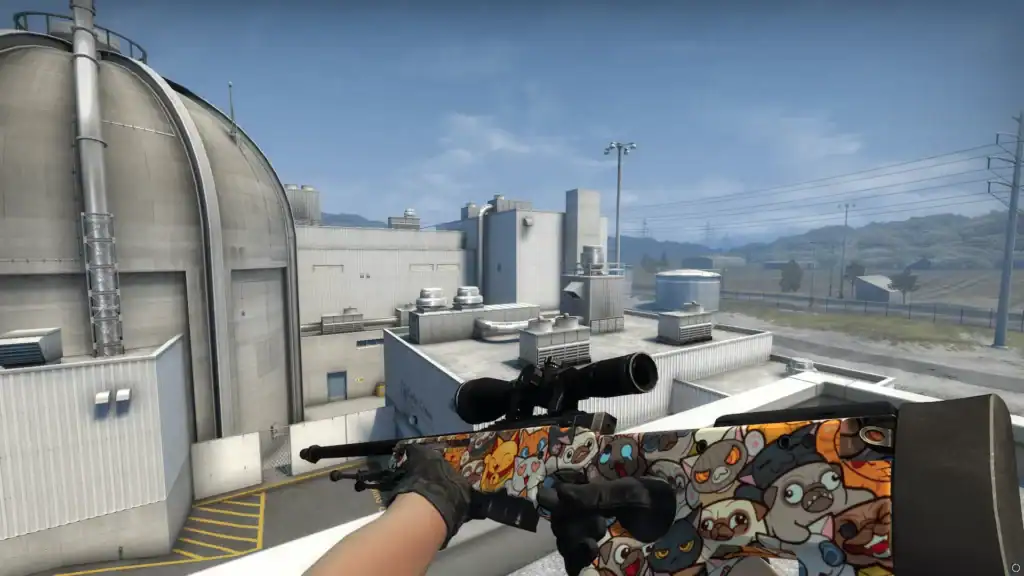
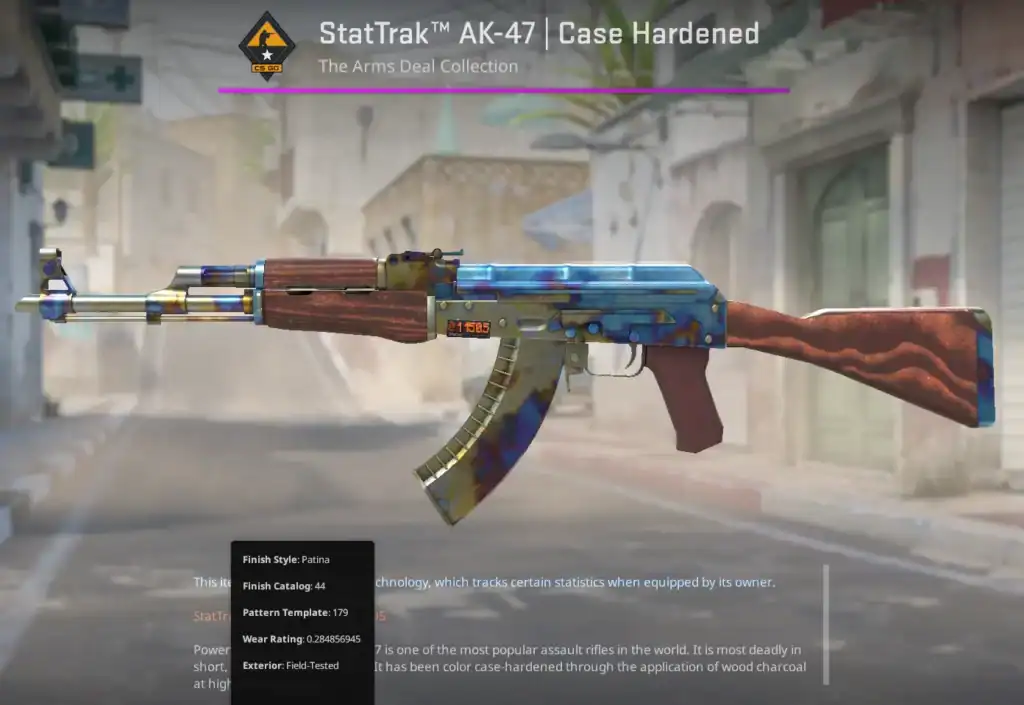
The simplest way to view skins is directly through the CS2 inventory and Steam Market.
When browsing skins in your inventory or on the market, you can use the Inspect option. This opens a 3D preview where you can rotate the weapon, zoom in, and check details like wear, stickers, and finish quality.
While this doesn’t simulate real gameplay, it’s a fast way to judge whether you like a skin’s design.
This method is especially useful for:
Compare Factory New, Field-Tested, and Battle-Scarred finishes in detail.
Inspect how stickers look, their positioning, and overall visual balance.
Evaluate color depth, finish quality, and surface details up close.
However, it doesn’t show how the skin feels during actual play.
Using Community Servers to Test Skins
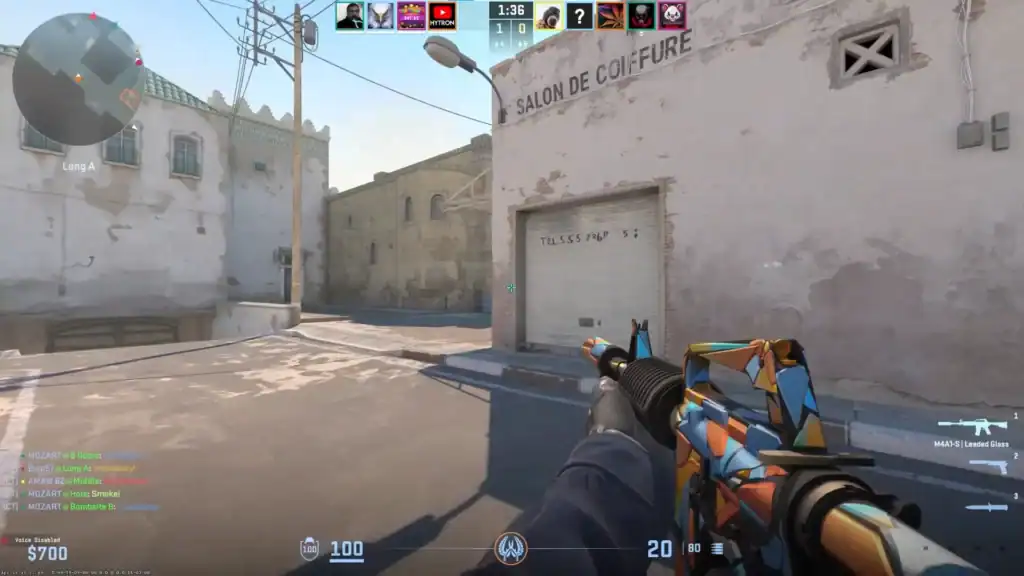
One of the most popular ways to try skins in CS2 is through community skin servers. These servers allow players to equip almost any skin instantly using chat or console commands.
On these servers, you can:
Equip knives, gloves, and weapon skins instantly using server commands.
See how skins look while moving, shooting, and reloading.
Test how weapons pair with gloves, knives, and agents.
Many players use these servers specifically to decide whether a high-priced skin is worth the investment.
Testing Skins with Workshop Maps
Another effective method is using Workshop maps designed for skin inspection and testing.
After subscribing to a skin-testing map from the Steam Workshop, you can launch it locally in CS2. These maps often include:
Select weapons and skins instantly from in-map menus.
View skins under neutral lighting to spot subtle differences.
Compare multiple skins or wear levels without distractions.
Workshop maps are perfect for slow, detailed inspection without distractions. They’re especially helpful for comparing multiple skins side by side or testing sticker combinations.
Trying Skins in Offline Practice
You can also test skins in offline practice modes, although this method is more limited.
By loading into a practice match with bots and using specific console commands, you can equip skins temporarily. This allows you to:
Fire weapons and inspect recoil visuals with skins equipped.
View reloads, inspect animations, and movement visuals.
Test skins in an environment close to competitive gameplay.
While setup takes more effort, it’s a good option if you prefer testing skins in a realistic match setting without other players.
Third-Party Skin Viewers and Databases
Outside the game, many players rely on third-party skin viewers and databases. These platforms provide high-quality renders, float comparisons, and sometimes even in-game screenshots.
They’re useful for:
Examine skins with detailed, zoomable images.
Understand how float values affect real appearance.
Explore rare patterns and high-value skins safely.
However, they should complement in-game testing, not replace it, since real gameplay visuals can differ.
Why Testing Skins Matters
Skins can look very different depending on:
Skins can look very different across maps and environments.
Colors and contrast change depending on the map.
Inspect and reload animations can change perception.
Testing prevents expensive mistakes on premium skins.
A skin that looks amazing in screenshots may feel underwhelming in actual gameplay. Testing helps avoid regret, especially for costly knives, gloves, or rare finishes.
Summary
Trying skins in CS2 before buying them is not just smart. It’s essential, especially if you are about to spend a lot of money. Whether you use community servers, Workshop maps, or in-game inspection tools, testing ensures you get exactly what you expect.
FAQs
1. Can you try skins in CS2 without buying them?
Yes. You can preview skins in the in-game inspect feature, test them on community servers, or use Workshop maps without owning the skins.
2. What is the best way to test CS2 skins in real gameplay?
Community skin servers are the best option, as they let you equip skins and use them in live matches with movement, shooting, and animations.
3. Are skin testing servers safe to use in CS2?
Reputable community servers are safe, but you should avoid servers that ask for login details or use suspicious third-party plugins.
4. Can I test knives and gloves in CS2?
Yes. Most skin testing servers and some Workshop maps allow you to equip knives, gloves, and full loadouts instantly using commands or menus.
5. Do CS2 skins look different in-game compared to previews?
They can. Lighting, map environment, wear level, and animations all affect how a skin looks, which is why in-game testing is recommended.