Teleportation in Rust is a useful feature that allows players or administrators to instantly move from one location to another.
While the base version of Rust does not include teleportation for regular gameplay, many servers enable it through plugins or administrator commands.
The most common method involves using the TP command, which instantly relocates a player to a specified destination.
This guide explains how teleportation works in Rust, how the TP command is used, and what limitations may exist depending on the server you play on.
Table of Contents
What Is the TP Command in Rust?
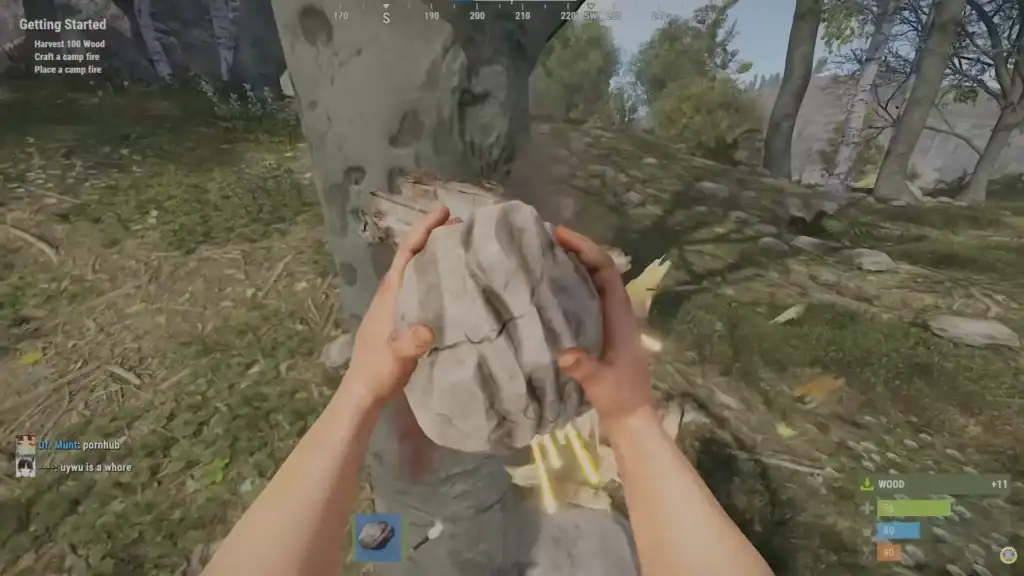
The TP command is a console or chat command used on modded Rust servers to teleport players.
Server administrators often enable teleportation through plugins such as ServerInfo or mod frameworks like uMod (formerly Oxide). These systems allow players to move across the map without traveling manually.
Depending on the server setup, teleportation may allow players to:
Instantly travel to friends or teammates on the same server to regroup or start adventures together.
Quickly return to important places such as your base using saved home locations.
Move directly to special server areas such as shops, safe zones, or community hubs.
Send a teleport request to another player and travel to them once the request is accepted.
Because these commands are controlled by server plugins, the exact syntax and available options may vary from server to server.
How to Teleport to Another Player
One of the most common teleport commands allows players to move directly to a friend or teammate. This feature is widely used on community and modded servers where cooperation is encouraged.
To teleport to another player, you typically need to follow these steps:
Press the chat key to open the in-game chat interface where server commands can be entered.
Type a command such as /tp playername to send a teleport request.
The server will process the request and may start a short countdown before teleporting.
After the countdown finishes, you will be instantly teleported to the selected player.
Some servers include an approval system. In that case, the target player must accept the request before the teleport happens. This helps prevent unwanted teleportation requests.
Many servers also include short cooldown timers or delays to keep the feature balanced.
Teleporting to Specific Locations
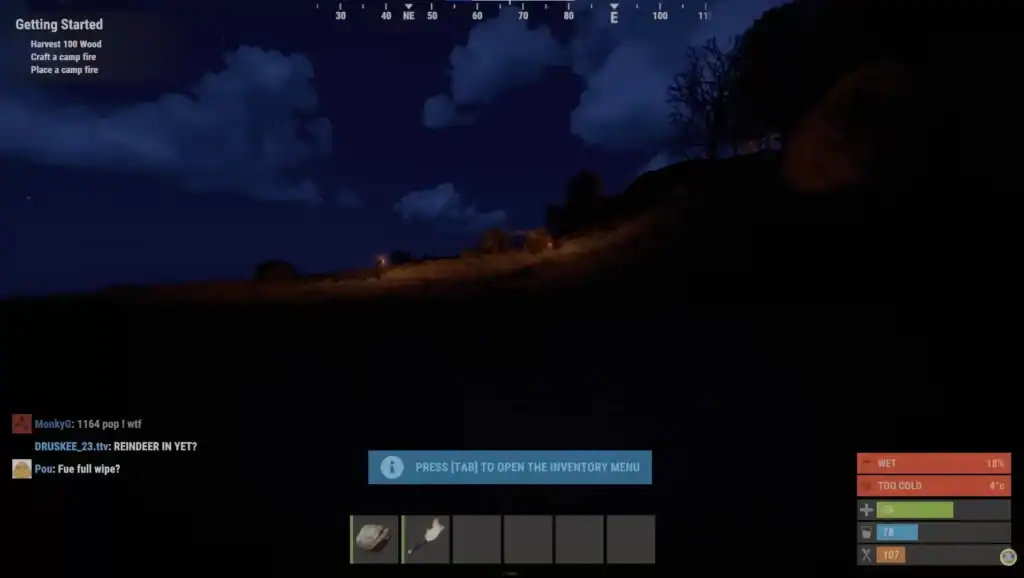
Some servers allow players to save locations and return to them later using teleport commands. These locations are commonly called homes.
A typical home teleport system works like this:
Use the command /sethome to save your current location as a teleport point.
Continue building, organizing, and expanding your base normally.
Use the command /home anytime to teleport back to your saved location.
This feature is extremely useful for large maps because it reduces travel time and makes resource gathering more efficient.
Server administrators often limit the number of homes players can create in order to keep the gameplay balanced.
Admin Teleport Commands
Server administrators have access to more powerful teleport commands through the Rust console. These commands allow them to instantly move across the map or relocate other players.
Common admin teleport commands include:
Moves the administrator instantly to the specified player’s location.
Teleports the first player directly to the location of the second player.
Teleports the player to specific map coordinates using the X, Y, and Z position values.
These commands are typically used for server moderation, testing, or quickly navigating large areas of the map.
Admin teleportation usually happens instantly and does not require approval or waiting periods.
Teleport Limitations on Rust Servers
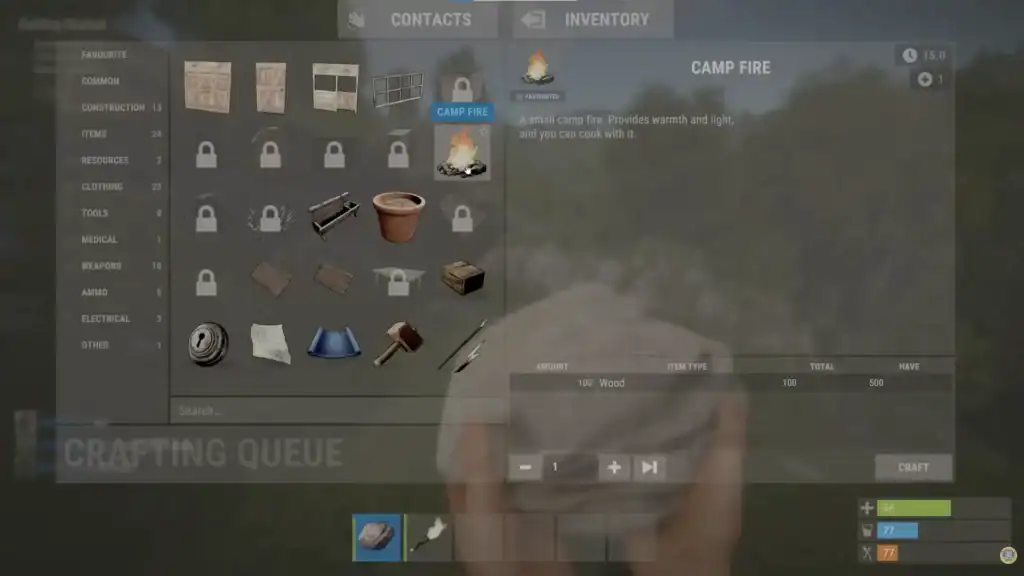
Not every Rust server allows teleportation. Official servers usually disable teleport commands because the survival gameplay experience relies heavily on exploration and travel.
Modded servers often allow teleporting but may still include restrictions such as cooldown timers, combat blocks, or limits on how often the command can be used.
These rules help maintain balance while still offering the convenience of faster movement.
Summary
Teleportation in Rust is primarily available on modded servers through TP commands and server plugins. Players can teleport to friends, saved home locations, or special server areas depending on the server configuration.
Administrators also have access to advanced teleport commands that allow instant movement across the map.
Because every server may configure these commands differently, it is always helpful to check the server’s command list before attempting to teleport.
FAQs
1. Can you teleport on official Rust servers?
Teleportation is usually not available on official Rust servers. These servers are designed to keep the survival experience intact, which means players must travel across the map normally. Teleport commands are mainly found on modded or community servers.
2. What command is used to teleport in Rust?
The exact command depends on the server plugin, but many modded servers use commands such as /tp playername, /tpa, or /home. Server administrators may also use console commands like teleport playername.
3. Do players need permission to teleport to others?
On many servers, teleport requests must be accepted by the target player. This prevents unwanted teleportation and ensures that players have control over who can appear near them.
4. Why does teleportation sometimes have a countdown?
Servers often include a countdown timer to prevent abuse of teleport commands. The delay helps maintain balance and may cancel the teleport if the player moves or enters combat.
5. Can you teleport to coordinates in Rust?
Yes, administrators can teleport to specific map coordinates using commands like teleportpos x y z. This command moves the player directly to the specified location on the map.