The “Remote Host Closed the Connection” error in Counter-Strike 2 can be frustrating, especially when it happens mid-match or while joining a community server.
This issue usually points to a network interruption, server-side disconnect, or a configuration problem on your system. In most cases, it’s fixable with a few practical steps. Below is a clear breakdown of why this error happens and how to resolve it.
Table of Contents
What Causes the “Remote Host Closed the Connection” Error?
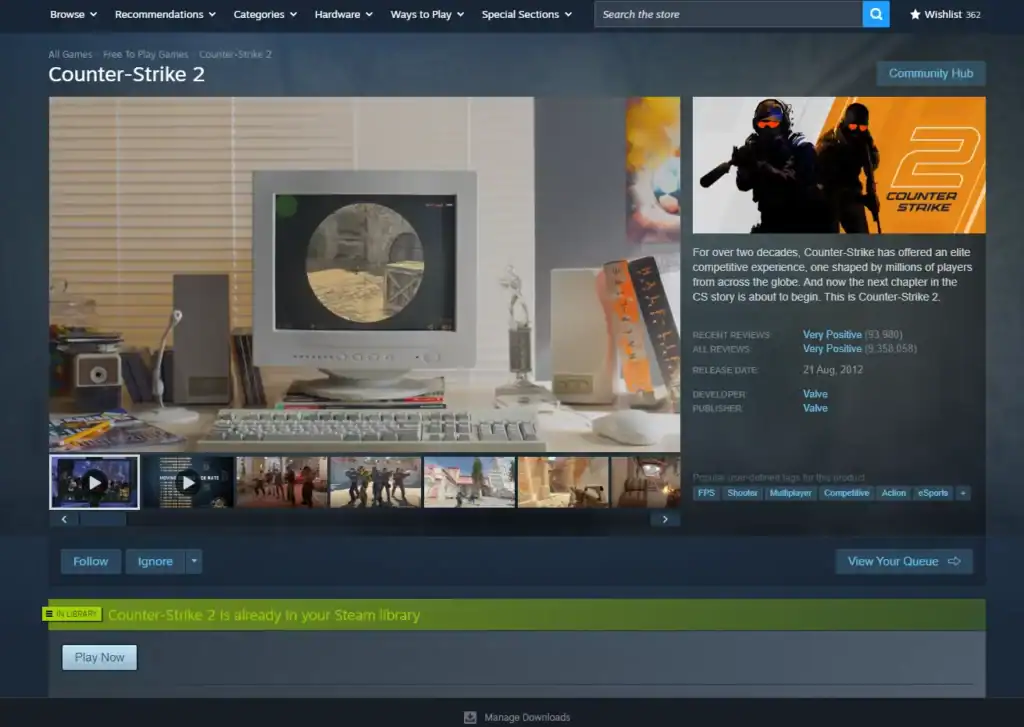
This error appears when the CS2 client loses communication with the game server. Common causes include:
Understanding the cause helps you apply the right fix instead of blindly reinstalling everything.
Quick Fixes You Should Try First
Before diving into advanced troubleshooting, start with these simple steps:
- 🔄 Restart CS2 and Steam
- 📡 Restart router and modem
- 📊 Check Steam server status
- 🎯 Try a different server
If the error only happens on one server, the issue is likely server-side.
Verify Game Files in Steam
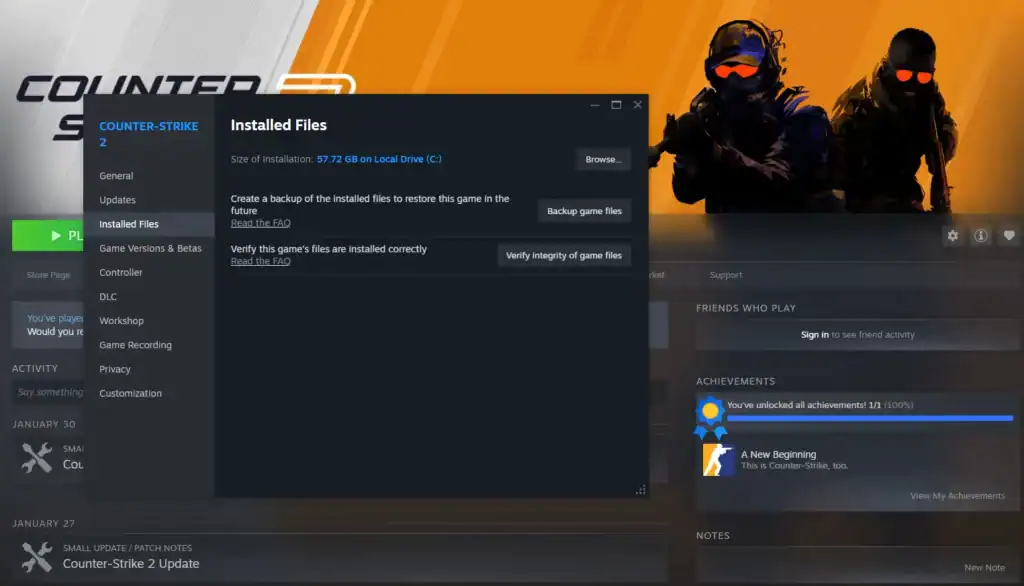
Corrupted or missing files are a very common cause.
Steam will automatically re-download any damaged files.
Check Firewall and Antivirus Settings
Security software can mistakenly block CS2’s network traffic.
If disabling your antivirus fixes the issue, add CS2 as an exception instead of leaving protection off.
Disable VPNs and Network Overlays
VPNs often increase latency and packet loss, which can trigger disconnects.
🚫 Turn off VPNs before launching CS2
🧩 Disable third-party overlays
🌐 Use a direct internet connection
CS2 is very sensitive to unstable routing.
Reset Network Configuration
Sometimes the problem lies in cached network settings.
Open Command Prompt as administrator and run:
netsh winsock reset
Restart your PC afterward. This clears DNS and socket issues that may block connections.
Community Server-Specific Fixes
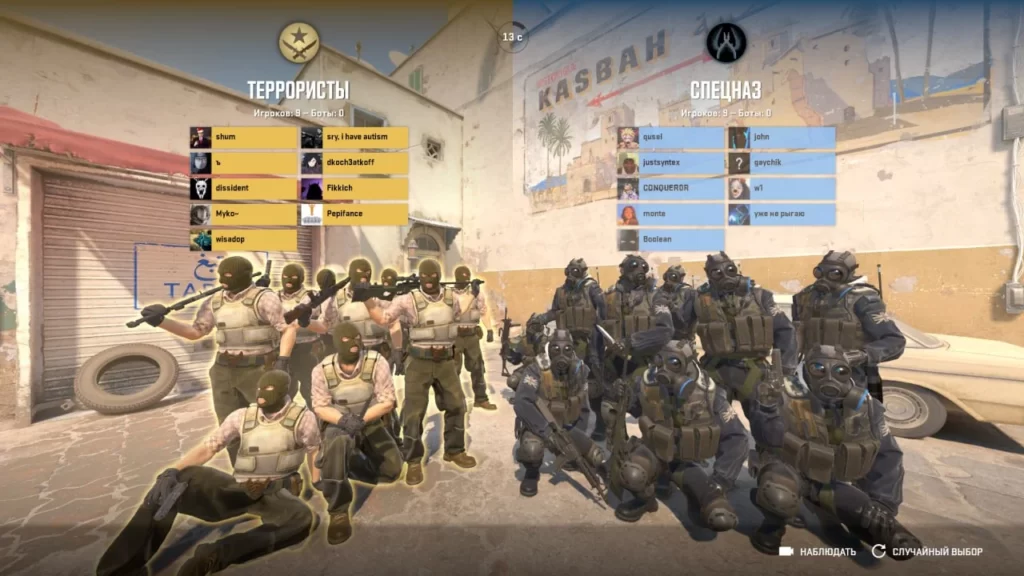
If this error only happens on community servers:
In many cases, the issue is not on your end.
When All Else Fails
If none of the above works:
- 🗑️ Reinstall CS2
- 📶 Update network drivers
- ☎️ Contact ISP
- 🎮 Play on official servers
Persistent disconnects usually point to deeper network instability.
Summary
The “Remote Host Closed the Connection” error in CS2 is almost always related to networking or server-side issues.
By verifying game files, checking firewalls, disabling VPNs, and resetting network settings, most players can resolve it quickly. If the problem only occurs on specific servers, the fault is likely not yours.
FAQs
What does “Remote Host Closed the Connection” mean in CS2?
It means the game server unexpectedly ended communication with your CS2 client, usually due to network instability, server issues, or blocked traffic.
Is this error caused by CS2 servers or my connection?
It can be either. If it happens on multiple servers, your connection or system is likely at fault. If it only happens on one server, the issue is usually server-side.
Can a VPN cause this error in CS2?
Yes. VPNs often increase latency or packet loss, which can trigger server disconnects in CS2. Disabling the VPN usually resolves the issue.
Does verifying game files fix the connection error?
In many cases, yes. Corrupted or missing game files can cause connection drops, and Steam’s file verification can repair them automatically.
Why does this happen more on community servers?
Community servers may run outdated plugins, restart frequently, or be overloaded, all of which can lead to abrupt disconnections.