Network jitter in Counter-Strike 2 can completely ruin your gameplay experience. Even if your ping is low, jitter (those small, inconsistent delays in packet delivery) can cause stuttering, delayed shots, and unpredictable movement.
If you’re experiencing lag spikes or inconsistent performance, this guide will show you how to fix CS2 net jitter and achieve a smoother, more stable connection.
Table of Contents
What Is Net Jitter?
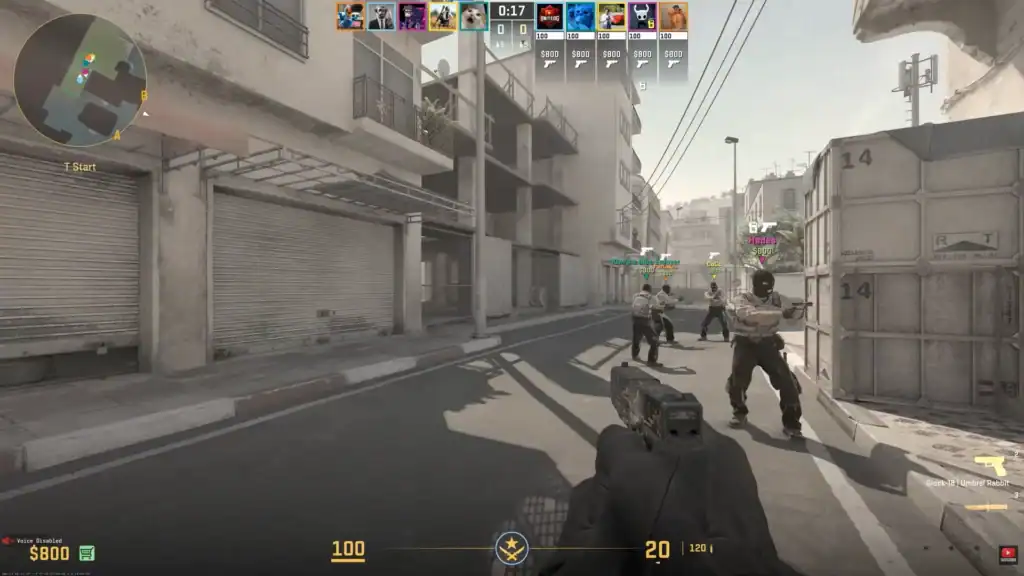
Jitter refers to the variation in time it takes for data packets to travel between your PC and the game server. Instead of arriving at a steady rate, packets come in uneven bursts.
This often results in:
Shots may not register properly, affecting your accuracy and performance.
Enemies and teammates may appear to teleport or move inconsistently.
Movement and inputs may feel delayed and inconsistent during gameplay.
Even a fast internet connection can suffer from jitter if it’s unstable.
Use a Wired Connection
One of the most effective ways to reduce jitter is switching from Wi-Fi to a wired Ethernet connection.
Wireless networks are inherently less stable due to interference, signal drops, and shared bandwidth. A wired connection ensures consistent packet delivery, which is essential for competitive play.
If you’re serious about improving your connection quality, this is usually the first and most impactful change you can make.
Optimize Your Network Settings
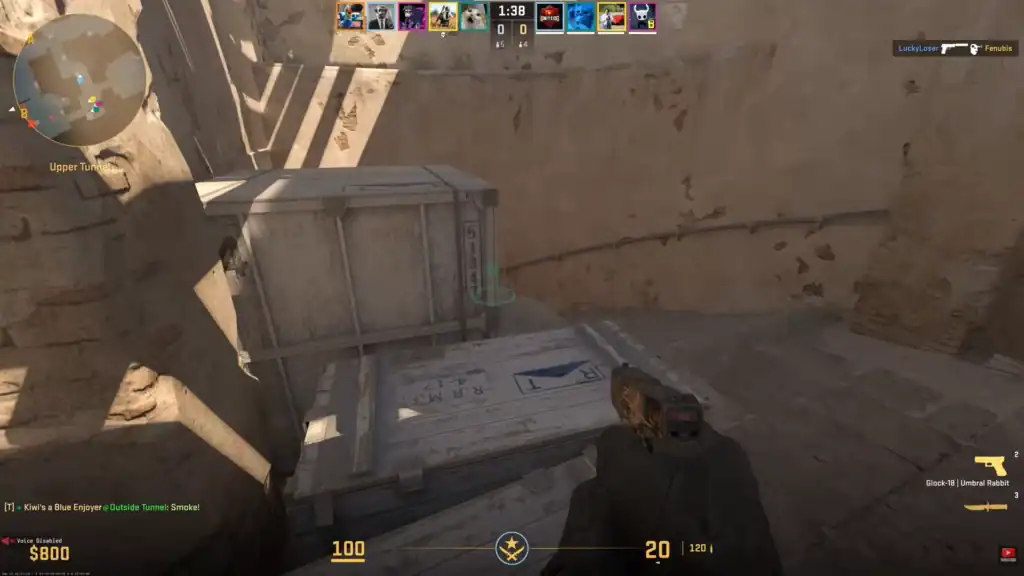
Adjusting your in-game network settings can help stabilize how your client communicates with the server. These settings don’t increase your internet speed, but they ensure smoother packet flow and fewer inconsistencies.
Try using the following commands in the console:
Sets the maximum data transfer rate for optimal communication with the server.
Defines how many updates per second you receive from the server.
Controls how many commands per second your client sends to the server.
You can also enable net_graph 1 to monitor your connection in real time and spot jitter or packet loss during gameplay.
Reduce Network Load
Jitter often increases when your network is under heavy load. If multiple applications or devices are using bandwidth at the same time, your connection becomes less stable.
To minimize this, you should:
Close downloads, streaming apps, and unnecessary programs to free up bandwidth.
Reduce the number of devices actively using your network during gameplay.
Avoid playing while large downloads or system updates are running.
Freeing up bandwidth helps ensure that CS2 gets consistent network priority.
Choose the Right Server
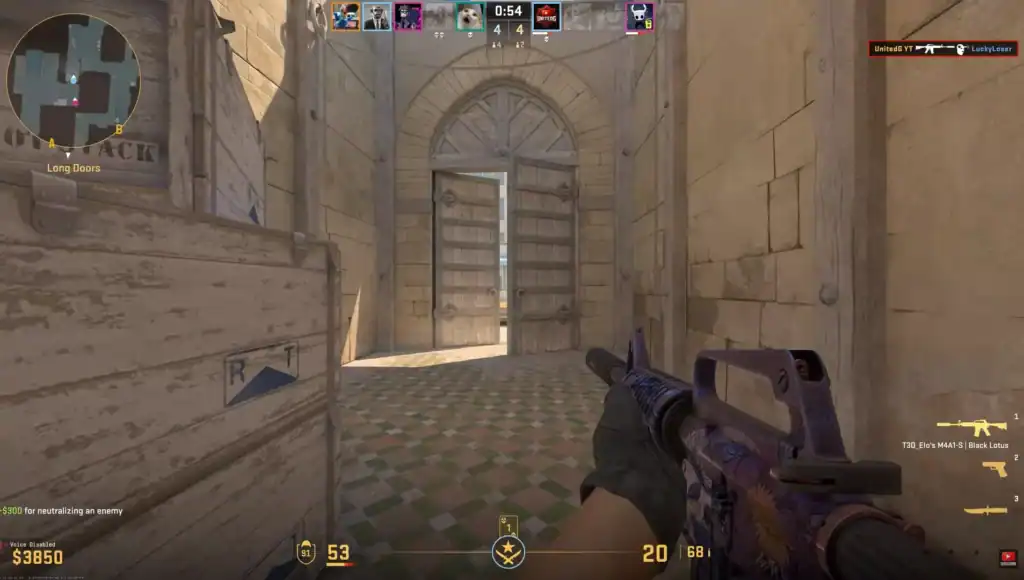
Server selection plays a major role in connection stability. The farther you are from a server, the more likely you are to experience latency variation and jitter.
Playing on nearby servers reduces the distance data needs to travel, resulting in more consistent performance.
Additionally, some servers may be overloaded during peak hours, which can also cause spikes. If you notice unstable gameplay, switching servers can sometimes fix the issue instantly.
Improve Router and ISP Stability
Your router and internet provider are critical parts of your connection. Restarting your router can clear temporary issues, while updating firmware ensures optimal performance.
If your router supports Quality of Service (QoS), enabling it can prioritize gaming traffic over other activities.
In some cases, persistent jitter may be caused by your ISP. If the issue continues despite all optimizations, it may be worth contacting your provider to check for line instability or routing problems.
Summary
Fixing CS2 net jitter is about achieving a stable and consistent connection rather than just lowering ping. By using a wired connection, optimizing your settings, reducing network load, and selecting the right servers, you can significantly reduce jitter and lag spikes.
With a more stable connection, your gameplay will feel smoother, your shots will register more reliably, and your overall performance in Counter-Strike 2 will improve noticeably.
FAQs
1. What is a good jitter value in CS2?
A good jitter value is typically below 5 ms. Anything higher can start to cause noticeable inconsistencies in movement and hit registration.
2. Can I have low ping but high jitter in CS2?
Yes, low ping does not guarantee a stable connection. You can still experience jitter if your connection is inconsistent or unstable.
3. Does Wi-Fi always cause jitter in CS2?
Not always, but Wi-Fi is more prone to interference and fluctuations. A wired Ethernet connection is generally much more stable.
4. How can I check jitter in CS2?
You can enable the net graph by typing net_graph 1 in the console. This will display real-time network stats, including packet loss and variability.
5. Can my ISP cause jitter issues?
Yes, your Internet Service Provider can cause jitter due to routing issues, network congestion, or line instability, especially during peak hours.