Danil “donk” Kryshkovets is one of Counter-Strike 2’s most exciting rising stars. Known for his aggressive rifling, sharp crosshair placement, and confident duels, Donk’s settings reflect a balance between raw precision and competitive clarity.
If you’re looking for a strong pro-level baseline for CS2, his configuration is an excellent reference. Below is a detailed breakdown of donk’s sensitivity, crosshair, viewmodel, and video settings, organized into clear tables for easy comparison and setup.
Table of Contents
Mouse and Sensitivity Settings
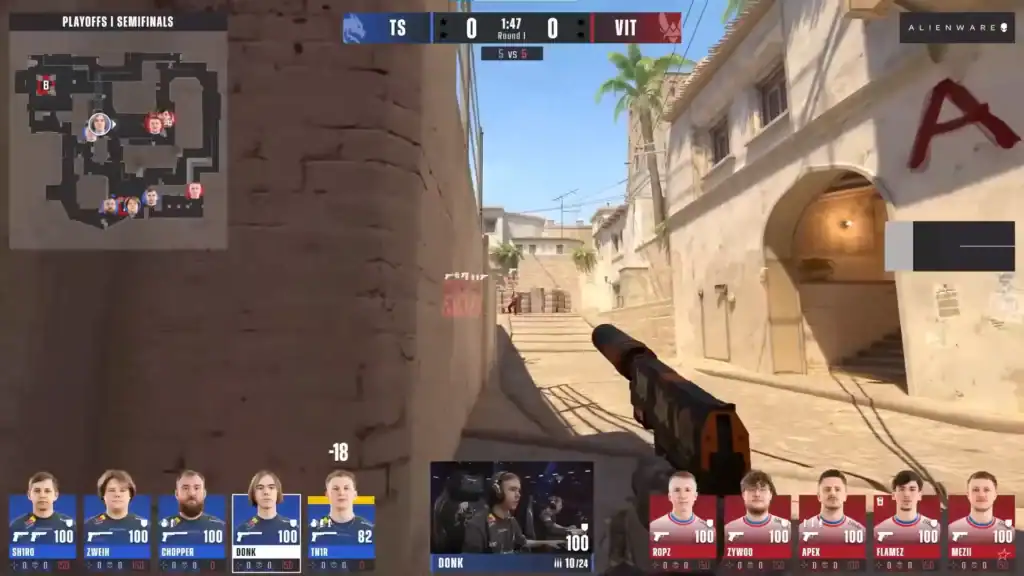
Donk uses a sensitivity that favors precision and consistency, especially during rifle spray control and close-to-mid-range fights.
| Setting | Value |
|---|---|
| DPI | 800 |
| Sensitivity | 1.25 |
| eDPI | 1000 |
| Zoom Sensitivity | 1.00 |
| Polling Rate | 1000 Hz |
| Windows Sensitivity | 4 |
| Mouse Acceleration | Off |
| Raw Input | On |
This setup gives donk excellent control without sacrificing speed, making it ideal for aggressive riflers who rely on strong tracking and recoil management.
Crosshair Settings
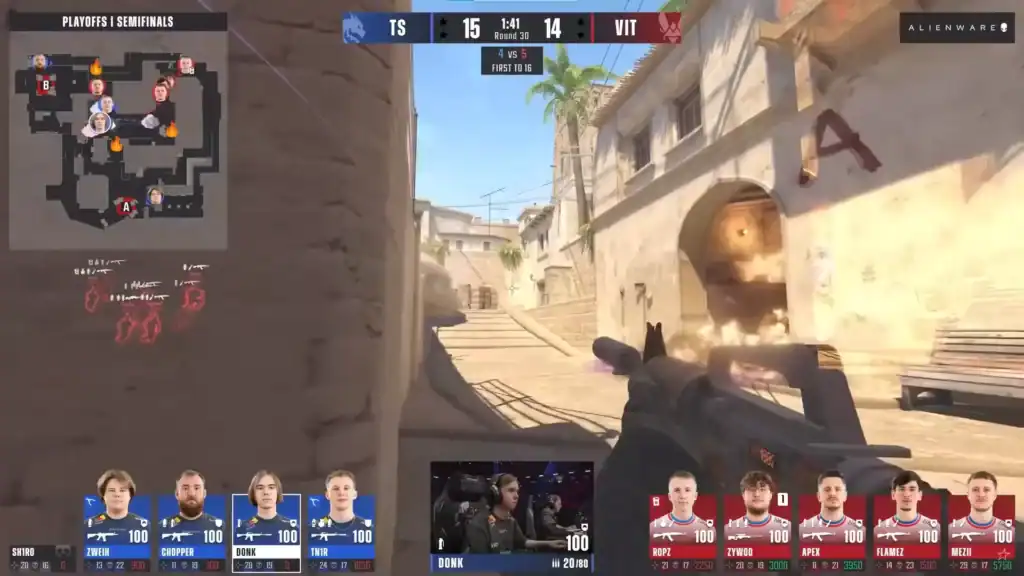
Donk prefers a clean, static crosshair with no recoil following, keeping aim feedback consistent and predictable during sprays.
| Setting | Value |
|---|---|
| Style | Classic Static |
| Follow Recoil | No |
| Dot | No |
| Length | 1 |
| Thickness | 1 |
| Gap | −4 |
| Outline | No |
| Color | Green |
| RGB | 0 / 255 / 0 |
| Alpha | 255 |
| T Style | No |
| Sniper Width | 0 |
This minimal crosshair reduces visual clutter while remaining clearly visible in all lighting conditions.
Viewmodel Settings
Donk’s viewmodel keeps the weapon out of the way while maintaining good visual feedback.
| Setting | Value |
|---|---|
| Viewmodel FOV | 68 |
| Offset X | 2.5 |
| Offset Y | 0 |
| Offset Z | −1.5 |
| Preset Position | 1 |
| Bob | Disabled |
These values maximize screen space for enemies and reduce distractions during fast peeks and spray transfers.
Video and Graphics Settings
Donk’s video settings focus on clarity and performance, prioritizing enemy visibility and high FPS.
| Setting | Value |
|---|---|
| Resolution | 1280×960 |
| Aspect Ratio | 4:3 |
| Scaling Mode | Stretched |
| Display Mode | Fullscreen |
| Brightness | 93% |
| Boost Player Contrast | Enabled |
| V-Sync | Disabled |
| NVIDIA Reflex | Disabled |
| Max FPS | 500 |
Advanced Graphics
| Setting | Value |
|---|---|
| MSAA | 8× |
| Global Shadow Quality | High |
| Model / Texture Detail | Low |
| Texture Filtering | Trilinear |
| Shader Detail | Low |
| Particle Detail | Low |
| Ambient Occlusion | Disabled |
| HDR | Quality |
| FidelityFX Super Resolution | Disabled |
This configuration ensures smooth gameplay while keeping player models easy to spot in chaotic fights.
Why These Settings Are Effective
Donk’s setup emphasizes clarity, consistency, and responsiveness. His moderate sensitivity supports precise rifle control, the clean crosshair enhances accuracy, and the stretched 4:3 resolution improves target visibility for many players.
While exact settings are personal, donk’s configuration is an excellent competitive starting point for anyone serious about improving in CS2.
FAQs
1. Are donk’s CS2 settings good for beginners?
Yes. Donk’s settings focus on clarity and consistency, making them a solid starting point for beginners. You may need to slightly adjust sensitivity as you build muscle memory.
2. What DPI should I use with donk’s sensitivity?
Donk uses 800 DPI with 1.25 in-game sensitivity, resulting in 1000 eDPI. If you use a different DPI, adjust sensitivity to keep the same eDPI.
3. Why does donk use 4:3 stretched resolution?
4:3 stretched makes enemy models appear wider, which can help with target visibility and tracking, especially in close-range rifle fights.
4. Does donk use Follow Recoil for his crosshair?
No. Donk disables Follow Recoil and relies on muscle memory and recoil control for consistent spray patterns.
5. Should I copy donk’s settings exactly?
You can use them as a strong baseline, but small adjustments, especially sensitivity and resolution, are recommended to match your comfort and playstyle.