Nothing is more frustrating than getting into the zone in Counter-Strike 2 and suddenly being jolted back by rubberbanding. If you’ve been dealing with this annoying issue, you’re not alone. Let me share how I tackled this problem and how you can, too.
Table of Contents
What Is Rubberbanding?
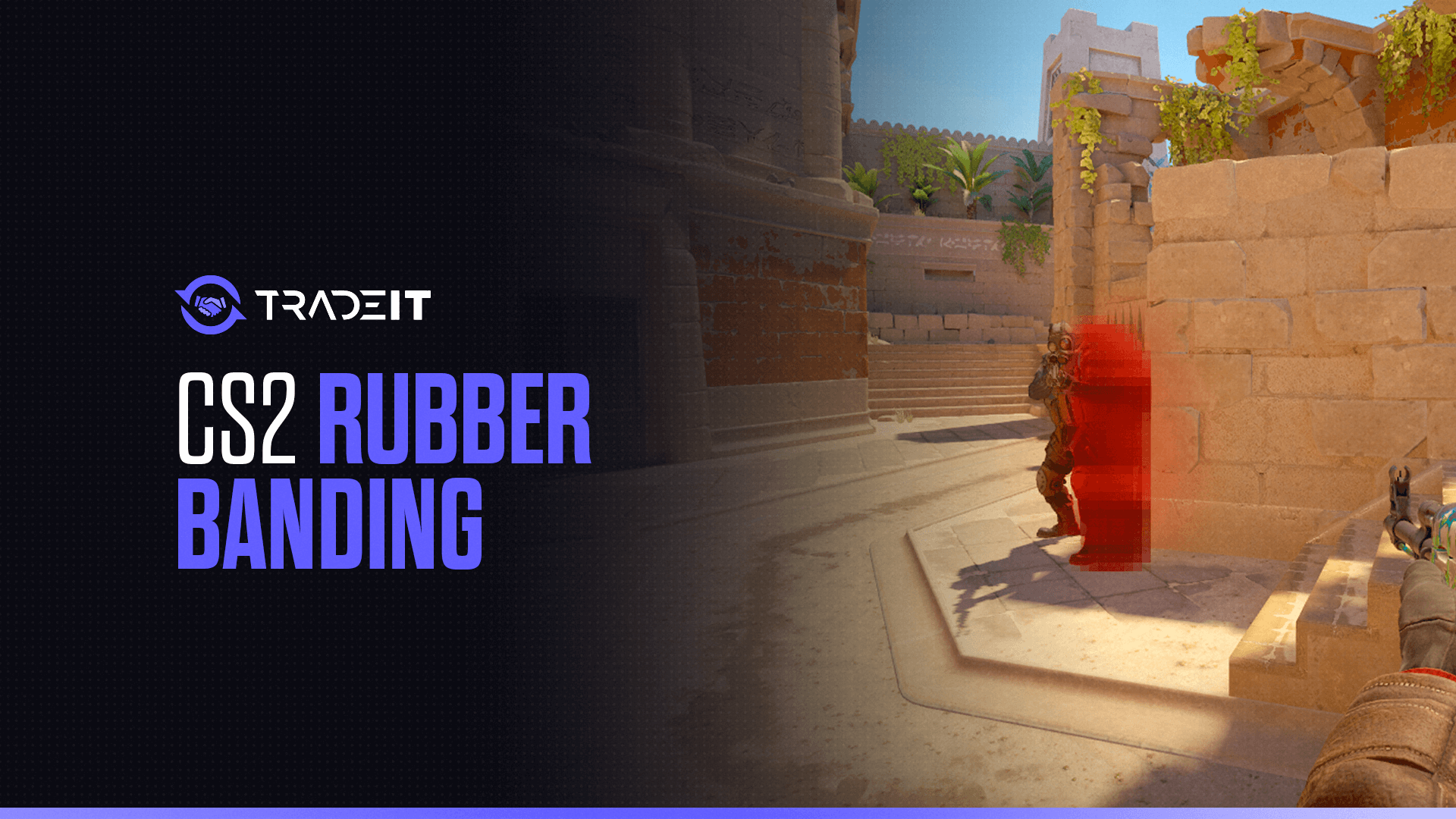
Rubberbanding is when your character suddenly moves backward or forward in the game, causing disruptions in gameplay.
It feels like you’re being “rubberbanded” back to a previous position, which can be incredibly frustrating during critical moments in CS2.
Rubberbanding vs. Lag vs. Packet Loss vs. FPS Drops
In Counter-Strike 2, these terms often get mixed together, but they describe very different problems. Understanding the distinction is important because each one requires a different type of fix.
A movement desync where your character snaps back due to server-client position mismatch, usually caused by packet loss or unstable routing.
A general delay between input and in-game response caused by high ping, server delay, or system performance issues.
Missing or dropped data between your PC and the server, leading to stutters, hit registration issues, and possible rubberbanding.
A hardware performance issue caused by GPU, CPU, or RAM limitations that affects frame rendering, not network stability.
Key Difference
Server-client position correction
General delay or responsiveness issues
Missing network data
Hardware performance instability
Causes of Rubberbanding
The causes of rubberbanding can help in troubleshooting the issue for you:
High ping or packet loss can cause rubberbanding as your connection struggles to keep up with the game server.
Problems on the game server can affect all players, leading to lag spikes and rubberbanding.
Outdated or weak hardware can cause stuttering, which may feel like rubberbanding during gameplay.
Corrupted files, outdated drivers, or conflicting software can also lead to unstable gameplay and rubberbanding.
Step-by-Step Guide to Fixing Rubberbanding in CS2
Just follow these steps, and you’ll be back to smooth gameplay without any freezes in no time:
1. Reinstall CS2
One of the most effective fixes I’ve found is reinstalling CS2. Here’s how I did it:
In Steam properties for CS2, disable all DLC items.
Remove the game using the standard uninstall process in Steam.
Install the game again while DLC remains disabled.
After installation, go back into properties and enable the DLC again.
This clean installation often resolves underlying issues that cause rubberbanding.
2. Check Firewall Settings
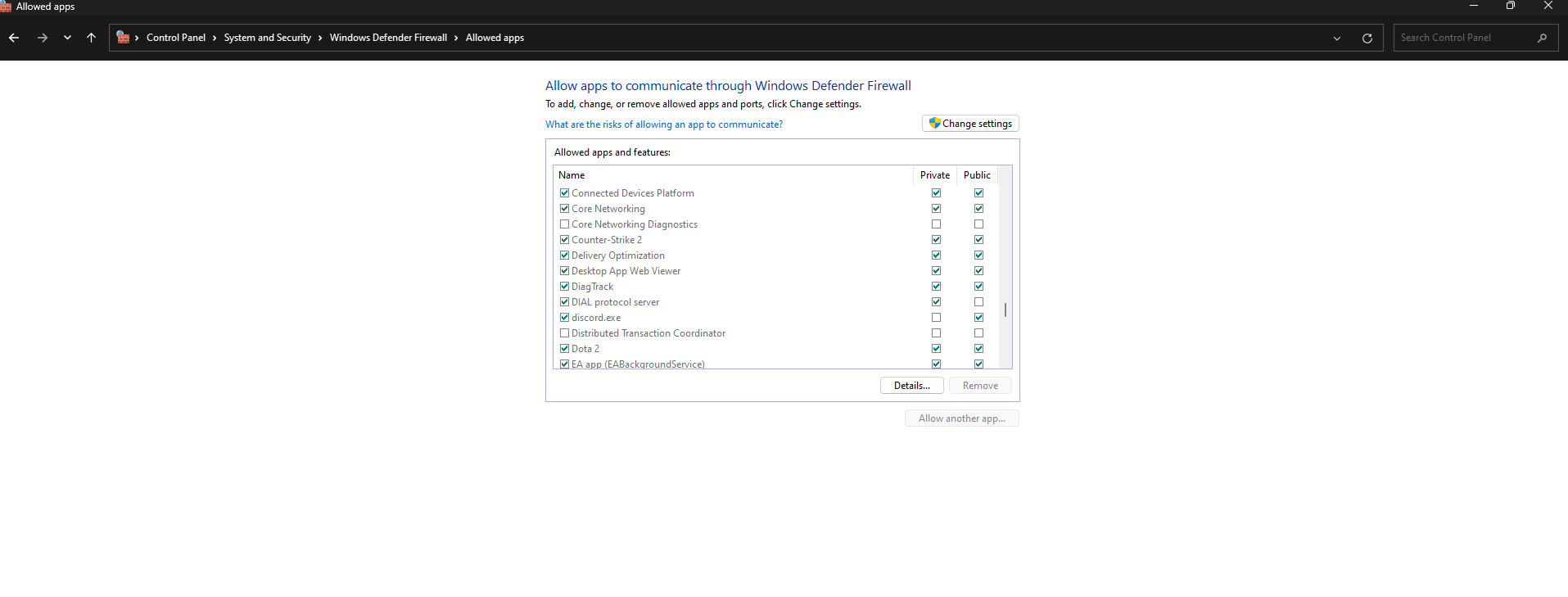
Another common issue is with firewall settings. Here’s how I fixed it:
Access Windows Firewall and review rules for CS2.
Create a rule to allow outbound connections, which can reduce packet loss and rubberbanding.
3. Adjusting In-Game Settings
Sometimes, tweaking in-game settings can help:
Enable cq_netgraph 1 in the console to monitor packet loss and connection stability.
Reduce settings like MSAA to improve performance and minimize stutter-related rubberbanding.
4. Hardware and Drivers
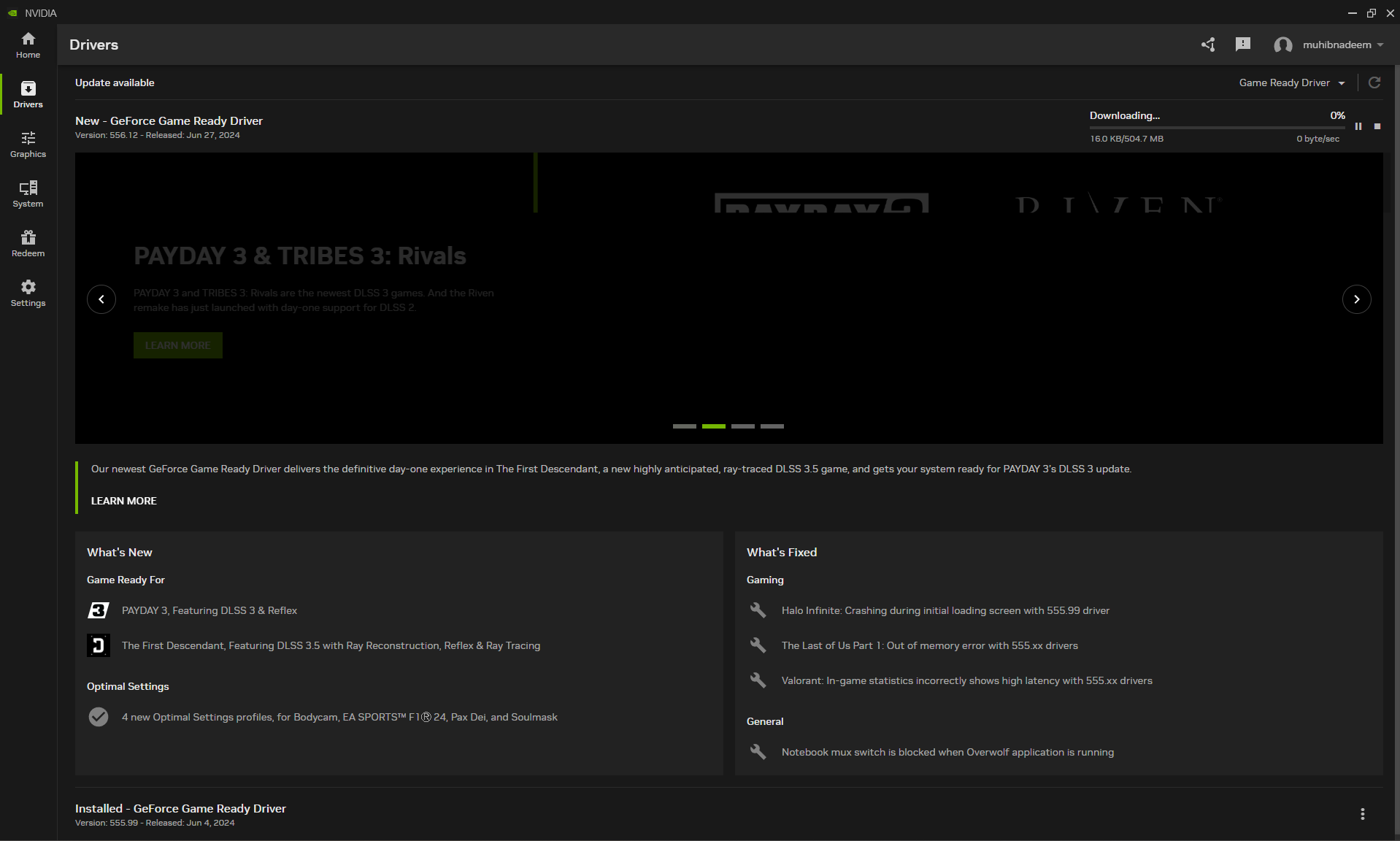
Your hardware and drivers can also be culprits. Here’s what worked for me:
Install the latest GPU drivers. For AMD users, enable Anti-Lag in AMD Adrenalin after adding :contentReference[oaicite:0]{index=0}.
Keep the game on the same SSD as your operating system to ensure faster loading and smoother performance.
5. Network Optimizations
Finally, optimizing your network settings can help:
Try different servers to see if rubberbanding is caused by distance or server instability.
Reboot your router to refresh the connection and resolve temporary network issues.
Set a lower max acceptable ping to connect only to stable, low-latency servers.
Apply fixes one at a time and test performance after each change. Making multiple changes at once makes it difficult to identify what actually solved the issue—or what may have made it worse. A step-by-step approach ensures accurate troubleshooting and more stable results.
Conclusion
Rubberbanding in CS2 can be a real game-breaker, but with these steps, you can troubleshoot and hopefully fix the issue.
From reinstalling the game and adjusting firewall settings to optimizing your hardware and network, these solutions should help you get back to a smooth gaming experience.
FAQs
1. What causes rubberbanding in Counter-Strike 2?
Rubberbanding is usually caused by unstable network conditions such as high latency, packet loss, or inconsistent ping. It can also happen if your internet connection fluctuates or if the server you’re connected to is under heavy load.
How can I quickly reduce rubberbanding in CS2?
Start by using a wired Ethernet connection instead of Wi-Fi, close background apps that use bandwidth, and select servers with the lowest ping. Restarting your router can also stabilize your connection.
Can server issues cause rubberbanding?
Yes. Even with a stable connection, rubberbanding can occur if the game server is overloaded, experiencing lag, or located far from your region. In this case, switching servers is often the best solution.
Do CS2 settings affect rubberbanding?
Some network settings can help. Lowering your max acceptable matchmaking ping and ensuring proper rate settings (like rate, cl_updaterate, and cl_cmdrate) can improve how your game communicates with servers.
Why does rubberbanding happen even with low ping?
Low ping doesn’t guarantee stability. Packet loss, jitter (ping spikes), or ISP routing issues can still cause rubberbanding, even if your average ping appears normal.